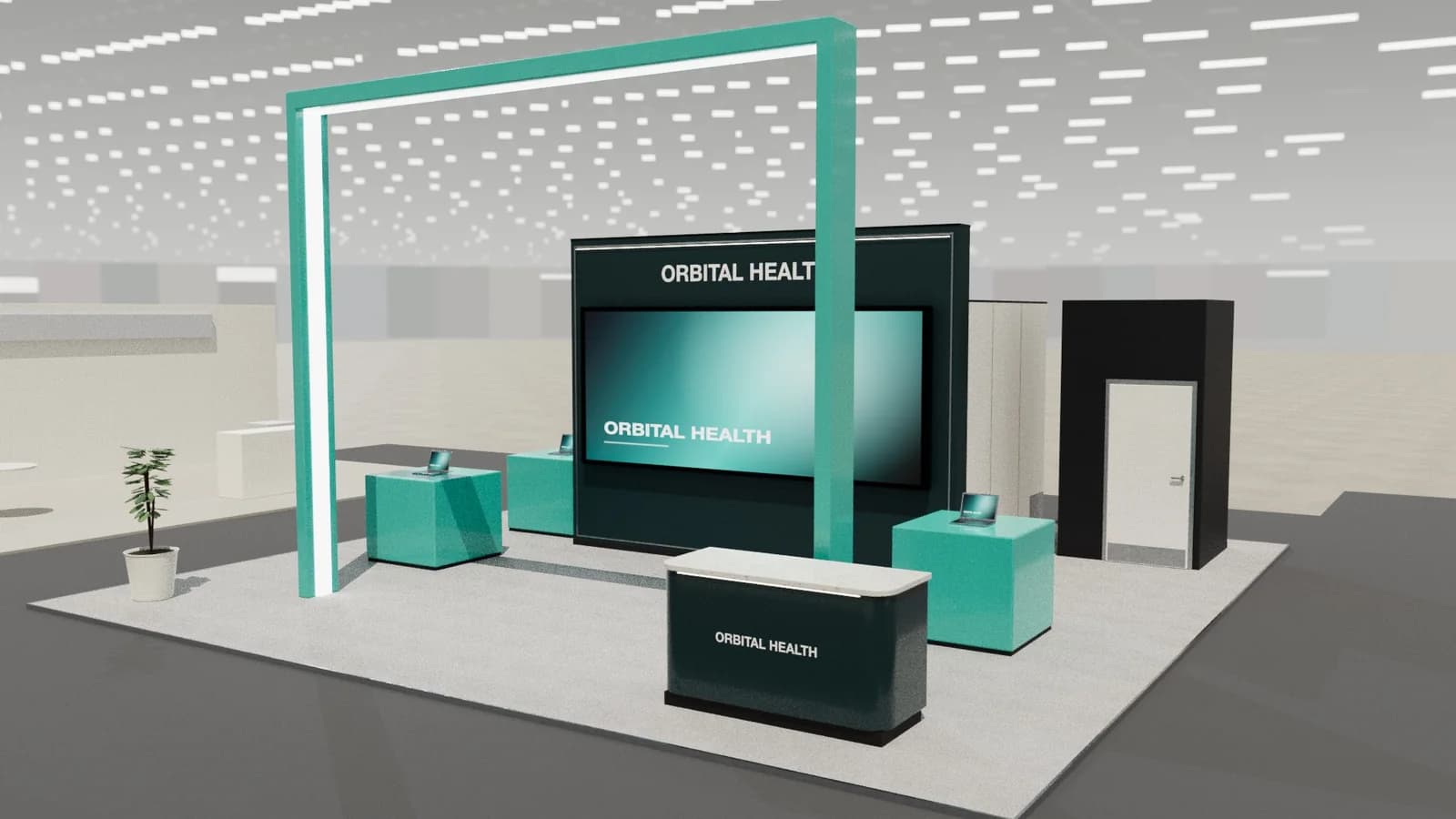
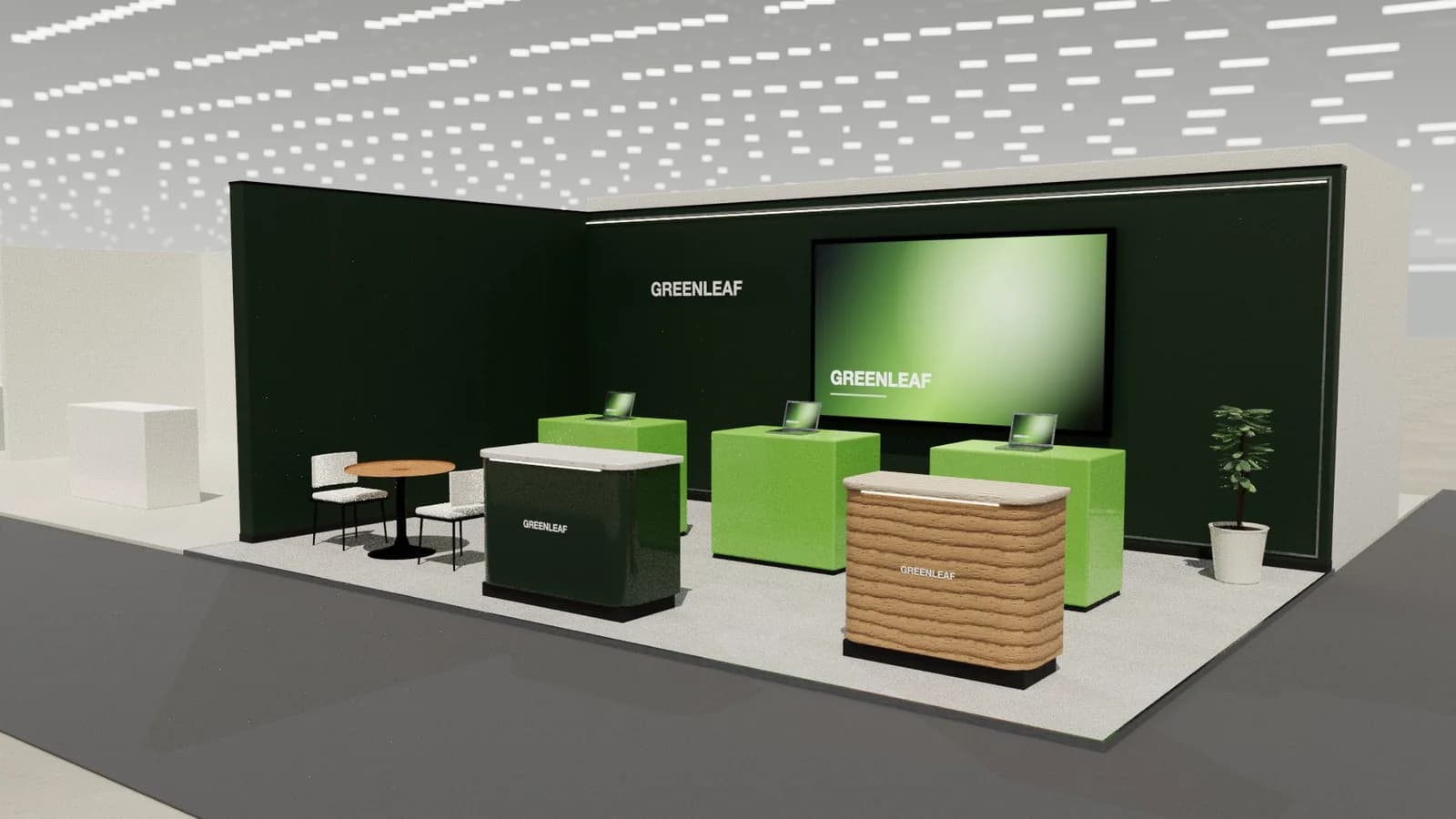
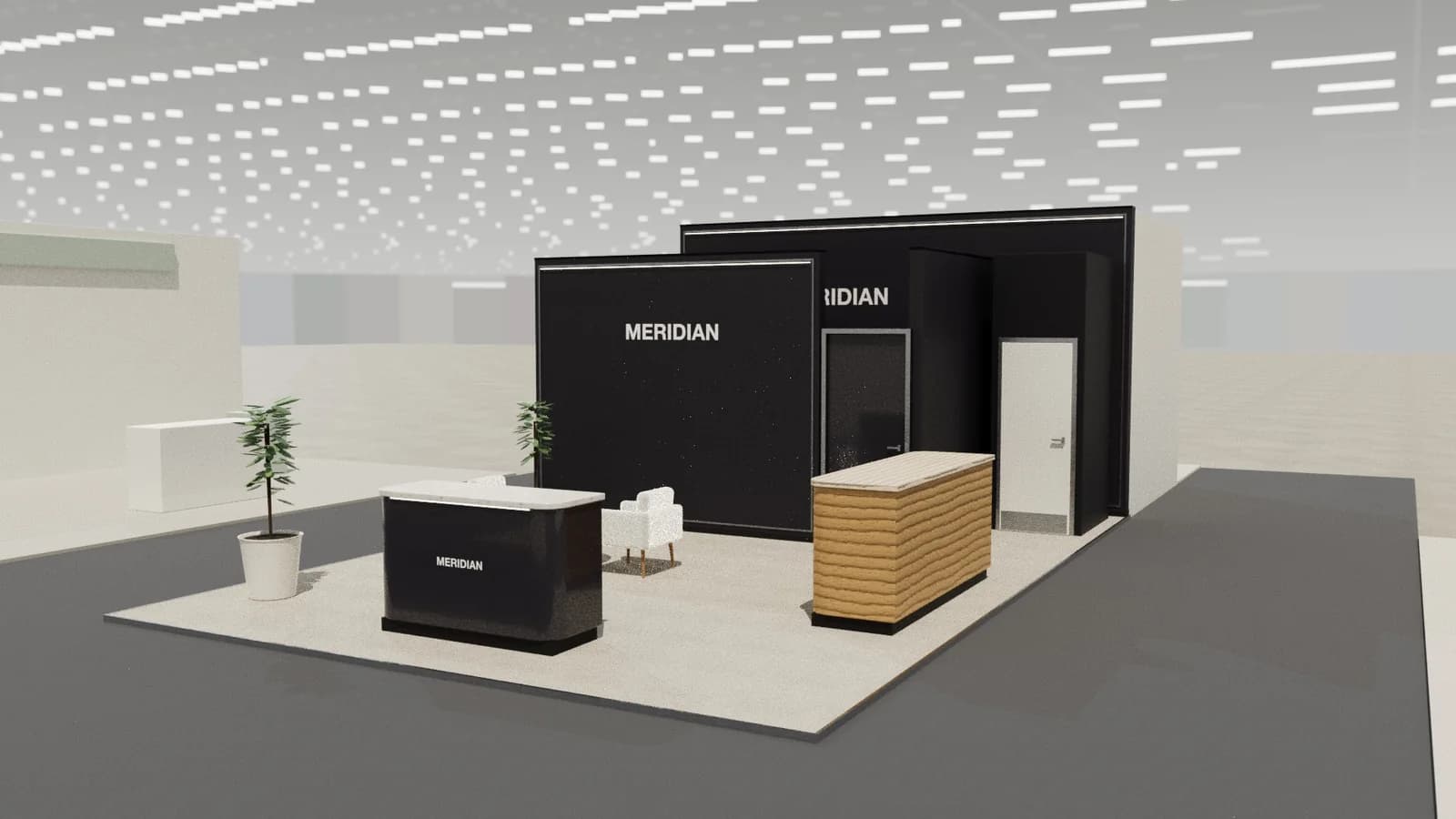
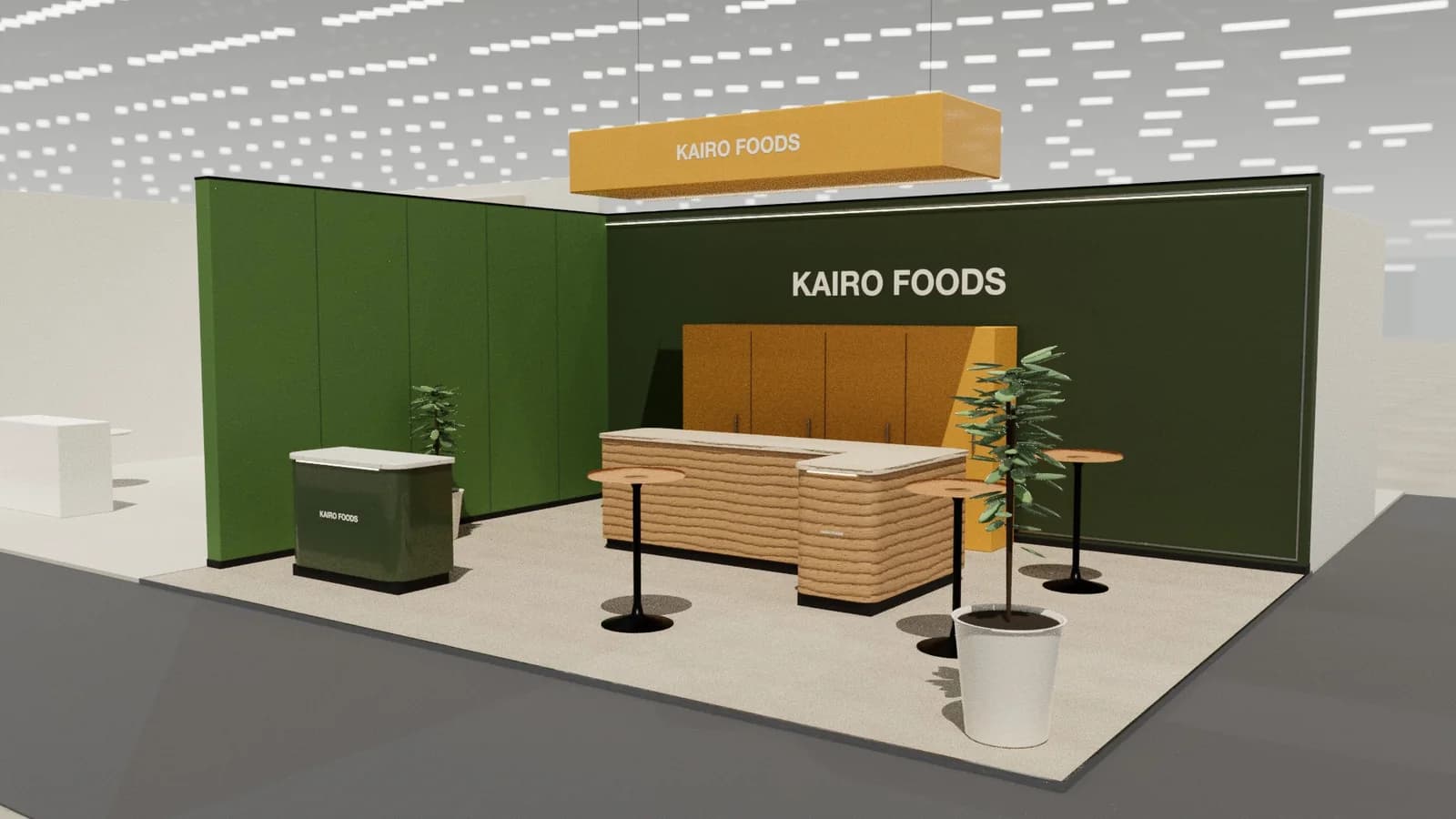
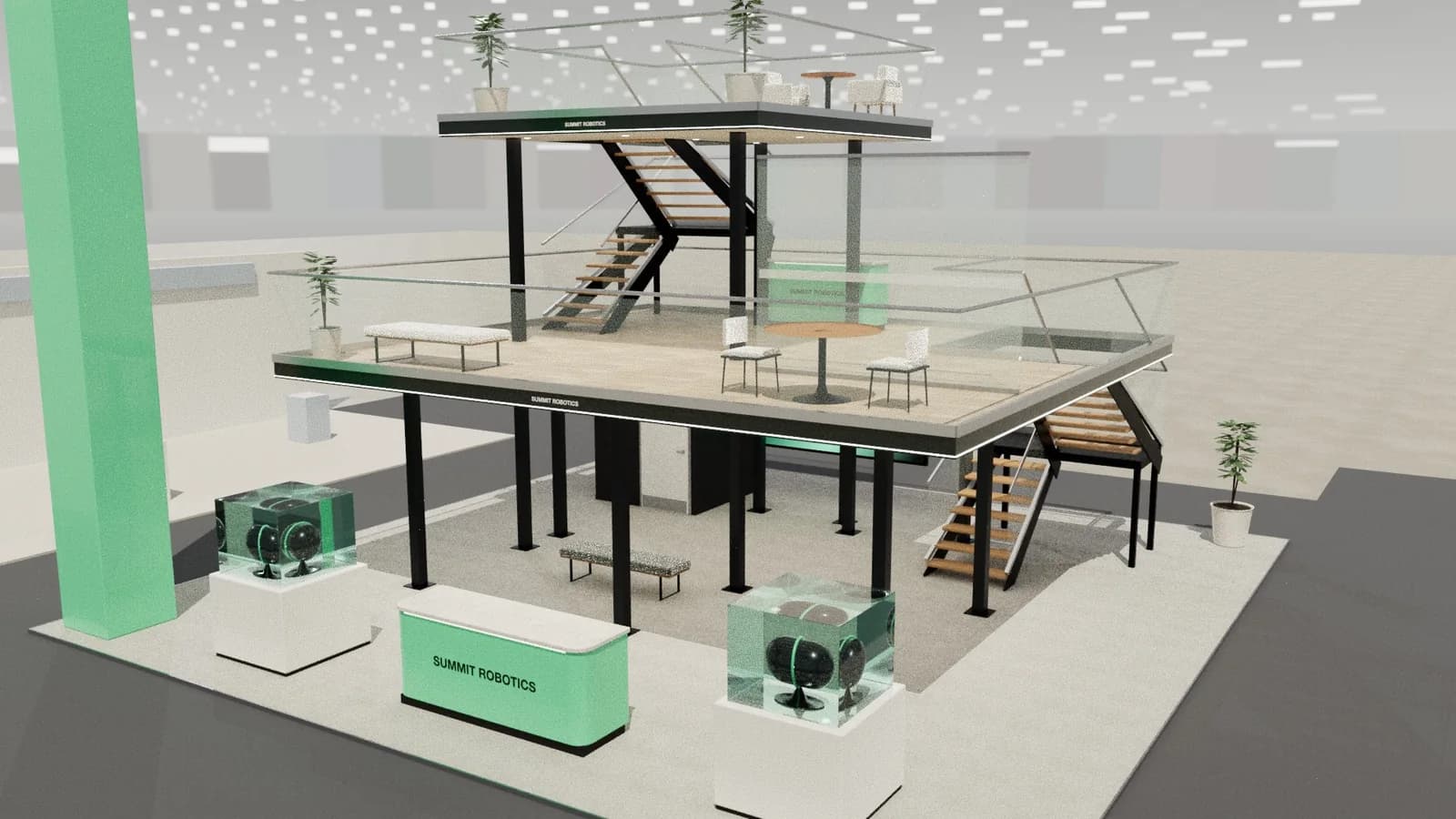
In short
A public-sector stand has to welcome everyone while answering a few precise questions. Use clear service zones, plain language and strong wayfinding, with easy access for all visitors. Plan for ministers and delegations, and for procurement rules, which often set how a stand must be bought and what happens to it afterwards.
Key points
- Welcome desk, Service points, Delegation room, Media point are the core zones.
- Avoid: jargon-heavy graphics.
- Avoid: no plan for VIP visits.
- Avoid: poor access for wheelchair users.
- See the template and trade show guides linked below for government bodies and public agencies.
Who visits and what they want
Citizens, businesses, investors, international delegations and other agencies, depending on the event.
What to show
Services, investment opportunities, policy programmes and national identity, often supported by screens and models.
Zones for a government and public sector stand
| Zone | Purpose | Where it goes |
|---|---|---|
| Welcome desk | Direct visitors | Entrance |
| Service points | Specific enquiries | Perimeter |
| Delegation room | Formal meetings | Interior |
| Media point | Announcements | Near the entrance |
On a 3 × 3 m stand, keep the first two zones and book meetings elsewhere. From about 36 m² every zone fits; see stand sizes for what fits at each size.
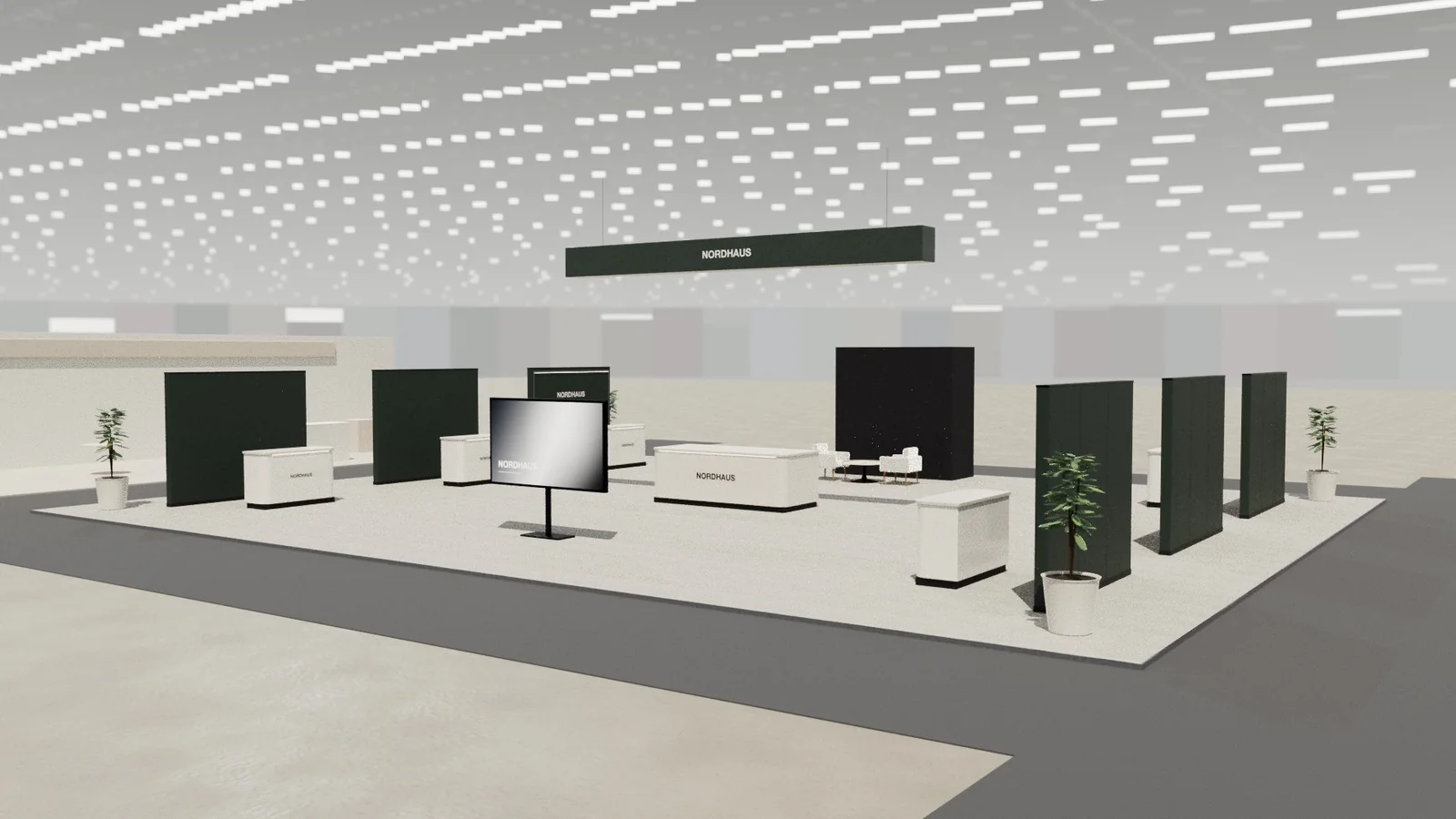
Materials, lighting and graphics
Formal, clear and accessible, with careful use of national symbols and approved language.
For detail on light levels and colour rendering, see stand lighting; for wall graphics, see graphics and branding.
Starting conversations and capturing leads
Train staff to ask what brought someone in, and route them to the right desk. Protocol briefings are essential ahead of VIP visits.
Rules and practicalities
Procurement rules, accessibility duties and data protection apply. Check who approves content and how long it will take.
Venue rules on height, open sides, fire safety and services still apply; see venue approval.
Common mistakes
- Jargon-heavy graphics.
- No plan for VIP visits.
- Poor access for wheelchair users.
Trade shows for government bodies and public agencies
Show-specific guides: GITEX Global, LEAP. For more, see stand design by trade show.
Frequently asked questions
01How do I plan for a VIP visit?
Keep a clear, presentable route and a meeting space ready, and brief staff on protocol.
02Why are approvals slower for public bodies?
Content, branding and procurement may each need sign-off, so build in more time.
03What size stand does a government and public sector exhibitor need?
Size to the activities: about 9 m² for one conversation point, 18–36 m² to add demos and a meeting table, and 50 m² or more for meeting rooms and hospitality. See [stand sizes](/guides/topics/exhibition-stand-sizes).
04Can AI design a government and public sector booth?
AI can produce a complete concept quickly: [Studio](/ai-booth-designer) lays out the zones above at real scale and renders the result. A stand builder still checks structure, services and compliance before building.
Put it into practice
An AI booth designer that designs in 3D, not in pixels
An AI booth designer that plans an exhibition stand in 3D at your size, checks it can be built, and changes it when you ask in plain English.
Guidance here reflects common practice. Venues, organisers and countries set their own rules: always check the exhibitor manual and work with a qualified stand builder and engineer for structures.