In short
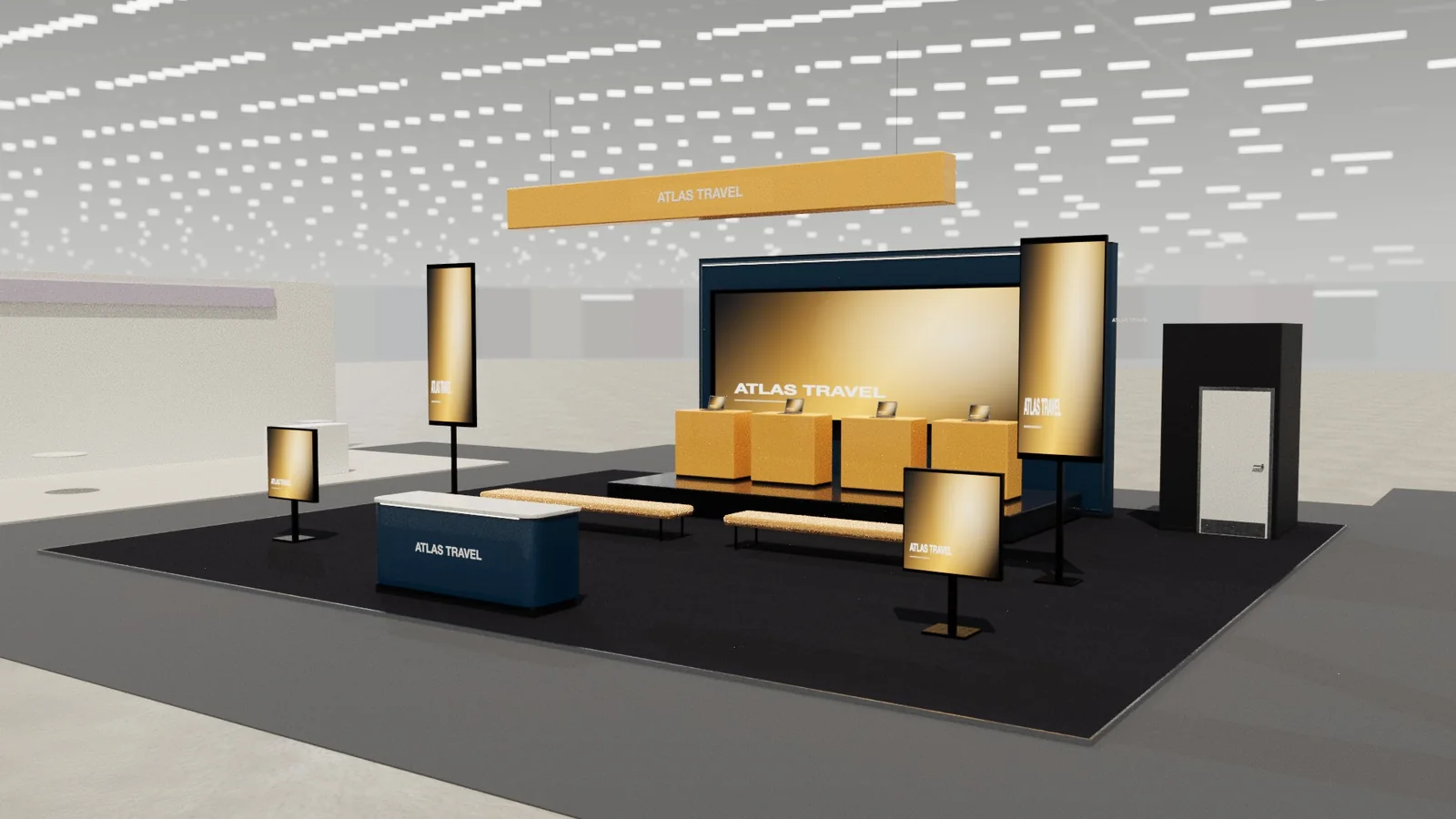
Software is invisible, so a tech booth must make it visible and personal: demo stations where visitors try the product with a guide, large screens with short loops showing outcomes, a small presentation area for scheduled talks, and quiet tables or rooms for qualified conversations. Keep the message about the customer's problem, not the feature list.
Key points
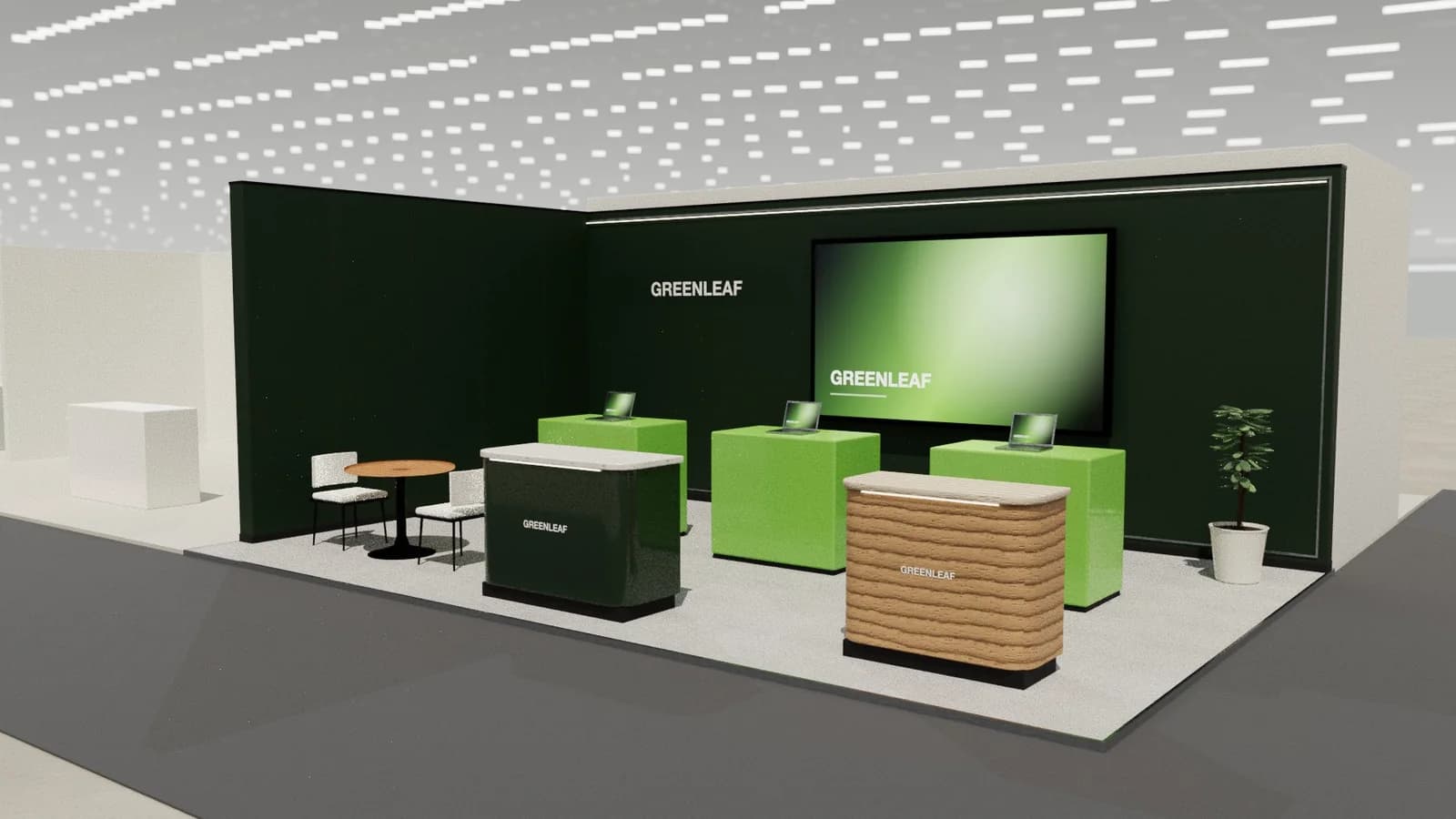
- Demo stations at standing height, each with a presenter facing the aisle.
- Screens show outcomes in 20–60 second loops, readable without sound.
- A mini theatre with scheduled talks pulls crowds at set times.
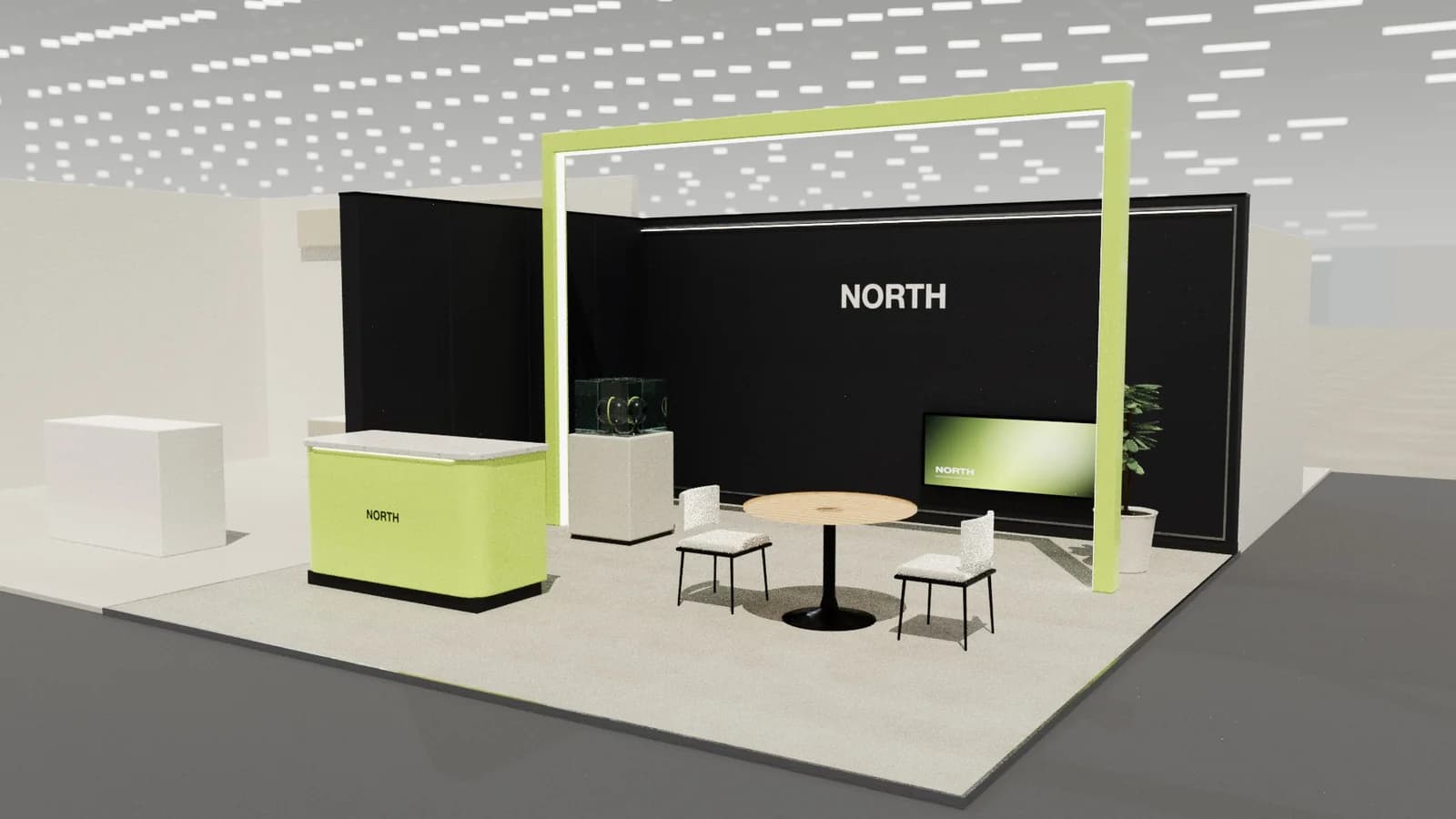
- Meeting tables for qualified leads, out of the main flow.
- Lead capture built into demos (badge scanning, QR).
Demo stations
- Standing-height counters (about 1.05 m) with a screen at eye level, angled so passers-by can see.
- 1.5 × 1.5 m per station including the visitor and presenter.
- Power and reliable network: ask for a wired connection; venue Wi-Fi is often congested.
Presentations
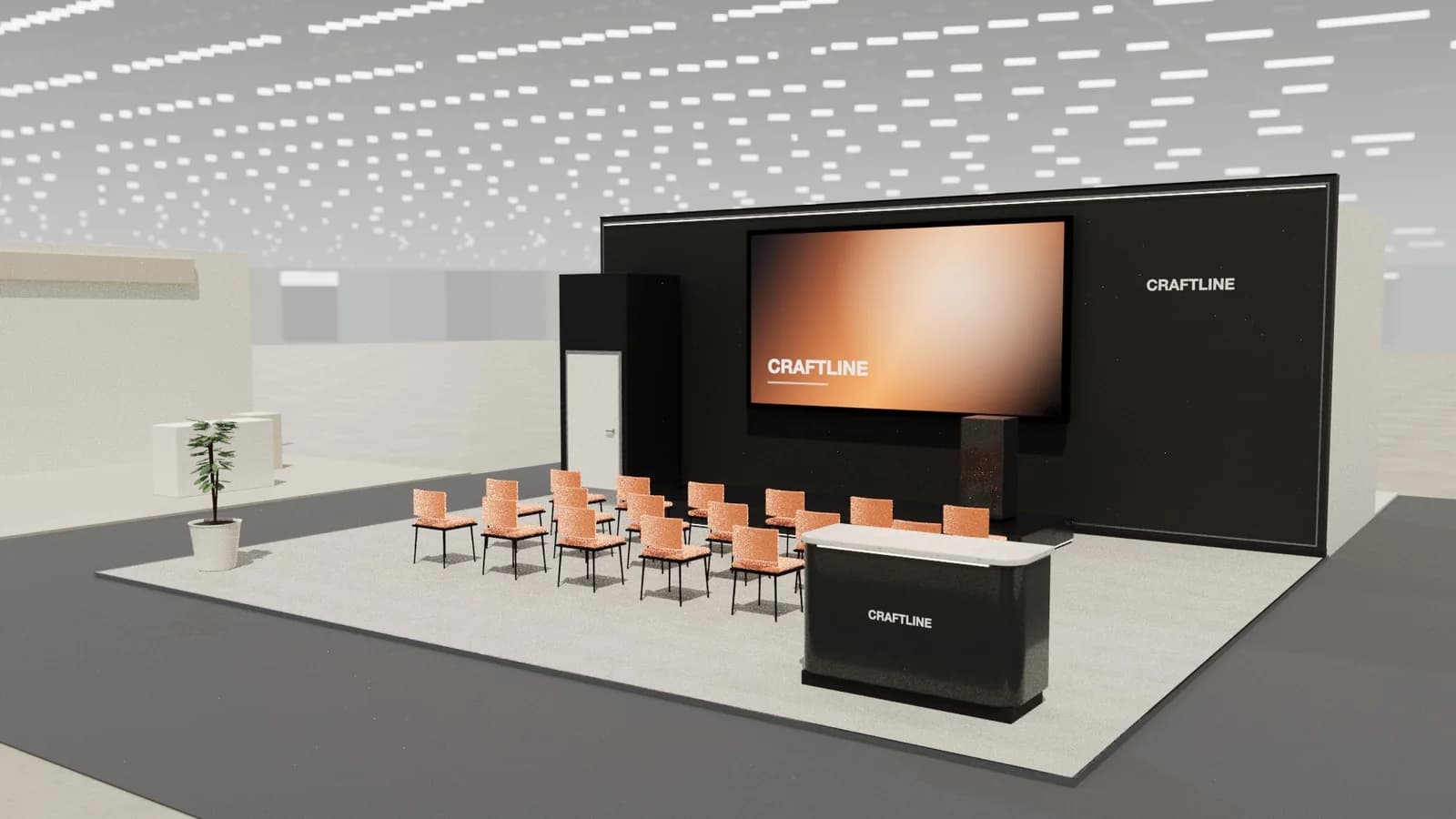
A small theatre of 8–20 seats with a screen and a presenter spot turns passers-by into an audience at fixed times. Seats face the screen; leave a 0.5–0.6 m gap between rows. Publish the schedule on the stand and online.
Typical zoning
| Zone | Purpose |
|---|---|
| Brand wall / LED | Who you are and the outcome you deliver |
| Demo stations | Hands-on, guided product demos |
| Theatre | Scheduled talks and customer stories |
| Meeting | Qualified conversations |
Content that works on a tech stand
- Lead with the customer's problem and the outcome, not the feature list.
- Short screen loops with large type: a headline, a number, a screenshot.
- Customer logos and one strong result near the welcome point.
- A clear call to action: book a demo, scan to get the report, join the next talk.
Capturing leads
Put badge scanning or a QR form at every demo station so conversations become leads without a trip to the counter. Agree simple qualification questions for staff, and route hot leads to a meeting table or a booked follow-up on the spot.
Power, network and kit
- Order a wired network connection per demo station, or a dedicated stand network, from the venue.
- Have offline versions of every demo in case the network fails.
- Lock screens and devices to the demo with kiosk mode and secure cables.
- Plan charging points for staff devices behind the counter.
Frequently asked questions
01How do you show software at a trade show?
With guided demo stations, short outcome-focused screen loops and scheduled presentations, not long feature videos.
02How many demo stations do I need?
Roughly one per expected concurrent demo at peak; a 6 × 6 m stand often fits two or three.
03Should a tech booth have a theatre?
On stands of about 36 m² or more, a small theatre works well to gather crowds at set times.
04What internet does a tech booth need?
A wired connection from the venue is most reliable; do not rely on hall Wi-Fi for demos.
Put it into practice
From a client brief to a 3D stand concept in minutes
An editable 3D exhibition stand concept from a written brief and the brand's website, at your exact size.
Guidance here reflects common practice. Venues, organisers and countries set their own rules: always check the exhibitor manual and work with a qualified stand builder and engineer for structures.