Updated 18 October 2026
The best AI tools for exhibition stand design in 2026
Ranked by one question: how well does each approach help you design a stand you can actually build? Studio is our product. We say so, show the criteria and list its trade-offs too.
In short
For an exhibition stand you intend to build, the most useful AI tools are 3D stand designers that work to your exact size and produce renders and drawings from the same model, such as ExhibitionBase Studio (our product). General AI image generators are best for mood boards; 3D modelling and render software gives the most control for hero visuals; CAD remains the standard for production drawings. Most teams combine two of these.
The ranking
Four approaches, ranked for stands you'll build.
- #1Our product
AI exhibition stand designers
ExhibitionBase Studio (ours)
Generate three 3D concepts at your exact size and stand type from a brief and the brand's website, then edit them, render them and export drawings. One model drives everything, so the render, the plan and the quote match.
Best for: Exhibitors, agencies and builders who need buildable concepts, renders and drawings quickly
Strengths
- Exact size, open sides and height respected
- Automatic checks: routes, doors, seating, stairs, screens
- Renders, walkthrough videos and DXF/PDF from one model
- Pay per use with credits
Trade-offs
- Less freeform than full 3D modelling software
- Structural engineering and venue approval still need professionals
- Works to the exact stand size
- Yes
- Checks the design is buildable
- Yes
- Concept in minutes
- Yes
- Photoreal visuals
- Yes
- Plans, elevations and DXF
- Yes
- Editable without re-prompting
- Yes
- No specialist skills needed
- Yes
- #2
3D modelling and rendering software
SketchUp, 3ds Max with V-Ray or Corona, Cinema 4D, Blender
The traditional route for stand visuals: model every element by hand and render with a photoreal engine. Unmatched control and quality in skilled hands, but slow and skill-intensive.
Best for: Specialist designers producing hero visuals with full control
Strengths
- Total creative control
- Top-tier render quality
- Huge plugin and asset ecosystems
Trade-offs
- Hours to days per concept
- Steep learning curve and licences
- Drawings usually redone in CAD
- No automatic buildability checks
- Works to the exact stand size
- Yes
- Checks the design is buildable
- No
- Concept in minutes
- No
- Photoreal visuals
- Yes
- Plans, elevations and DXF
- Partly
- Editable without re-prompting
- Yes
- No specialist skills needed
- No
- #3
CAD software
AutoCAD, Vectorworks
The industry standard for technical drawings. Precise and expected by builders, but not designed for quick concepts or client-ready visuals.
Best for: Production drawings for builders and organiser approval
Strengths
- Precise, industry-standard drawings
- DWG/DXF that every builder reads
- Mature tools for detailing
Trade-offs
- Slow for concepts
- Visuals need another tool
- Training required
- Works to the exact stand size
- Yes
- Checks the design is buildable
- Partly
- Concept in minutes
- No
- Photoreal visuals
- No
- Plans, elevations and DXF
- Yes
- Editable without re-prompting
- Yes
- No specialist skills needed
- No
- #4
General AI image generators
General-purpose text-to-image models and chat assistants with image generation
Fast, inspiring images from a prompt. They are not built for stands: no real size, layouts change with each edit, structures can be impossible and there are no drawings.
Best for: Mood boards and early style exploration
Strengths
- Seconds per image
- Great for exploring styles and moods
- Low cost
Trade-offs
- Not to scale
- Often unbuildable structures
- Logos and text distorted
- No model, no drawings
- Works to the exact stand size
- No
- Checks the design is buildable
- No
- Concept in minutes
- Yes
- Photoreal visuals
- Partly
- Plans, elevations and DXF
- No
- Editable without re-prompting
- No
- No specialist skills needed
- Yes
Side by side
How Studio compares.
Studio vs AI image generators
Image generators are quicker for pure mood, but their pictures are not to scale and cannot be edited or drawn. Studio's renders are guided by a 3D model at your exact size, carry your real logo and come with plans and a DXF. Use a generator to agree a mood; use Studio for the stand you will build.
Studio vs SketchUp and 3D render software
SketchUp, 3ds Max and similar tools give complete control and the highest ceiling for visuals, at the cost of hours of modelling per concept. Studio produces three checked concepts in minutes, with drawings. Many designers use Studio for the first round and pitch, then take the chosen direction into their 3D software for hero detail.
Studio vs hiring a stand designer
A professional designer brings strategy, brand storytelling, detailing and supplier knowledge that software does not replace. Studio helps you arrive with a clear brief and visual direction, or helps designers and builders produce concepts faster. For complex, double-deck or flagship stands, work with a designer and an experienced builder.
FAQ
Good to know.
01What is the best AI tool for designing an exhibition stand?
For a stand you will build, a 3D AI stand designer that works to your exact size and produces drawings, such as ExhibitionBase Studio (our product). For mood boards, general image generators are fine. For production drawings, CAD remains standard.
02Can ChatGPT or Midjourney design a booth?
They can help write a brief and create inspiring images, but the images are not to scale, can show impossible structures and come without drawings. Use them for mood, then design in 3D.
03Is there free exhibition stand design software?
Blender and SketchUp's free web version can model stands. ExhibitionBase Studio gives every workspace free starter credits, enough for a complete AI stand design.
04How did you rank these tools?
By how well each approach produces a stand you can actually build: exact size, buildability checks, speed, visuals, drawings, editability and the skills needed. Studio is our product, so we explain the criteria and the trade-offs rather than giving it a score out of ten.
Guides
Go deeper.
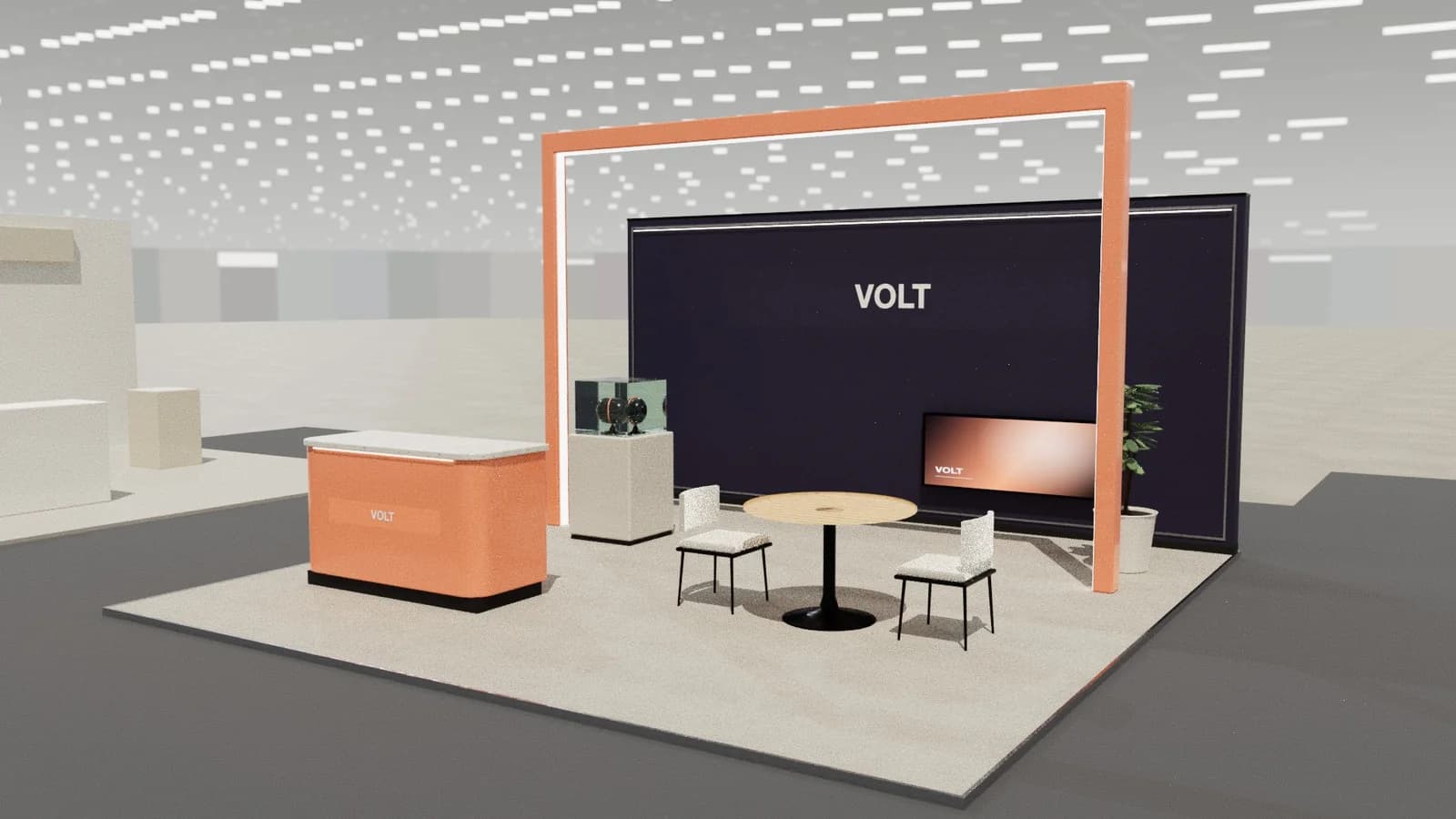
AI exhibition stand design: what it can and cannot do
How AI designs exhibition stands: from brief and brand website to 3D concepts, renders and drawings. What AI does well, its limits, and how to check AI designs.
Read the guide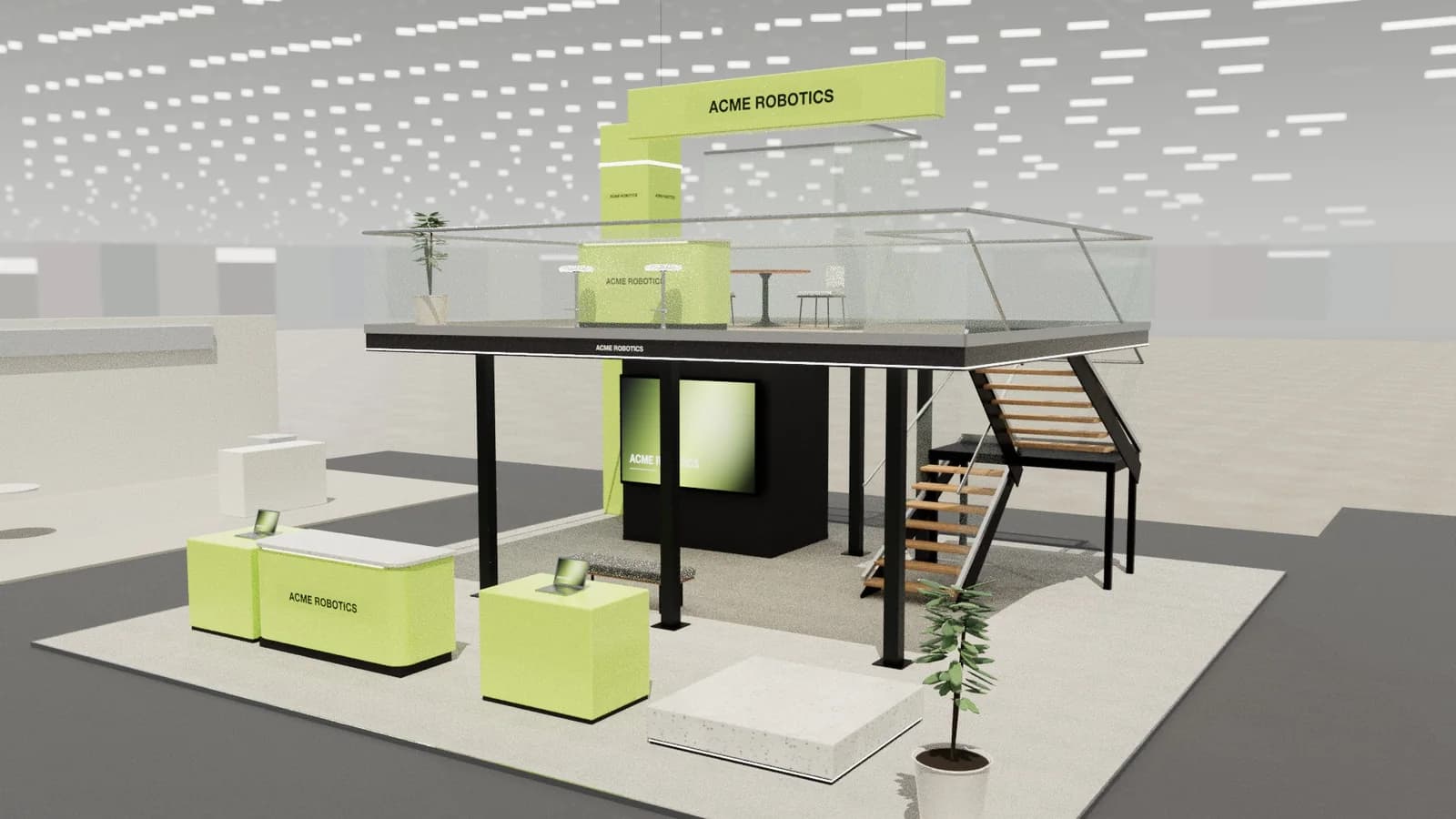
Using AI image generators for booth design
Can Midjourney, ChatGPT or other AI image generators design a trade show booth? What they are good for, why results are often unbuildable, and better workflows.
Read the guide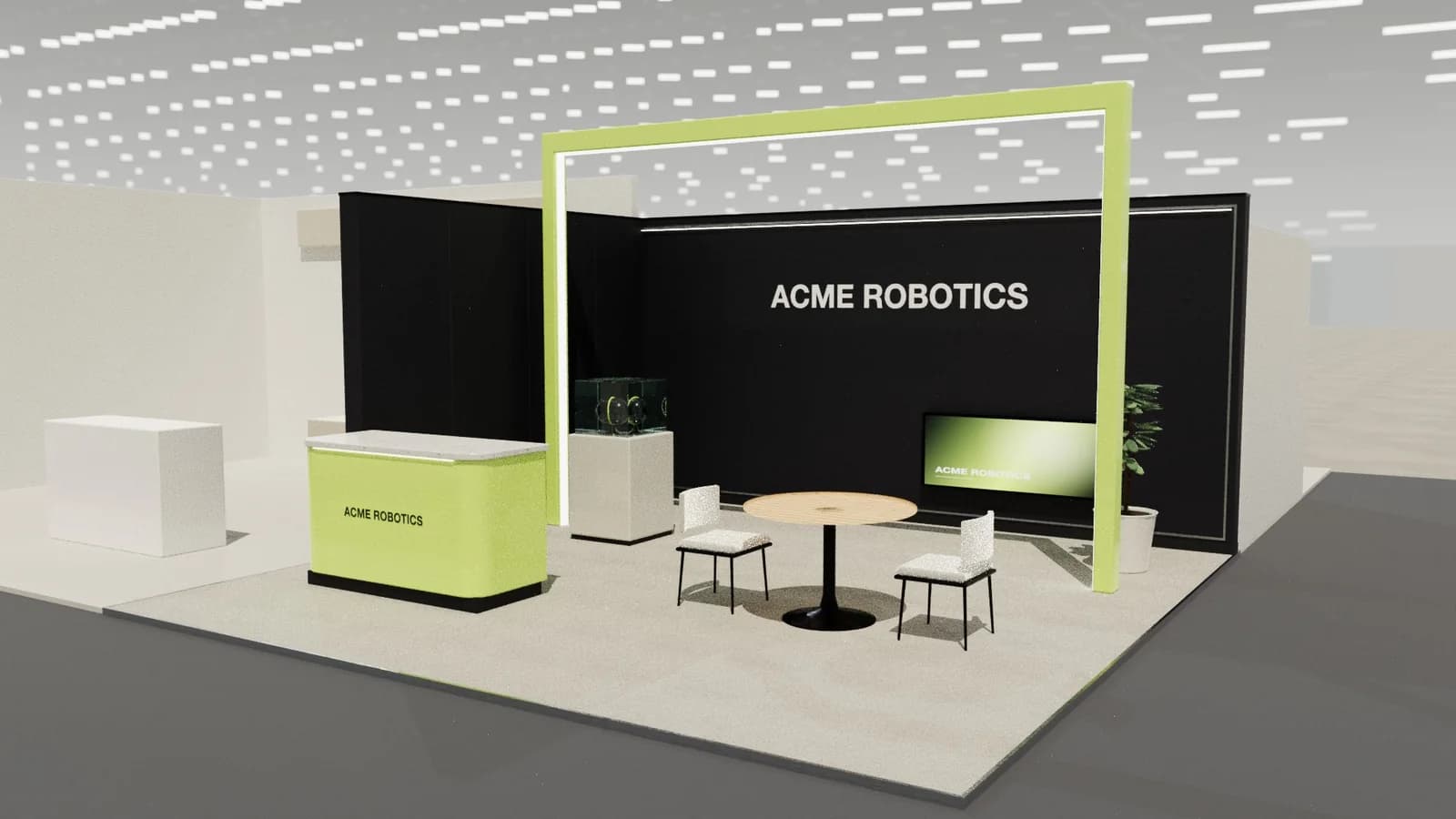
Exhibition stand design software: the options compared
Compare exhibition stand design software: CAD (AutoCAD, Vectorworks), 3D modelling (SketchUp, 3ds Max, Cinema 4D, Blender), AI booth tools and image generators.
Read the guideYour next stand
Design the stand before the client asks twice.
Start with 5 free credits: enough for a complete AI stand design. Editing, drawings and exports are always free.
