In short
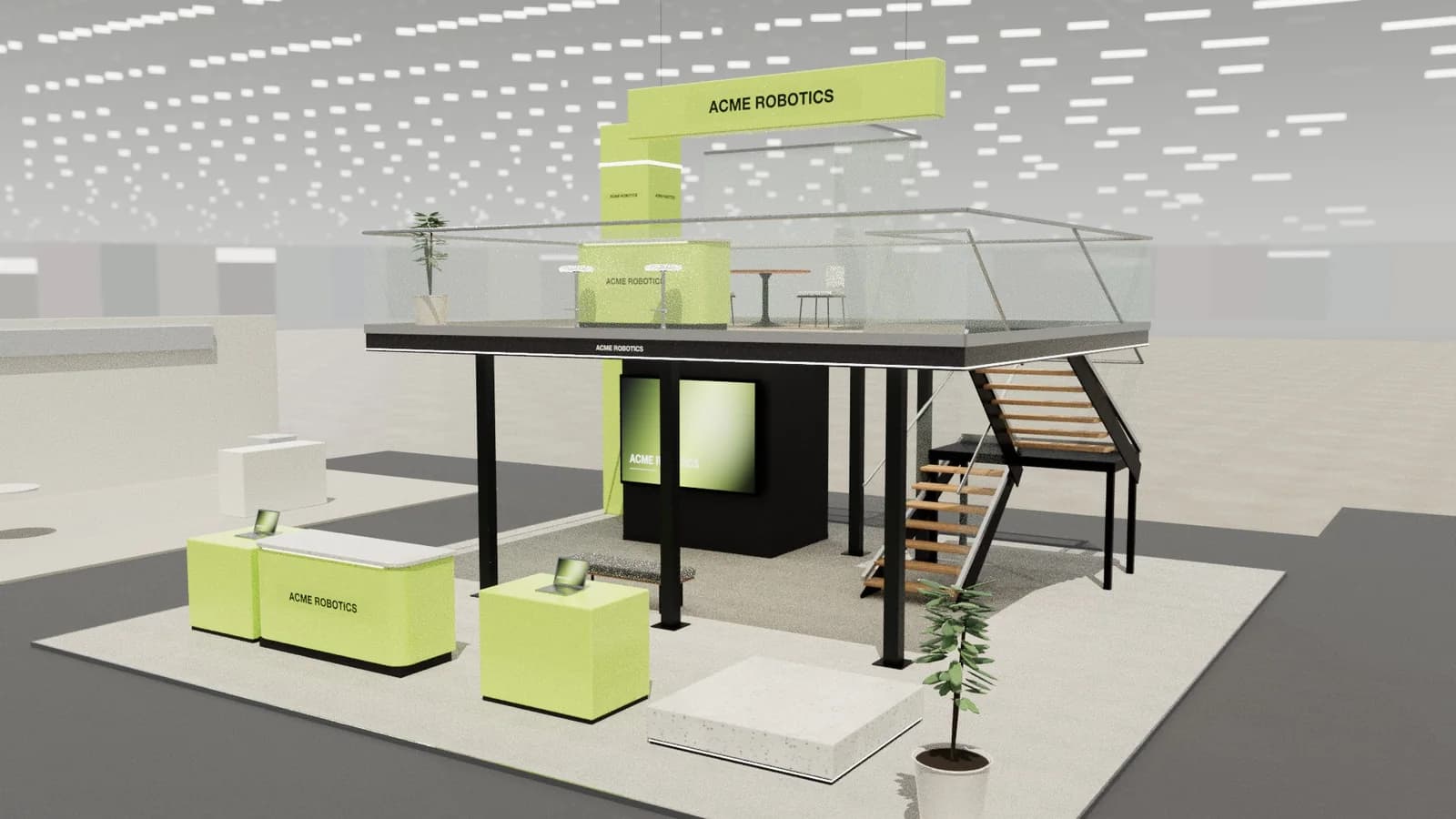
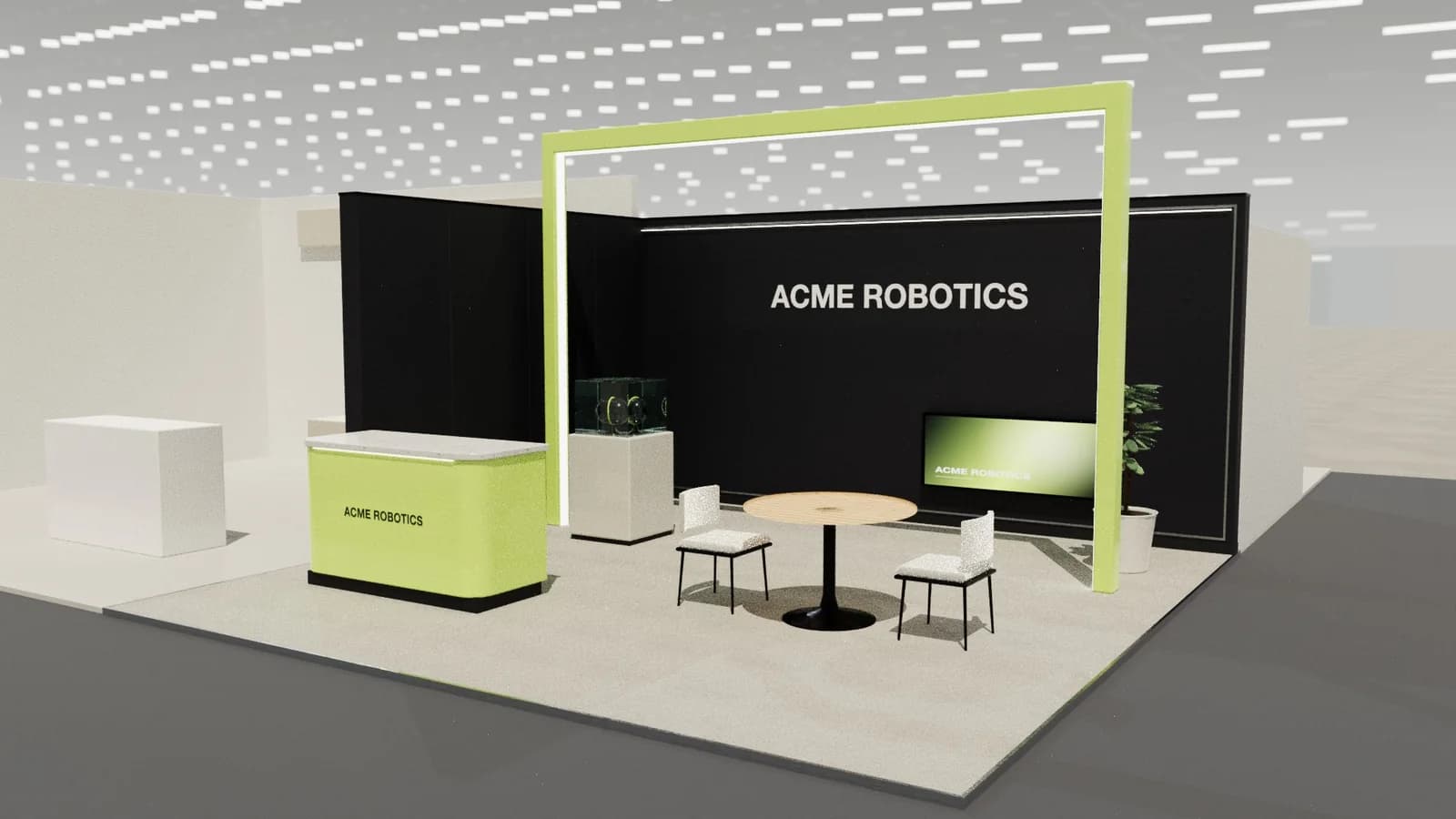
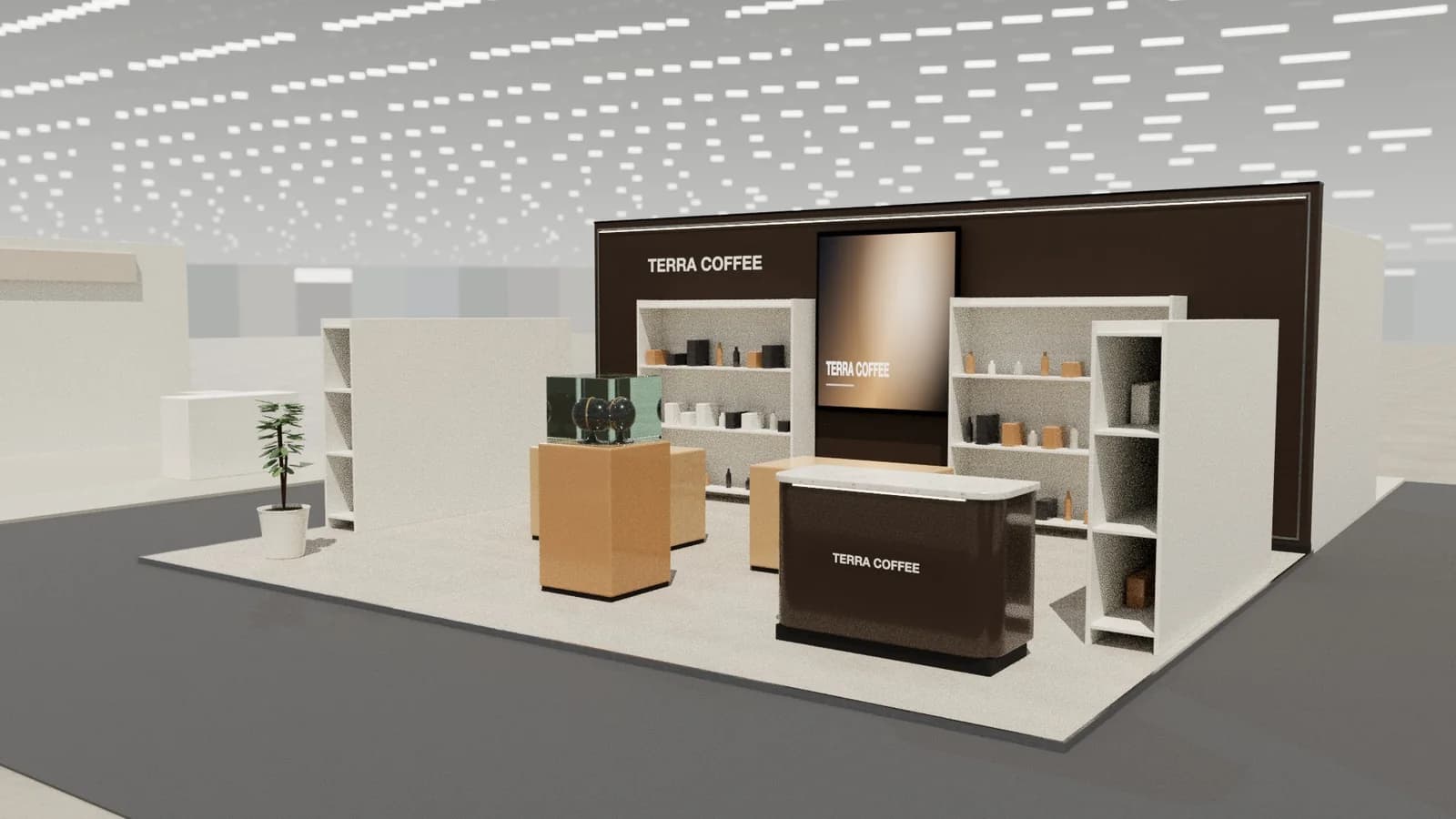
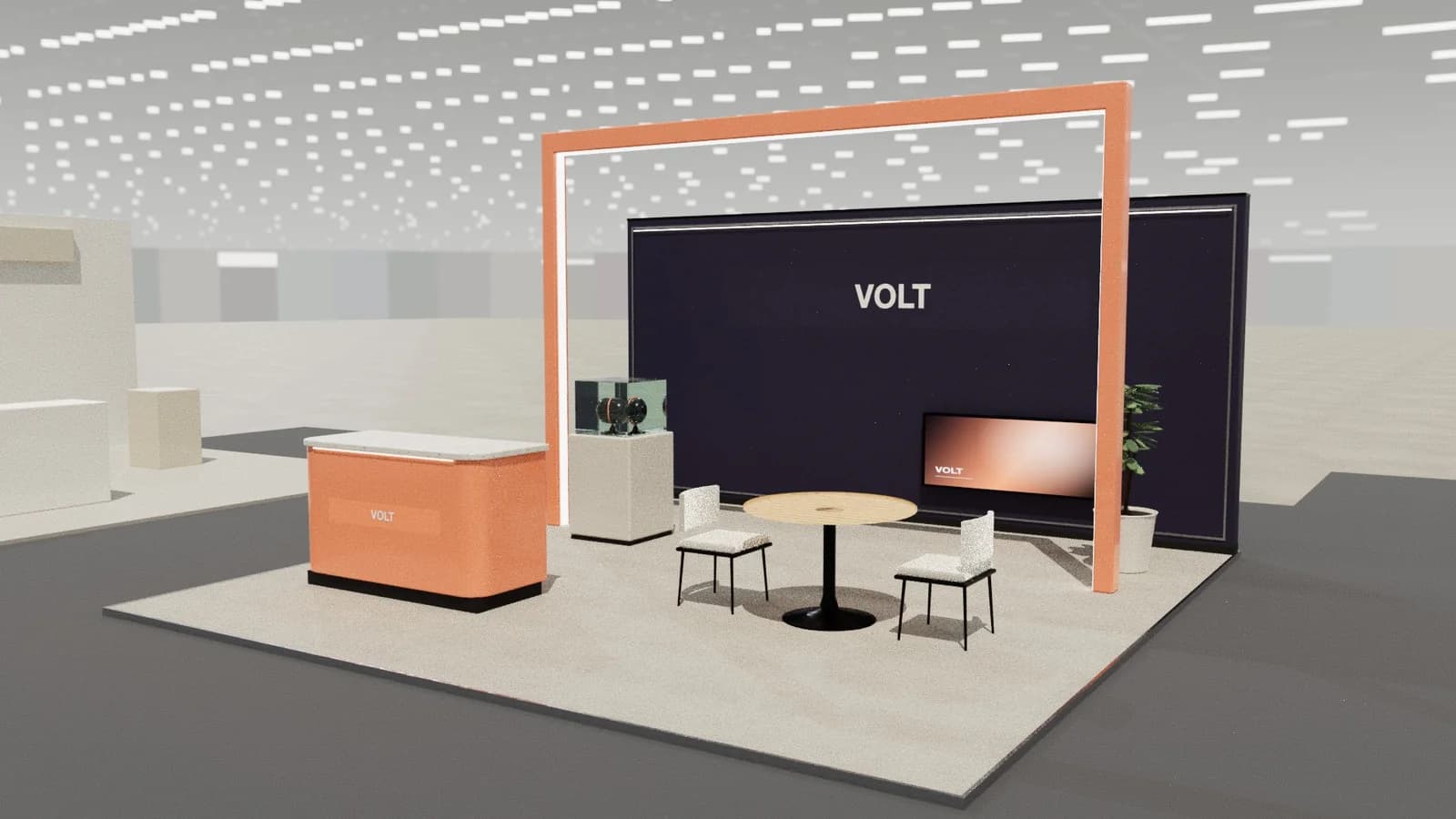
AI exhibition stand design tools turn a brief (stand size, type, objectives, brand) into 3D layouts, renders and drawings in minutes. The useful ones generate a real 3D model at exact size that you can edit, check and draw, rather than only a picture. AI is excellent for fast concepts and visualisation; a designer still owns the brief, judgement, engineering and the final detail.
Key points
- Two kinds of AI: image generators (pictures) and 3D layout generators (models).
- For stands you will build, start from a 3D model at real size.
- AI is fastest at early concepts, variations and visuals.
- Always check scale, access, doors, stairs and screens; good tools do this automatically.
- Engineering, approvals and build detail stay with professionals.
Two kinds of AI design tool
| Image generators | 3D layout generators | |
|---|---|---|
| Output | A picture | An editable 3D model, plus renders and drawings |
| Exact size | No | Yes |
| Buildable | Not guaranteed (often impossible) | Checked against real sizes and rules |
| Editable | Re-prompt and hope | Move, resize and change objects |
| Drawings | No | Plans, elevations, DXF |
| Best for | Mood and inspiration | Concepts you will quote and build |
How a 3D AI stand designer works
- 01
Read the brief
Size, stand type, open sides, objectives, must-haves, and often the brand's website for colours, products and tone.
- 02
Lay out objects
Walls, counters, screens, furniture and structures placed inside the plot with real dimensions.
- 03
Check the rules
Routes, doors, seating orientation, stair access, screens not hidden, nothing outside the plot.
- 04
Visualise
Real-time 3D, still images and AI renders that follow the model.
- 05
Document
Plans, elevations, schedules, DXF.
Where AI helps most
- Speed: three directions in minutes instead of days, so early meetings start from something visual.
- Variations: "add a meeting room", "open the corner": changes in one sentence.
- Consistency: every concept gets drawings and quantities automatically.
- Small budgets: exhibitors with smaller stands get professional-looking concepts they could not afford before.
Limits to know
- AI does not know the venue's specific rules unless you tell it; check the exhibitor manual.
- It does not replace structural engineering for decks or tall structures.
- Brand nuance and storytelling still need human judgement.
- Image-only AI often invents furniture, distorts scale and misspells logos.
A good AI-assisted workflow
Use AI for concepts and visuals, choose a direction with the client, refine it by hand and with AI edits, then hand drawings to a builder for engineering and quotes. See best AI tools for exhibition stand design for a comparison.
Writing a good brief for AI
- Exact size, stand type and maximum height from the space booking.
- Objectives: launches, meetings, demos, hospitality.
- Must-haves: counter, storage, meeting room, screens, number of demo points.
- Brand website, colours and logo.
- Style words: minimal, bold, organic, luxury, industrial.
The more specific the brief, the more useful the concepts. See writing an exhibition stand design brief.
Frequently asked questions
01Can AI design an exhibition stand?
Yes. AI tools can generate 3D stand layouts at exact size with renders and drawings from a brief. A professional still checks venue rules, engineering and build details.
02Is AI stand design accurate?
3D layout tools work to real dimensions and can check access and placement rules. Image-only generators are not accurate and often show impossible designs.
03Will AI replace exhibition designers?
It changes their work: less time drawing early concepts, more time on strategy, detail and client work. Judgement, brand storytelling and engineering stay human.
04What is the best AI tool for booth design?
It depends on the job: image generators for mood, 3D layout tools for buildable concepts, CAD and render software for production. See the comparison of [AI tools for stand design](/best-ai-exhibition-stand-design-tools).
Put it into practice
An AI booth designer that designs in 3D, not in pixels
An AI booth designer that plans an exhibition stand in 3D at your size, checks it can be built, and changes it when you ask in plain English.
Guidance here reflects common practice. Venues, organisers and countries set their own rules: always check the exhibitor manual and work with a qualified stand builder and engineer for structures.