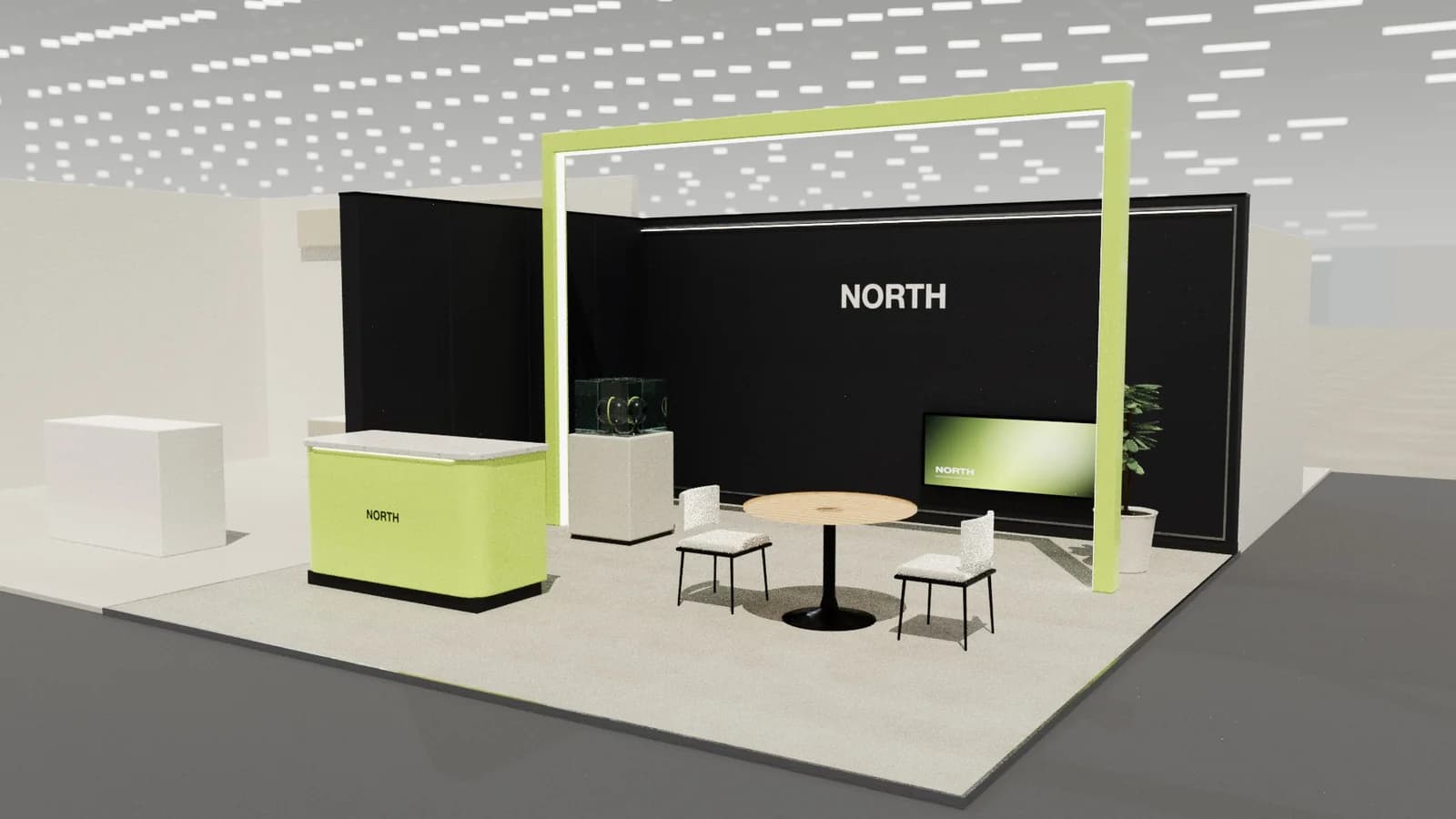
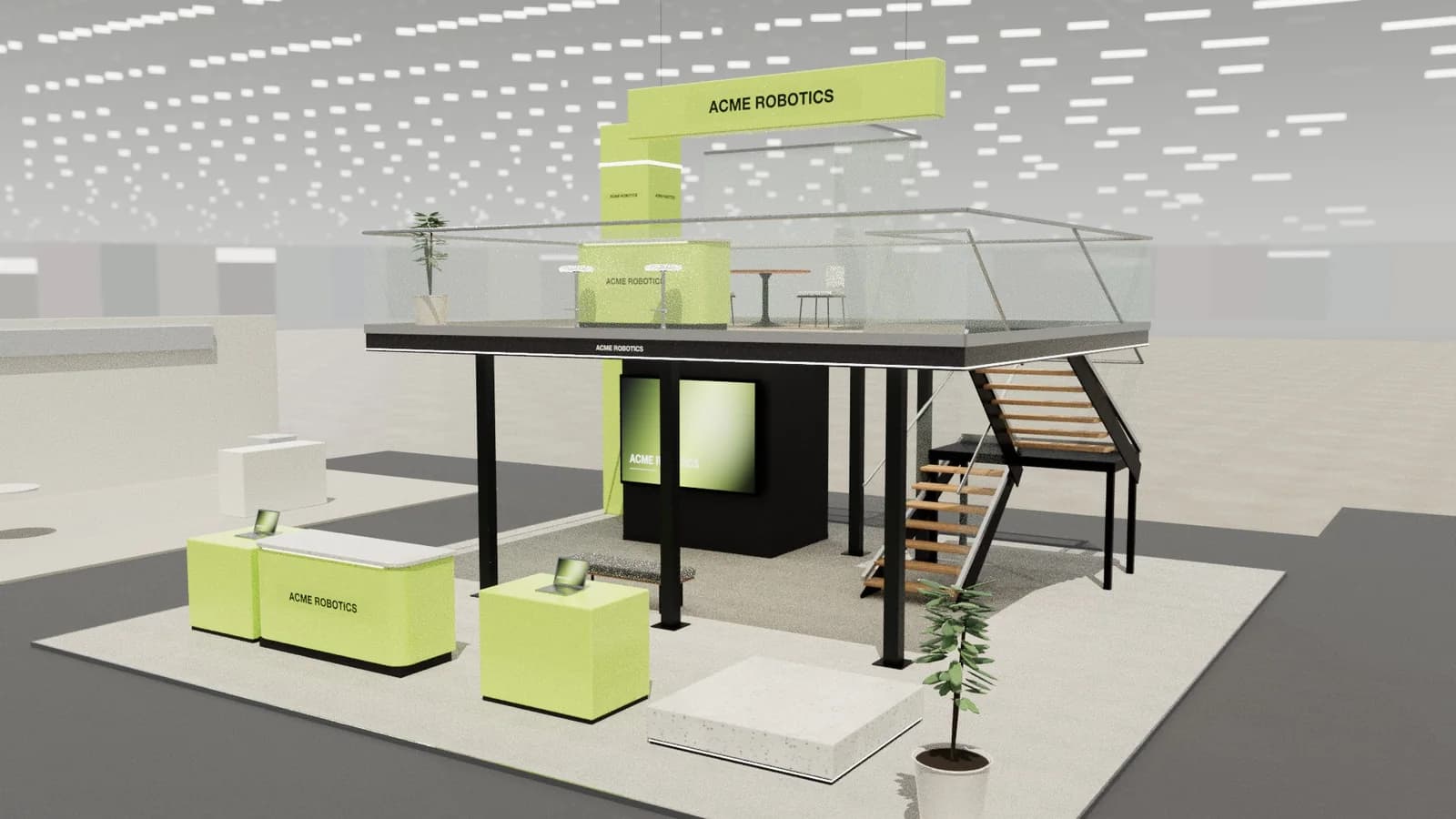
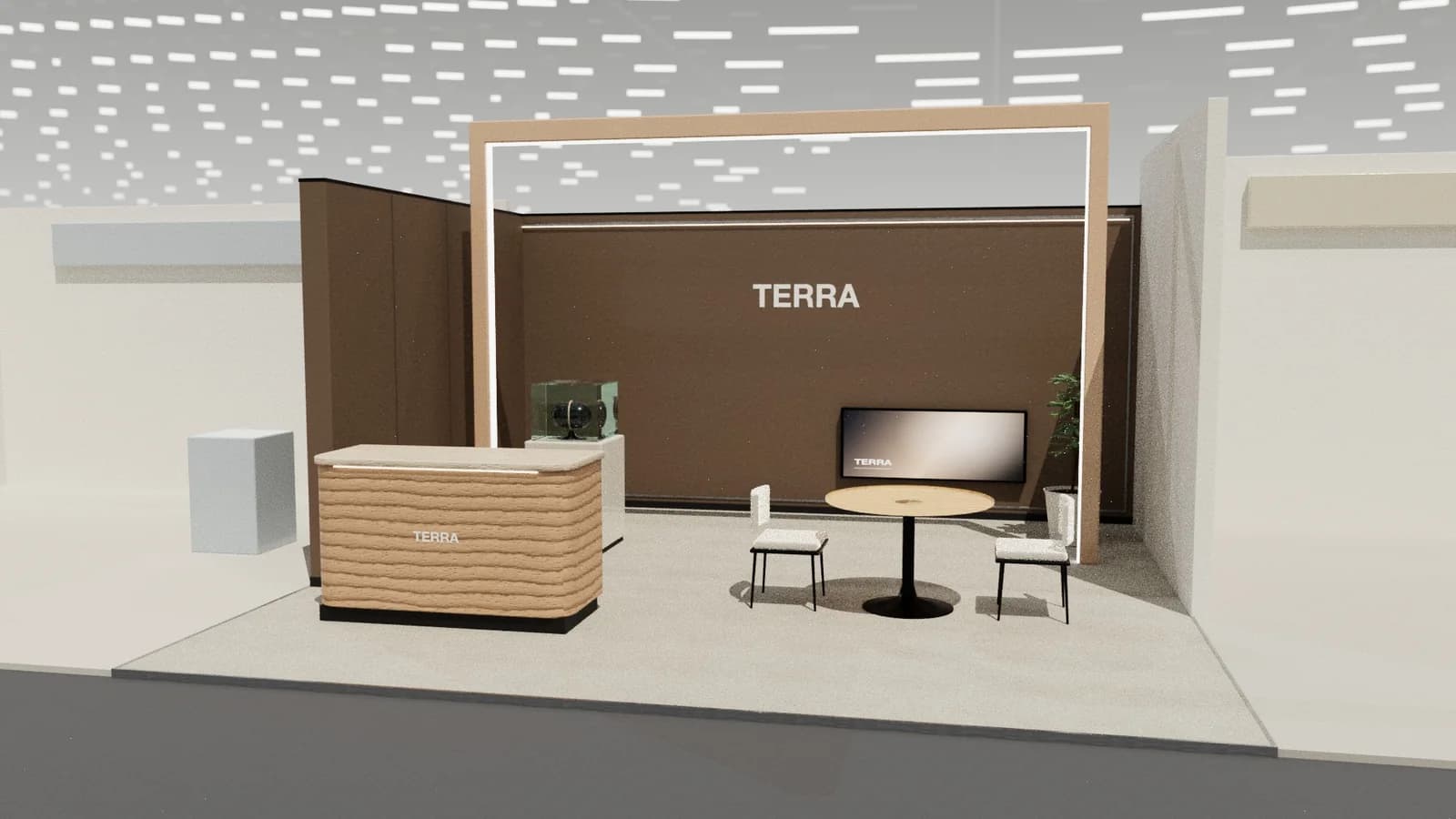
In short
A convincing booth render starts with an accurate 3D model at real size, then adds real materials (wood grain, fabric, lacquer, glass), lighting that matches an exhibition hall, a camera at eye height with a natural lens, and context like the hall, neighbouring stands and people. Path tracing or a good render engine gives soft shadows and reflections; AI can add photographic polish as long as it keeps the layout.
Key points
- Accuracy first: a beautiful render of a stand you cannot build is a liability.
- Camera at about 1.6 m with a 24–35 mm equivalent lens looks like a visitor's view.
- Real materials and soft, bounced light make the difference between 3D and photo.
- Context sells: hall ceiling, aisles, neighbouring stands, people.
- AI enhancement must keep the stand's size, layout and brand.
Start from an accurate model
Every good render begins with a model at real size: walls at the right height, counters at about 1.05 m, tables at 0.75 m, screens hung so nothing hides them. A render of furniture at the wrong scale looks wrong even if people cannot say why.
Materials
| Surface | What makes it read as real |
|---|---|
| Wood and joinery | Visible grain, slight roughness variation, soft edges |
| Lacquer and paint | Gentle reflections, not mirror-like |
| Fabric graphics | Matte, even, slight texture |
| Glass | Thin, slightly green edges, reflections |
| Floors | Texture and soft reflections of lights |
| Metal | Brushed or polished highlights |
Lighting
Real halls have strip lights high overhead, light bouncing between surfaces, and stand lighting on top. A render engine that traces light bouncing (path tracing) produces soft shadows, colour bleeding and correct reflections; that is what makes a still look like a photo. See stand lighting.
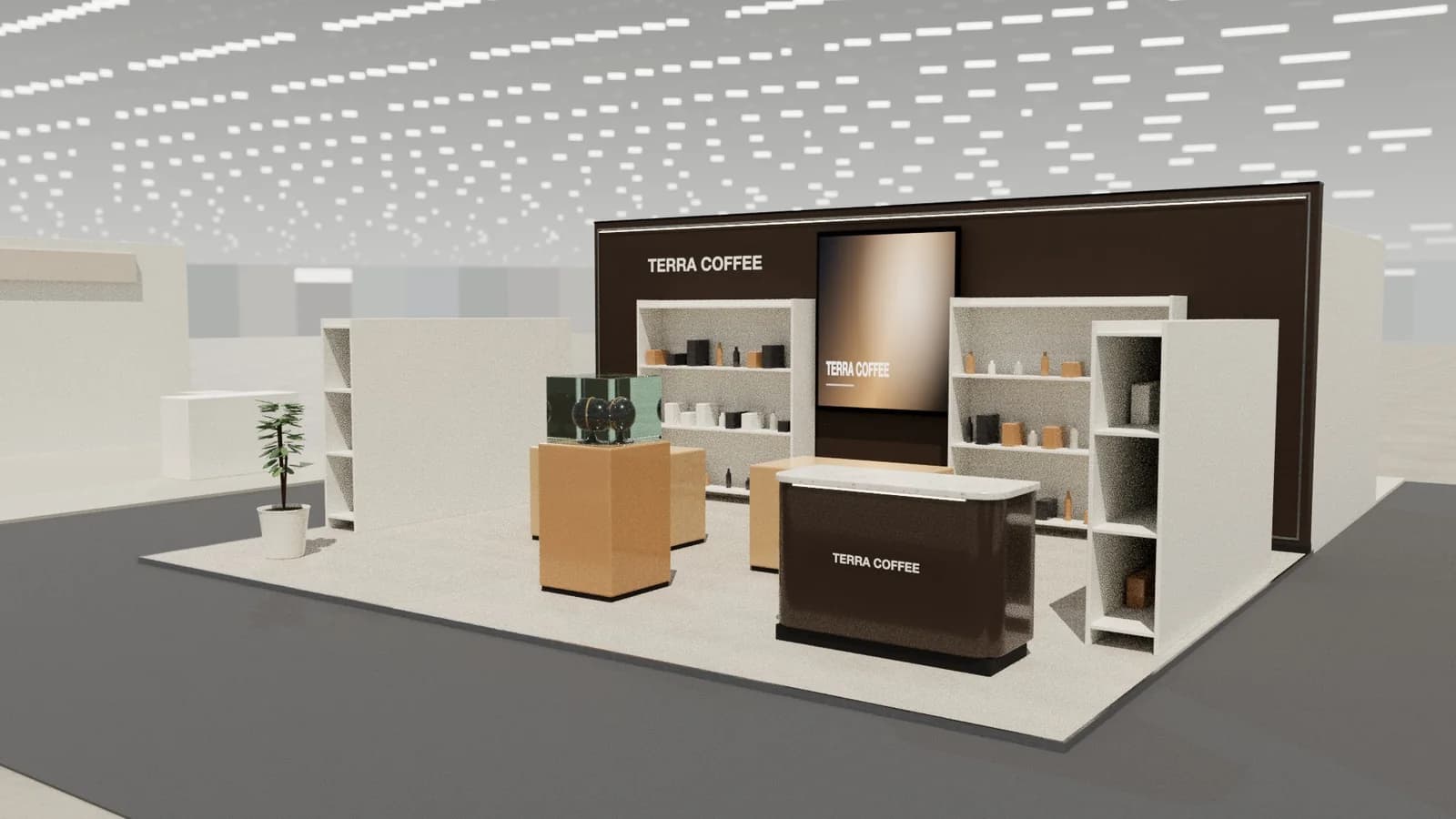
Camera
- Eye level (about 1.6 m) for the visitor's view from the aisle.
- Three-quarter view from a corner to show two sides and depth.
- High view for layout overviews.
- Keep verticals vertical (two-point perspective); tilted cameras make walls lean.
- Use a natural lens (24–35 mm equivalent); ultra-wide lenses distort.
Using AI for the final polish
Image AI can add photographic qualities (people, hall atmosphere, materials) to a 3D view. The risk is that it changes the design: moves walls, invents furniture or misspells the brand. Use AI that is guided by your 3D view and check the result against the model. See AI image generators for booth design.
A quick workflow
- 01
Model
Build or generate the stand at real size with real furniture.
- 02
Check
Walk it at eye level; fix hidden screens, sealed rooms, wrong-facing seats.
- 03
Frame
Choose two or three cameras: aisle view, three-quarter, overview.
- 04
Render
Render a still, or use guided AI for show-day atmosphere.
- 05
Compare
Check the render against the plan before it goes to the client.
People and context
Empty stands look like models. A few people at realistic scale (about 1.7 m tall), standing in plausible places such as at the counter or watching a demo, make a render read as a real scene and show the stand's scale. Keep them natural: not posing, not covering the brand. Neighbouring stands, the hall ceiling and aisle carpet complete the context.
Frequently asked questions
01What software is used for booth renders?
Traditionally 3ds Max with V-Ray or Corona, Cinema 4D, SketchUp with a render plugin, or Blender. Browser tools like Studio now produce realistic 3D views and AI-polished renders directly from the 3D design.
02How long does a booth render take?
In traditional workflows, hours to days including modelling. With a generated 3D model and path tracing or AI, minutes.
03Why does my render look fake?
Usually flat lighting, perfect clean materials, wrong scale, a tilted or very wide camera, and no context. Fix scale and light first.
04Can AI make booth renders?
Yes, but plain image generators invent layouts. AI guided by a 3D model keeps the stand buildable.
Put it into practice
Booth renders that start from the brief, not a blank prompt
Photoreal exhibition booth renders made from a dimension-controlled 3D model, with the brand's colours and logo.
Guidance here reflects common practice. Venues, organisers and countries set their own rules: always check the exhibitor manual and work with a qualified stand builder and engineer for structures.