In short
General AI image generators can produce striking booth images for mood boards and inspiration, but they do not work to a real size, cannot keep a layout between edits, often invent impossible structures and misspell logos, and give you no drawings. Use them for mood, then build the actual design in a 3D tool at real size, and use AI guided by that model for final renders.
Key points
- Great for mood boards, style exploration and quick inspiration.
- Not to scale: a 3 × 3 m booth often comes out looking like 10 × 10 m.
- Layouts change with every prompt; there is no model to edit.
- Frequent errors: floating structures, stairs to nowhere, unreadable text.
- Guided AI (from a 3D view) keeps the design and adds realism.
What they are good for
- Exploring styles quickly: "Scandinavian timber", "neon futurist", "botanical".
- Mood boards for a first client conversation.
- Testing colour and material combinations.
Common problems
| Problem | Why it matters |
|---|---|
| No real size | A design that looks right may need double the space you booked |
| Impossible structures | Floating decks, unsupported cantilevers, stairs that go nowhere |
| Inconsistent edits | Changing one thing changes everything else |
| Logos and text | Often misspelled or distorted |
| No drawings | Nothing a builder can quote from |
| Over-promising | Clients fall in love with something that cannot be built for the budget |
A better workflow
- 01
Mood
Optional: generate a few style images to agree a direction.
- 02
Model
Create the stand in 3D at the real size and stand type.
- 03
Check
Access, doors, seating, screens, height limits.
- 04
Render
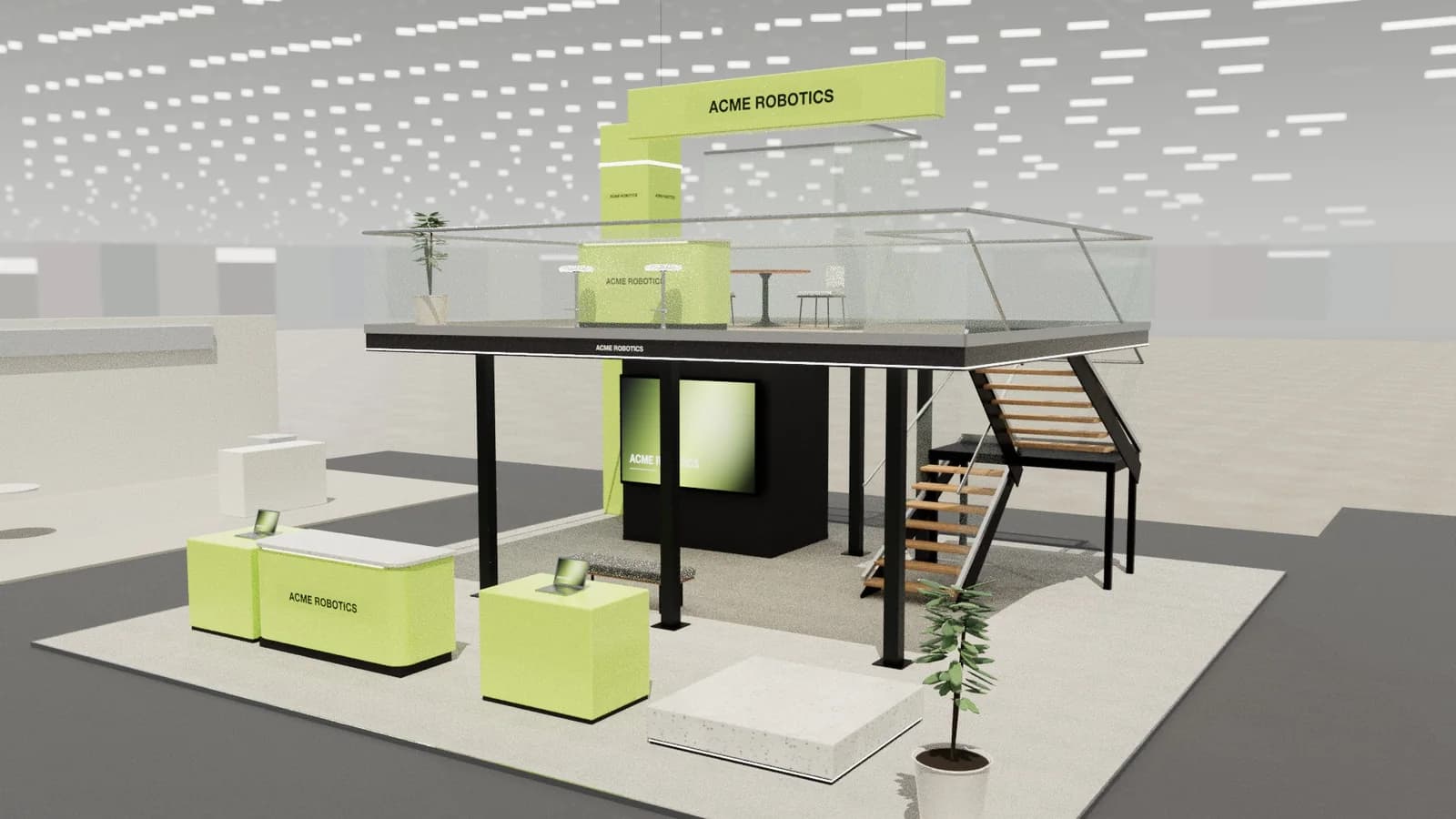
Use AI guided by the 3D view so the image keeps the layout, scale and logo.
- 05
Draw
Export plans and elevations for quoting.
If you do use an image generator
- Describe the stand type and size explicitly: "6 × 6 m corner stand, two open sides".
- Name real elements and heights: "reception counter, 3 m high back wall, 55 inch screen".
- Ask for an eye-level view from the aisle to avoid exaggerated scale.
- Treat the result as mood, and check any idea against a 3D model before showing it as a design.
Managing client expectations
Clients who see an AI-generated booth image may expect exactly that, at any size and budget. If you share mood images, label them clearly as inspiration, and follow quickly with a design at real size so the conversation moves to what can be built for the space and budget booked.
Frequently asked questions
01Can Midjourney design a trade show booth?
It can produce inspiring booth images, but not to a real size, with a consistent layout or with drawings. Use it for mood, not for the design you will build.
02Can ChatGPT design a booth?
It can help write a brief, suggest layouts and generate concept images. For a buildable design you still need a 3D model at real size and drawings.
03Why do AI booth images look impossible?
Image models learn what booths look like, not how they are built, so they mix structures, scales and perspectives freely.
04How do I keep my logo correct in AI renders?
Use a tool that places your actual logo file on the model, rather than asking a generator to draw it from text.
Put it into practice
Booth renders that start from the brief, not a blank prompt
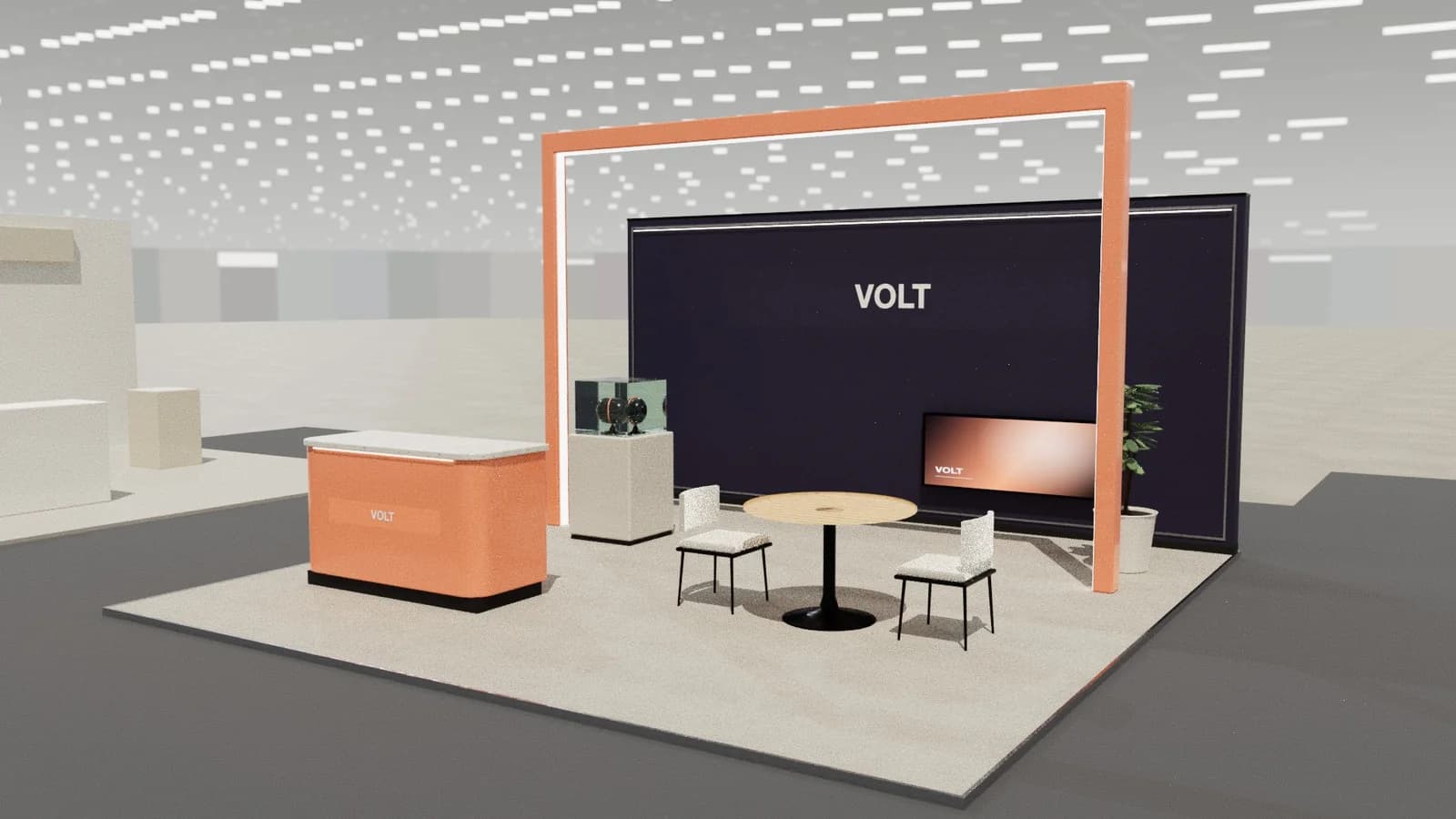
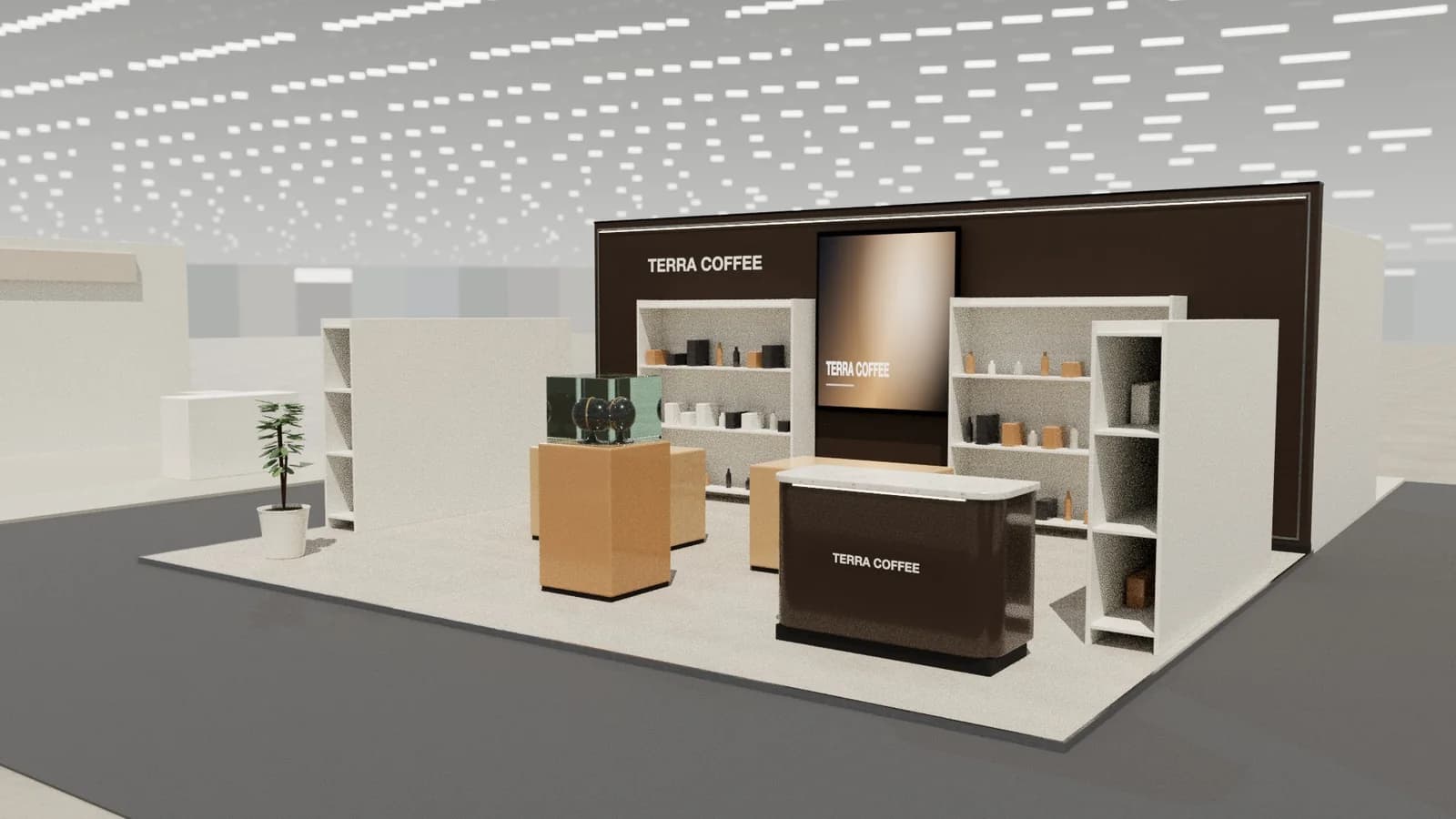
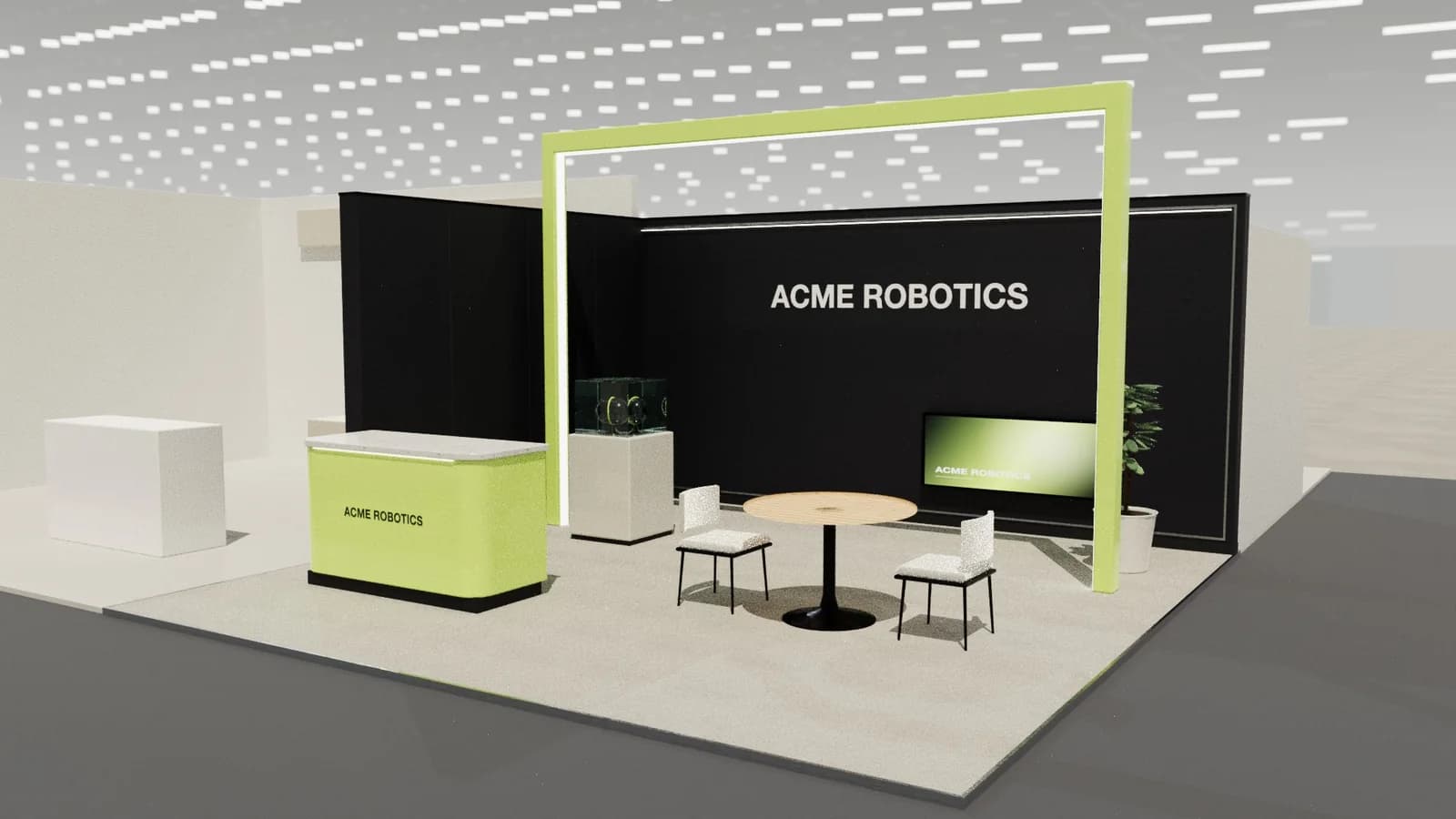
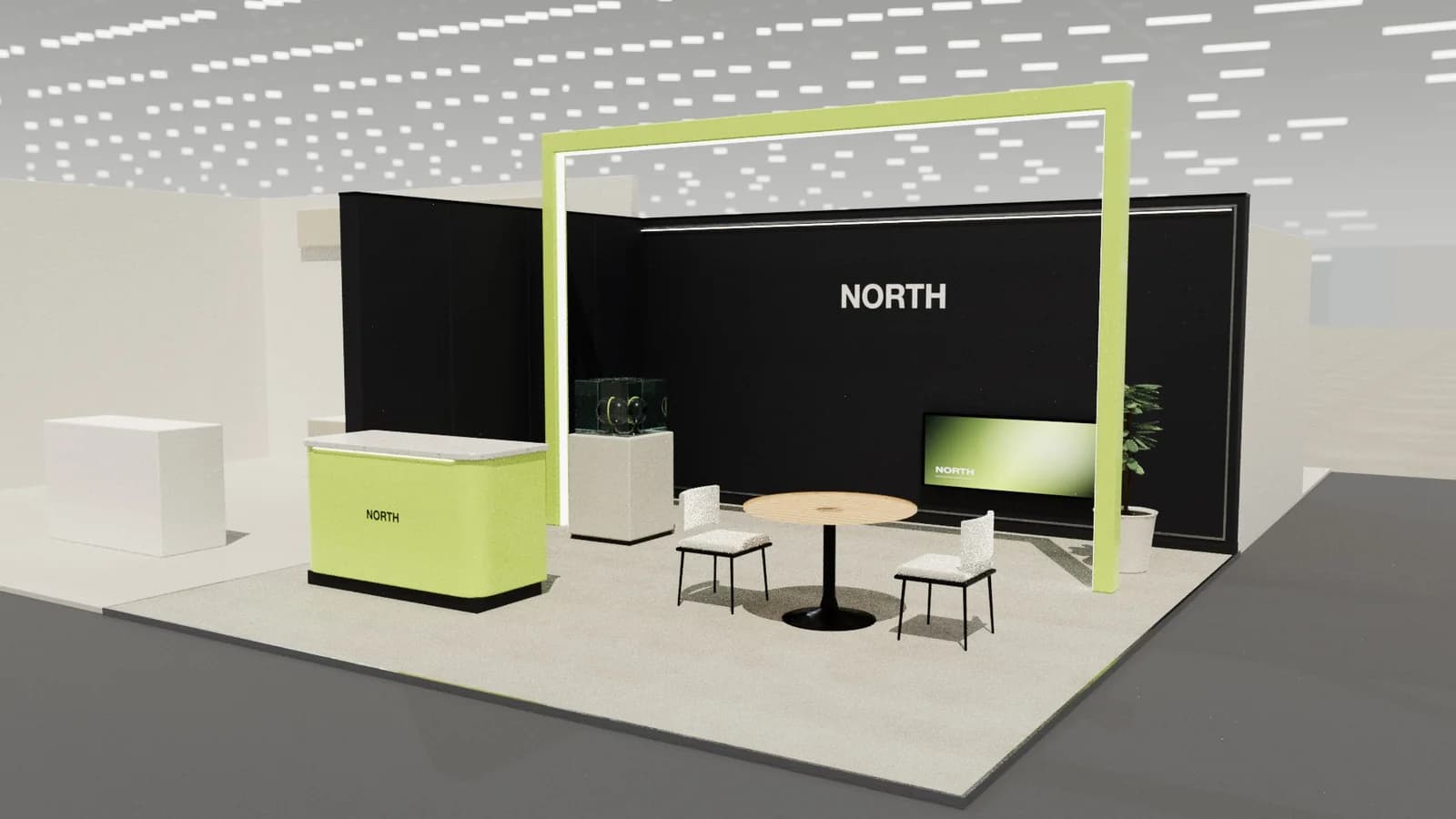
Photoreal exhibition booth renders made from a dimension-controlled 3D model, with the brand's colours and logo.
Guidance here reflects common practice. Venues, organisers and countries set their own rules: always check the exhibitor manual and work with a qualified stand builder and engineer for structures.