In short
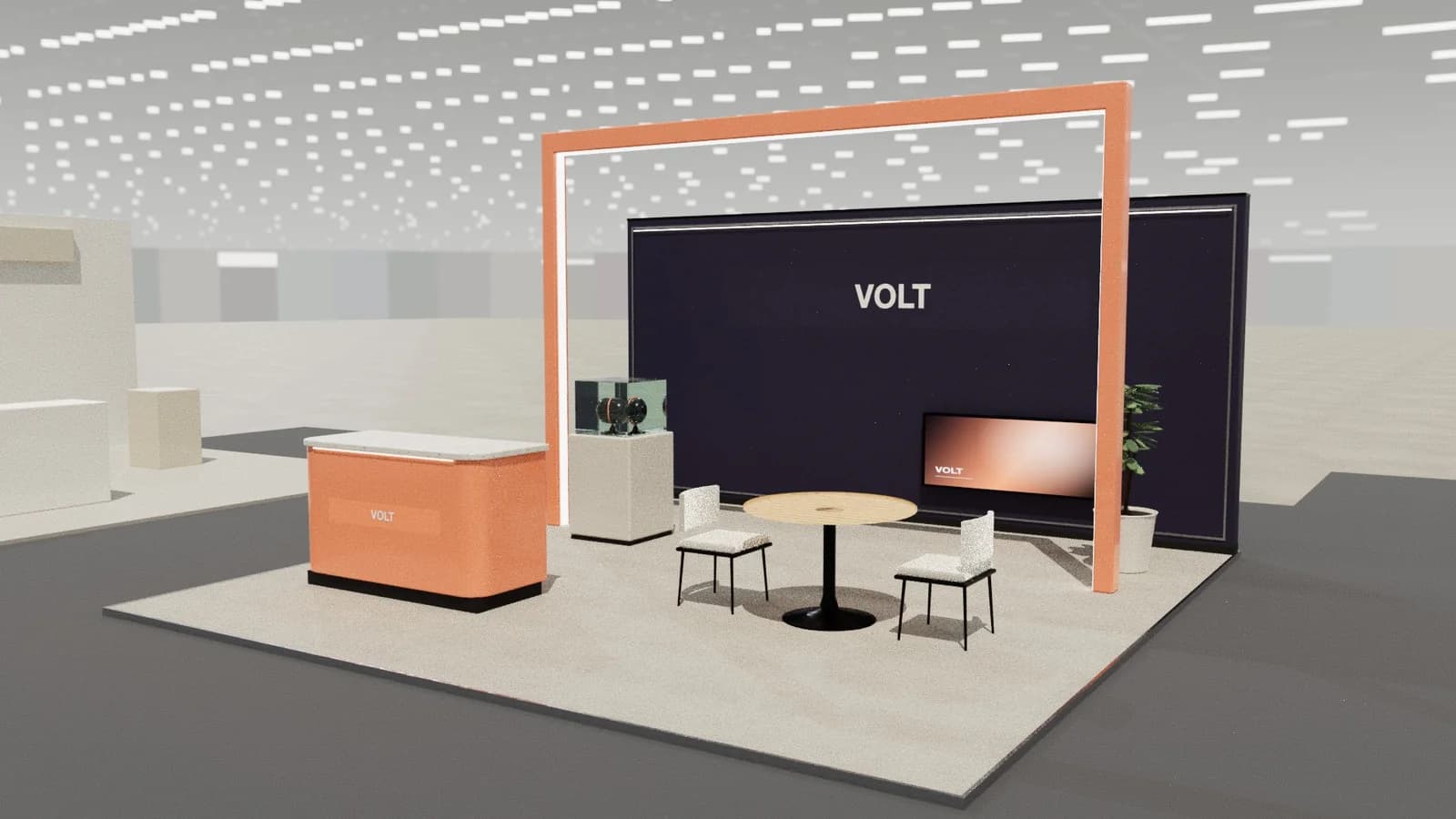
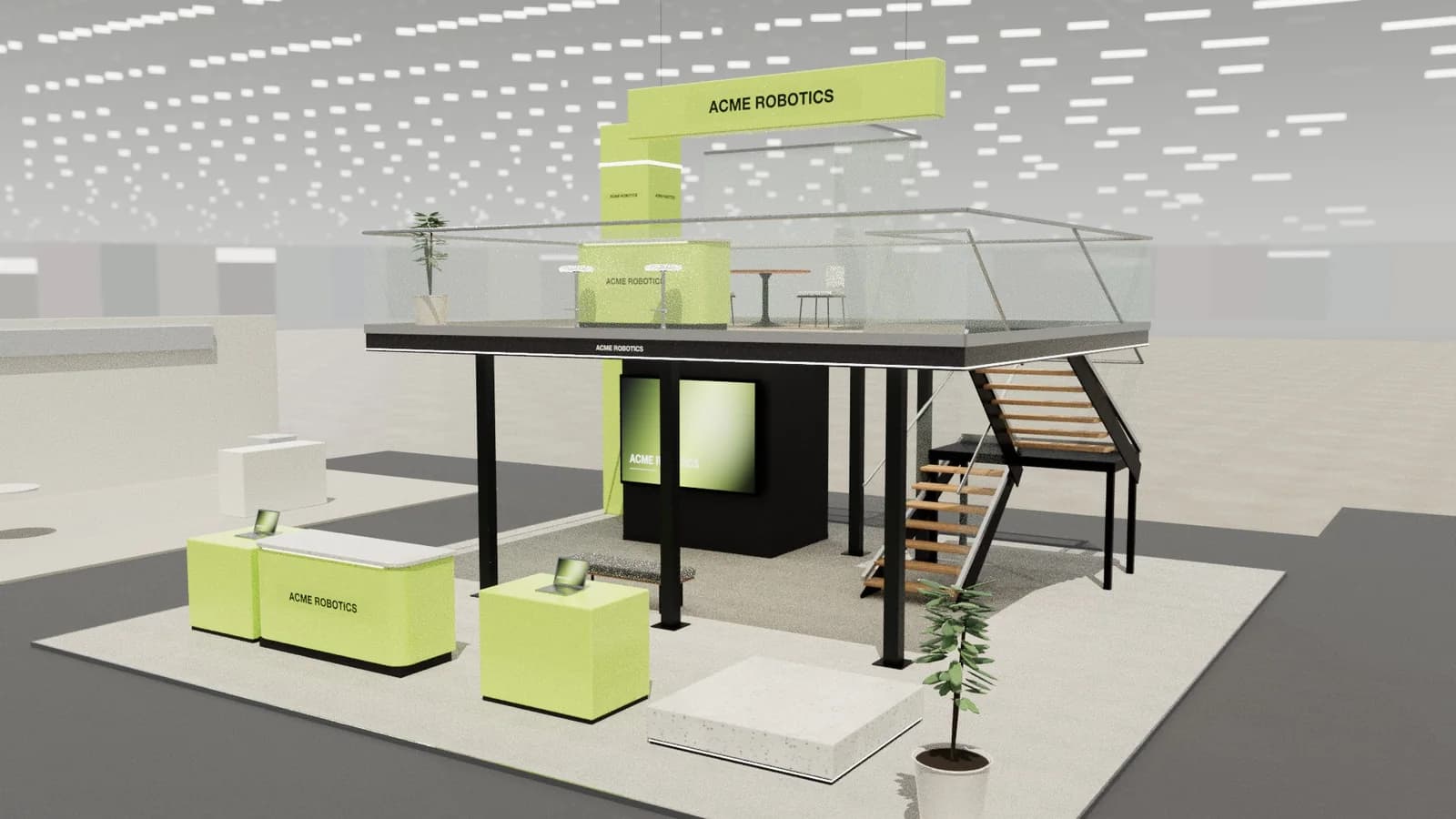
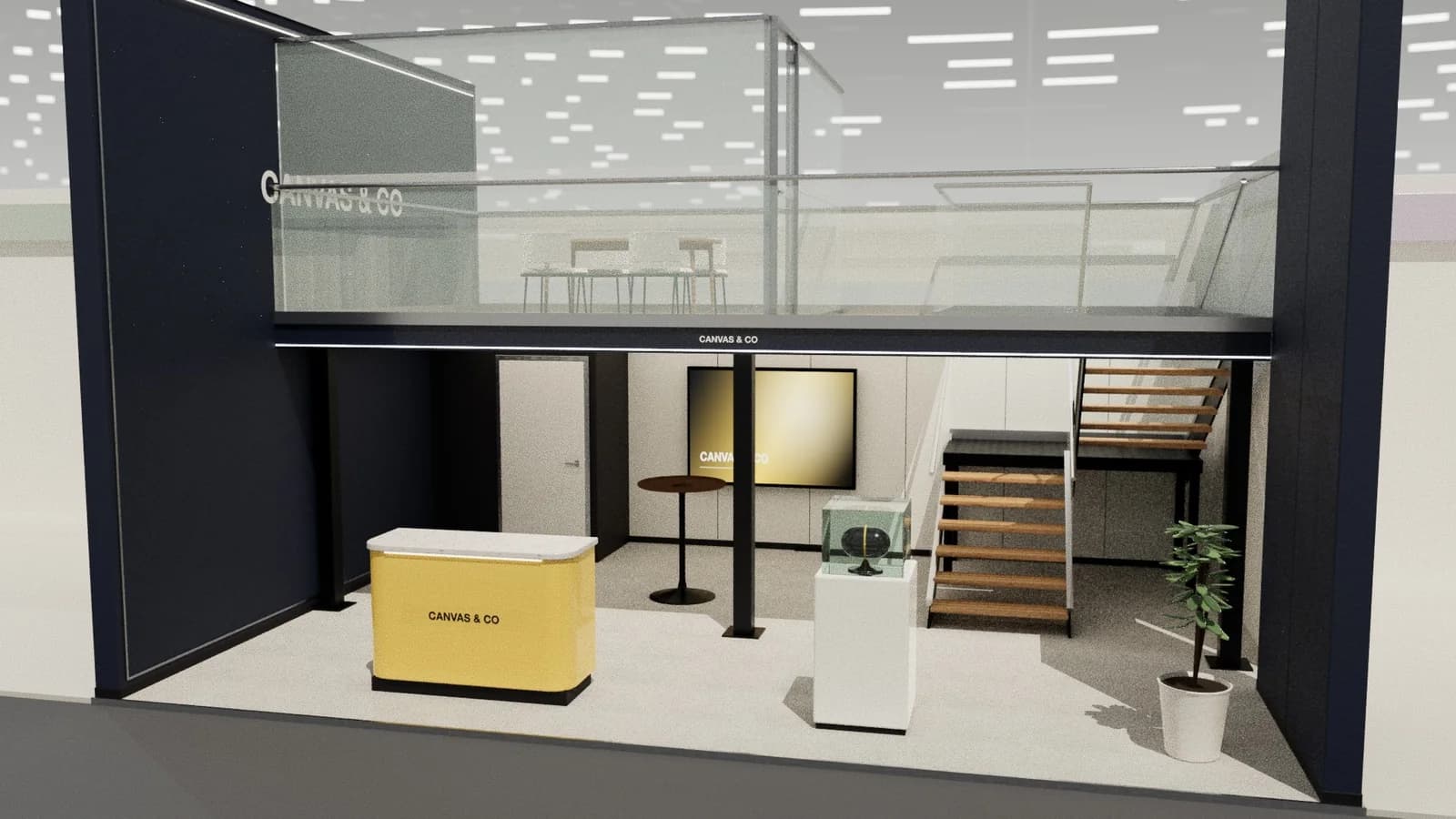
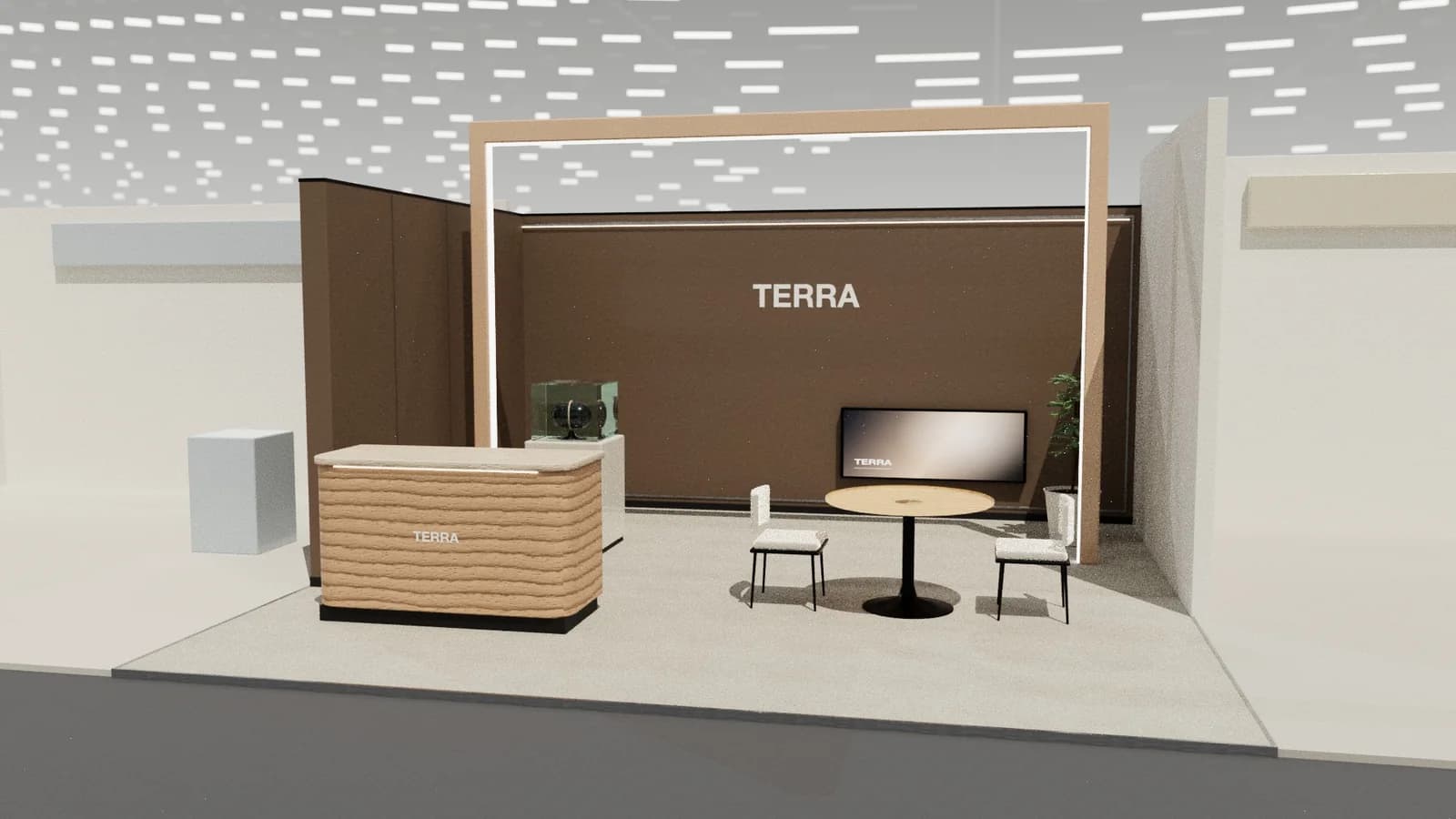
Exhibition stand design software falls into four groups: CAD for technical drawings (AutoCAD, Vectorworks), 3D modelling and rendering for visuals (SketchUp, 3ds Max with V-Ray or Corona, Cinema 4D, Blender), AI stand design tools that generate 3D concepts, renders and drawings from a brief (such as ExhibitionBase Studio), and general AI image generators for mood. Most professionals combine two or three.
Key points
- CAD: precise drawings for builders and approvals.
- 3D modelling and rendering: high-end visuals, steep learning curves.
- AI stand tools: fast concepts with drawings, for non-specialists too.
- Image generators: inspiration only.
- Pick by who designs, how often, and what output the builder needs.
Four kinds of software
| Kind | Examples | Strengths | Trade-offs |
|---|---|---|---|
| CAD | AutoCAD, Vectorworks | Precise drawings, industry standard files | Not built for quick visuals; training needed |
| 3D modelling + rendering | SketchUp, 3ds Max + V-Ray/Corona, Cinema 4D, Blender | Top-quality renders, full control | Slow to model; steep learning curve; licences |
| AI stand design | ExhibitionBase Studio | Brief to 3D, renders and DXF in minutes; checks layouts | Less freeform than full 3D software; detail engineering still separate |
| AI image generators | General-purpose image AI | Fast mood and style | Not to scale, no model, no drawings |
Which fits whom
- Exhibitors planning their own stand: an AI stand tool for concepts and a brief to send builders.
- Agencies and designers: AI for early concepts and pitches, 3D software for hero visuals, CAD for production.
- Stand builders: CAD for production; AI or render-to-CAD to turn client images into quotable drawings.
- Event marketers: AI tools for quick visuals to align stakeholders.
What to look for
- Works to exact stand sizes and types (row, corner, peninsula, island).
- Real-size furniture and checks for access and placement.
- Exports builders can use: DXF/DWG and PDF drawings.
- Renders good enough to show a client.
- Collaboration: review links and comments.
- Cost model that fits how often you design.
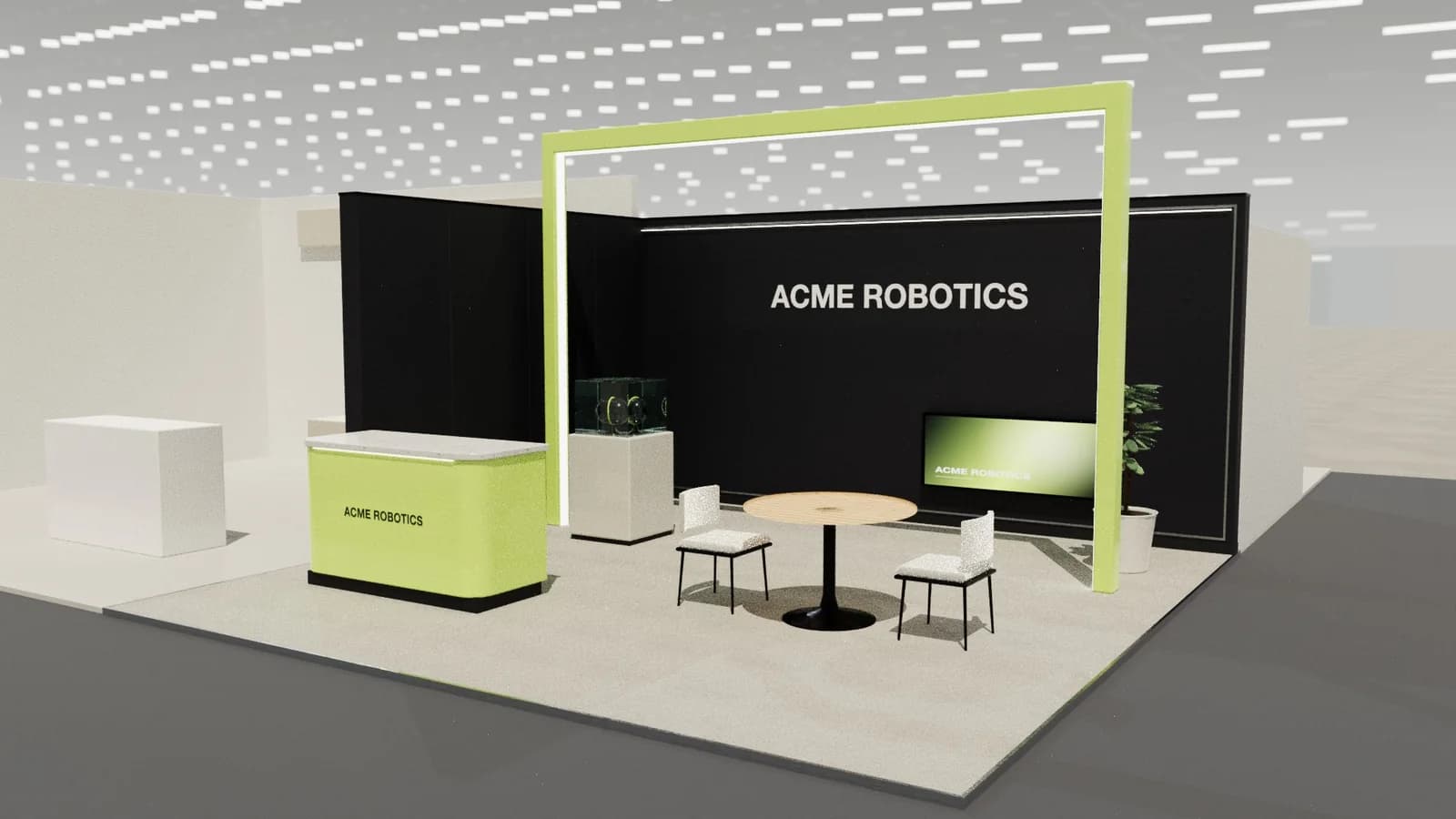
A typical modern workflow
- 01
Brief
Capture objectives, size, stand type and must-haves.
- 02
Concepts
Generate three directions with an AI stand designer.
- 03
Refine
Edit the chosen concept by hand and with AI changes.
- 04
Visualise
3D stills or AI renders, walkthrough video, live 3D link.
- 05
Produce
Export DXF and PDF; detail and engineer in CAD where needed.
Cost models
Professional CAD and render software is usually licensed per user per year, plus plugins and render engines. AI stand design tools often charge per use (credits) or subscription. For occasional exhibitors, pay-per-use avoids paying for software between shows; for busy agencies, the time saved per concept usually matters more than licence cost.
Frequently asked questions
01What software do exhibition designers use?
Commonly SketchUp, 3ds Max with V-Ray or Corona, Cinema 4D, Vectorworks and AutoCAD, increasingly alongside AI concept and render tools.
02Is there free booth design software?
Blender and SketchUp's free web version can model stands; AI tools like Studio offer starter credits. Professional CAD and render engines are usually paid.
03Can I design a booth without CAD skills?
Yes. AI stand design tools let you describe the stand and edit it in 3D, then export drawings for a builder.
04What file format do stand builders want?
Usually DWG or DXF for CAD and PDF drawings, plus renders for reference.
Put it into practice
From a client brief to three 3D stand concepts in minutes
Three editable 3D exhibition stand concepts from a written brief and the brand's website, at your exact size.
Guidance here reflects common practice. Venues, organisers and countries set their own rules: always check the exhibitor manual and work with a qualified stand builder and engineer for structures.