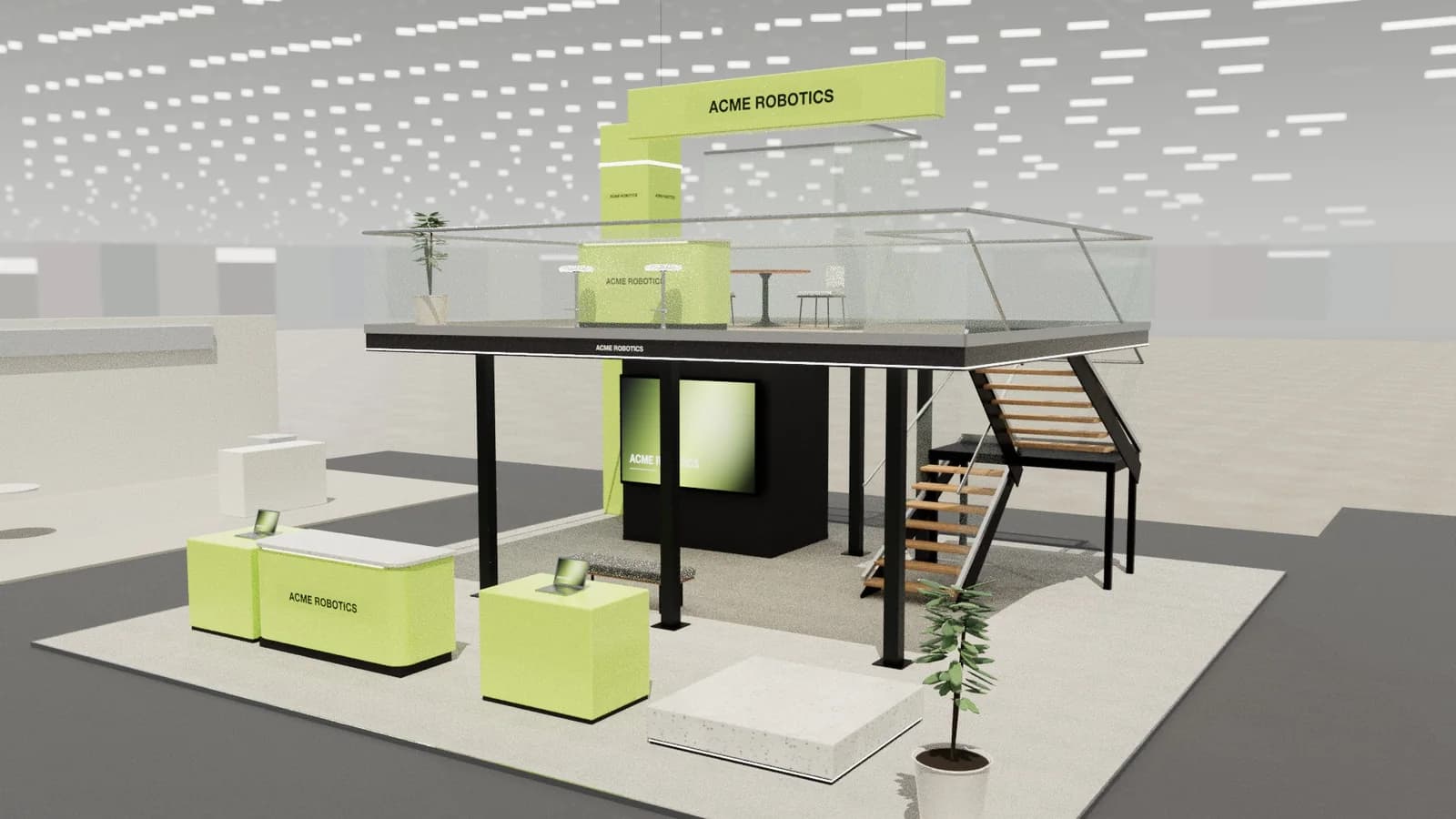
In short
To design an exhibition stand, start from one measurable objective, then write a brief with the exact space size, stand type and height limit. Plan zones (welcome, hero product, demo, meeting, storage) around how visitors arrive from the aisles, keep the brand visible from 10 m away, and finish with lighting, graphics, a 3D model, scaled drawings and the organiser's approval.
Key points
- Design backwards from one objective: leads, meetings, launches or brand awareness each need a different layout.
- The space size, open sides and height limit decide more of the design than any style choice.
- Visitors decide in about three seconds from the aisle: the brand and the offer must read from 10 m.
- Keep 60–70% of the floor open; most stands fail by being too full, not too empty.
- Finish with a 3D model, plan and elevations at scale, and submit them to the organiser early.
1. Start with one objective
Every good stand is designed backwards from what success looks like on the last day of the show. Pick one primary objective and, if you must, one secondary one. Each pulls the layout in a different direction:
| Objective | What the stand needs | Typical layout move |
|---|---|---|
| Lead generation | Fast, frequent conversations and data capture | Open front, welcome counter on the main aisle, several standing demo points |
| Pre-booked meetings | Privacy, seating, refreshments | Meeting room or semi-closed lounge at the back, reception to manage arrivals |
| Product launch | A hero moment people photograph | Central plinth or stage, dramatic lighting, screen content on a loop |
| Brand awareness | Visibility across the hall | Height: a tower, hanging sign or tall brand wall; simple, bold graphics |
| Selling on the stand | Stock, payment, a queue | Pay point near the exit, shelving, storage behind a closed wall |
Write the objective as a number the team can check: "200 qualified leads", "40 meetings with distributors", "press coverage of the launch". It becomes the test for every design decision that follows.
2. Pin down the space before the ideas
Collect the hard facts from the organiser's exhibitor manual before anyone sketches. They decide more of the design than any style choice.
- Exact dimensions of the space (width × depth), and whether it is shell scheme or space only. See shell scheme vs space only.
- Open sides: row (one), corner (two), peninsula (three) or island (four). Each changes where walls can go; see stand types.
- Maximum build height, and any setbacks for height near the aisles or neighbours.
- Hall details: floor loading, ceiling height, rigging points, columns, fire exits and services in or next to your space.
- Deadlines for design submission, rigging orders, electrics and graphics.
3. Write a brief everyone designs to
A one-page brief stops the design drifting. Include the objective, the space facts, must-have zones, the brand guidelines, the products to show, the people who will staff the stand and the budget range. Our exhibition stand brief guide has a template you can copy.
If you work with an agency or a stand builder, a clear brief also makes quotes comparable: everyone prices the same stand.
4. Plan zones around the visitor's route
Think about how a visitor arrives, not how the stand looks in plan. Most people approach along the main aisle, glance in for a few seconds and decide whether to step in. Arrange zones in the order of that journey:
- 1Attract: brand and offer visible from 10 m (high brand wall, hanging sign, screen with moving content).
- 2Welcome: a counter or host point near the busiest aisle, never blocking the entrance.
- 3Engage: the hero product, demos and interactive points, slightly back from the edge so people step in.
- 4Convert: meeting tables, a lounge or a private room, calmer and further in.
- 5Support: storage, coats, a small kitchen or AV rack against a closed side.
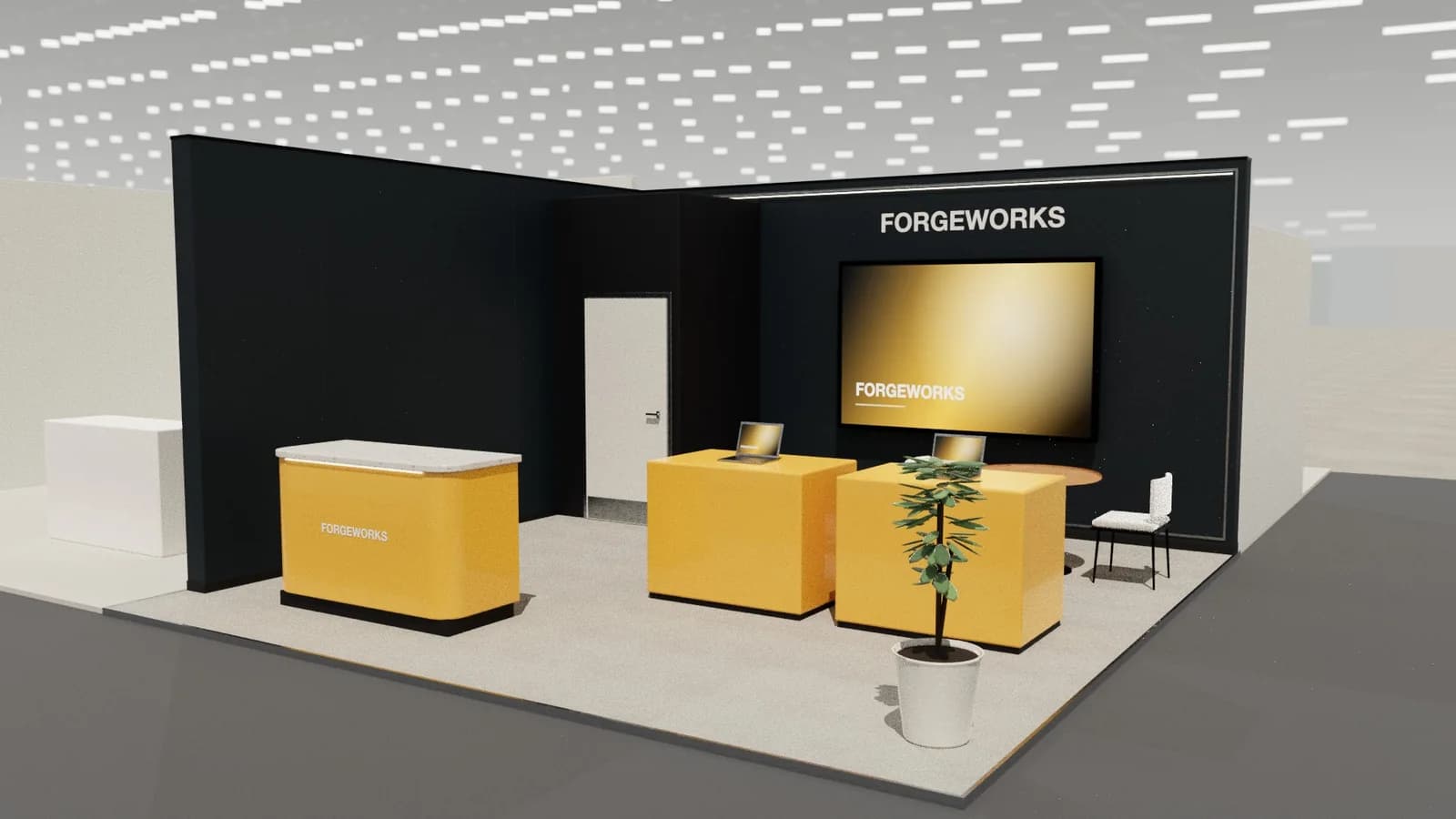
Leave at least 60% of the floor open on a small stand and 50% on a larger one. Circulation routes should be 1.2 m wide at least, with a 0.9 m minimum anywhere people must pass. Our layout and traffic flow guide covers this in detail.
5. Design for the three-second glance
From the aisle, a visitor should understand who you are and what you offer without reading. Practical rules:
- Put the logo and a five-word proposition above head height (from 2.2 m up) so people standing on the stand do not hide it.
- Use one bold brand colour on large surfaces and neutrals elsewhere; too many colours read as clutter.
- Keep text on walls to a headline and three short points. Detail belongs on screens and in conversations.
- Light the brand: a backlit wall or lit header doubles visibility in a bright hall.
See graphics and branding and lighting for specifics.
6. Choose a build approach and materials
Decide early whether the stand is modular (aluminium frame systems with fabric graphics, reusable), custom built (timber and joinery, unique but usually single-use) or a hybrid. It affects cost, look, lead time and sustainability. Compare them in modular vs custom stands.
7. Model it in 3D and draw it to scale
A 3D model catches problems a sketch hides: a screen nobody can see behind a counter, a meeting room with no door, a stair that lands in the wrong place. Build the stand at its real size, check it from the aisle at eye level, then produce scaled drawings: a plan with set-out dimensions, elevations with heights, and a schedule of items.
Tools like ExhibitionBase Studio generate the 3D concept from the brief and draw the plan, elevations and schedule automatically; see technical drawings explained.
8. Get approval and hand over to the builder
- 01
Submit drawings to the organiser
Plan, elevations, heights and materials, by the deadline in the exhibitor manual. Larger or double-deck stands often need structural calculations too.
- 02
Order services
Electrics, rigging, internet, water and cleaning, usually through the organiser's contractors.
- 03
Brief the builder
Final drawings, graphic files at the right resolution and a build schedule.
- 04
Check on site
Walk the stand on build day against the plan before graphics go up.
The venue rules guide lists what organisers typically check.
Frequently asked questions
01How long does it take to design an exhibition stand?
A shell scheme graphic can be designed in days. A custom space-only stand usually takes 6–12 weeks from brief to approved drawings, plus 4–8 weeks of build and graphics production. AI tools can produce first 3D concepts in minutes, which shortens the early rounds.
02What is the most important part of stand design?
Clarity from the aisle. Visitors decide in seconds whether to step in, so the brand, the offer and an obvious way in matter more than any detail inside the stand.
03How much of the stand should be open space?
As a rule of thumb, keep 60–70% of the floor clear on small stands and around 50% on large ones, with 1.2 m wide main routes. Crowded stands put visitors off.
04Do I need technical drawings for my stand?
For space-only stands, yes: organisers usually require a plan and elevations with heights and materials, and stand builders quote from them. Shell scheme stands usually need only graphic artwork and furniture orders.
Put it into practice
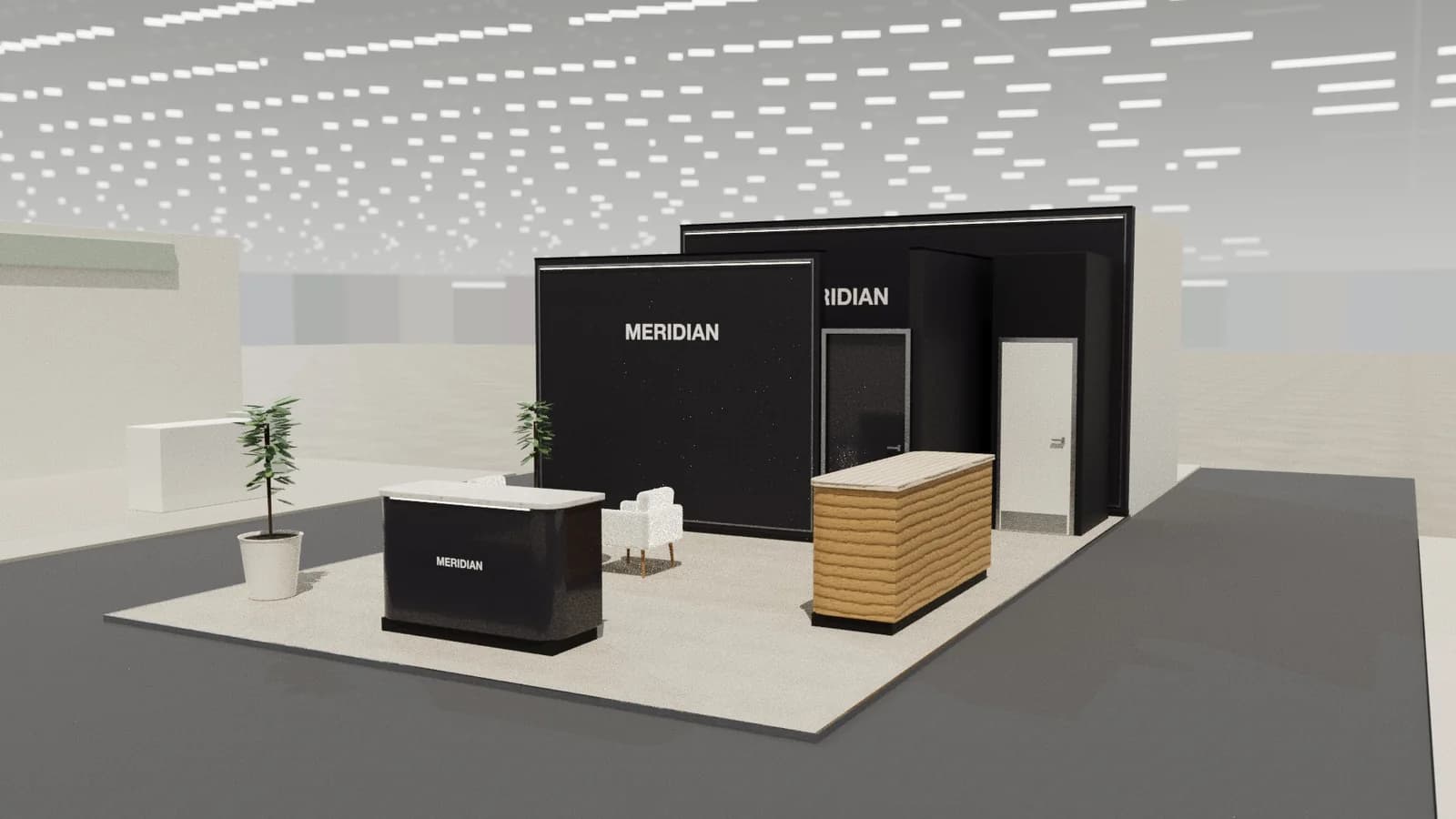
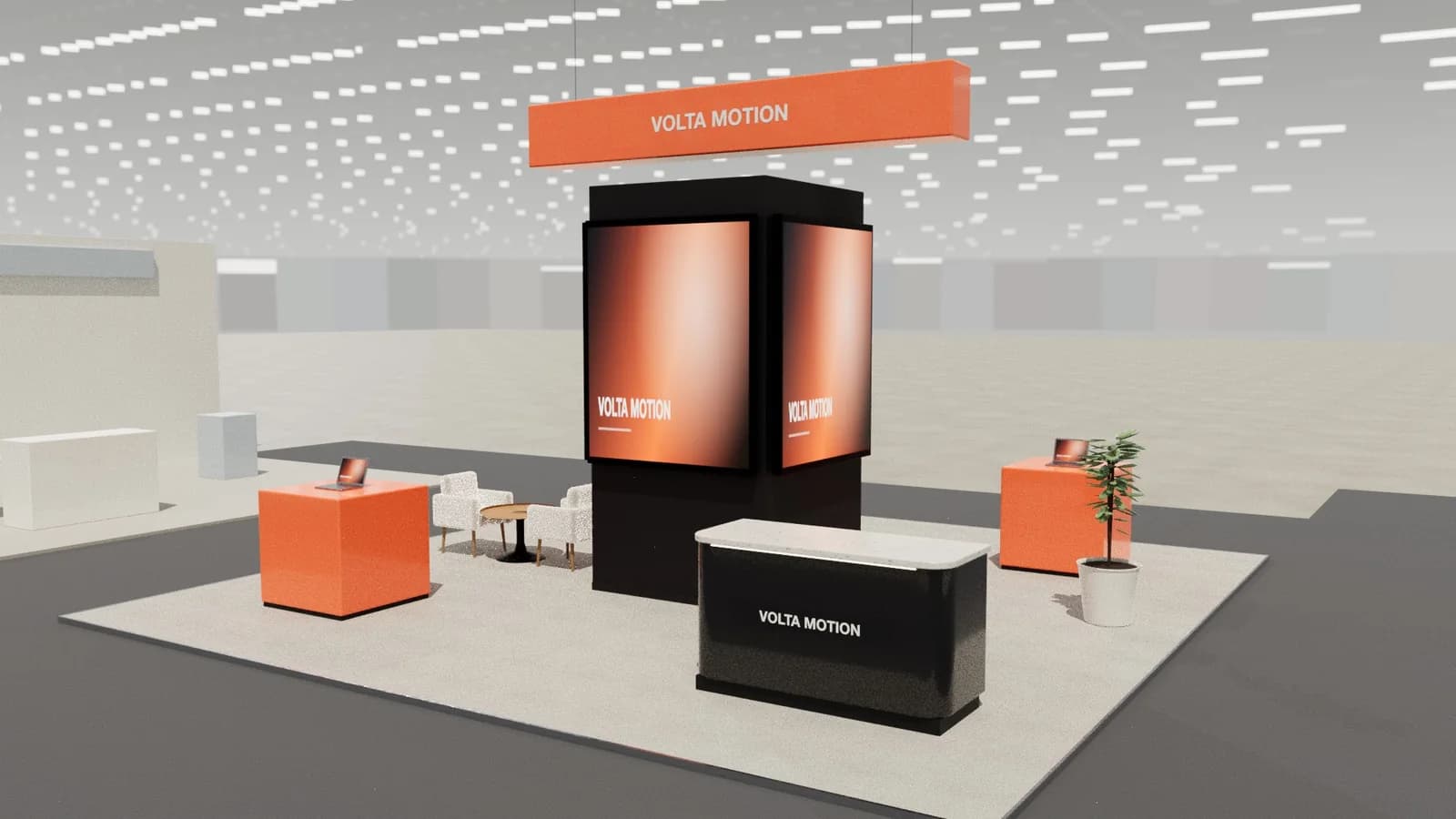
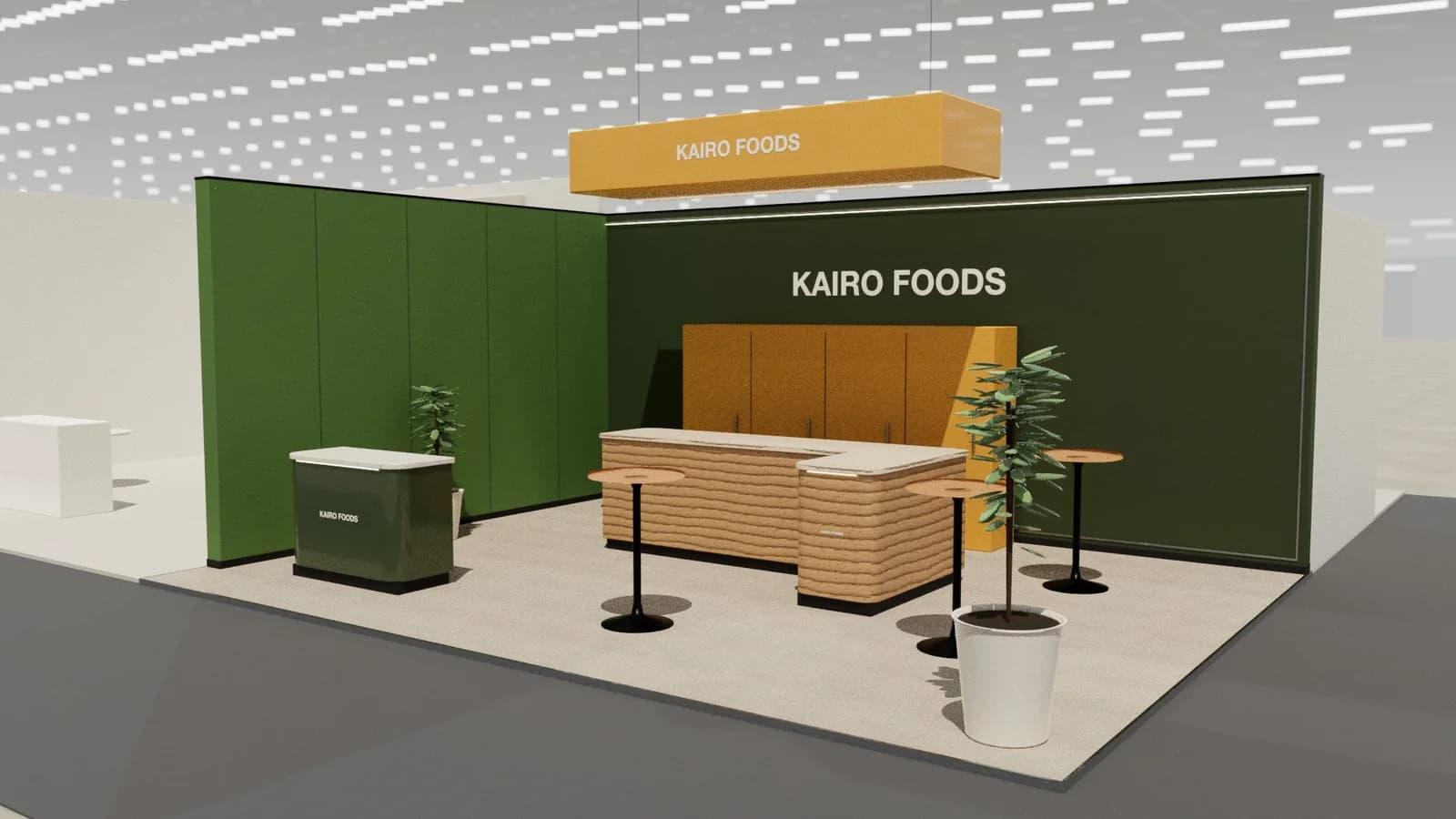
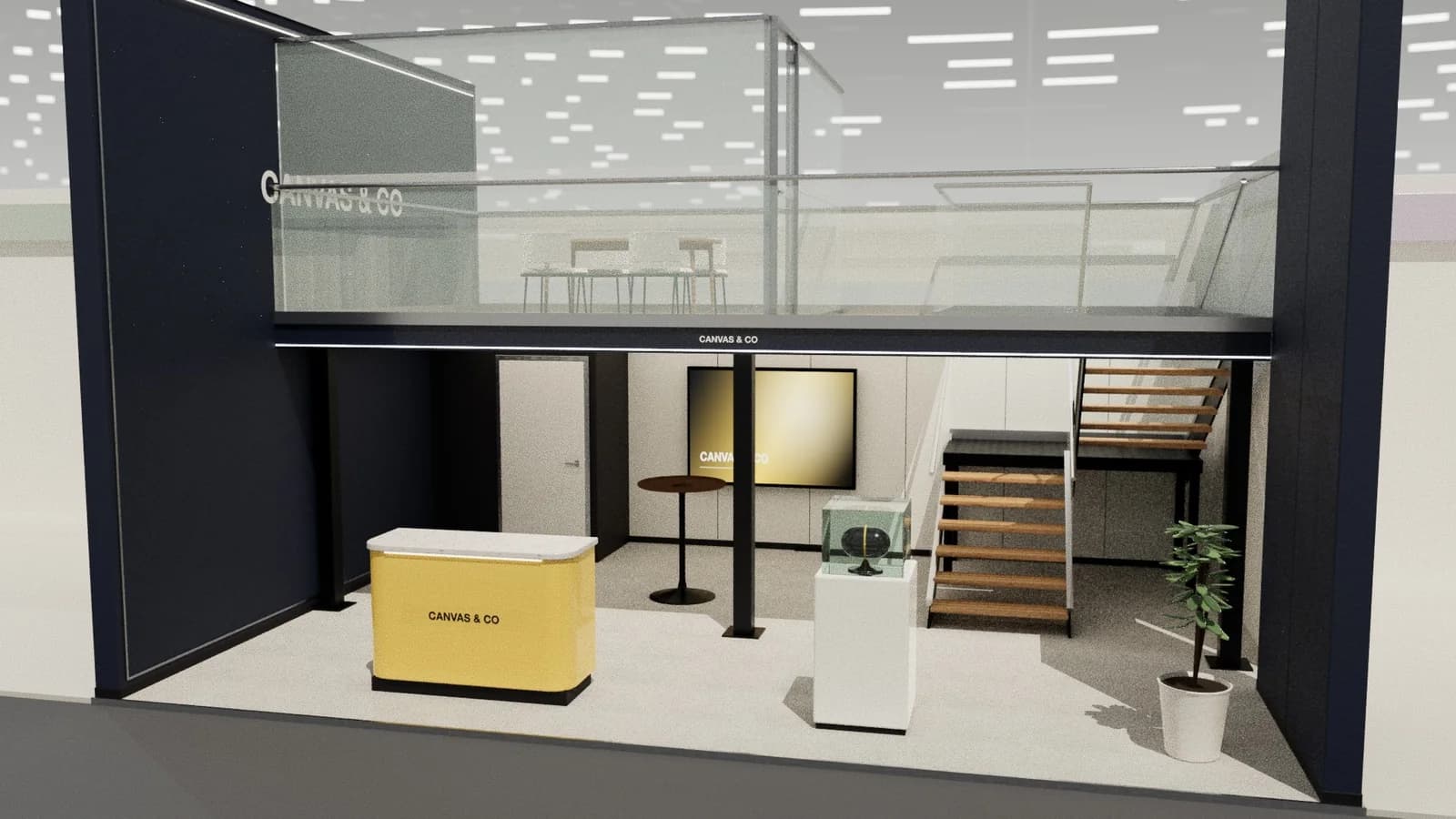
From a client brief to three 3D stand concepts in minutes
Three editable 3D exhibition stand concepts from a written brief and the brand's website, at your exact size.
Guidance here reflects common practice. Venues, organisers and countries set their own rules: always check the exhibitor manual and work with a qualified stand builder and engineer for structures.