In short
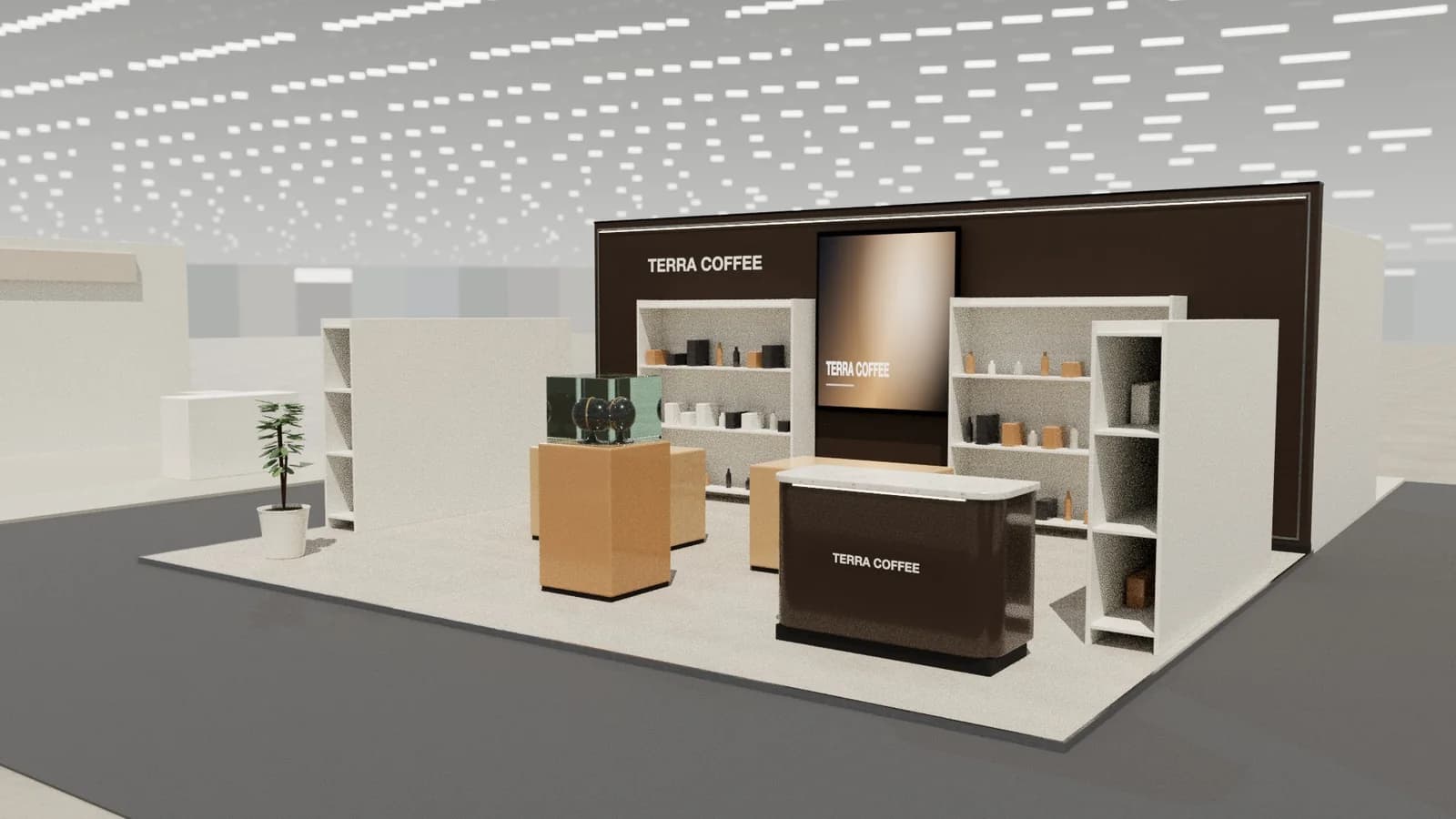
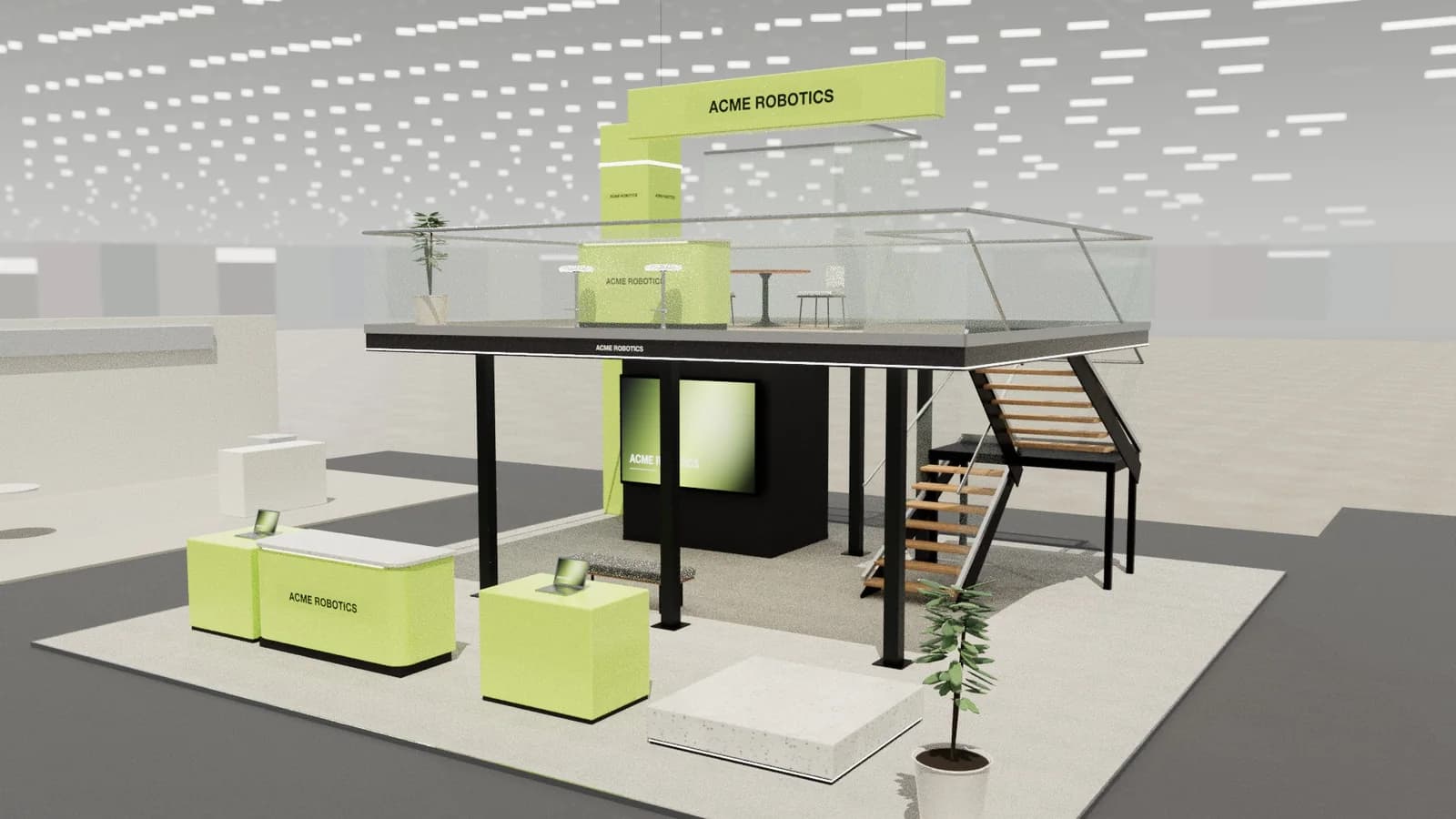
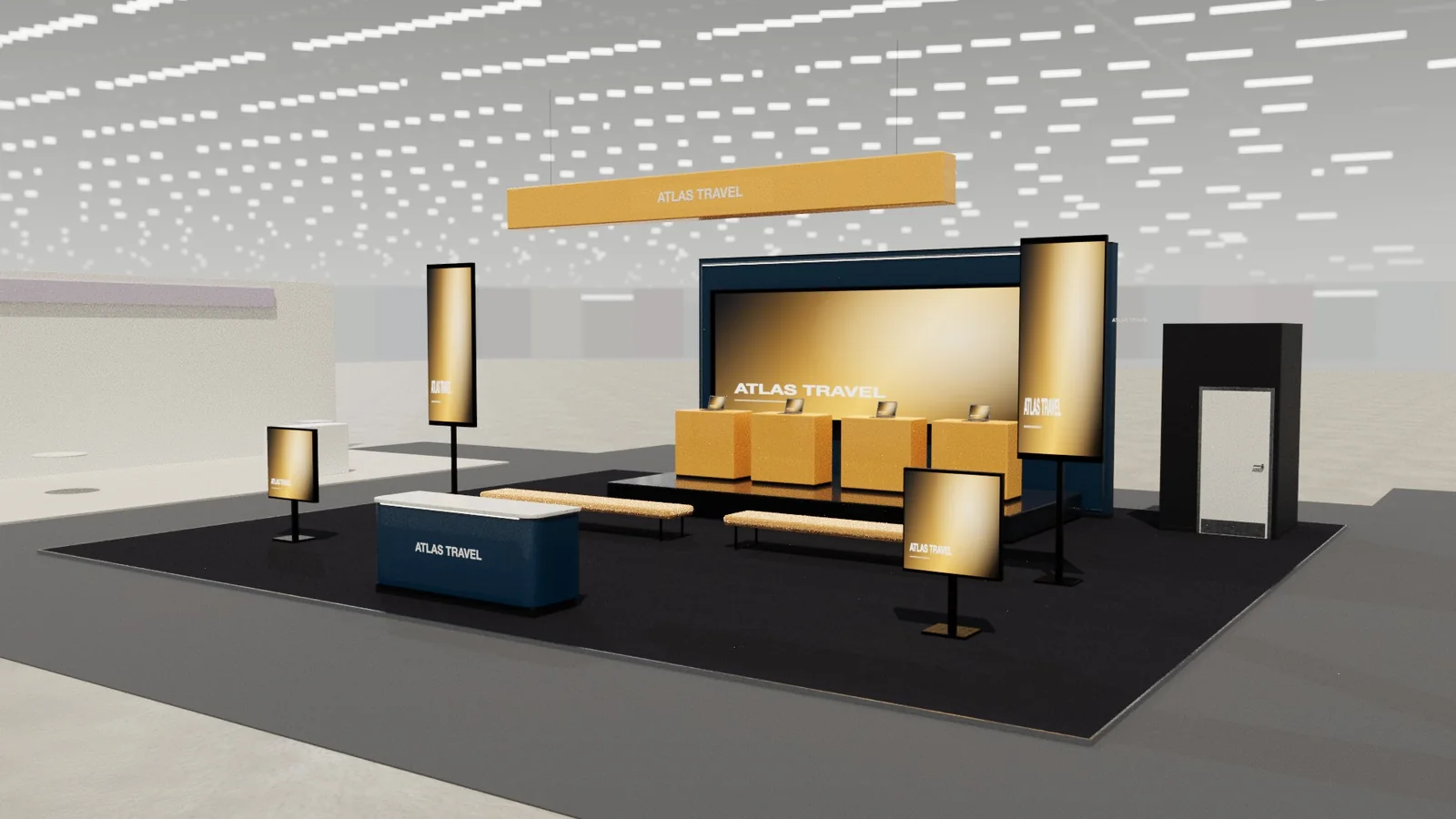
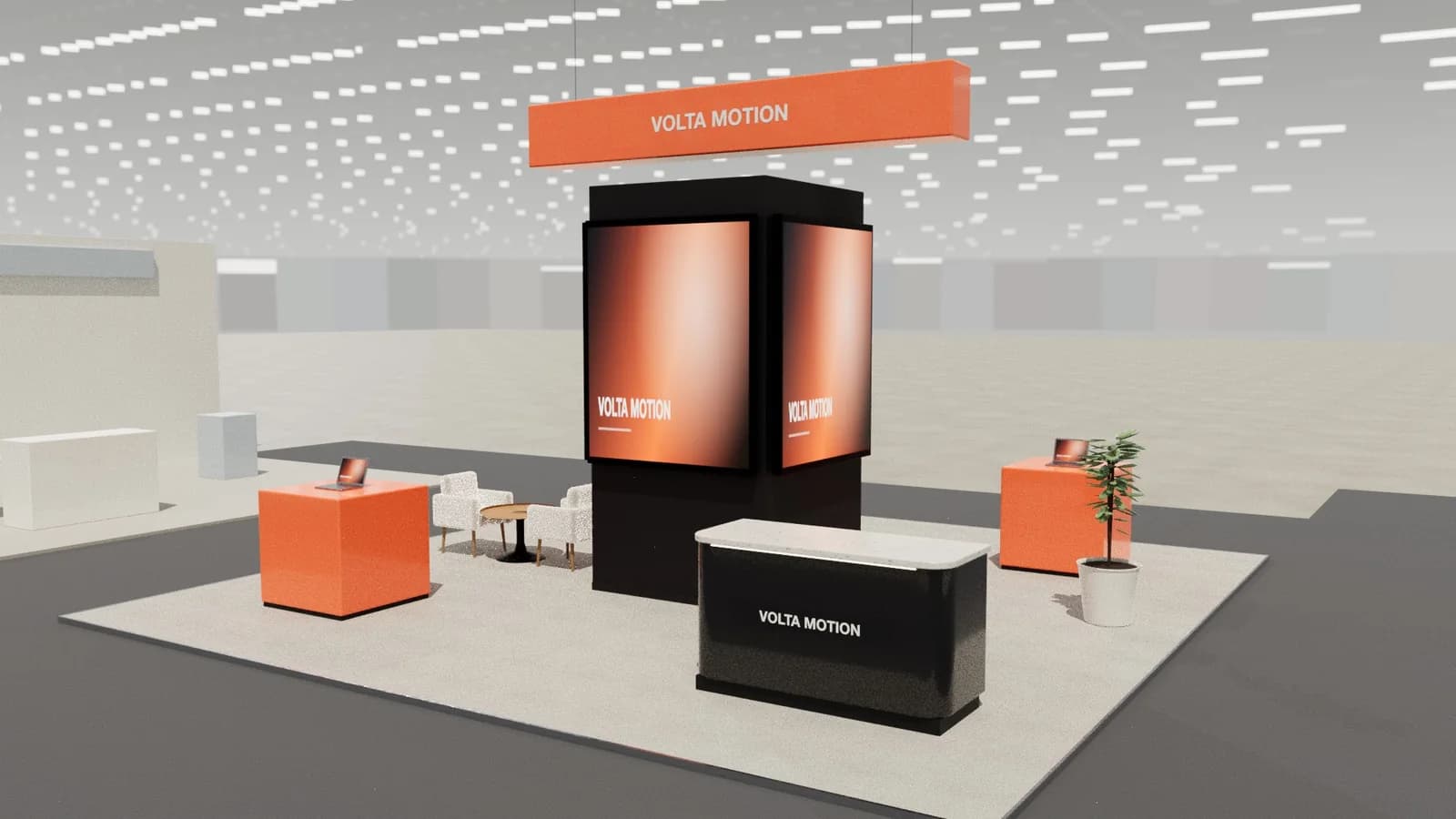
Exhibition stand graphics should identify the brand from 10 metres, say what you offer in a few words, and leave detail to people and screens. Place the logo and a short proposition above 2.2 m so visitors do not hide them, use large type (roughly 25 mm of letter height per metre of viewing distance), one dominant brand colour, and print on fabric or panels at about 100–150 dpi at full size.
Key points
- Three levels: brand (from far), proposition (from the aisle), detail (on the stand).
- Logo and headline above 2.2 m so people do not block them.
- Rule of thumb: about 25 mm of letter height for every metre of viewing distance.
- Tension-fabric (SEG) graphics are light, seamless and reusable.
- Supply artwork at full size, CMYK or the printer's profile, 100–150 dpi.
Three levels of message
| Level | Read from | Content | Where |
|---|---|---|---|
| Brand | 10–30 m | Logo, brand colour | Header, tower, hanging sign |
| Proposition | 3–10 m | One line: what you do for whom | Brand wall above 2.2 m |
| Detail | 1–3 m | Product names, short benefits | Plinths, counters, screens |
Letter sizes and placement
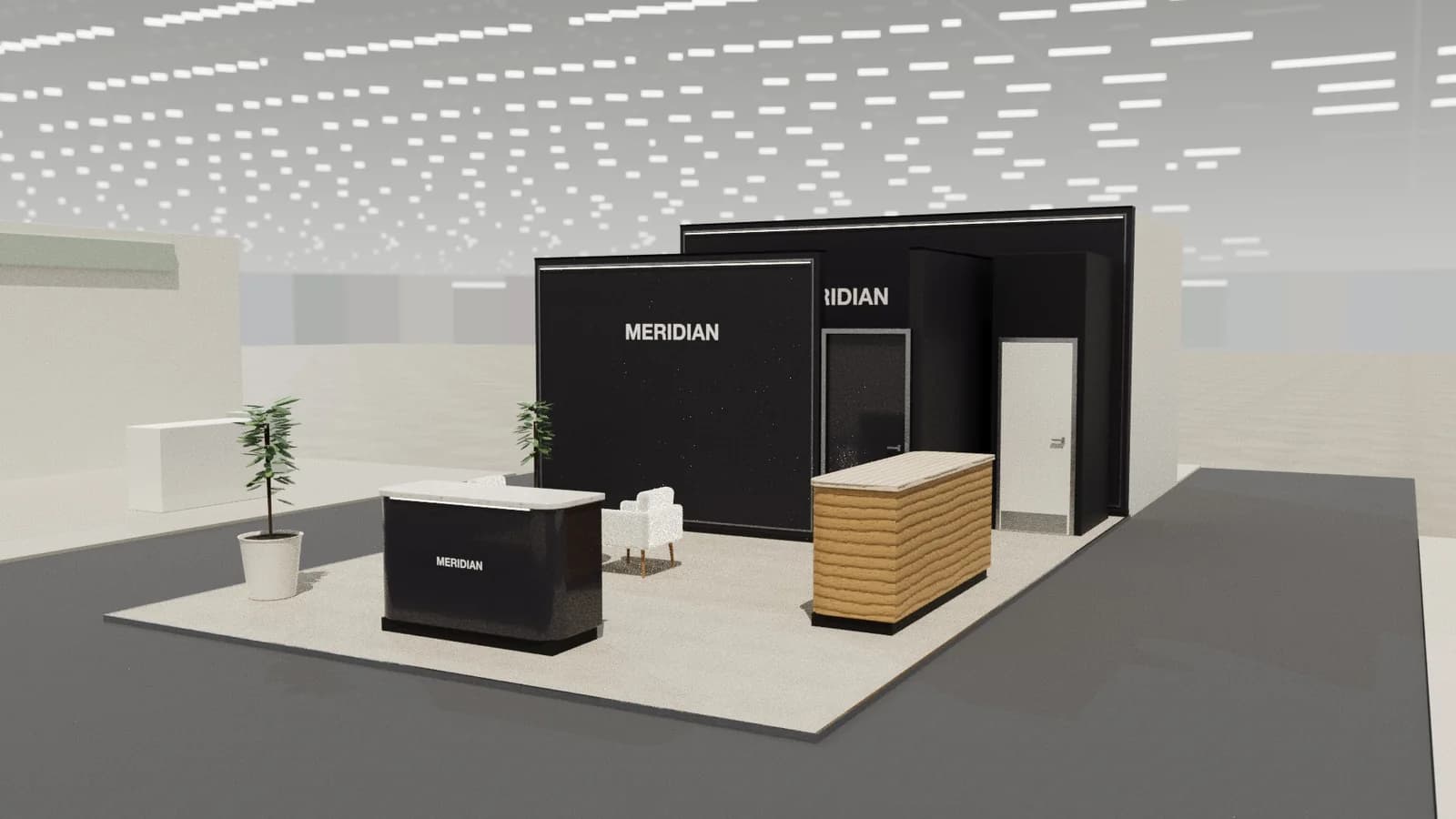
A practical rule: allow about 25 mm of capital letter height for every metre of viewing distance. A headline read from 8 m needs letters around 200 mm high. Keep important graphics above 2.2 m so a crowd does not hide them, and keep detail at eye level (1.2–1.8 m).
Graphic materials
- SEG / tension fabric: dye-sublimated fabric with a silicone edge that pushes into an aluminium frame. Seamless, light, washable, reusable; also backlit.
- Rigid panels (foamex, dibond): crisp for small signs and counters.
- Vinyl lettering: for walls and glass; manifestation bands on glazing.
- Direct print on board: for custom joinery.
Artwork checklist
- 1Design at full size or a clean ratio (1:10) using the printer's template.
- 2Vector logos and type; images at about 100–150 dpi at full size (large format is viewed from a distance).
- 3Add the printer's bleed and keep text inside the safe area away from frame edges and seams.
- 4Convert brand colours to the printer's colour profile and ask for a printed proof of critical colours.
- 5Check every graphic against the 3D model so nothing hides behind a counter or screen.
Mistakes to avoid
- Paragraphs of text on walls nobody reads.
- Logos at knee or waist height hidden by people and furniture.
- Too many colours and fonts; let one brand colour dominate.
- Low-resolution images that look soft at 3 m wide.
- Graphics in front of screens or behind counters.
Colour and contrast
Hall lighting, distance and crowds wash graphics out. Strong contrast between text and background matters more than the exact shade. Let one brand colour dominate large surfaces, use a neutral for the rest, and keep accent colours for small details. Dark text on light backgrounds or white text on deep colours both work; mid-tone on mid-tone does not.
- Ask the printer for a physical proof of the brand colour on the actual fabric or panel.
- Remember backlit graphics look brighter and more saturated than front-lit ones.
- Check colours under 3000–4000 K light, not only on a monitor.
Graphics schedule
Graphics are often the last thing finalised and the first thing the builder needs. Agree a graphics freeze date with the builder, usually two to four weeks before build-up, and keep a simple list: panel reference, size, material, file name, approver, status. It prevents last-minute reprints and missing panels on site.
Frequently asked questions
01How big should text be on an exhibition stand?
Roughly 25 mm of letter height per metre of viewing distance: about 250 mm for a headline read from 10 m.
02What resolution do exhibition graphics need?
About 100–150 dpi at full printed size is usually enough for large format viewed from a distance; logos and type should be vector.
03What is SEG fabric?
Silicone Edge Graphics: dye-sublimated fabric with a silicone strip around the edge that fits into an aluminium frame, giving a seamless, tensioned graphic that can be backlit and reused.
04Where should the logo go on a booth?
High (above 2.2 m) on the main wall or a header, plus on the counter front and any hanging sign, so it is visible over a crowd.
Put it into practice
Booth renders that start from the brief, not a blank prompt
Photoreal exhibition booth renders made from a dimension-controlled 3D model, with the brand's colours and logo.
Guidance here reflects common practice. Venues, organisers and countries set their own rules: always check the exhibitor manual and work with a qualified stand builder and engineer for structures.