In short
LED walls make a stand visible from far down the aisle; screens suit close-up demos. Choose the pixel pitch by viewing distance (a rule of thumb is about 1 mm of pitch per metre of the closest comfortable viewing distance), mount screens so the content sits above heads and above any counter in front, design content for the wall's resolution, and plan power and heat.
Key points
- LED walls attract from a distance; screens explain up close.
- Pixel pitch in mm ≈ closest comfortable viewing distance in metres.
- Mount so a counter or people never hide the lower part.
- Content must be designed for the wall's exact pixel size.
- LED walls draw significant power and produce heat.
Pixel pitch and viewing distance
| Pixel pitch | Closest comfortable viewing | Typical use |
|---|---|---|
| 1.2–1.9 mm | 1–2 m | Close-up brand walls, meeting rooms |
| 2.5–3.9 mm | 2.5–4 m | Main stand walls, cores |
| 4–6 mm | 4–6 m+ | High walls, towers, hanging LED |
Placement
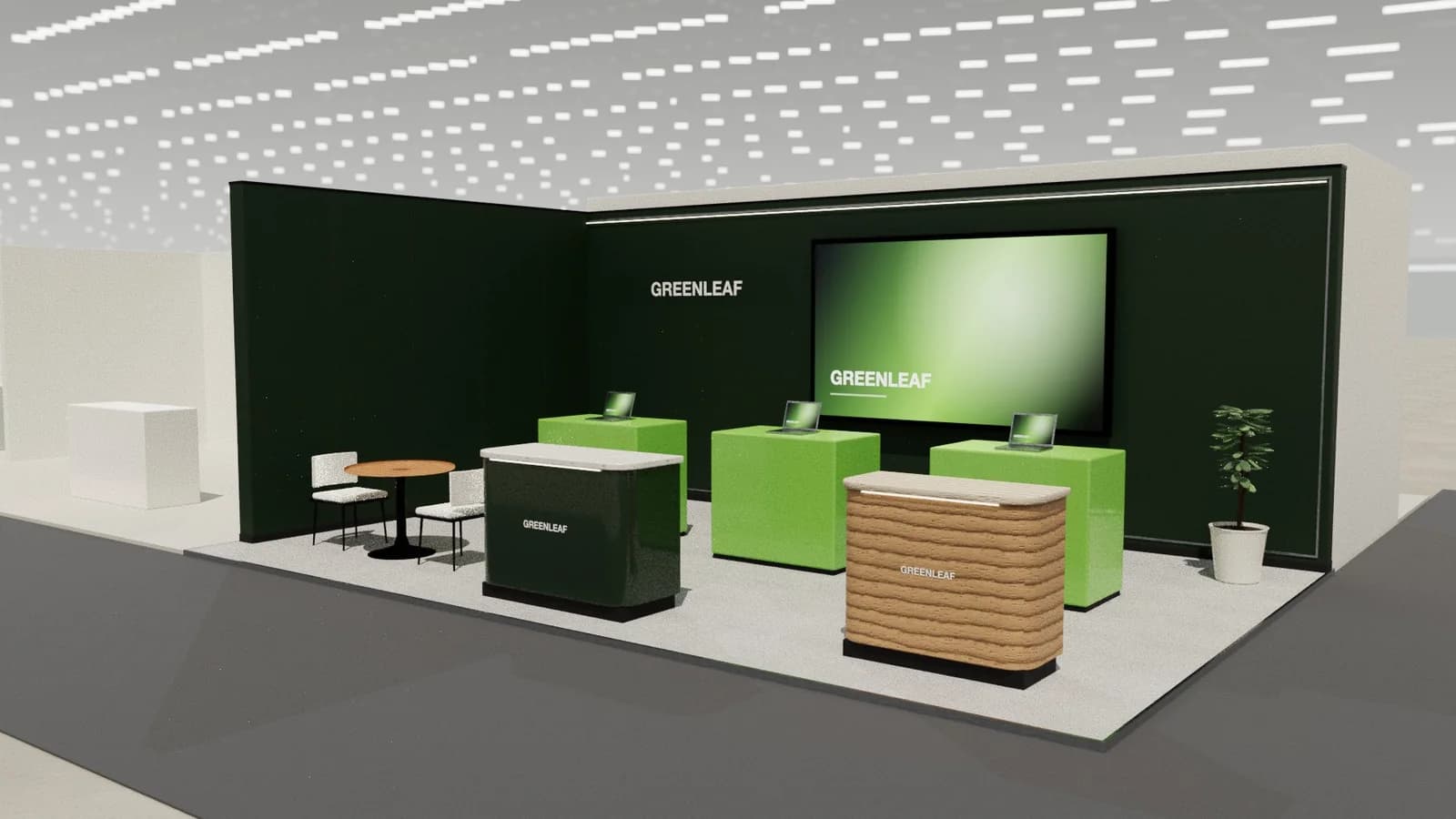
- Mount screens so the bottom edge clears any counter in front, typically at least 1.2–1.5 m above the floor for a screen behind a reception counter.
- For visibility over crowds, place the brand content above 2.2 m.
- Never put graphics, banners or plinths in front of a screen.
- Avoid spotlights aimed at screens; they wash out the image.
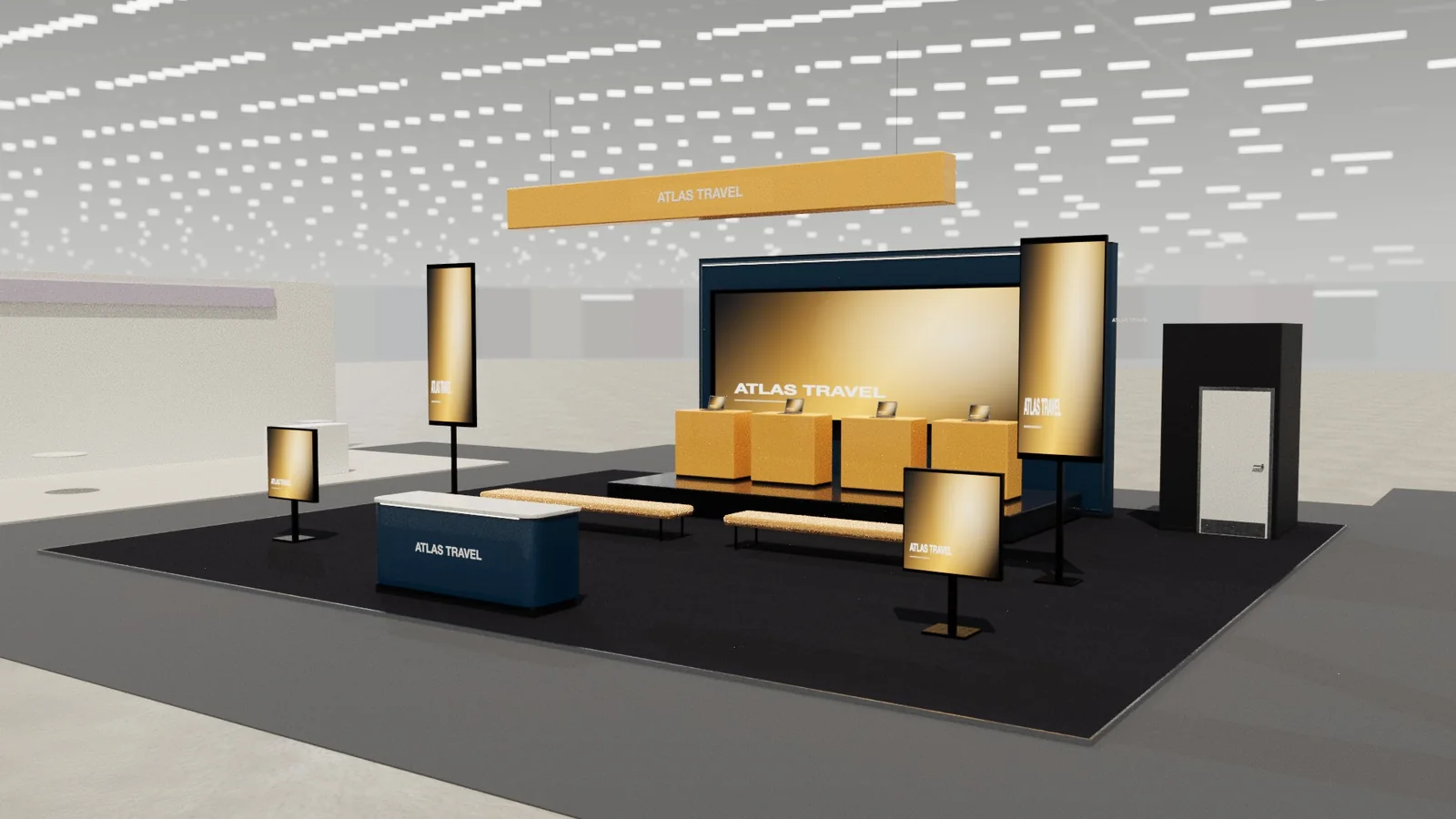
Content
- Design at the wall's exact pixel resolution, not generic 1920 × 1080.
- Short loops (20–60 seconds), big type, few words, no sound or subtitles.
- High contrast and motion attract; fine detail is lost at distance.
Power and practicalities
LED walls draw significant power (ask the supplier for peak and average figures) and produce heat. Order power with headroom, leave service access behind the wall, and plan who operates the content during the show.
Choosing the size
A screen should read from the distance it is designed for. For a main stand wall seen from the aisle, many exhibitors choose an LED wall of 3–5 m wide on medium stands and larger on islands; for demo screens, 43–65 inch displays at eye level work well. Bigger is not always better: a wall that dominates a small stand leaves no room for the brand and people.
| Viewing | Typical choice |
|---|---|
| Demo at a counter (1–2 m) | 43–55 in display |
| Meeting room | 55–75 in display |
| Back wall from the aisle (4–10 m) | LED wall 3–5 m wide, 2.5–3.9 mm pitch |
| Tower or hanging LED (10 m+) | LED, 4–6 mm pitch |
Common mistakes
- Screens mounted low behind a counter, so the bottom third is hidden.
- Content designed for a TV, stretched or cropped on an LED wall.
- Long videos with sound that nobody hears in the hall.
- Bright LED walls overpowering the rest of the stand lighting.
- No technician or remote access when content stops playing.
Frequently asked questions
01What pixel pitch do I need for a trade show?
Roughly 1 mm of pitch per metre of the closest comfortable viewing distance: 2.5–3.9 mm suits most stand walls viewed from 3–4 m.
02LED wall or TV screens?
LED walls are seamless and visible from far away; large TVs are cheaper and sharper up close, good for demos and meeting rooms.
03How high should a screen be mounted on a booth?
High enough that people and furniture do not hide it: the bottom edge above any counter in front, usually 1.2–1.5 m or more.
04Do LED walls need special power?
Larger walls need dedicated circuits with enough capacity; your AV supplier will specify the load.
Put it into practice
From a client brief to three 3D stand concepts in minutes
Three editable 3D exhibition stand concepts from a written brief and the brand's website, at your exact size.
Guidance here reflects common practice. Venues, organisers and countries set their own rules: always check the exhibitor manual and work with a qualified stand builder and engineer for structures.