In short
Exhibition stand technical drawings turn a design into something a builder can price and build and an organiser can approve. The core set is a general arrangement: a dimensioned plan with a set-out point and grid, front and side elevations with heights, sections for decks or structures, an object schedule with sizes and finishes, and a title block with scale, revision and stand details, usually on A3 and as DXF.
Key points
- Plan, elevations and schedule are the minimum; decks and structures need sections and engineering.
- Set out everything from one 0,0 point at a stand corner, on a grid.
- Show the maximum build height and the open and closed sides.
- Use standard scales (1:20, 1:25, 1:50, 1:100) so drawings can be measured.
- Keep a revision history: builders and organisers must see the latest version.
The drawing set
| Sheet | Shows | Who uses it |
|---|---|---|
| General arrangement plan | Every object, set-out grid, overall and key dimensions, open sides | Builder, organiser, client |
| Elevations | Front and side views with heights, graphics zones and build height | Builder, graphic printer, organiser |
| Sections | Through decks, ceilings and structures | Engineer, organiser |
| Object schedule | Reference, item, size, position, rotation, finish | Builder for quoting, project manager |
| Electrical plan | Sockets, lights, loads, distribution board | Electrical contractor, organiser |
| Rigging plan | Hanging points, loads, heights | Venue rigging team |
The general arrangement plan
- Set-out point (0,0) at a stand corner, usually front-left, so every object can be positioned by X and Y.
- Grid lines with labelled bubbles at regular intervals (for example every 1 m) for quick setting out on site.
- Overall dimensions of the plot and key dimensions to walls, counters and openings.
- Open and closed sides clearly marked, with neighbouring stands or aisles noted.
- References on each object that match the schedule.
- North point or hall orientation and the stand number.
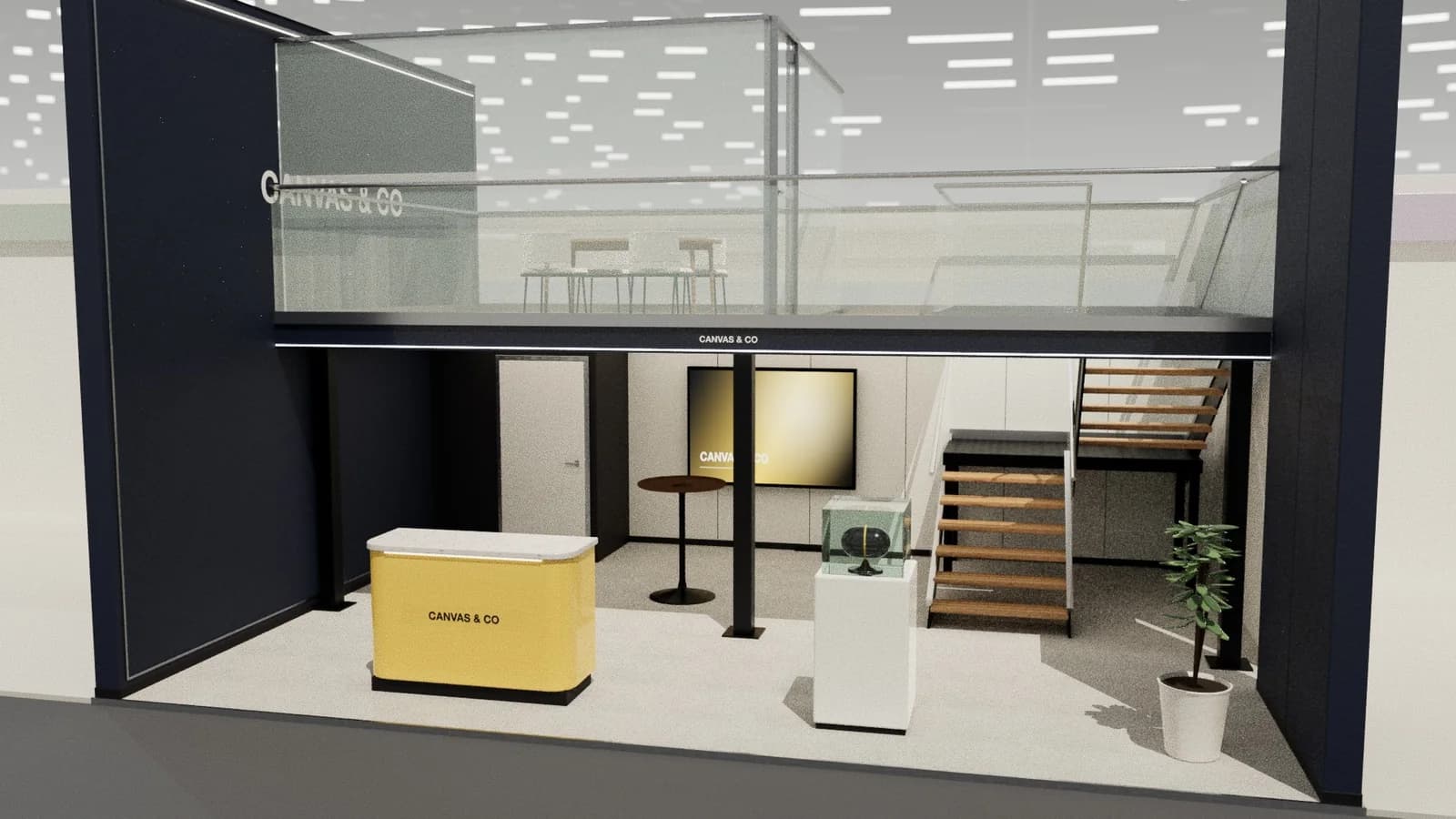
Elevations and heights
Elevations show every height a builder or printer needs: wall heights, counter heights, screen centres, graphics zones, ceiling and deck levels, and the maximum permitted build height as a dashed line. Show the elevation from each open side so the organiser can check what neighbours see.
The schedule
A schedule lists every object with a reference, description, size (W × D × H), set-out position, rotation and finish. It is what builders quote from, so it should match the plan exactly. Exporting it as CSV makes quoting and ordering faster.
CAD layers and formats
- Supply DXF or DWG for builders, in millimetres, with objects on named layers (walls, furniture, displays, structure, overhead, dimensions, grid, text).
- Supply a PDF for clients and organisers, at a stated scale on A3 or A1.
- Keep the title block consistent: project, stand number, hall, scale, sheet number, revision, date, author.
Checklist before you issue
- 1Scale correct and stated; dimensions agree with the 3D model.
- 2Build height and open sides shown.
- 3Every enclosed room has a door; every route at least 0.9 m.
- 4Stairs, balustrades and decks dimensioned and referenced to engineering.
- 5Revision letter and date updated, and changes clouded.
Revisions and version control
Stand drawings change many times between concept and build. Give every issue a revision letter, date and short description of the change, cloud the changed areas, and send the full set rather than single sheets. Builders and organisers should always know which revision is current; mismatched versions are a classic cause of on-site surprises.
Frequently asked questions
01What drawings does an exhibition organiser need?
Usually a dimensioned plan and elevations showing heights, open sides and materials; double-decks and rigging need structural calculations and sections too. Check the exhibitor manual.
02What scale should stand drawings be?
Common scales are 1:20 or 1:25 for small stands and 1:50 or 1:100 for large ones, chosen so plan and elevations fit the sheet.
03DXF or DWG?
Both open in AutoCAD and most CAD tools; DXF is an open format that more software reads. Supply whatever your builder asks for.
04Can technical drawings be generated from a render?
Roughly, yes: tools like Studio's [render to CAD](/render-to-autocad) estimate a 3D model and drawings from an image and your overall dimensions, marking hidden details as estimates.
Put it into practice
Exhibition stand technical drawings, drawn from the 3D design
A3 plan and elevations at scale, set-out grid, object schedule and a layered AutoCAD DXF, generated from the 3D design.
Guidance here reflects common practice. Venues, organisers and countries set their own rules: always check the exhibitor manual and work with a qualified stand builder and engineer for structures.