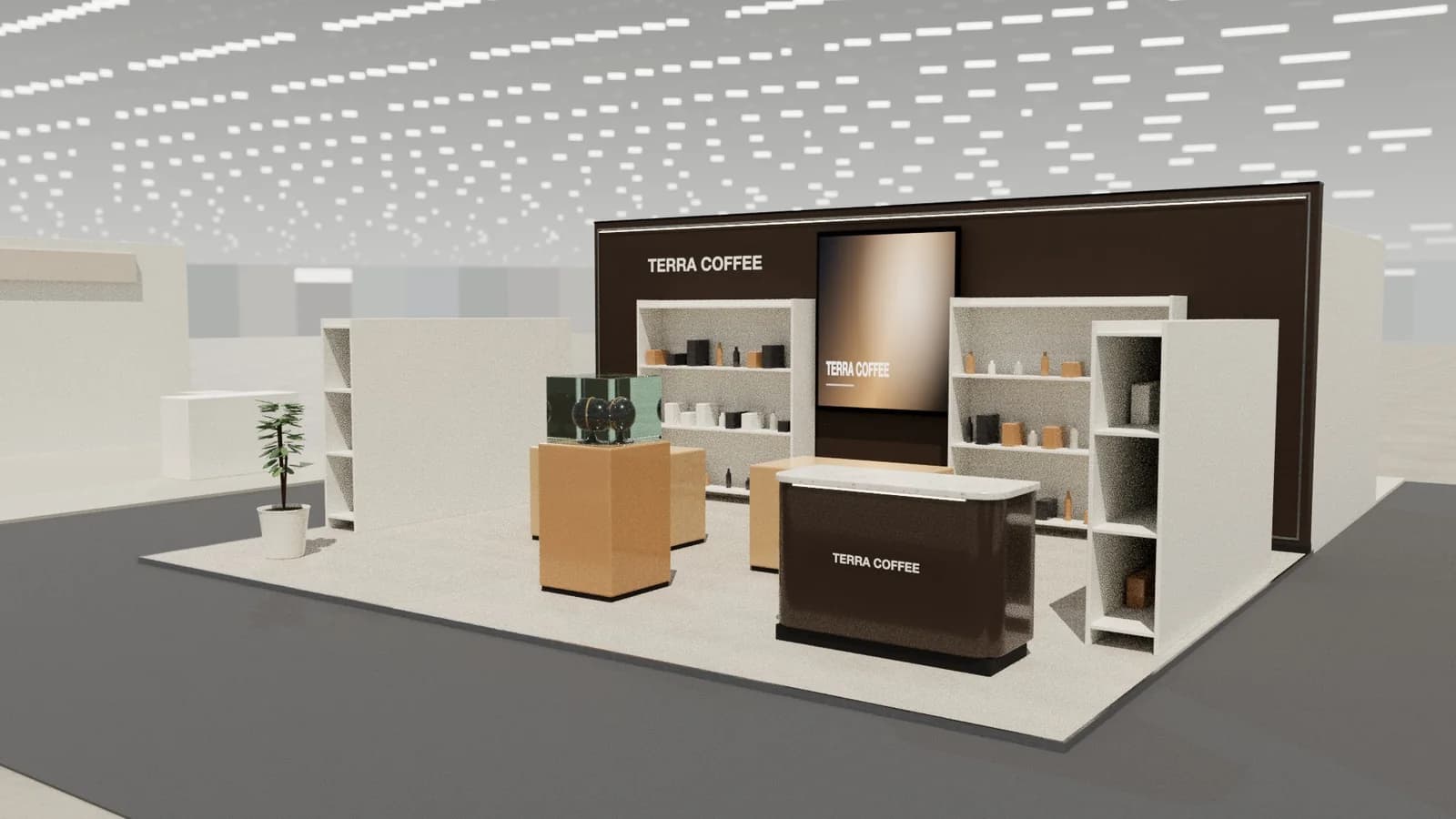
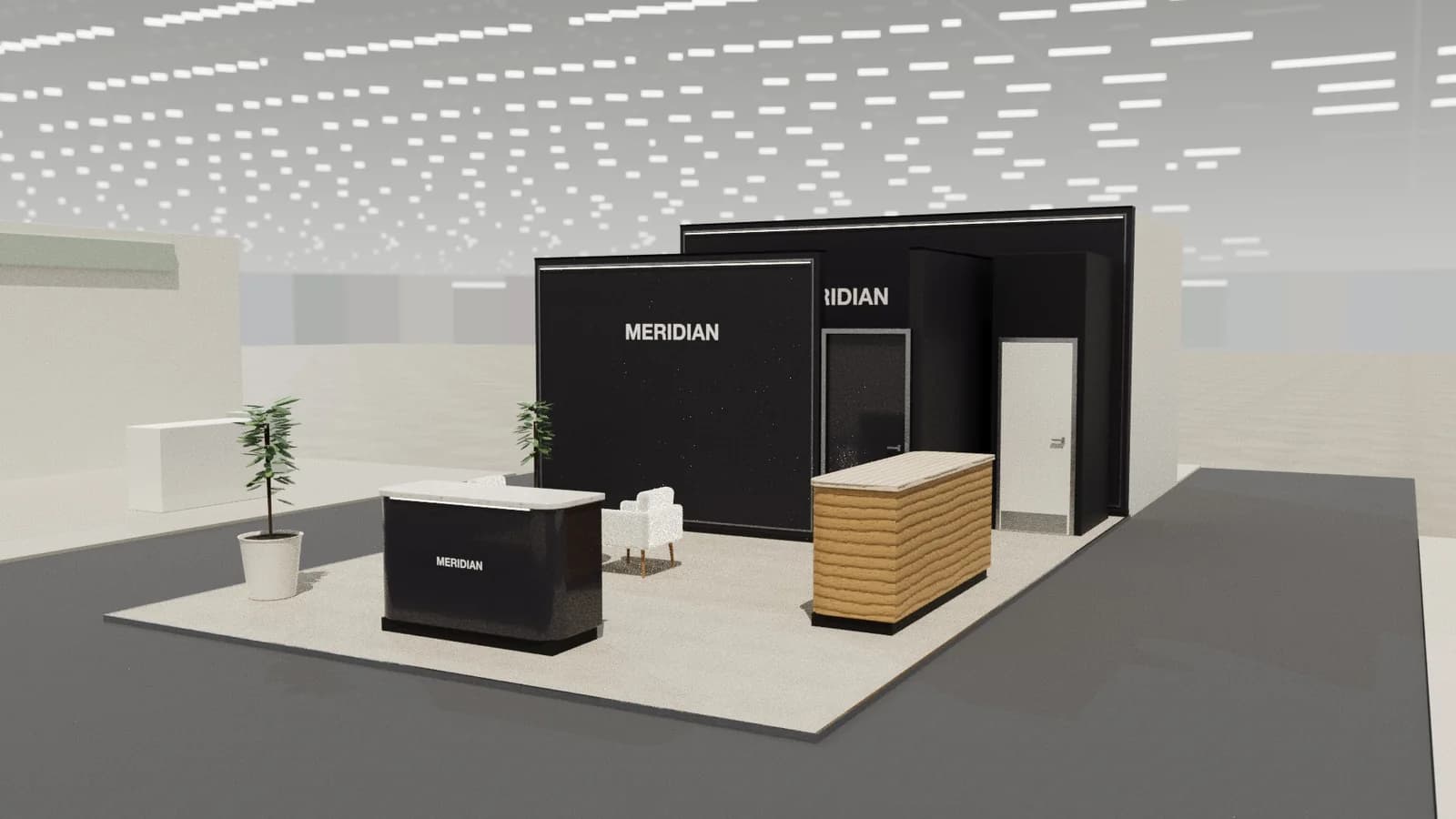
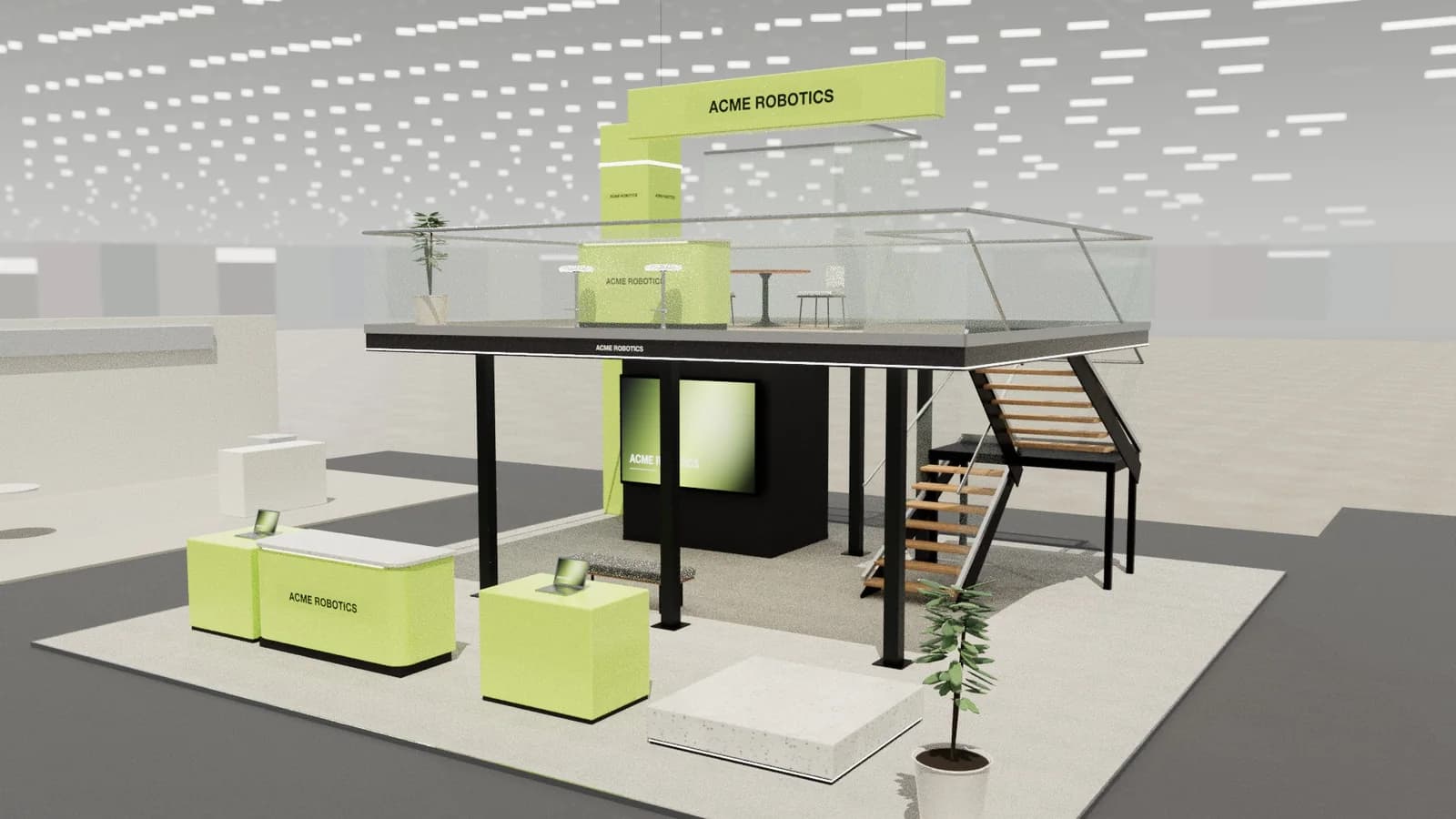
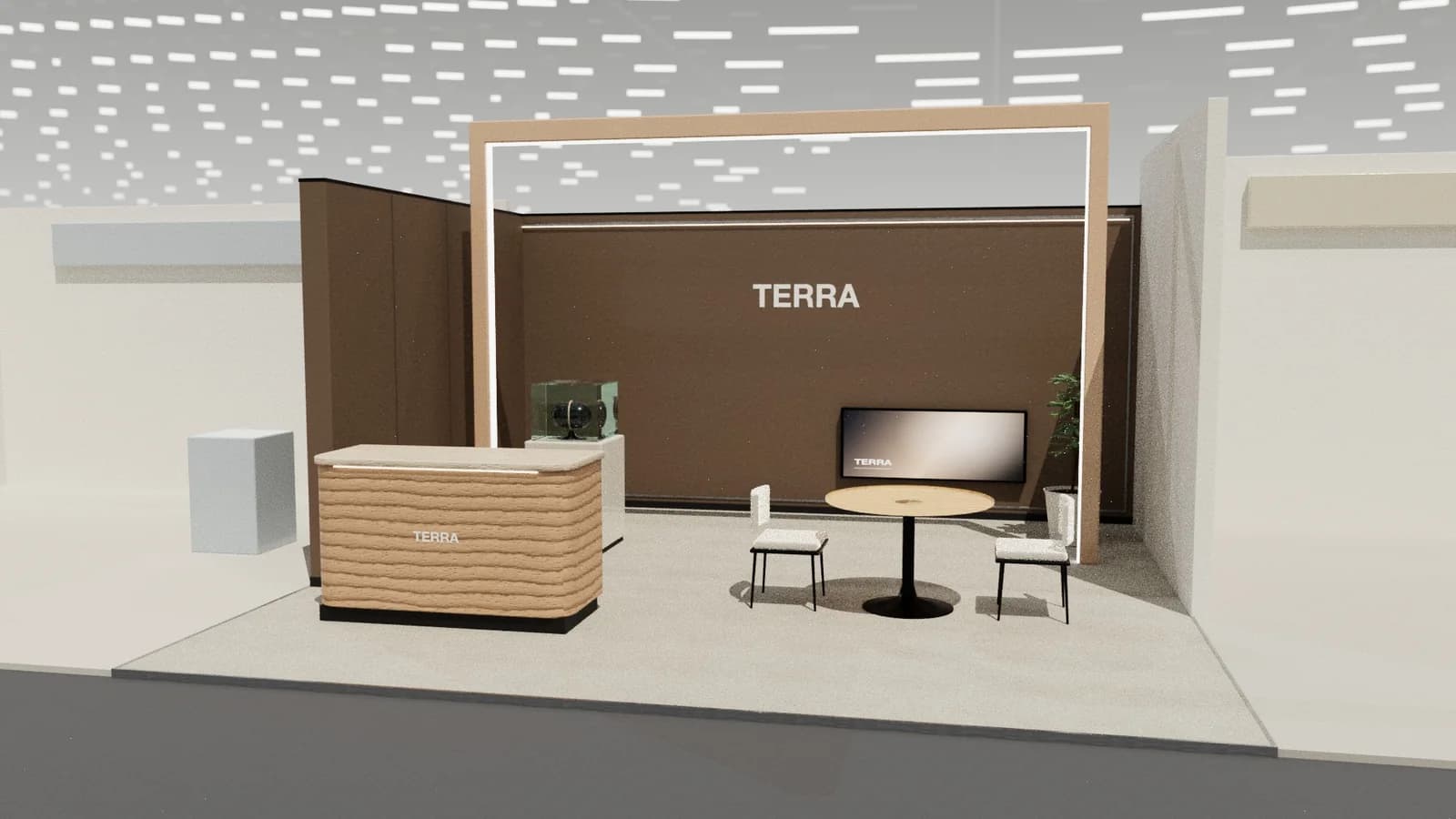
In short
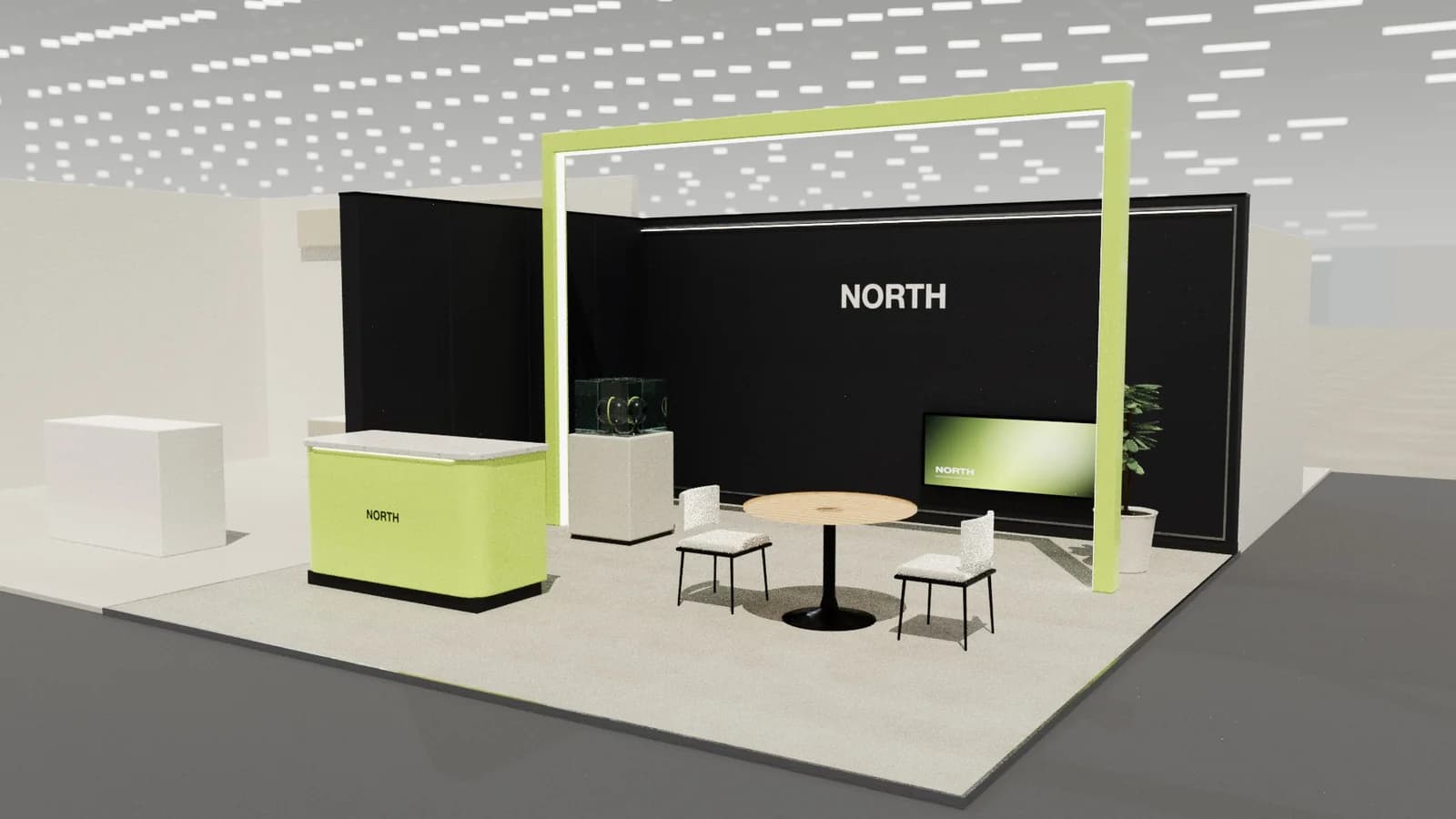
Present stand designs as a visitor's story, not a list of features: show where people enter, what they see, where they talk and where they meet, using an aisle-view render, a walkthrough or live 3D, and a simple plan. Offer two or three genuinely different options, tie each to the brief's objectives and budget, and make feedback easy with a shared review link.
Key points
- Lead with the aisle view: it is what visitors and the client's boss will see.
- Two or three distinct options, each tied to objectives.
- Plan and dimensions build trust that it is buildable.
- A walkthrough video or live 3D answers questions renders cannot.
- Make feedback specific and in one place.
What to include
- 1The brief restated in one slide: objectives, size, stand type, must-haves.
- 2For each option: a hero render from the aisle, a three-quarter view, the plan with zones, and one sentence on the idea.
- 3Materials and mood: finishes, colours, lighting.
- 4Budget band and what drives it.
- 5Next steps and dates: approval deadlines, build schedule.
How many options
Three distinct directions is a common sweet spot: enough choice without overwhelming. Make them really different (an open, product-led stand; a hospitality-led stand; a bold landmark), not three colourways of the same layout.
Tell the visitor story
- 01
From the aisle
What does a visitor see from 10 m? The brand and the hero.
- 02
Step in
What pulls them onto the stand?
- 03
Engage
Demo, conversation, experience.
- 04
Convert
Meeting, lead capture, hospitality.
A walkthrough video that follows this path is often more persuasive than any still. Studio exports walkthrough, crane reveal and orbit videos from the 3D design.
Feedback and approval
- Share a review link so everyone looks at the same version and comments in one place.
- Ask for decisions, not opinions: "Option B with the meeting room from A?"
- Record changes with revisions so the drawings and quotes stay in step.
A simple presentation order
- 1Objectives and constraints in one slide.
- 2The idea behind each option, with the hero render.
- 3The visitor journey: aisle view, then inside.
- 4Plan with zones and dimensions.
- 5Materials, lighting and graphics approach.
- 6Budget band, timeline and next decisions.
Mistakes that lose pitches
- Renders that show a stand much bigger than the space booked.
- Beautiful images with no plan, so the client cannot tell if it fits.
- Options that differ only in colour.
- No link between the design and the brief's objectives.
- Promising features the budget cannot cover.
After the decision
Once a direction is chosen, freeze the layout before detailing so drawings, graphics and quotes all start from the same version. Share the updated drawings and a final render for sign-off, and keep the review link live so stakeholders who missed the meeting can still see the stand.
Frequently asked questions
01How many design options should I present?
Usually two or three genuinely different directions, each tied to the brief's objectives.
02Should I show the price with the design?
Show a budget band and what drives it; a detailed quote follows once a direction is chosen.
03Renders or live 3D?
Both: renders for emotion and sharing, live 3D or a walkthrough for understanding scale and flow.
04How do I handle 'make it pop' feedback?
Ask what should be seen first from the aisle and from how far, then adjust lighting, contrast or height of that element.
Put it into practice
Booth renders that start from the brief, not a blank prompt
Photoreal exhibition booth renders made from a dimension-controlled 3D model, with the brand's colours and logo.
Guidance here reflects common practice. Venues, organisers and countries set their own rules: always check the exhibitor manual and work with a qualified stand builder and engineer for structures.