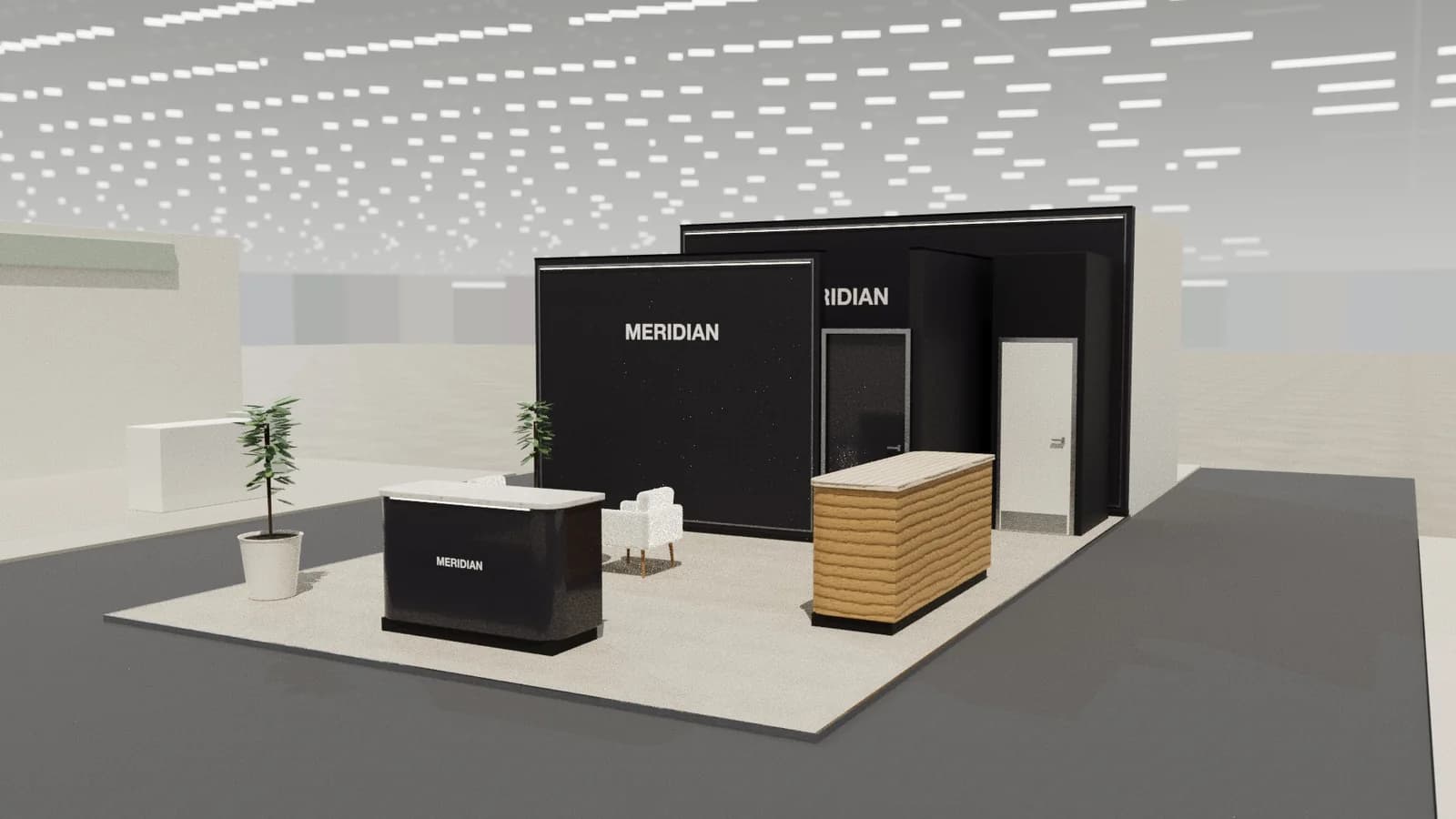
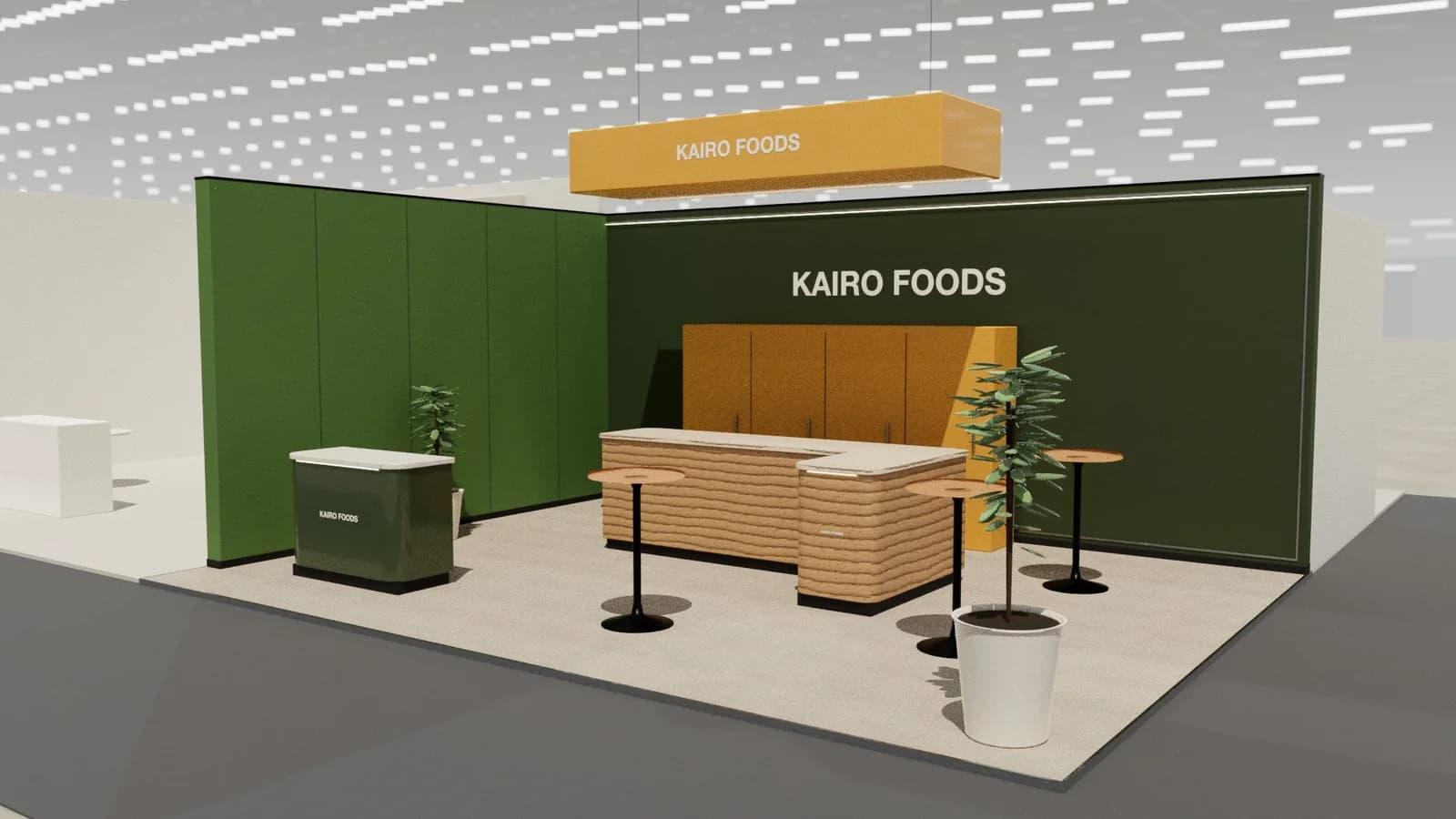
In short
Cybersecurity booths stand out by being specific: one plain-language statement of the problem you solve, live product demos on large screens, technical staff who can answer researchers and CISOs, and a quieter table for qualified conversations. Abstract padlocks and buzzwords make every vendor look the same.
Key points
- Message wall, Demo stations, Theatre, Meeting table are the core zones.
- Avoid: graphics full of buzzwords that could belong to any vendor.
- Avoid: demos that depend on unreliable hall Wi-Fi.
- Avoid: no technical staff on the booth for practitioner questions.
- See the template and trade show guides linked below for security vendors.
Who visits and what they want
CISOs, security architects, SOC analysts, engineers and channel partners. They are sceptical, technically literate and see dozens of vendors claiming similar things.
What to show
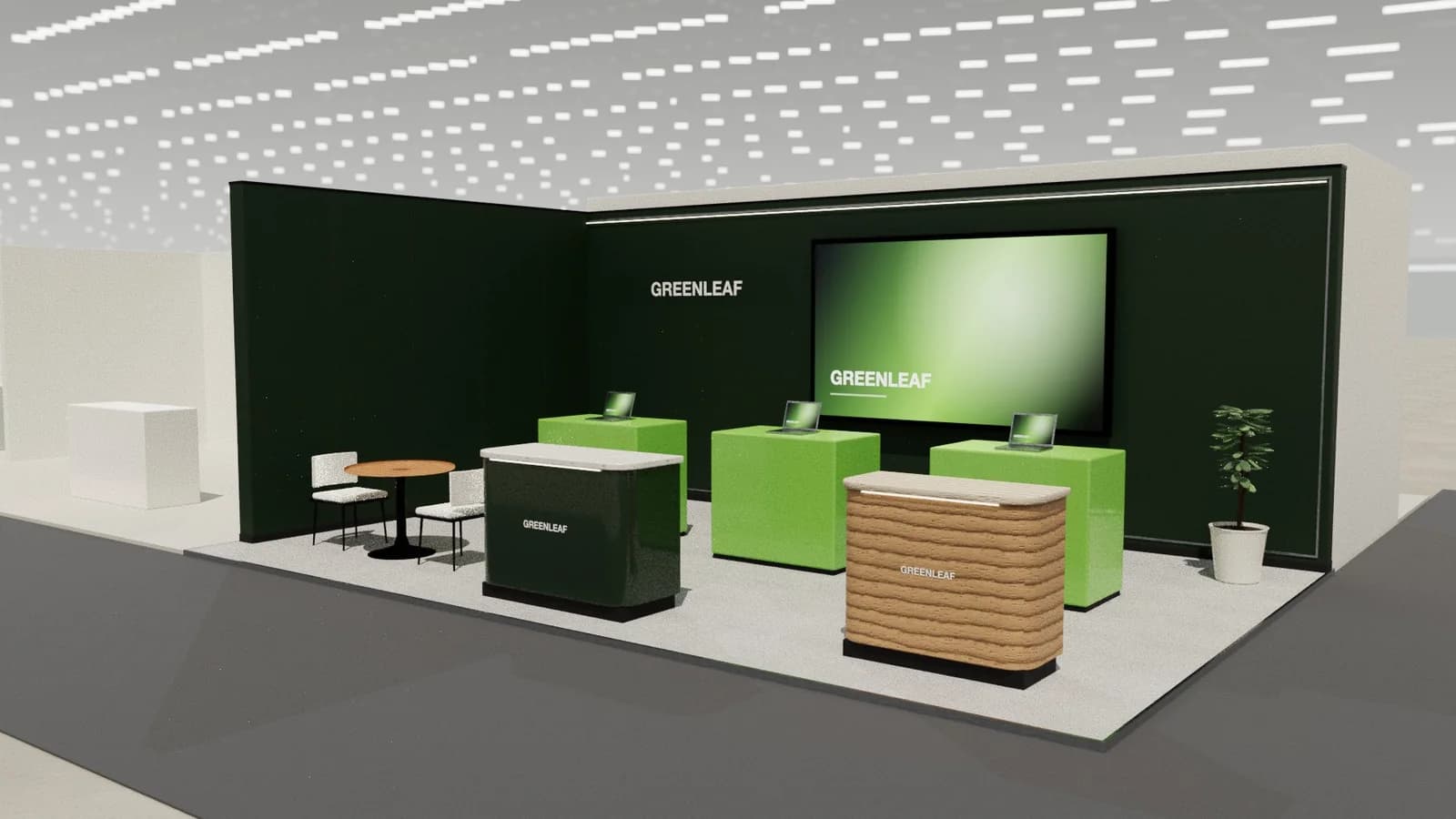
The product running live: dashboards, detections, investigations and integrations. Interactive challenges, attack simulations and threat-intelligence displays draw crowds. Avoid relying on video when a live demo is possible.
Zones for a cybersecurity stand
| Zone | Purpose | Where it goes |
|---|---|---|
| Message wall | One clear problem and outcome | Back wall, readable from the aisle |
| Demo stations | Live product on large screens with stools | Front and sides |
| Theatre | Short scheduled talks | Corner or rear with a large screen |
| Meeting table | Qualified technical conversations | Quieter rear area |
On a 3 × 3 m stand, keep the first two zones and book meetings elsewhere. From about 36 m² every zone fits; see stand sizes for what fits at each size.
Materials, lighting and graphics
Dark palettes with a single accent colour are common, so contrast and clarity matter more than darkness. Screens must be bright enough for hall lighting; text on graphics should be large and sparse.
For detail on light levels and colour rendering, see stand lighting; for wall graphics, see graphics and branding.
Starting conversations and capturing leads
Open with the visitor's problem, not your product: "What does your SOC spend most time on?" leads straight to a relevant demo. Scan badges at the demo station after the conversation, and qualify by role so researchers and buyers get the right follow-up.
Rules and practicalities
Live demos must not touch real customer data, and hall networks are untrusted: run demos locally or on isolated connections. Some shows restrict activities like hacking challenges; check the exhibitor manual.
Venue rules on height, open sides, fire safety and services still apply; see venue approval.
Common mistakes
- Graphics full of buzzwords that could belong to any vendor.
- Demos that depend on unreliable hall Wi-Fi.
- No technical staff on the booth for practitioner questions.
Trade shows for security vendors
Show-specific guides: RSAC Conference, Black Hat USA, GITEX Global. For more, see stand design by trade show.
Frequently asked questions
01How do I make a security booth stand out?
Say plainly what you protect against and show it live. Specific claims and working demos beat generic imagery.
02What works better: a theatre or demo stations?
Both if you have the space: demo stations for depth, short theatre sessions for crowds. On a small booth, two staffed demo stations are enough.
03What size stand does a cybersecurity exhibitor need?
Size to the activities: about 9 m² for one conversation point, 18–36 m² to add demos and a meeting table, and 50 m² or more for meeting rooms and hospitality. See [stand sizes](/guides/topics/exhibition-stand-sizes).
04Can AI design a cybersecurity booth?
AI can produce a complete concept quickly: [Studio](/ai-booth-designer) lays out the zones above at real scale and renders the result. A stand builder still checks structure, services and compliance before building.
Put it into practice
Design your trade show booth in 3D before you brief the builder
Design a trade show booth in 3D at your exact booth size, from a 10x10 inline to a 20x20 island, with renders and drawings for your builder.
Guidance here reflects common practice. Venues, organisers and countries set their own rules: always check the exhibitor manual and work with a qualified stand builder and engineer for structures.