In short
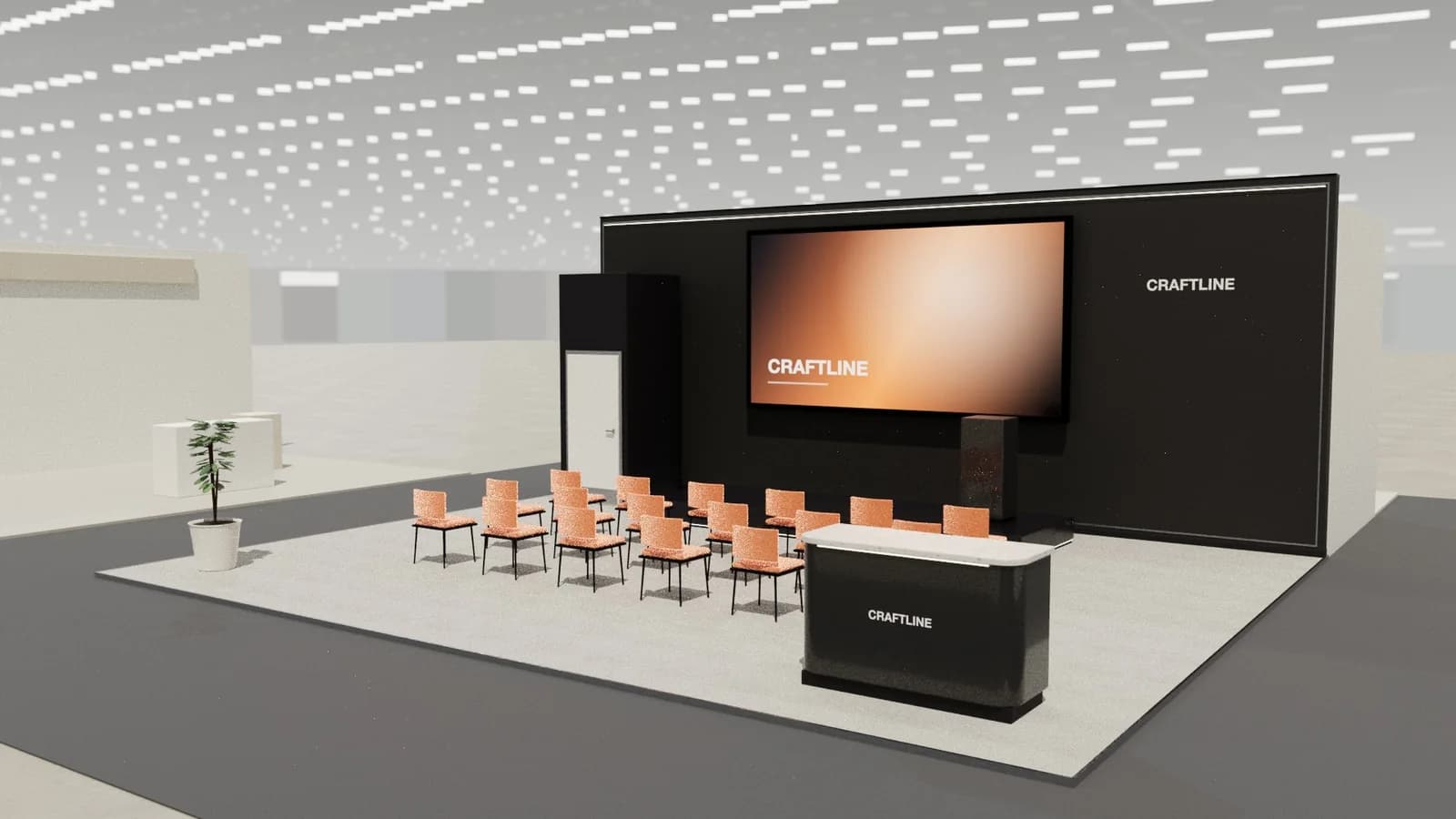
A stand theatre works when people can see, hear and leave without blocking the aisle. Keep the area inside your plot, with seating or standing room for your realistic audience, a screen high enough to clear heads, and headsets or a directional sound system if the hall has noise limits. Run short sessions at published times. Twenty minutes with a clear topic beats a continuous loop that nobody stops for.
Key points
- Keep the audience inside your plot.
- Noise limits often decide the sound system.
- Short, timed sessions beat a loop.
- Plan the follow-up conversation, not only the talk.
Sizing a theatre
| Audience | Rough floor | Format |
|---|---|---|
| 8–10 standing | About 8–10 m² | Stand around a screen at the front edge |
| 12–15 on stools | About 15–20 m² | Two rows, low platform |
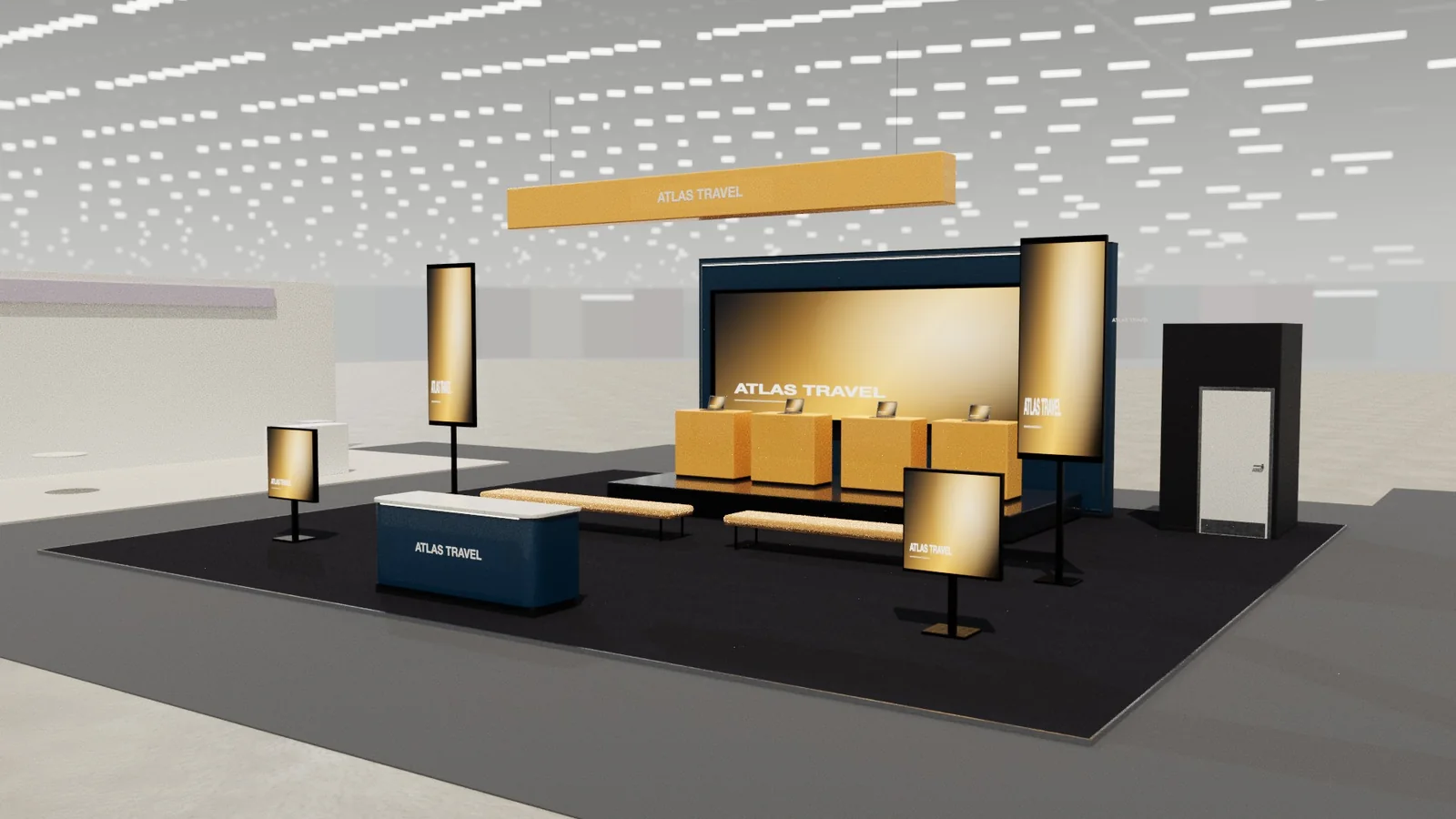
| 20–30 on benches | About 30–40 m² | Rows or tiers, on a larger island |
Sound
Organisers commonly limit stand volume, and neighbours will complain well before an inspector arrives. Headset systems (silent theatre) let a presenter speak over a loud hall. Directional speakers and a small PA at a low level may work in quieter halls. Whatever you pick, check the rules, and test the system on site before opening. See acoustics.
Where it goes
- Point the audience into the stand, so that the crowd is on your floor rather than in the aisle.
- Put the screen on a wall that can be seen from outside as well.
- Allow a way in and out that doesn't cross the seating.
- Place a counter or demo near the exit, so a conversation can follow straight away.
A programme that fills seats
- 1Publish the times on the stand and in your pre-show emails.
- 2Use named speakers or a customer story, not a sales pitch.
- 3Have staff invite people from the aisle for each session.
- 4Scan badges at the end for a useful follow-up.
- 5Repeat the strongest session at the busiest times.
The technical kit
- A screen high enough to clear the front row's heads, or an LED wall sized with the LED wall calculator.
- Two microphones, in case one fails, and a clicker with spare batteries.
- A low platform if the audience stands: even 150 mm helps people see.
- A simple way to play content, tested with the presenter's laptop.
- A rehearsal during build-up, on the actual stage.
Frequently asked questions
01How big should an exhibition theatre be?
It should hold your realistic audience inside the plot. About a square metre per person is a rough start, plus room for the screen and presenter.
02Can I use speakers on my stand?
Usually at low levels. Most shows limit noise, and some require headsets. Check the rules.
03How long should a stand presentation be?
Ten to twenty minutes is typical. It needs to fit how people move around a show.
04What makes people stop for a presentation?
A clear, specific topic, a visible start time and someone inviting them from the aisle.
Put it into practice
From a client brief to a 3D stand concept in minutes
An editable 3D exhibition stand concept from a written brief and the brand's website, at your exact size.
Guidance here reflects common practice. Venues, organisers and countries set their own rules: always check the exhibitor manual and work with a qualified stand builder and engineer for structures.