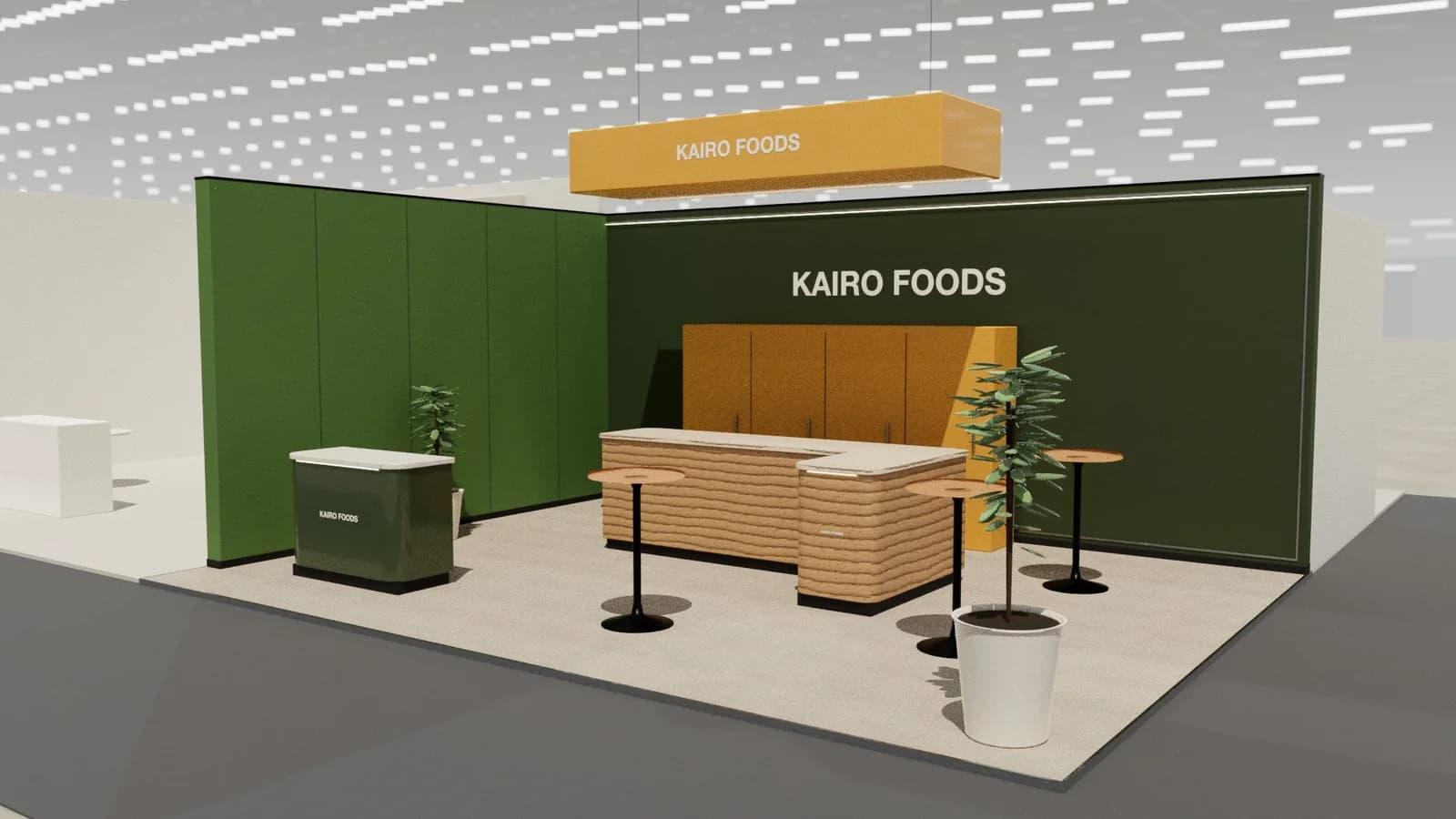
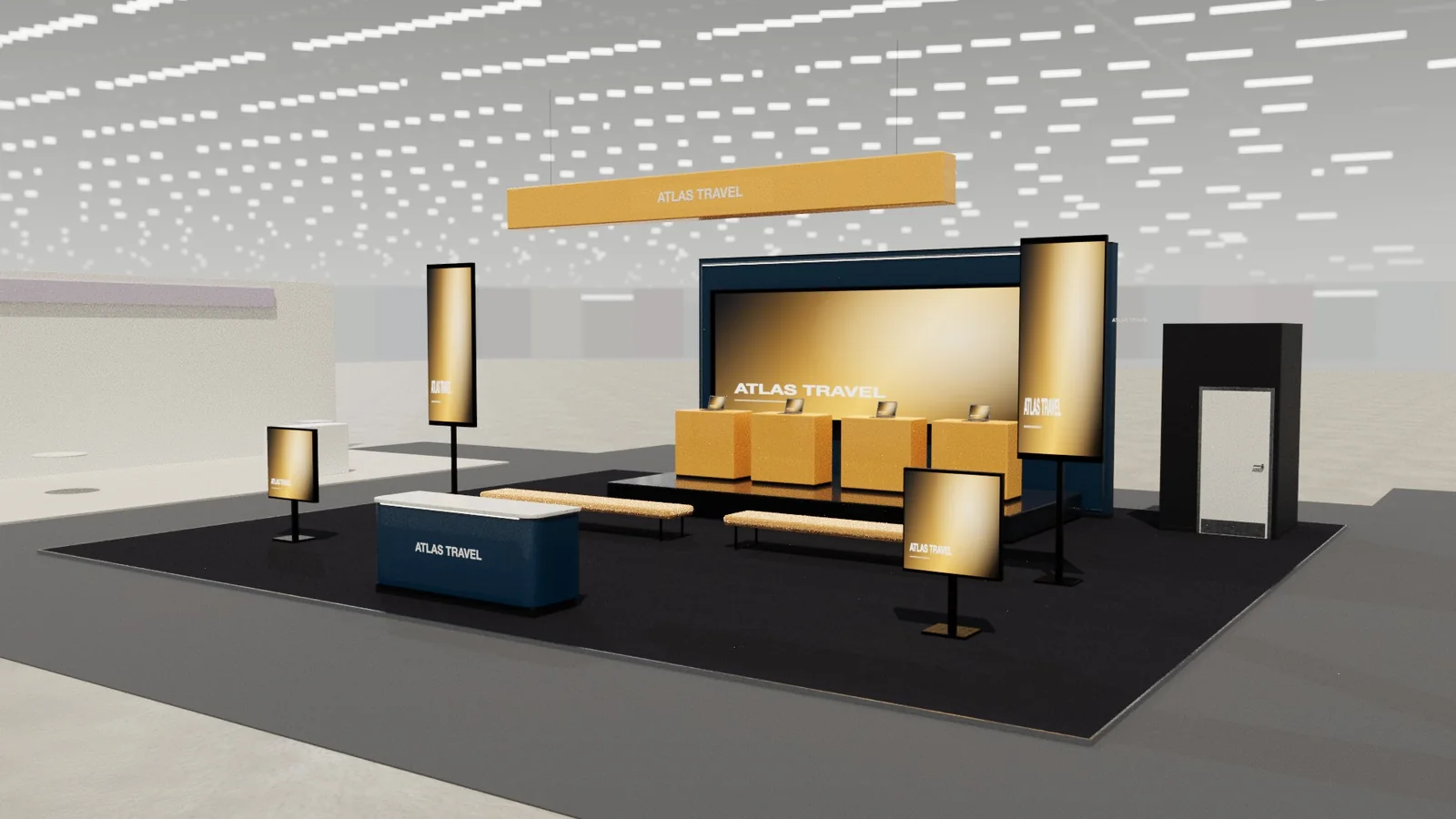
In short
Interactive booth features work when they show the product or start a relevant conversation: a live demo people can try, a short challenge with a leaderboard, personalisation made on the spot, or a configurator on a large screen. Each needs space for the activity and for people waiting, plus staff to turn interest into a conversation.
Key points
- Interaction should demonstrate the product, not just entertain.
- Plan space for the activity and for people watching or waiting.
- Keep each interaction under three minutes.
- Capture leads at the end of the activity, not before.
- Staff each station; unattended tech fails or is ignored.
Ideas and what they need
| Idea | Good for | Space and staff |
|---|---|---|
| Try-it station | Products people can handle or use | 1.5–2 m² per station; one staff per two stations |
| Live demo | Machines, software, processes | Viewing space for 3–10 people |
| Challenge with leaderboard | Crowds and repeat visits | Station plus a visible screen |
| Personalisation (engraving, printing) | Memorable takeaways | Workstation, power, queue space |
| Configurator on a large screen | Products with options | Screen, touch or tablet, staff |
| VR or AR experience | Large or invisible products | Seated station, hygiene, queue |
Where interaction goes on a stand
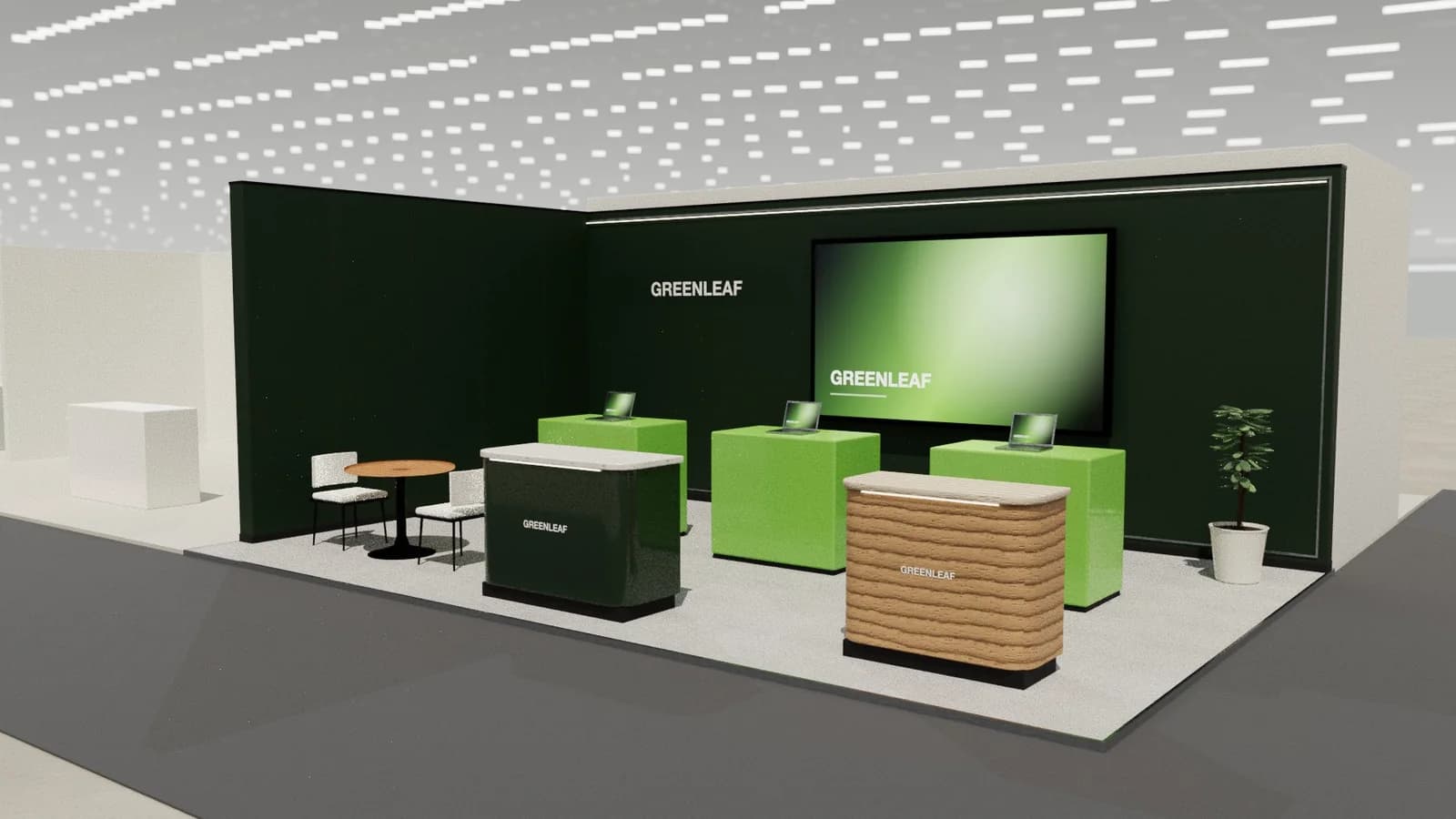
Put the activity at the edge facing the busiest aisle so watchers stand on your floor, not in the aisle. Keep queues inside the footprint and put lead capture where the activity ends. On a small stand, choose one interaction; two compete for the same space.
Pitfalls
- Activities unrelated to the product: crowds but no leads.
- Technology that needs Wi-Fi in a busy hall.
- Queues blocking the aisle.
- Long experiences that hold one person for ten minutes.
Plan it in 3D
Interaction needs space you can only judge at scale. Place stations and queue areas in a 3D model before committing; see booth layout and traffic flow.
Measuring whether it worked
- Count interactions per hour and compare with leads captured from the same station.
- Note which visitors convert: job titles and companies, not just numbers.
- Ask staff each evening what started the best conversations.
- Drop activities that draw crowds but no relevant leads before the next show.
An activity that brings fewer people but more of the right ones is the better investment; the stand's objective decides which is which.
Frequently asked questions
01What is the best interactive idea for a small booth?
One try-it station or a live demo at the front edge, staffed by someone who can talk.
02Are VR experiences worth it?
For products that are too big or invisible to show, yes. Plan seating, hygiene and queue space.
03How do I turn interaction into leads?
Capture contact details at the end of the activity, linked to what the visitor tried.
04Do games attract the right visitors?
Only if the game relates to the product or the visitor's problem; otherwise they attract crowds, not buyers.
05How long should an interactive experience last?
Under three minutes for most visitors. Longer experiences suit booked sessions, not walk-up traffic, because one person occupies the station while others give up waiting.
Put it into practice
From a client brief to a 3D stand concept in minutes
An editable 3D exhibition stand concept from a written brief and the brand's website, at your exact size.
Guidance here reflects common practice. Venues, organisers and countries set their own rules: always check the exhibitor manual and work with a qualified stand builder and engineer for structures.