In short
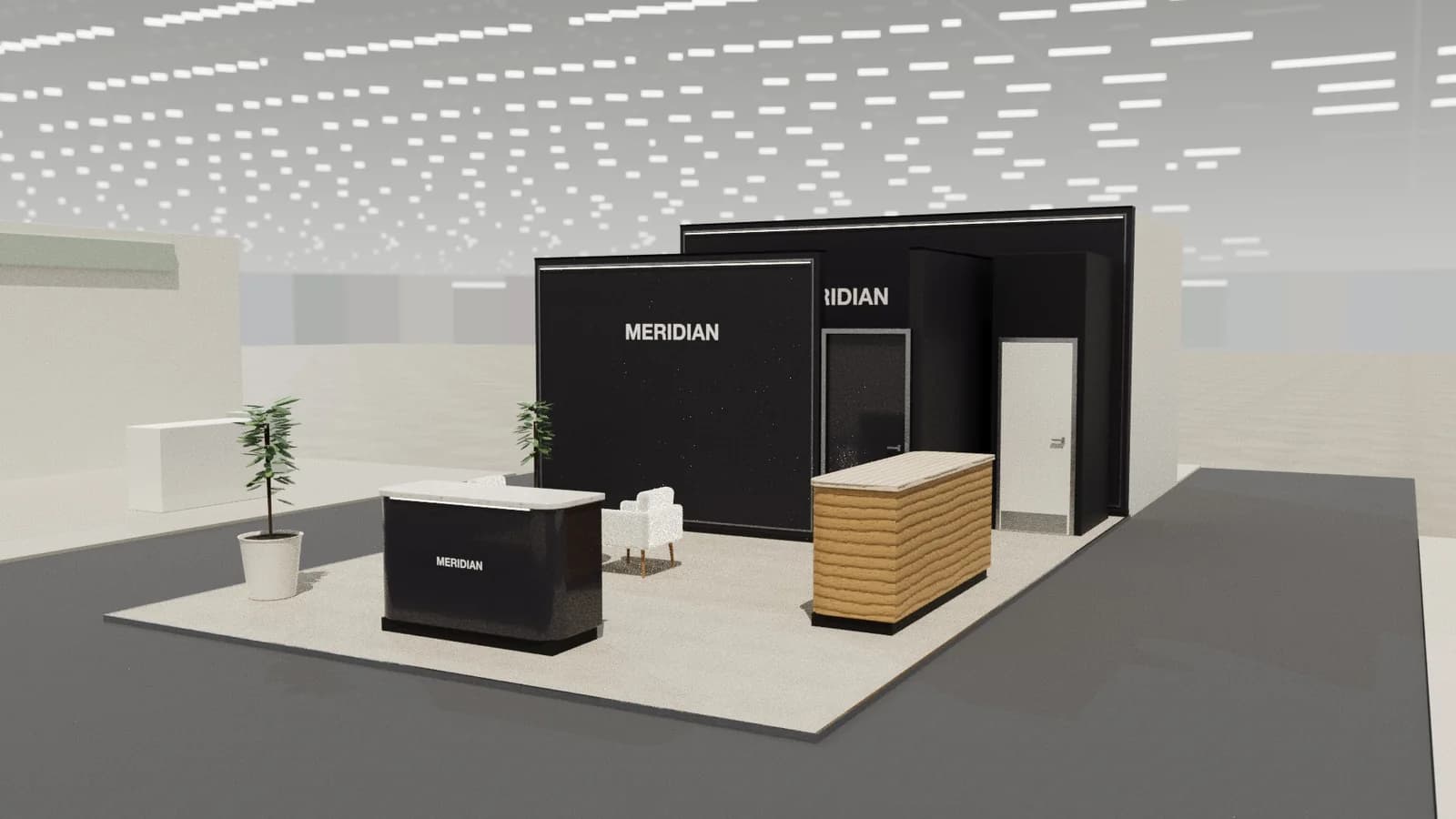
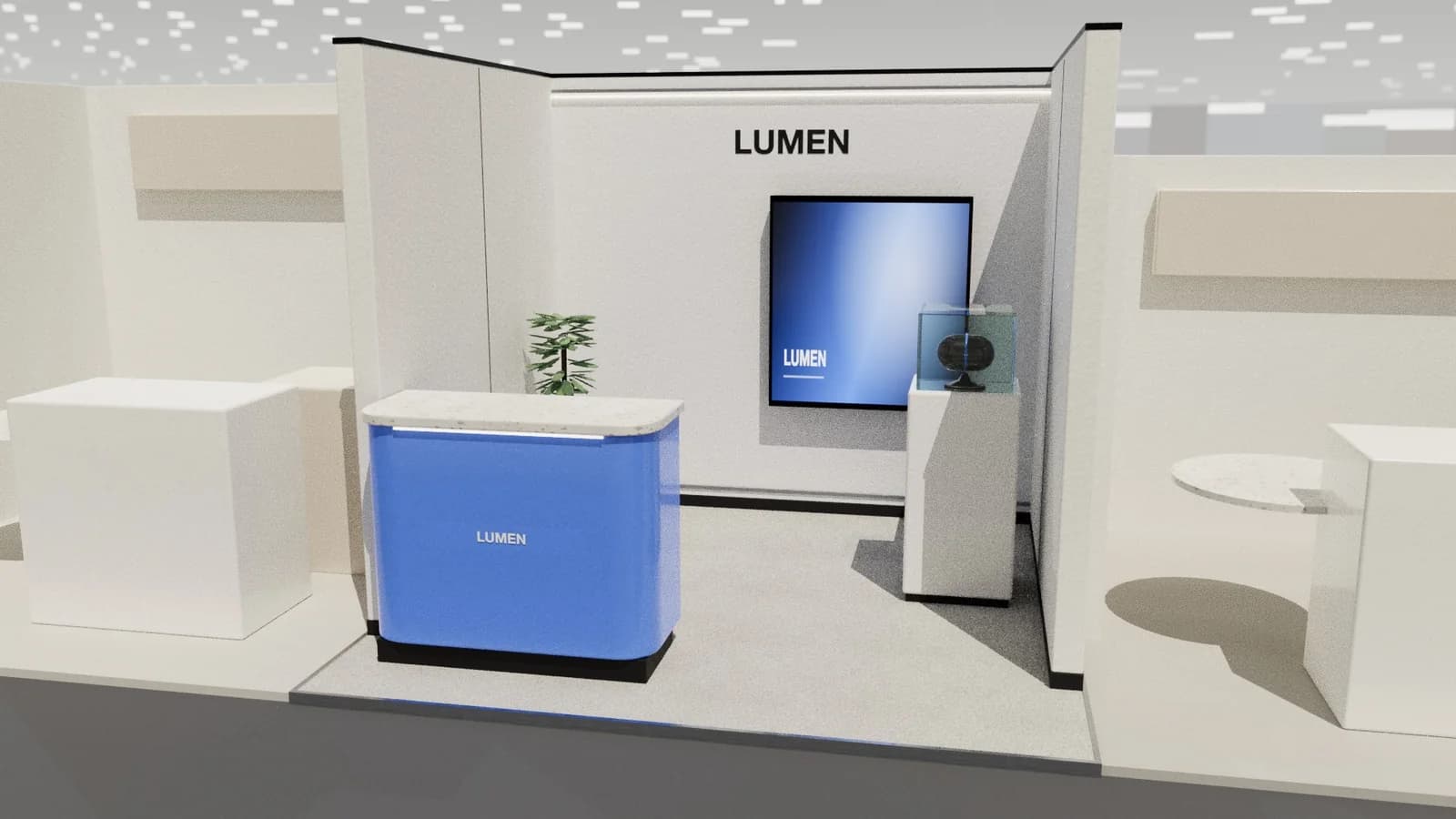
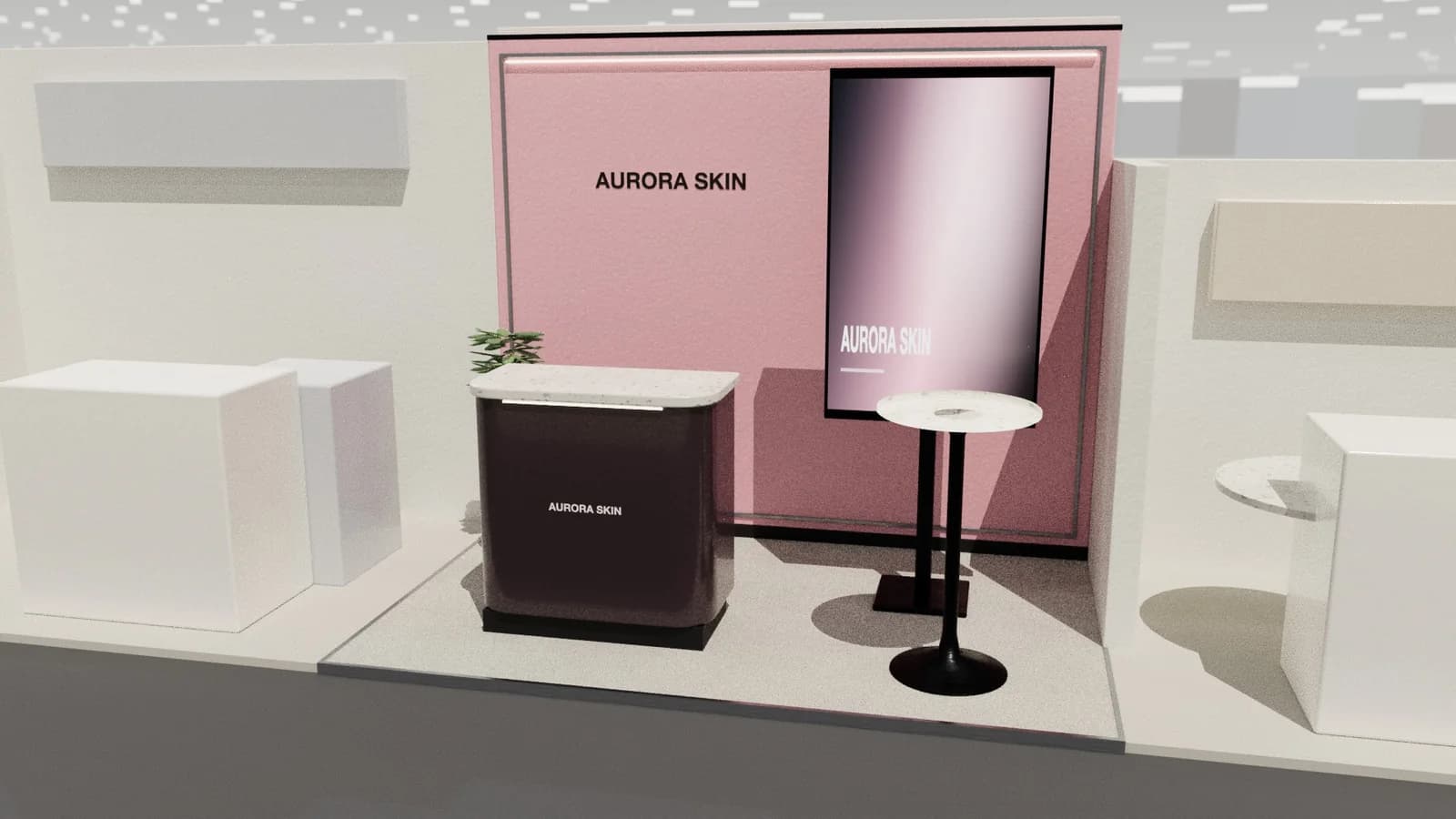
Stand colours work best when one brand colour is used boldly on a large surface, the rest stays neutral, and the scheme is tested under hall lighting. Light stands feel open and photograph well; dark stands make screens and lit products pop but need more lighting. Check what neighbours and the organiser's carpet look like before deciding.
Key points
- One dominant brand colour, used large; neutrals for the rest.
- Test colours under warm and cool lighting; halls vary.
- Light stands feel open; dark stands need more light.
- Floor colour defines the stand's footprint.
- Check contrast for text readability and accessibility.
A simple approach
- 01
Pick the dominant colour
Usually the primary brand colour, on the back wall or a large feature.
- 02
Choose a neutral base
White, warm grey, timber or black for structures and furniture.
- 03
Add one accent
For calls to action, counters or lit details.
- 04
Test under light
View printed samples under the lighting you will use; colours shift.
Light or dark?
| Light stand | Dark stand | |
|---|---|---|
| Feel | Open, clean, approachable | Dramatic, premium, focused |
| Screens and lit products | Less contrast | Pop strongly |
| Lighting needed | Less | More |
| Photography | Easy | Needs careful lighting |
| Risk | Can look bland | Can look closed and gloomy |
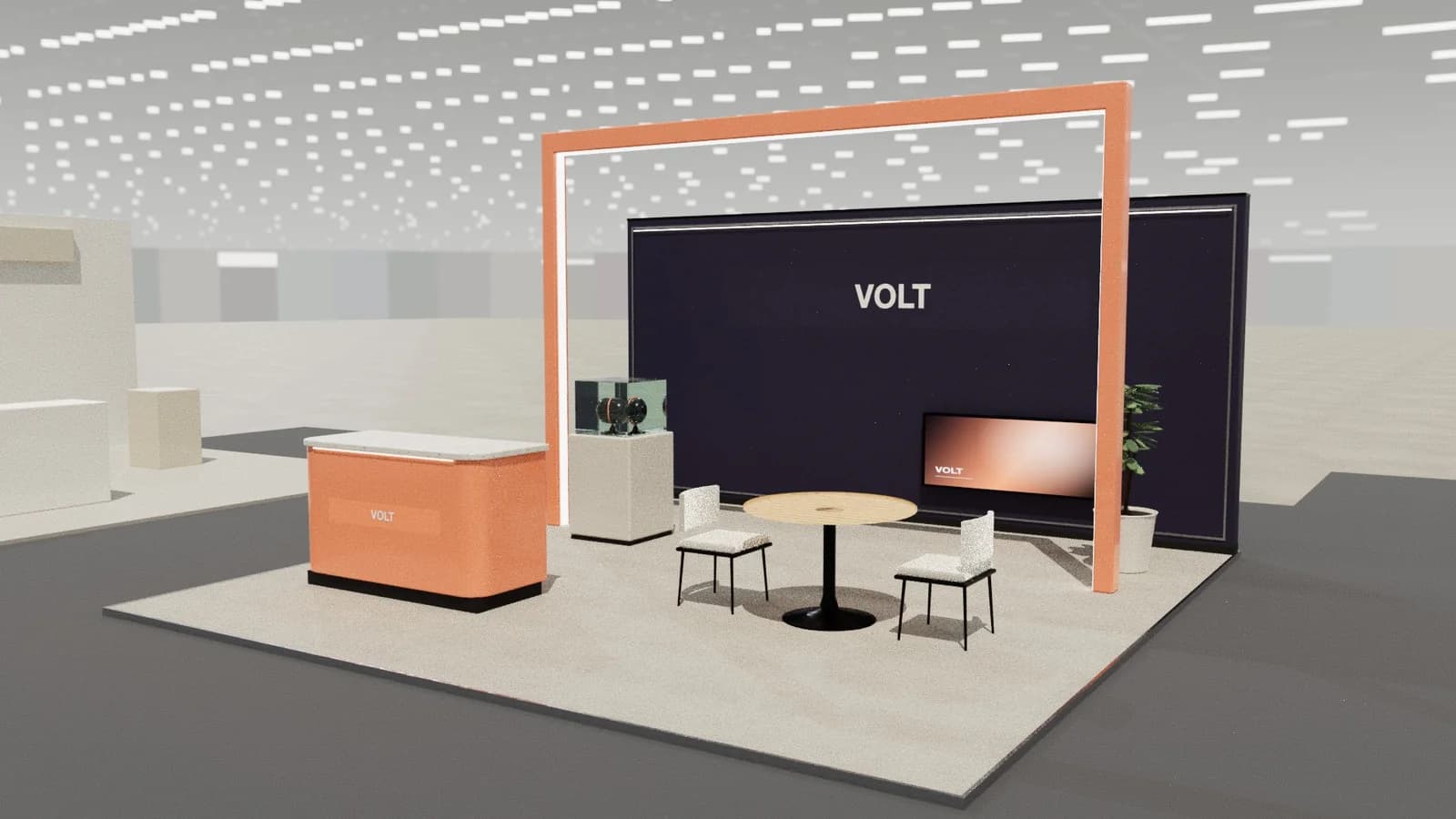
Colours in a real hall
- Hall lighting is often cool and uneven; your own lights decide how colours look.
- Neighbouring stands and the organiser's carpet frame your colours; check the hall plan.
- Printed fabric colours vary from screen colours: request a printed proof.
- High-CRI lighting makes brand colours truer; see stand lighting.
Contrast and readability
Text must contrast strongly with its background: dark on light or light on dark. Avoid text over busy images and red-green combinations for key information.
What colours tend to signal
| Colour | Common association on stands | Watch out for |
|---|---|---|
| White and light grey | Clean, clinical, modern | Can feel cold without warm light |
| Black and charcoal | Premium, technical | Needs strong lighting |
| Blue | Trust, technology, finance | Very common; hard to stand out |
| Green | Sustainability, health | Greenwashing if not backed up |
| Orange and yellow | Energy, approachability | Tiring in large areas |
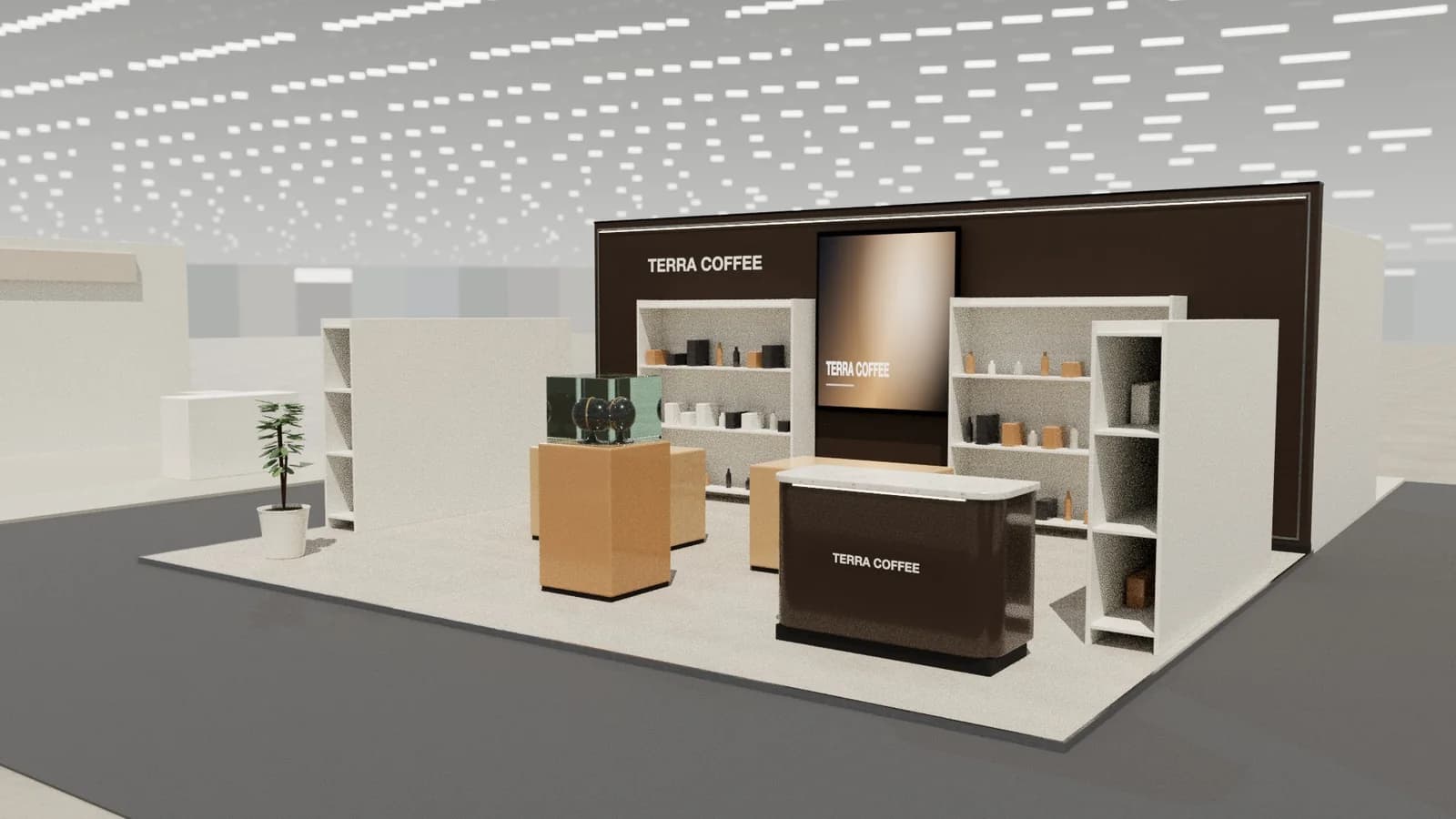
| Timber and earth tones | Warmth, craft, nature | Can look rustic if overdone |
Frequently asked questions
01Should a stand use all brand colours?
Usually not. One dominant colour plus neutrals reads more clearly from a distance.
02Do dark stands work?
Yes for screens and premium products, with enough lighting. Keep the entrance light and open.
03What floor colour should I choose?
One that contrasts with the aisle carpet so the stand's footprint is clear; neutral if products are colourful.
04Why do printed colours look different?
Fabric, inks and lighting all shift colour. Ask your printer for a proof and view it under similar light.
05How do I make sure my stand stands out from neighbours?
Look at the hall plan and, if possible, last year's photos. If neighbours use the same colour family, lean on your accent colour, lighting and a different material rather than changing your brand.
Put it into practice
Booth renders that start from the brief, not a blank prompt
Photoreal exhibition booth renders made from a dimension-controlled 3D model, with the brand's colours and logo.
Guidance here reflects common practice. Venues, organisers and countries set their own rules: always check the exhibitor manual and work with a qualified stand builder and engineer for structures.