In short
An accessible exhibition stand lets everyone enter, move around, see and talk. Provide step-free entry (a bevelled or ramped raised floor), routes at least 0.9 m and ideally 1.2 m wide, a 1.5 m turning circle where people turn, a lowered counter section, seating with arms, clear high-contrast signage, glare-free lighting and staff trained to help. Local laws such as the ADA set specific minimums.
Key points
- Step-free entry: ramps or bevelled edges on any raised floor.
- Routes 0.9 m minimum, 1.2 m preferred; 1.5 m turning circles.
- A section of counter at a lower height for wheelchair users.
- Good contrast, large type and glare-free lighting help many visitors.
- Check the local rules (for example the ADA in the US) and the organiser's requirements.
Step-free entry
Many stands sit on a raised floor to hide cables. Give every open edge a bevel or ramp. In the US, the ADA limits ramp slopes to 1:12; many other countries use similar or gentler slopes. A full-width bevel is better than one narrow ramp because it removes the barrier for everyone.
Routes and turning space
| Element | Guide value |
|---|---|
| Main routes | 1.2 m wide |
| Minimum clear width | 0.9 m |
| Turning circle | 1.5 m diameter at turns and in front of counters |
| Door clear opening | At least 0.85–0.9 m |
| Approach to displays | Clear space in front of each demo or screen |
Counters, displays and seating
- Provide a section of counter at a lower height (in the US, the ADA limits sales counters to 36 in / 915 mm for at least 36 in of length) with knee space below.
- Mount touchscreens and controls within reach, roughly 0.9–1.2 m above the floor.
- Display products at varied heights so they can be seen seated and standing.
- Offer seating with arms and back support; not everyone can stand for long.
Seeing and hearing
- High-contrast graphics and large, plain fonts; avoid text on busy images.
- Glare-free lighting on faces at counters, which helps lip reading.
- Subtitles on video content; keep music low.
- A quieter corner or meeting room for conversations.
Staff and information
Brief staff on offering help without assuming, describing products verbally, and knowing the venue's accessible facilities. Mention accessibility on your pre-show materials so visitors can plan.
Quick accessibility checklist
- Every open edge of a raised floor has a bevel or ramp.
- No route on the stand is narrower than 0.9 m.
- There is a lowered counter section and a seat with arms.
- Screens and graphics can be read from a seated position.
- Lighting is even, with no glare on faces at counters.
- Staff know where the nearest accessible toilets and entrances are.
Upper decks
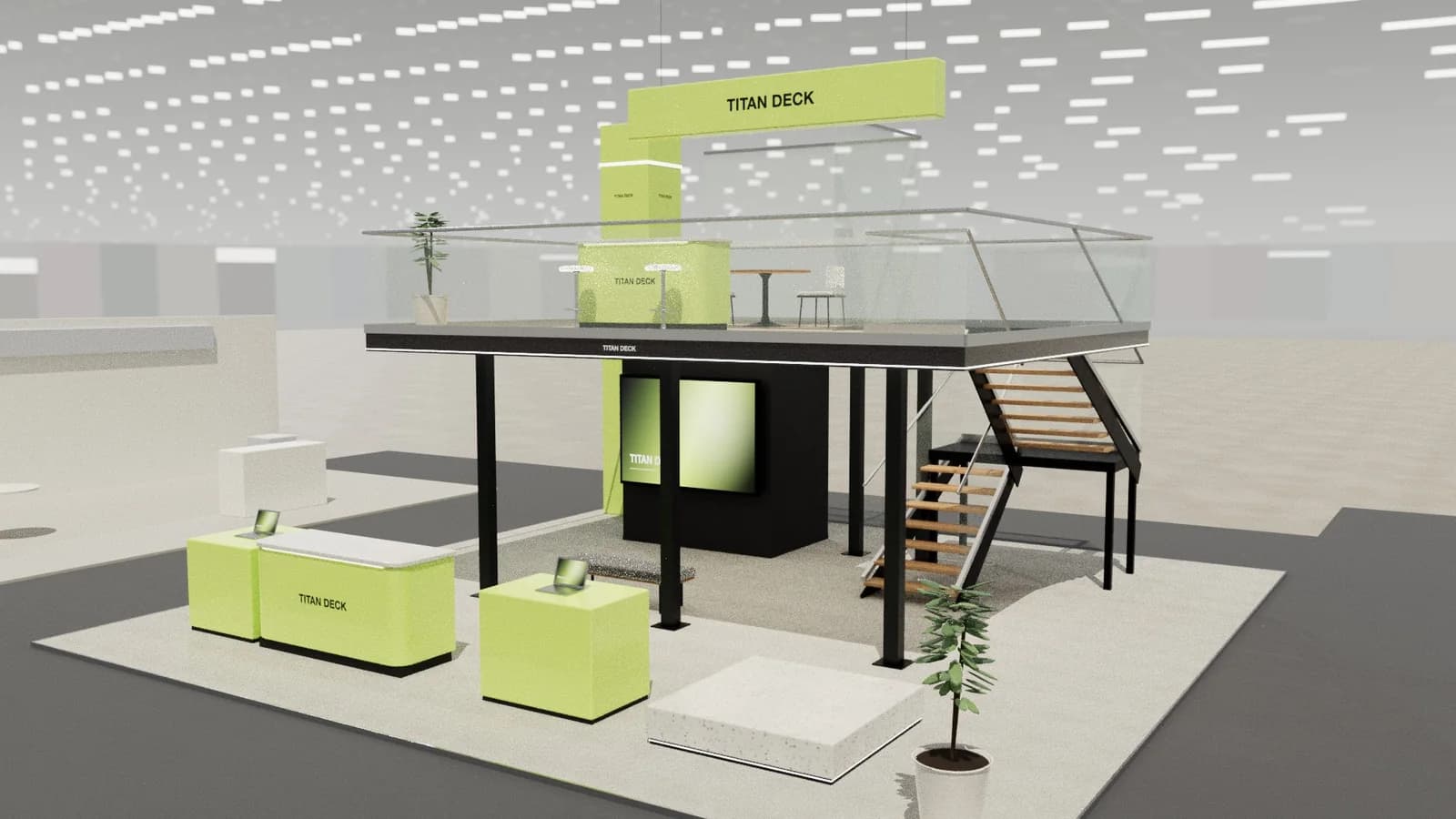
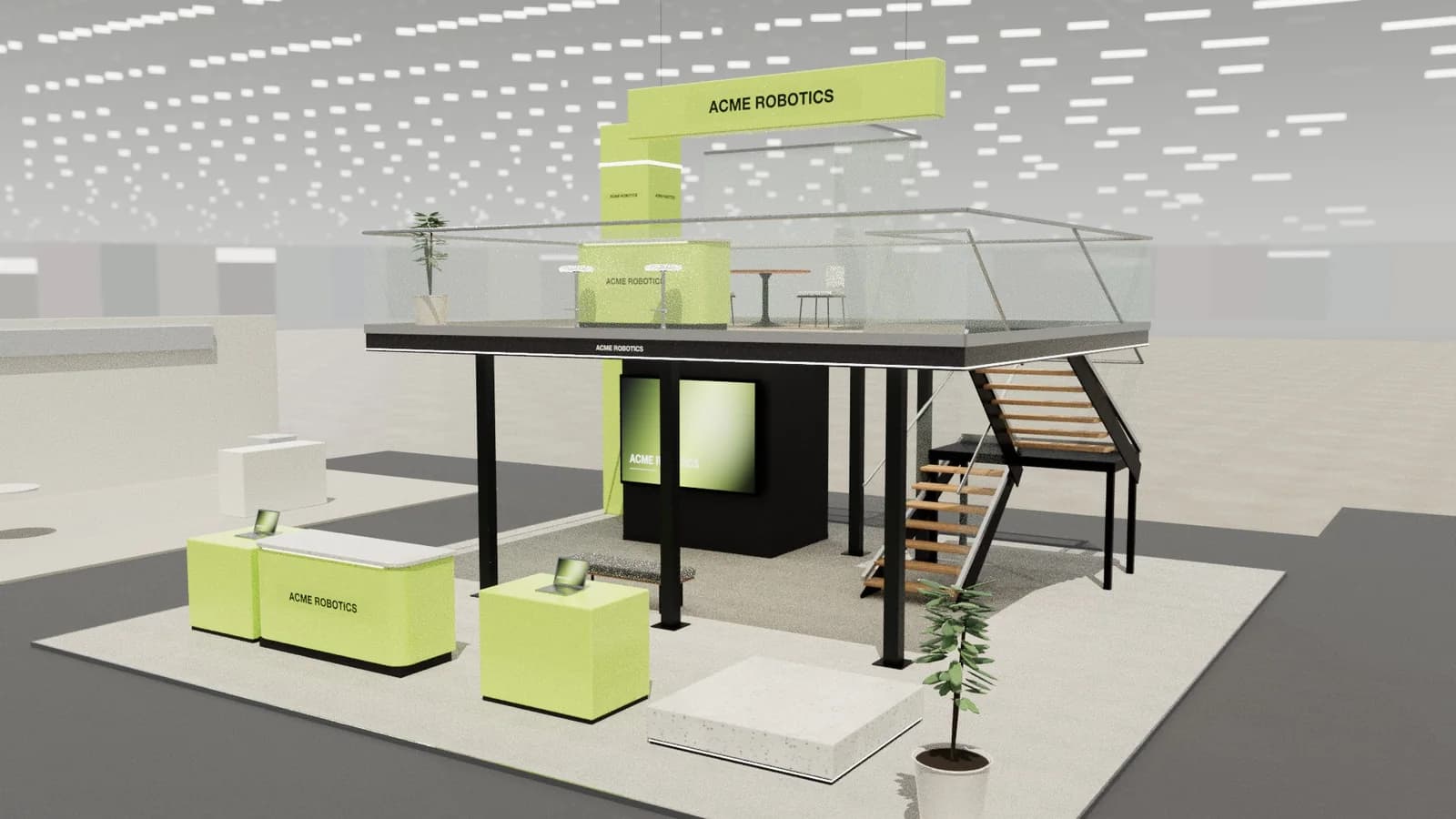
On a double-deck stand, the upper floor is often reached only by stairs. Some venues and countries require a lift or platform lift; others accept that the same services (meetings, hospitality) are available on the ground floor. Decide this at design stage, because a lift changes the structure and the layout.
Frequently asked questions
01How wide should routes on an accessible stand be?
At least 0.9 m clear, with 1.2 m preferred for main routes and 1.5 m turning circles where wheelchair users need to turn.
02Do raised stand floors need ramps?
Yes, any raised floor should have a ramp or bevelled edge on open sides; in the US the ADA limits ramp slopes to 1:12.
03What counter height is accessible?
Provide a lowered section; in the US the ADA sets a maximum of 36 in (915 mm) for at least 36 in of counter length, with knee space below where people sit.
04Who checks stand accessibility?
The organiser may review it as part of the design approval, and local law applies. Build it into the brief from the start.
Put it into practice
From a client brief to a 3D stand concept in minutes
An editable 3D exhibition stand concept from a written brief and the brand's website, at your exact size.
Guidance here reflects common practice. Venues, organisers and countries set their own rules: always check the exhibitor manual and work with a qualified stand builder and engineer for structures.