In short
A dental booth has to let clinicians try things. Scanners, handpieces, chairs and software are judged by feel and workflow, so give visitors a hands-on station, a clean clinical look and a dealer conversation close by. Water, air and suction often decide where a unit can go, so plan services before the layout.
Key points
- Hands-on station, Workflow demo, Dealer tables, Training corner are the core zones.
- Avoid: equipment visitors cannot touch.
- Avoid: show offers that nobody on the stand can explain.
- Avoid: dealers with no place to sit.
- See the template and trade show guides linked below for dental companies.
Who visits and what they want
Dentists, hygienists, technicians, practice owners, laboratory managers and dealers. Many are small-business owners making their own buying decisions, often on the spot at a show offer.
What to show
Treatment units, intraoral scanners, 3D printers, milling machines, implants, consumables and practice software. Complete digital workflows, from scan to finished restoration, are particularly persuasive.
Zones for a dental stand
| Zone | Purpose | Where it goes |
|---|---|---|
| Hands-on station | Try the scanner or unit | Front edge |
| Workflow demo | From scan to print | Centre |
| Dealer tables | Pricing and terms | Rear or side |
| Training corner | Short clinical sessions | Side wall |
On a 3 × 3 m stand, keep the first two zones and book meetings elsewhere. From about 36 m² every zone fits; see stand sizes for what fits at each size.
Materials, lighting and graphics
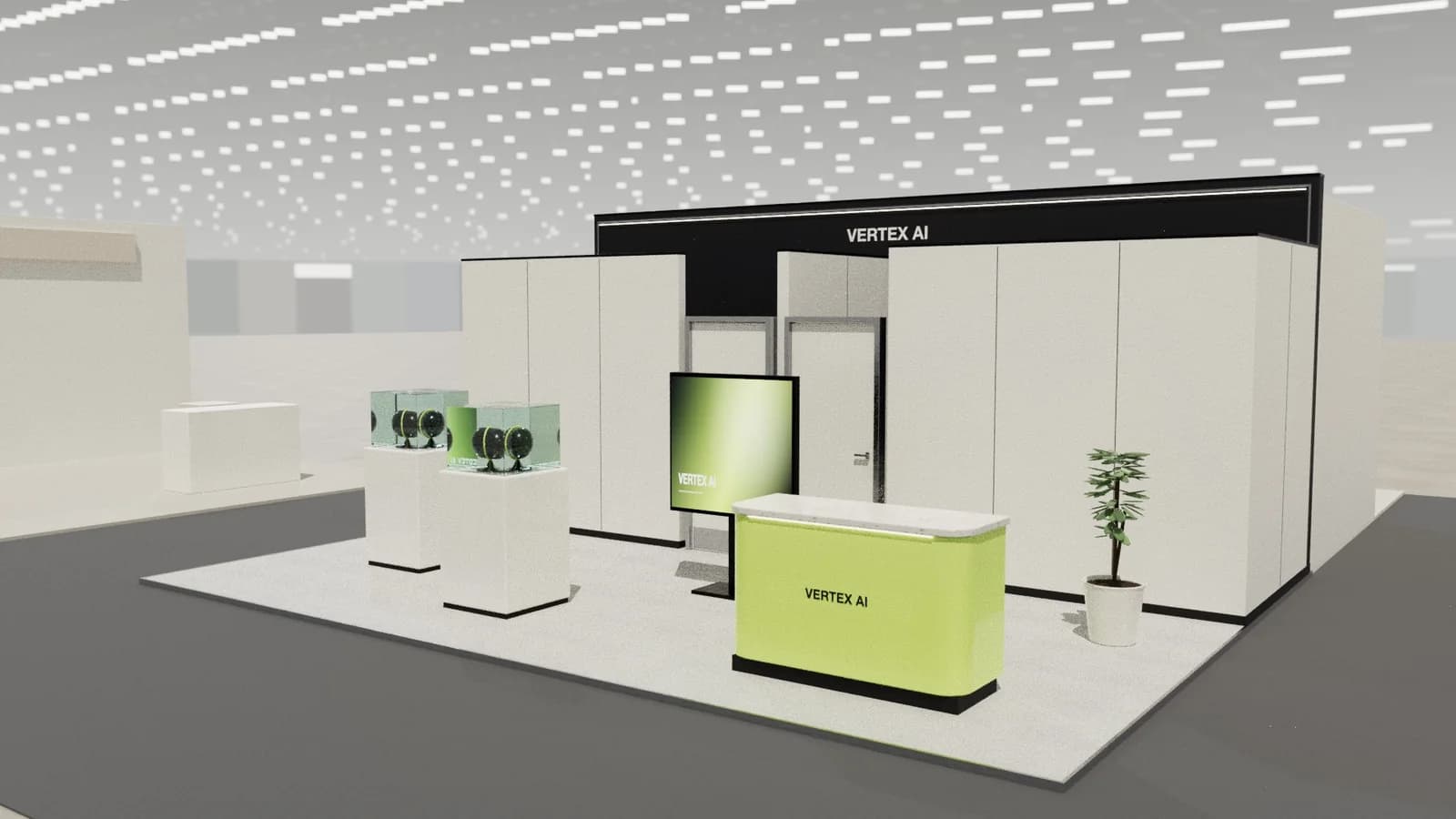
Bright, clean and calm, with white and pale surfaces that echo a modern practice. Avoid harsh glare on screens, and use good colour rendering, as shade matching is important to this audience.
For detail on light levels and colour rendering, see stand lighting; for wall graphics, see graphics and branding.
Starting conversations and capturing leads
Ask what the visitor uses now and put the tool in their hand. Clinicians trust the feel of a device more than a brochure. Note practice size and existing systems on the lead form.
Rules and practicalities
Medical device rules apply to claims, and live clinical procedures are usually restricted. Units may need water, compressed air and suction, ordered through the show's service forms.
Venue rules on height, open sides, fire safety and services still apply; see venue approval.
Common mistakes
- Equipment visitors cannot touch.
- Show offers that nobody on the stand can explain.
- Dealers with no place to sit.
Trade shows for dental companies
Show-specific guides: IDS, MEDICA. For more, see stand design by trade show.
Frequently asked questions
01What services do dental units need on a stand?
Often power, water, compressed air and suction. Check the show's order forms early.
02Can I treat patients on a stand?
Normally not. Use phantom heads and demonstrations, and check the organiser's rules.
03What size stand does a dental exhibitor need?
Size to the activities: about 9 m² for one conversation point, 18–36 m² to add demos and a meeting table, and 50 m² or more for meeting rooms and hospitality. See [stand sizes](/guides/topics/exhibition-stand-sizes).
04Can AI design a dental booth?
AI can produce a complete concept quickly: [Studio](/ai-booth-designer) lays out the zones above at real scale and renders the result. A stand builder still checks structure, services and compliance before building.
Put it into practice
From a client brief to a 3D stand concept in minutes
An editable 3D exhibition stand concept from a written brief and the brand's website, at your exact size.
Guidance here reflects common practice. Venues, organisers and countries set their own rules: always check the exhibitor manual and work with a qualified stand builder and engineer for structures.