In short
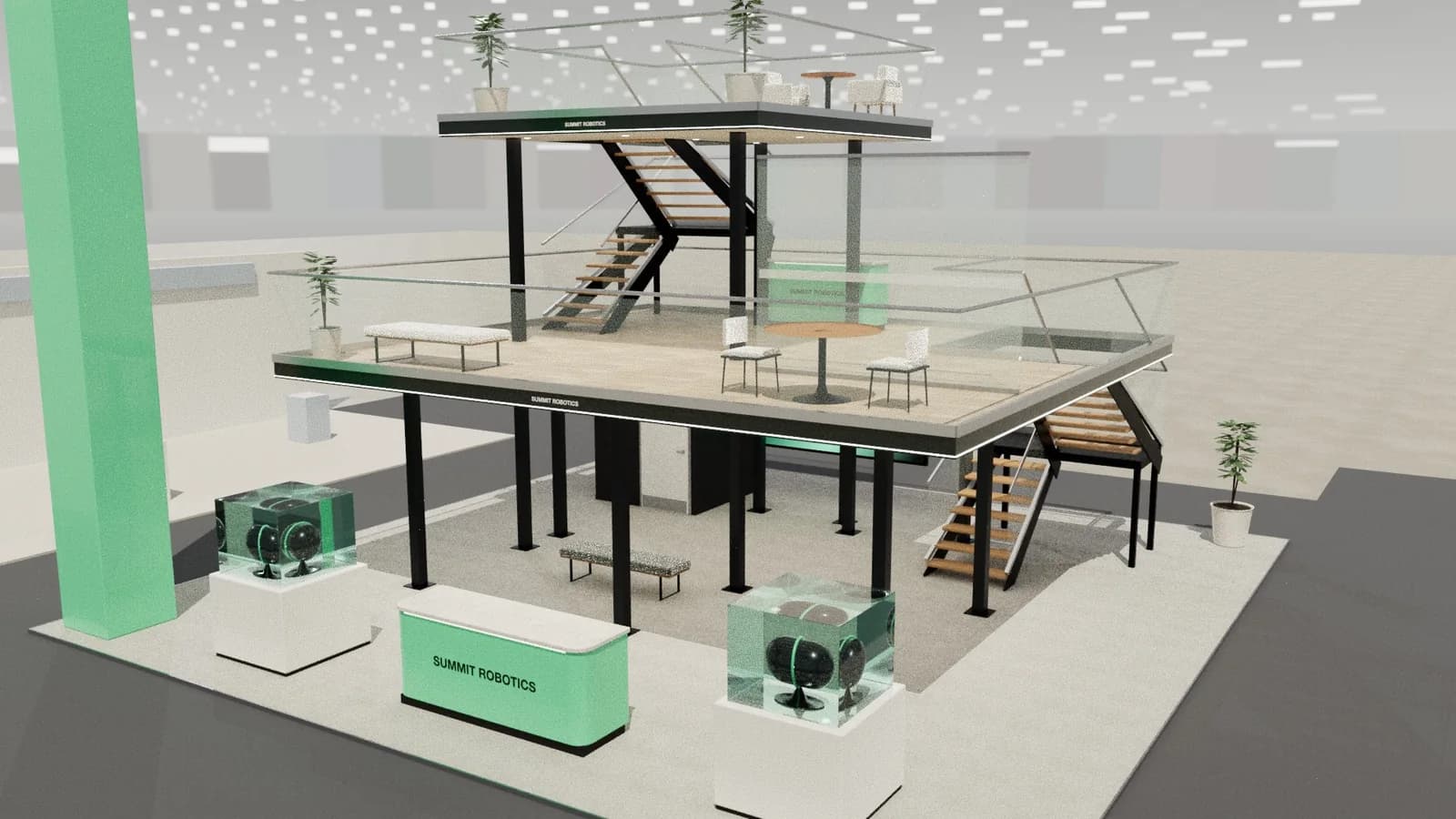
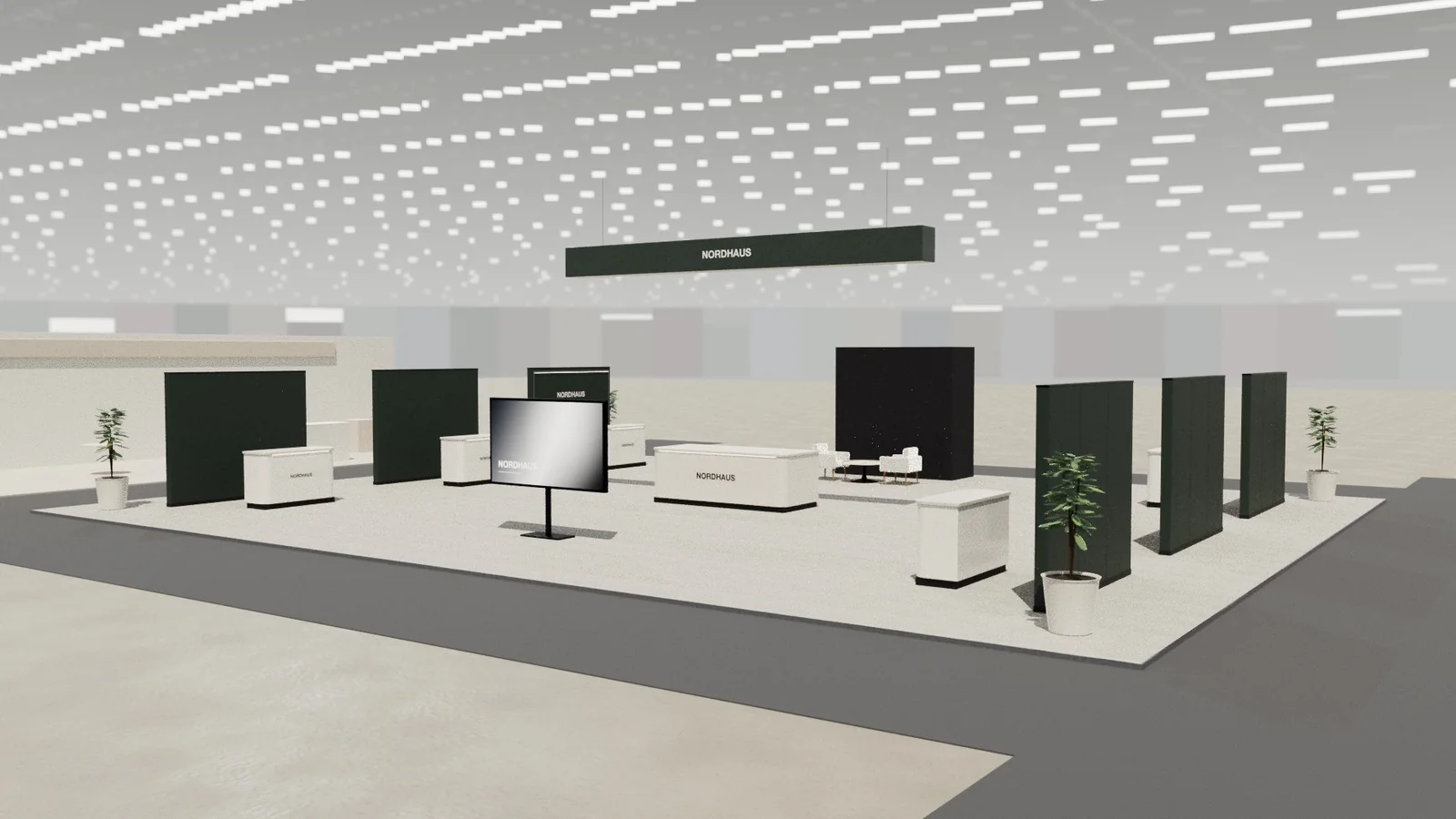
A country pavilion or group stand has two jobs: to look like one strong destination from the aisle, and to give each co-exhibitor a fair, usable space. Use one overhead brand element, repeated identical pods, a shared lounge and clear wayfinding. Plan for different product types, different sign-up dates and a lead organiser who handles the deadlines. The design has to survive late changes, because exhibitor lists rarely stay still.
Key points
- One identity overhead, many exhibitors below.
- Identical pods feel fair and are quicker to build.
- A shared lounge is often the pavilion's best asset.
- Design for last-minute exhibitor changes.
A typical structure
| Zone | Purpose | Notes |
|---|---|---|
| Identity feature | A ring, arch or name that reads from afar | Check height and rigging |
| Exhibitor pods | A counter, graphic and storage for each | Use one standard size |
| Business lounge | Meetings, coffee and rest | A shared service |
| Info desk | Directory, welcome and help | At the main approach |
| Store and kitchen | Shared backstage | In the core |
Being fair to exhibitors
- Use the same size, height and lighting for each pod.
- Rotate or draw lots for the best positions.
- Give each one the same graphic template.
- Publish what is included: furniture, power, internet, cleaning.
- Assign a contact who handles their questions.
Showing a country or region
Avoid the obvious clichés if you can. A flag and a landmark photo are often expected, but buyers come for suppliers. A strong pattern, a local material or a regional product story can speak to the place, while the wayfinding sends visitors to the right exhibitor. In Gulf and other government-backed pavilions, expect VIP visits, so keep the entrance presentable and a meeting space ready.
Logistics
- 01
Fix the pod list last
Design around a module that can be added to or removed.
- 02
Manage graphics centrally
Collect artwork through one template, with one deadline.
- 03
Coordinate freight
Consolidate where possible and plan customs early.
- 04
Assign one on-site manager
They handle the build-up, the exhibitors and the organiser.
Who pays for what
Write down what the lead organiser covers and what each exhibitor pays for. Space, shared structure, lounge and sign usually sit with the organiser. Product freight, travel and personal graphics often sit with each exhibitor. Agree who covers late changes, because a company dropping out still leaves an empty pod to dress. Keep a neutral graphic ready for that case.
Frequently asked questions
01What is a national pavilion?
An area of a trade show where several companies from one country or region exhibit together, usually under a shared brand, often backed by a trade agency.
02How big should each pod be?
Commonly around 6–9 m², but it depends on the pavilion budget and products. Keep them equal unless exhibitors have paid for more.
03How do I handle late sign-ups?
Design with repeatable modules and order a few spare graphics frames. Agree a final date for changes.
04Who orders services for a pavilion?
Usually the lead organiser or their contractor, on behalf of all exhibitors. Agree this early.
Put it into practice
An AI booth designer that designs in 3D, not in pixels
An AI booth designer that plans an exhibition stand in 3D at your size, checks it can be built, and changes it when you ask in plain English.
Guidance here reflects common practice. Venues, organisers and countries set their own rules: always check the exhibitor manual and work with a qualified stand builder and engineer for structures.