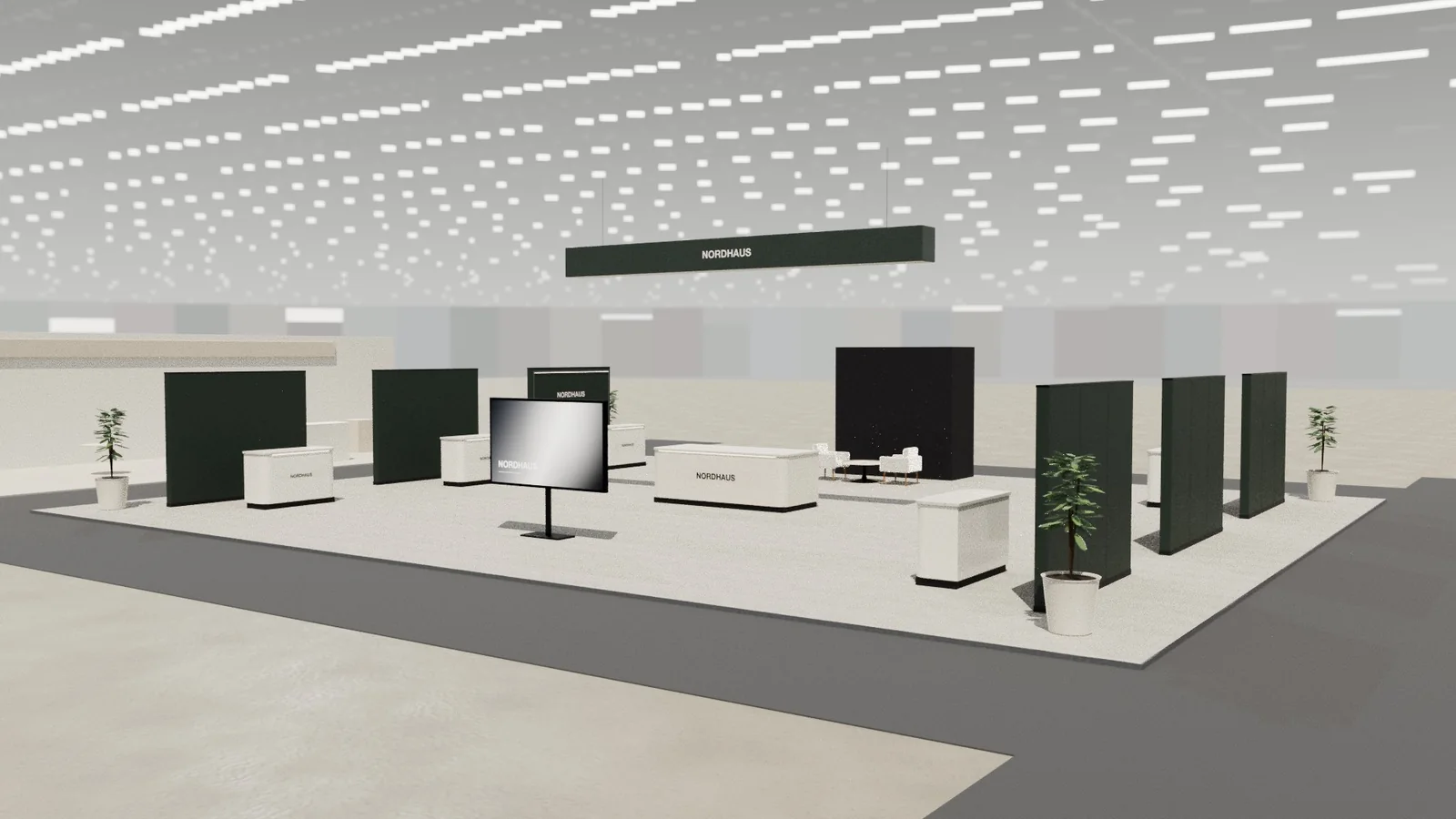
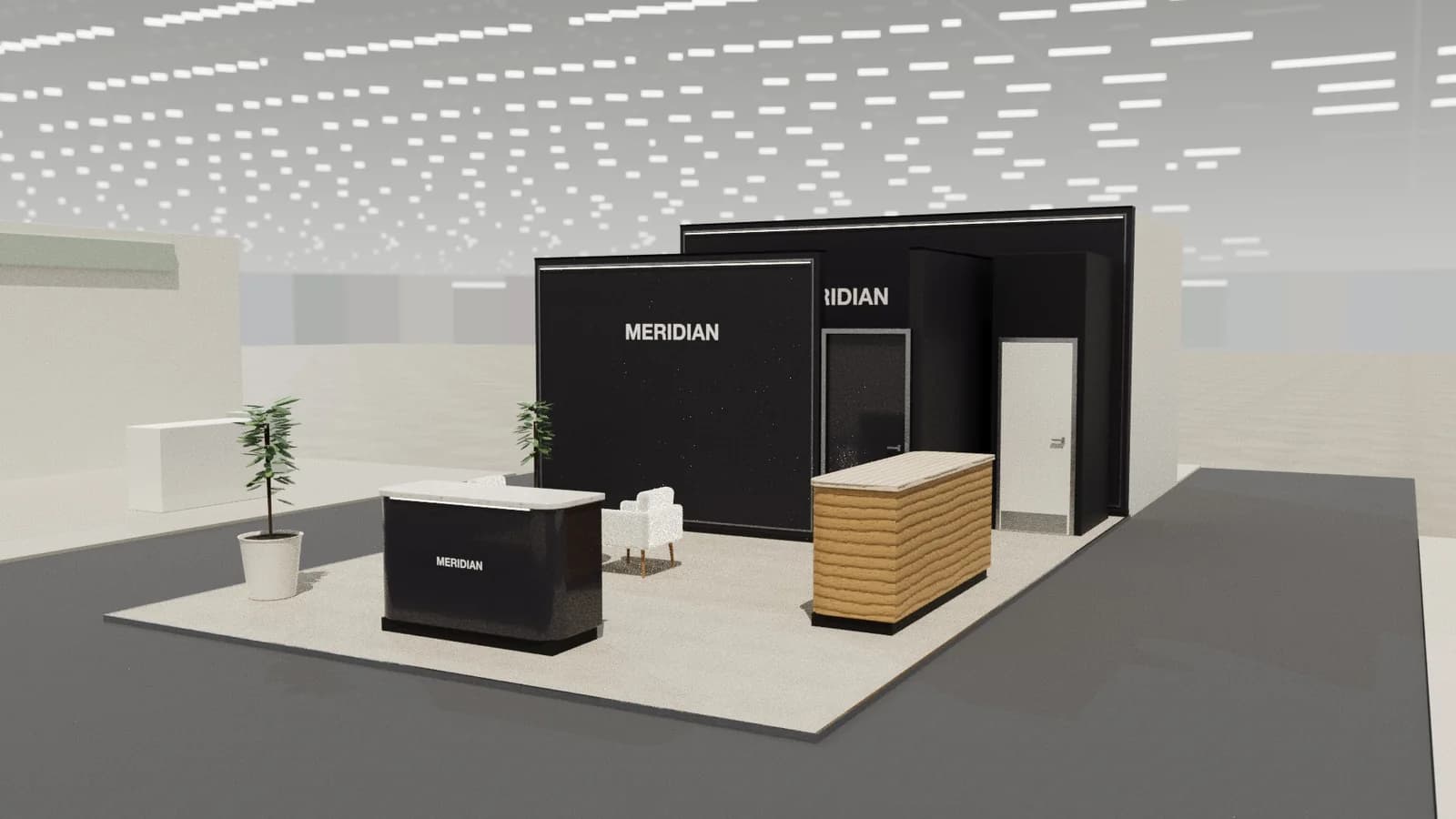
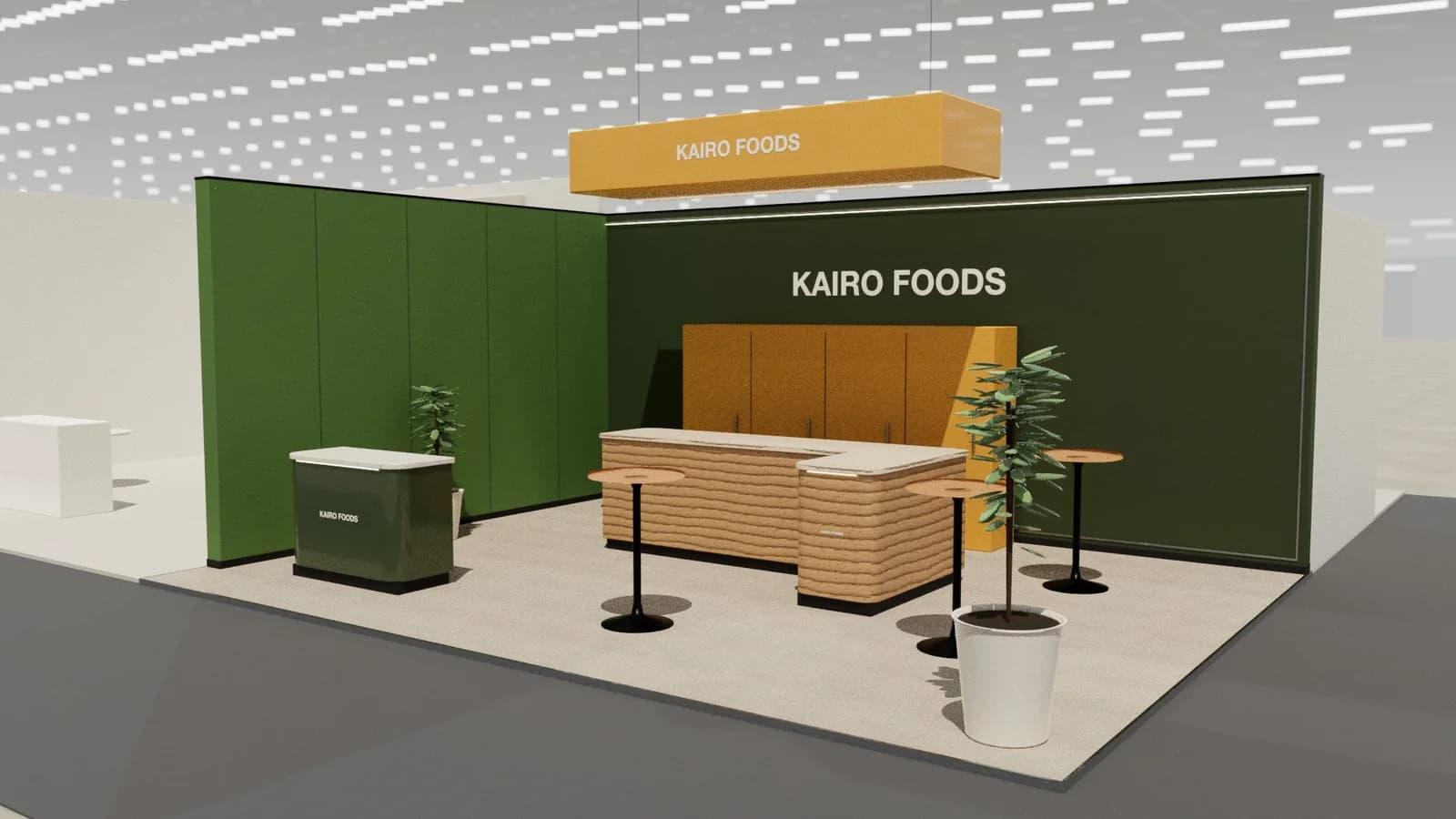
In short
Travel and tourism stands are meeting hubs with a sense of place: an iconic image or feature that says where you are from, numbered appointment tables for co-exhibitors, a reception that manages the diary, and a taste of the destination through materials, food or music.
Key points
- Feature entrance, Reception, Meeting tables, Hospitality, Storage are the core zones.
- Avoid: tables packed too tightly for private conversation.
- Avoid: generic stock photography.
- Avoid: no storage for co-exhibitors.
- See the template and trade show guides linked below for destinations, hotels and travel companies.
Who visits and what they want
Tour operators, travel agents, hosted buyers, airlines, travel technology buyers and press.
What to show
Destination imagery and video, VR experiences, local products and food, brochures replaced by QR codes.
Zones for a travel and tourism stand
| Zone | Purpose | Where it goes |
|---|---|---|
| Feature entrance | Iconic image or structure | Main aisle |
| Reception | Appointments and directions | Near the entrance |
| Meeting tables | Co-exhibitor appointments | Rows or clusters, numbered |
| Hospitality | Local food and drink | Bar or lounge |
| Storage | Co-exhibitor bags and stock | Rear |
On a 3 × 3 m stand, keep the first two zones and book meetings elsewhere. From about 36 m² every zone fits; see stand sizes for what fits at each size.
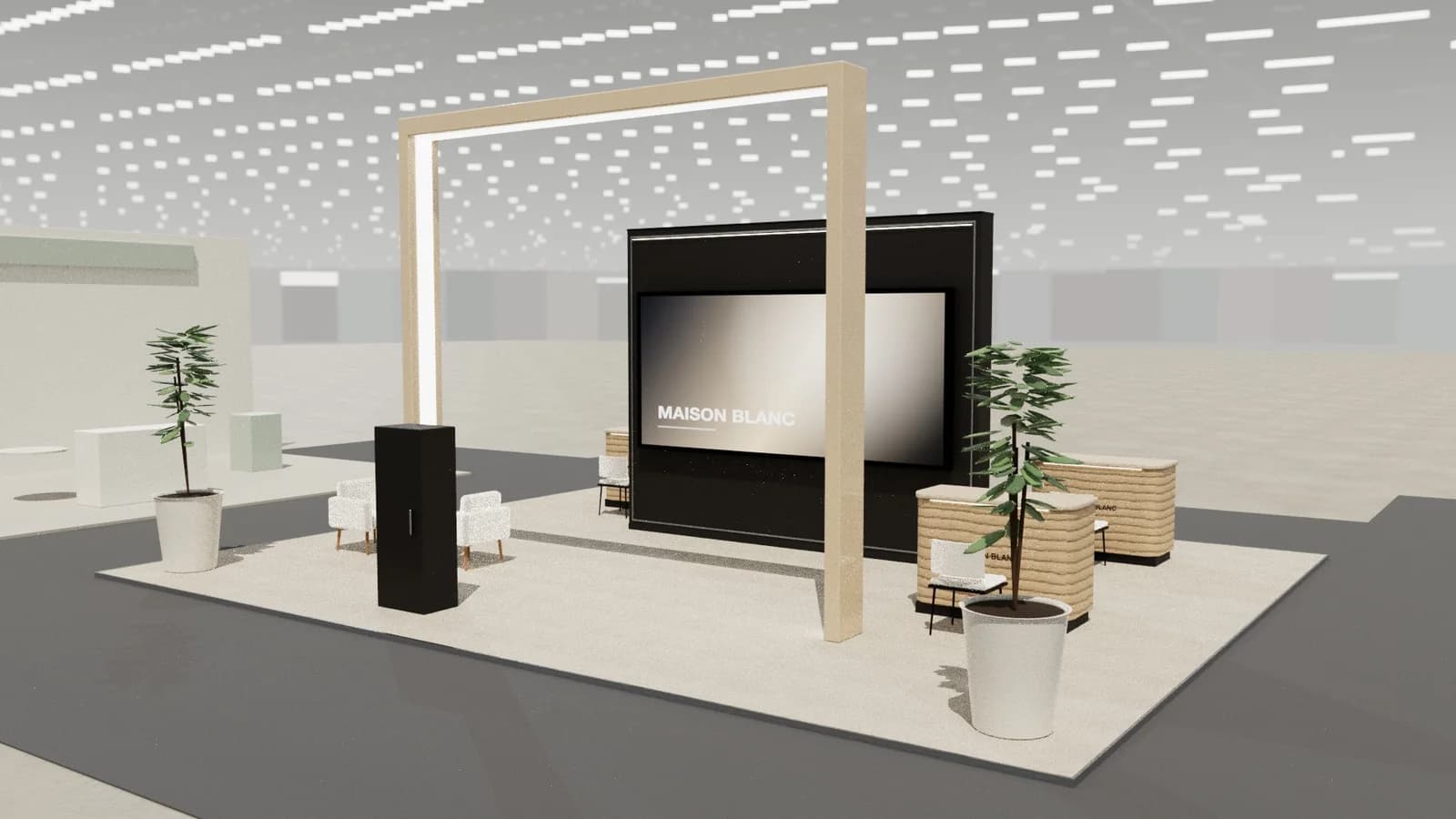
Materials, lighting and graphics
Real local materials, authentic photography and a hero image large enough to read across the hall.
For detail on light levels and colour rendering, see stand lighting; for wall graphics, see graphics and branding.
Starting conversations and capturing leads
Most conversations are booked appointments, so the reception and table numbering do the heavy lifting. For walk-ups, a taste of local food or a striking image gives staff an easy opening.
Rules and practicalities
Food and drink service must follow venue rules and catering exclusivity. Pavilions with many co-exhibitors need clear allocation and signage.
Venue rules on height, open sides, fire safety and services still apply; see venue approval.
Common mistakes
- Tables packed too tightly for private conversation.
- Generic stock photography.
- No storage for co-exhibitors.
Trade shows for destinations, hotels and travel companies
Show-specific guides: ITB Berlin, WTM London, Arabian Travel Market. For more, see stand design by trade show.
Frequently asked questions
01How much space does each meeting table need?
About 3–4 m² for a small table with two to four chairs and circulation around it.
02How do I make a destination stand memorable?
One iconic visual, real local materials and a sensory touch such as food, scent or music.
03What size stand does a travel and tourism exhibitor need?
Size to the activities: about 9 m² for one conversation point, 18–36 m² to add demos and a meeting table, and 50 m² or more for meeting rooms and hospitality. See [stand sizes](/guides/topics/exhibition-stand-sizes).
04Can AI design a travel and tourism booth?
AI can produce a complete concept quickly: [Studio](/ai-booth-designer) lays out the zones above at real scale and renders the result. A stand builder still checks structure, services and compliance before building.
Put it into practice
Generate a 3D exhibition stand you can edit
Generate an editable 3D exhibition stand from your brief, refine the layout and export renders, CAD drawings and the model.
Guidance here reflects common practice. Venues, organisers and countries set their own rules: always check the exhibitor manual and work with a qualified stand builder and engineer for structures.