In short
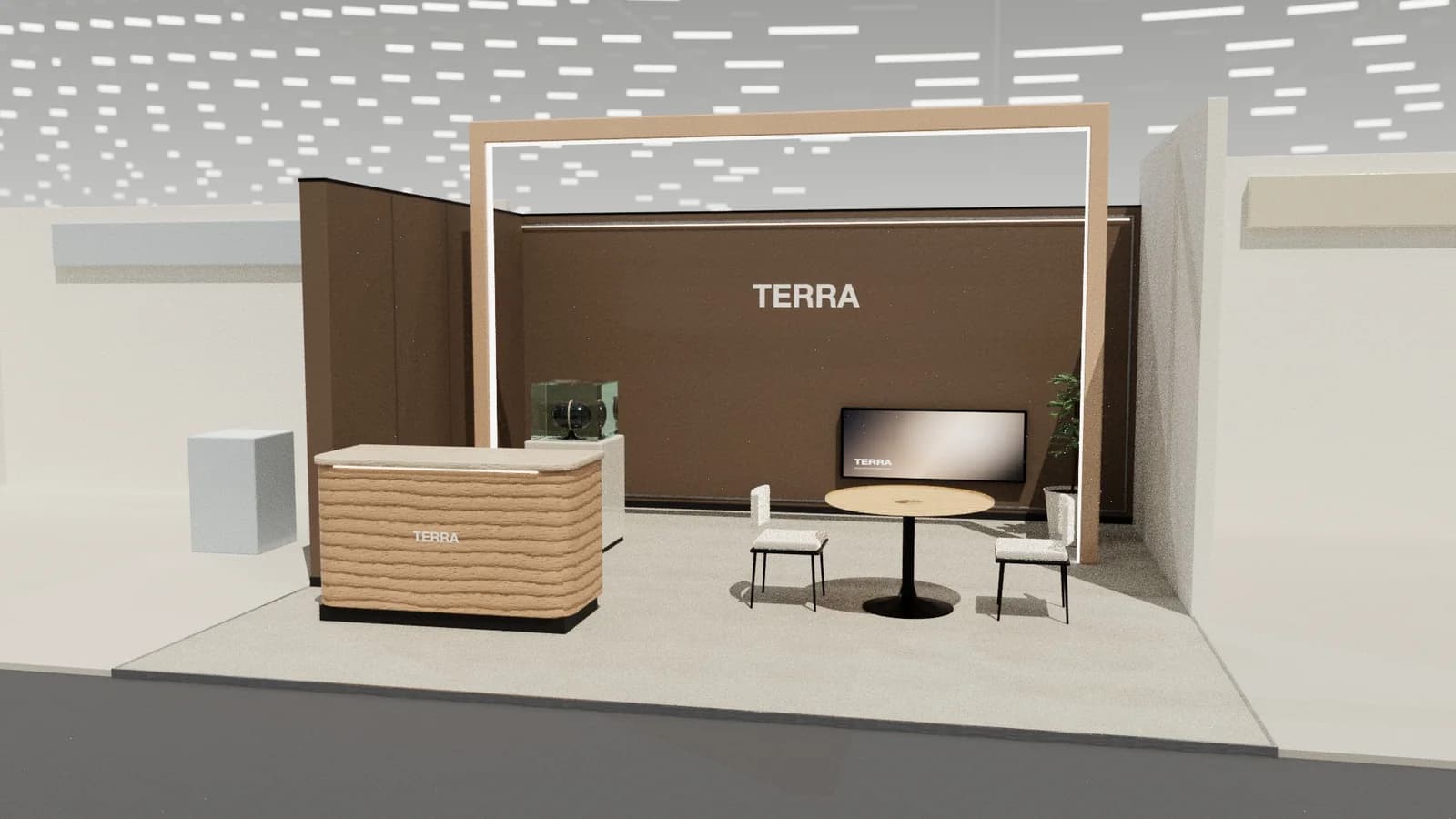
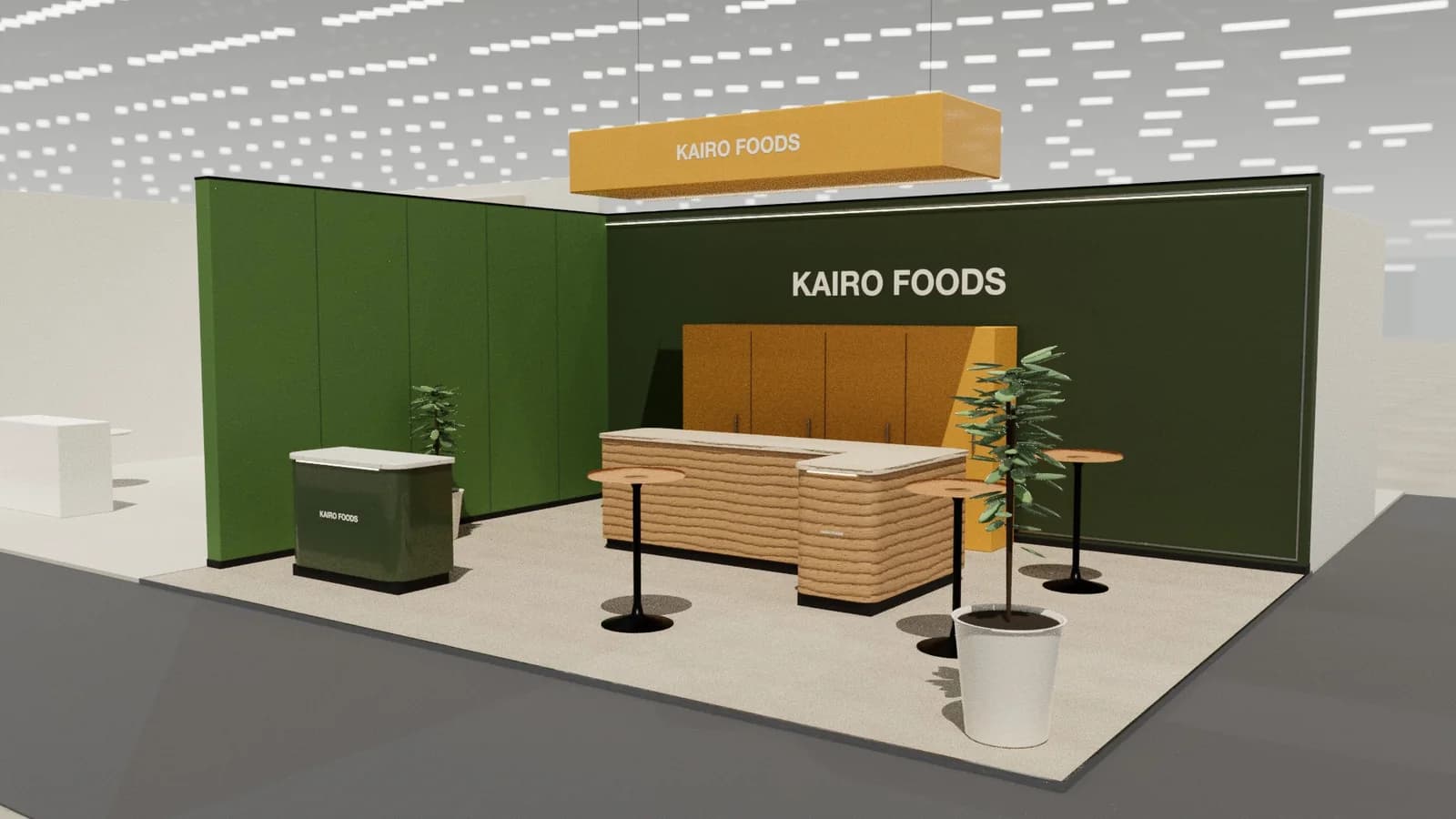
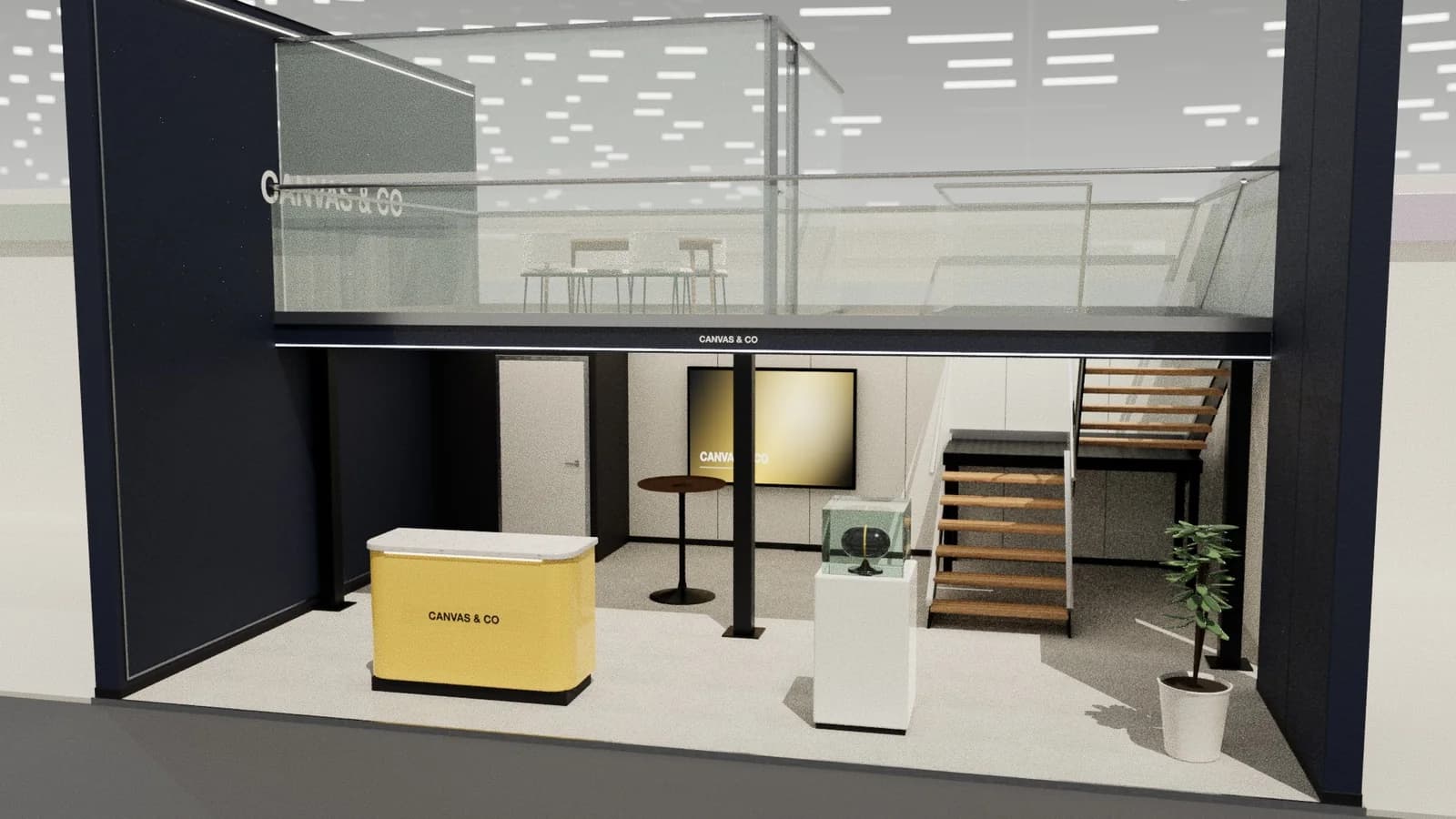
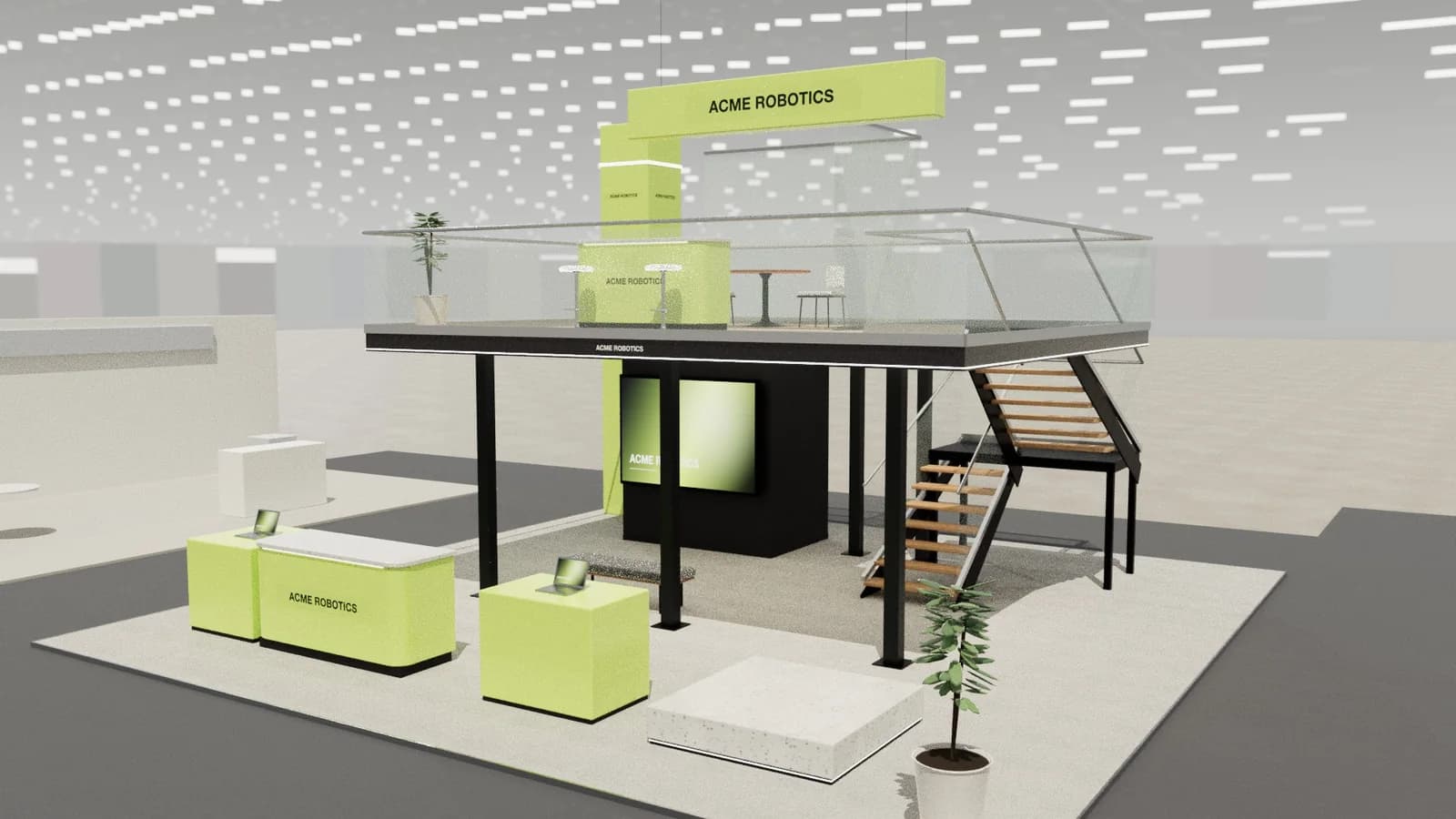
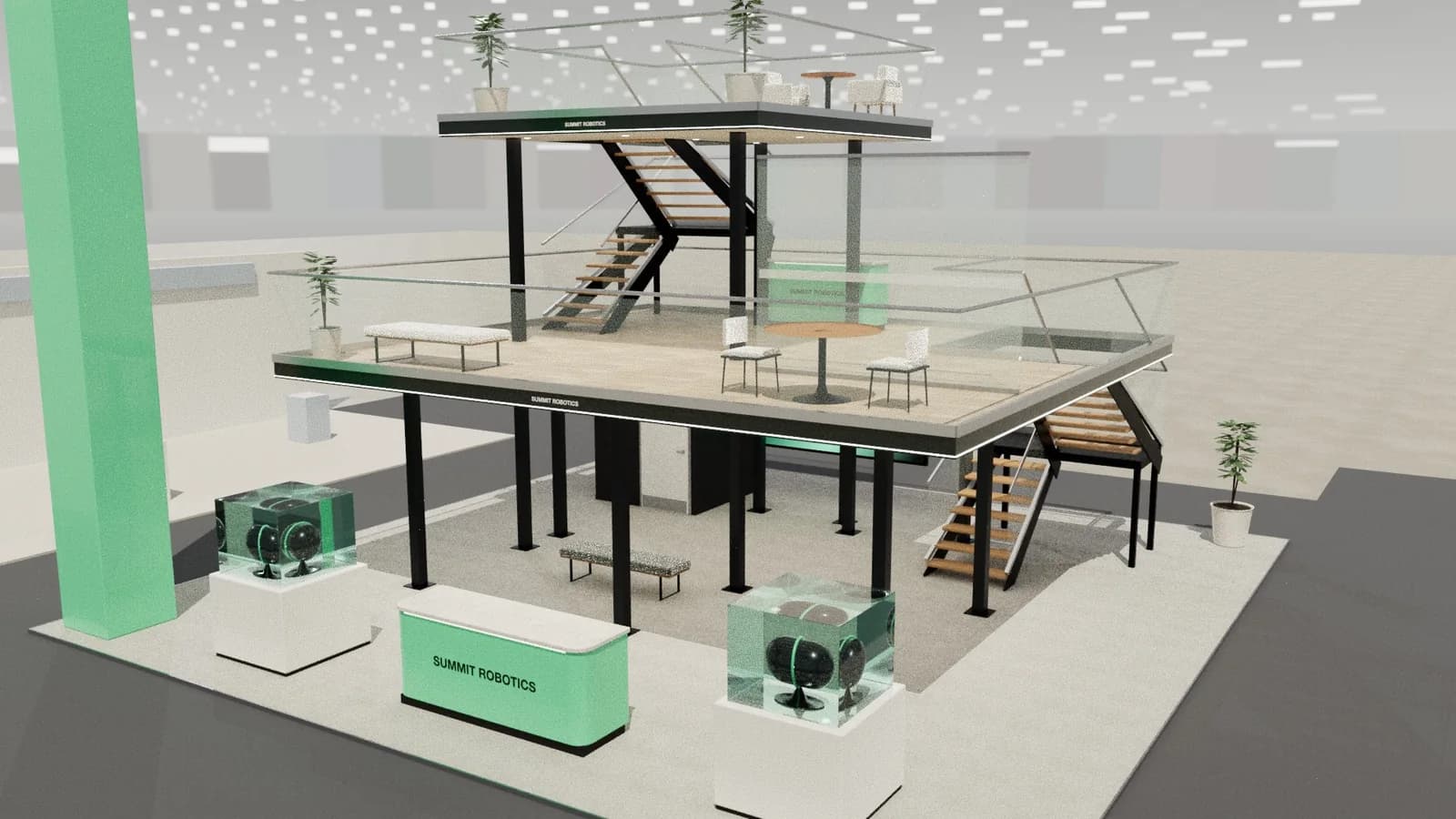
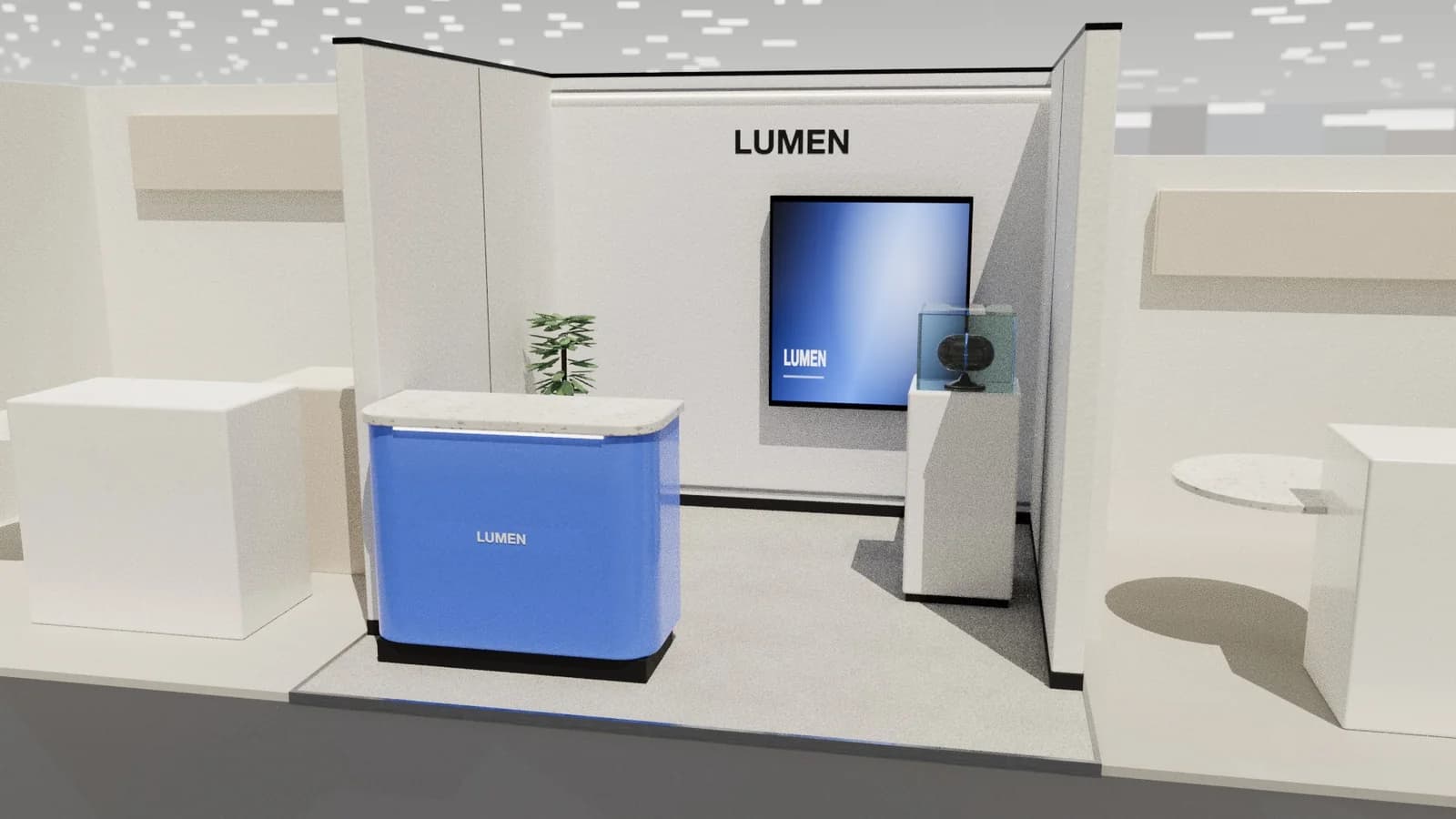
Image-to-stand rebuild turns a picture of a stand into an editable design. Studio reads the image, lists what it sees and places real-size items from its library at your stated stand size. The result is a working model you can edit, render and draw. It is an estimate of what the image shows, not a survey, so check the positions against the original and let your builder confirm the critical dimensions.
Key points
- You give the real size; the image gives the layout.
- Objects become real-size library items.
- Clear, wide views work best.
- Positions are estimates, so check them.
When it's useful
- Reusing last year's stand at a new size.
- Turning a client's reference image into a real layout.
- Bringing a designer's render into an editable model.
- Producing drawings for a stand that only exists as a picture.
Always check that you have the right to reuse an image. A competitor's stand design may be protected, and copying it is a poor brief anyway.
What makes a good input
| Good | Harder |
|---|---|
| Wide, three-quarter view | Close-up of one detail |
| Clear lighting | Dark or blurred photo |
| Few people in shot | Crowded show-day photo |
| Plan or elevation drawing | A partial view that hides half the stand |
How it works
- 01
Upload the image
Use a clear image of the whole stand.
- 02
Enter the size
Give the real width, depth and height.
- 03
Review the result
Compare the model with the image.
- 04
Edit in 3D
Move, swap or add items by hand.
- 05
Export
Render it, or download drawings.
How accurate is it?
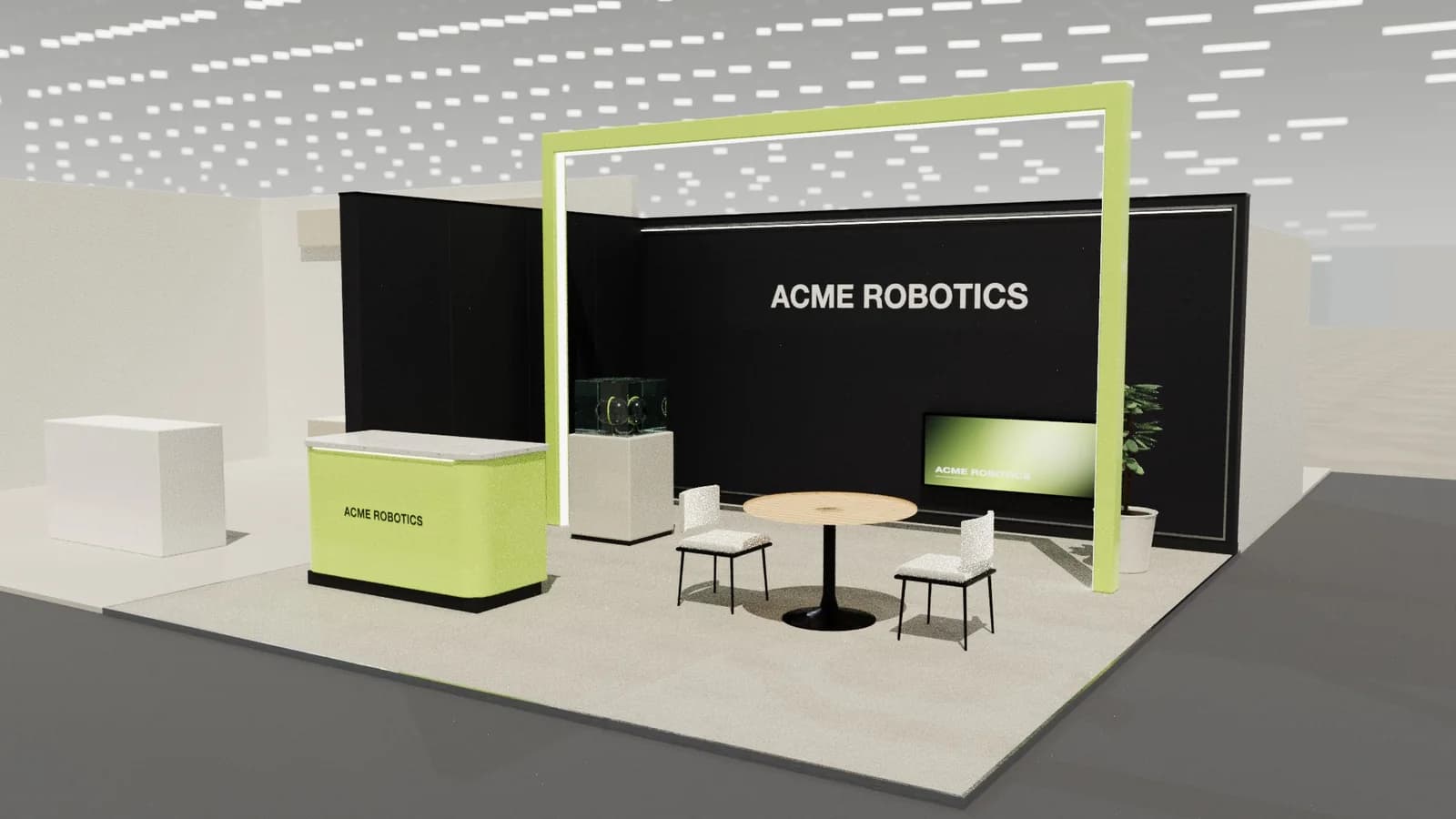
The overall size is exactly what you enter. Item positions inside the stand are estimates from the picture, and hidden parts are guessed or left out. Conversion costs 4 credits. For a route focused on CAD output, see render to CAD workflow and render to AutoCAD.
After the rebuild
Treat the result as a first draft. Check the walls first, since they set the layout, then the large furniture, then the details. Add anything the image hid, such as storage behind a wall. If you plan to build it, send the drawings to your builder, and ask them to check dimensions against any real stand you're copying.
Using images responsibly
If the source is a stand built by someone else, its design may belong to them. Use a rebuild for your own previous stands or approved briefs. For inspiration from others, take the idea rather than a copy, and give your builder a design of your own.
Frequently asked questions
01Can I turn a photo of a stand into a 3D model?
Yes. Studio rebuilds it as an editable model at the size you enter, with estimated positions.
02How much does it cost?
4 credits per conversion, from Studio's current costs.
03Will it match the picture exactly?
No. It uses real-size library items, so it's a close working model and not a copy.
04Does it work from a sketch?
Yes, if the sketch clearly shows the main elements.
Put it into practice
Turn a booth render or sketch into an AutoCAD drawing
Turn a booth render, photo or sketch into an editable 3D model and a layered AutoCAD DXF at real scale.
Guidance here reflects common practice. Venues, organisers and countries set their own rules: always check the exhibitor manual and work with a qualified stand builder and engineer for structures.