In short
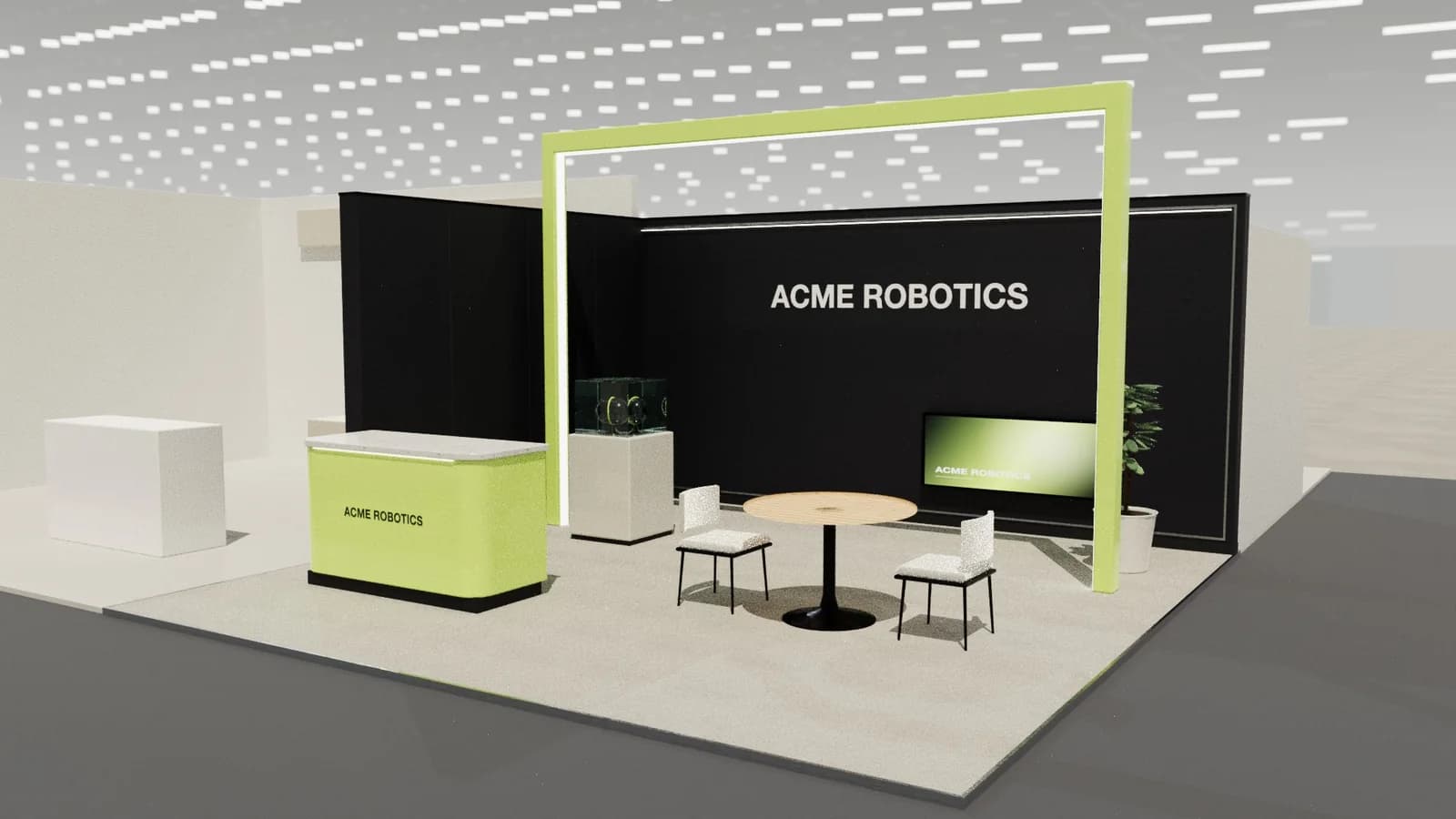
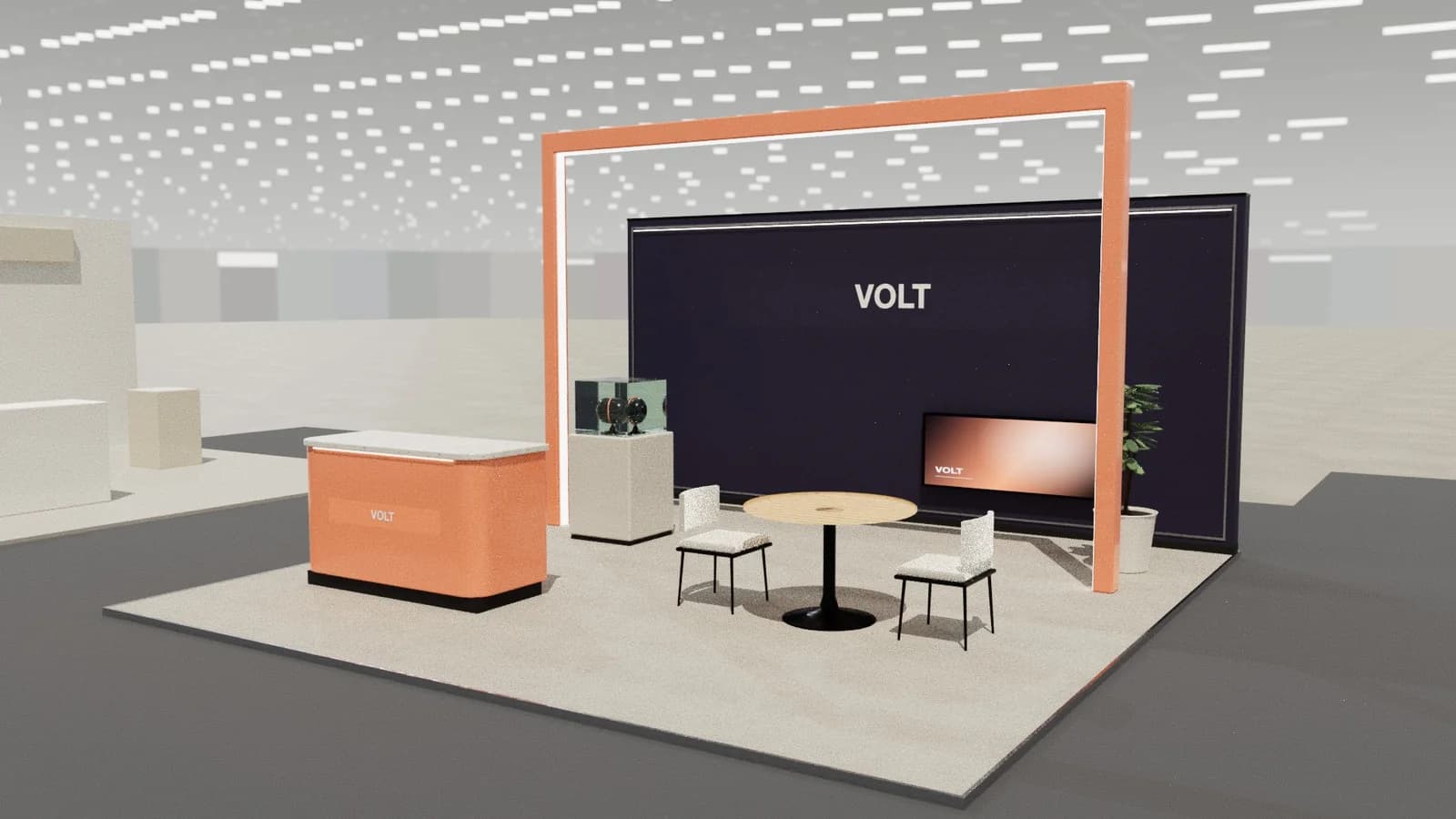
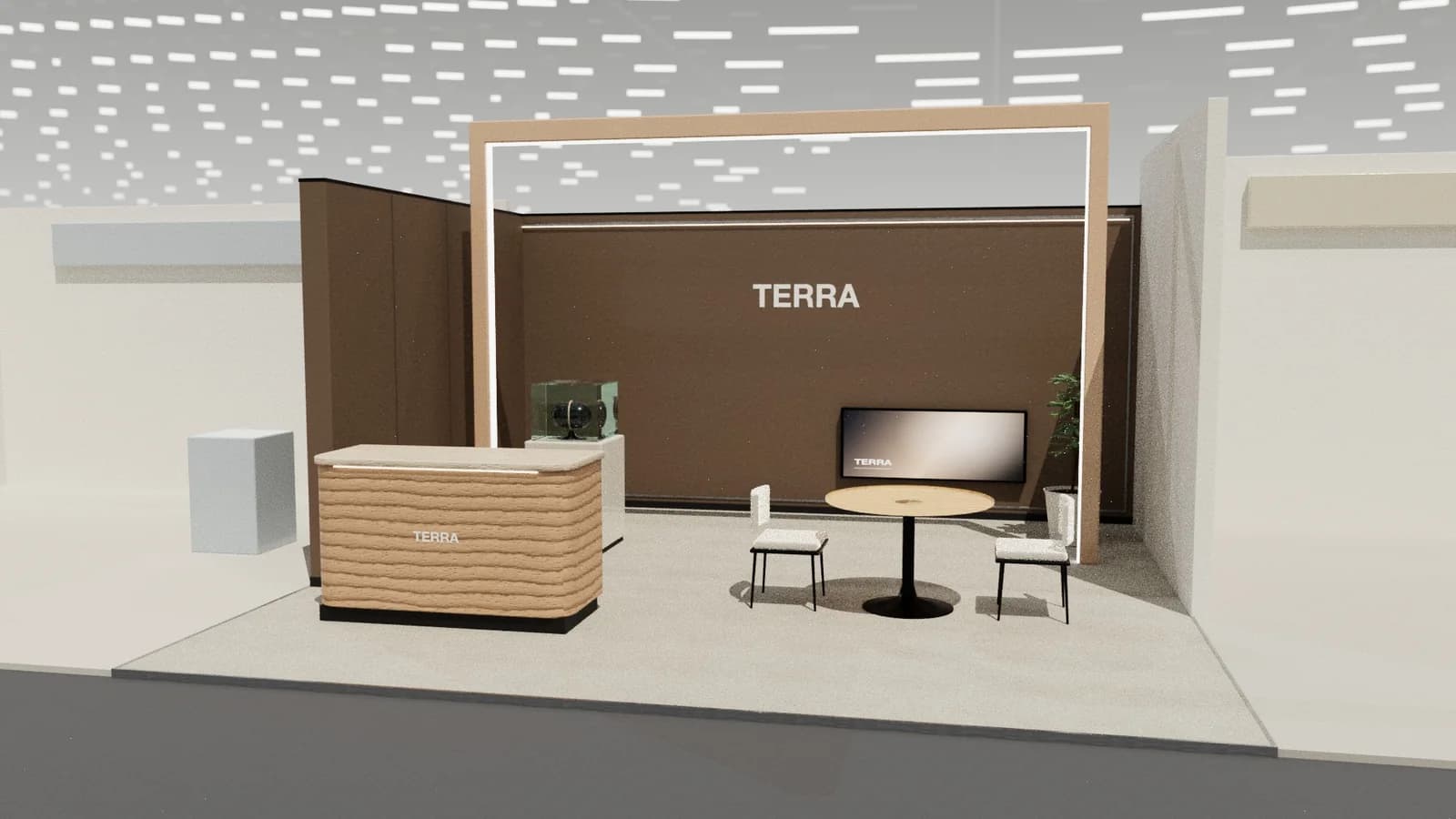
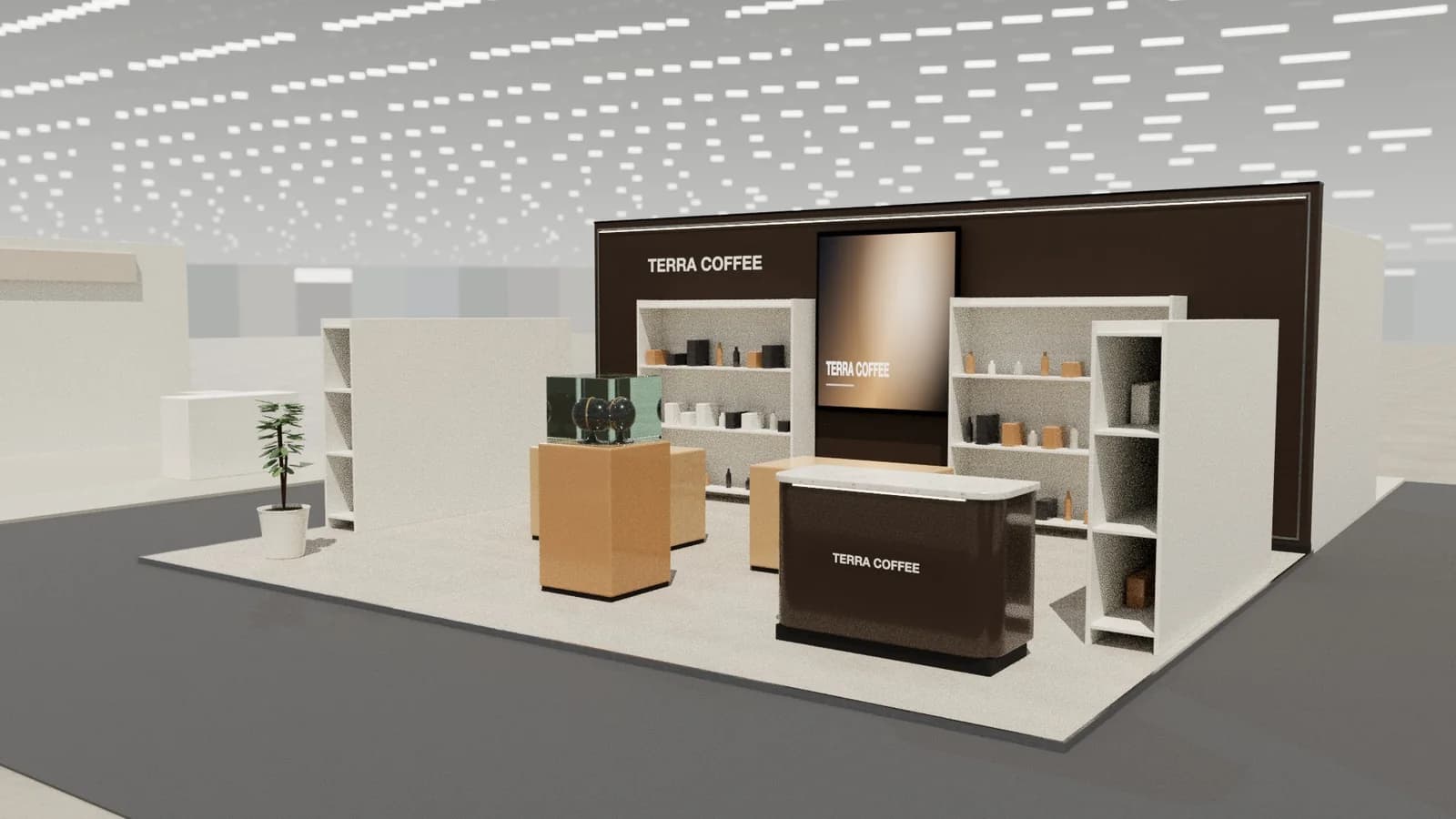
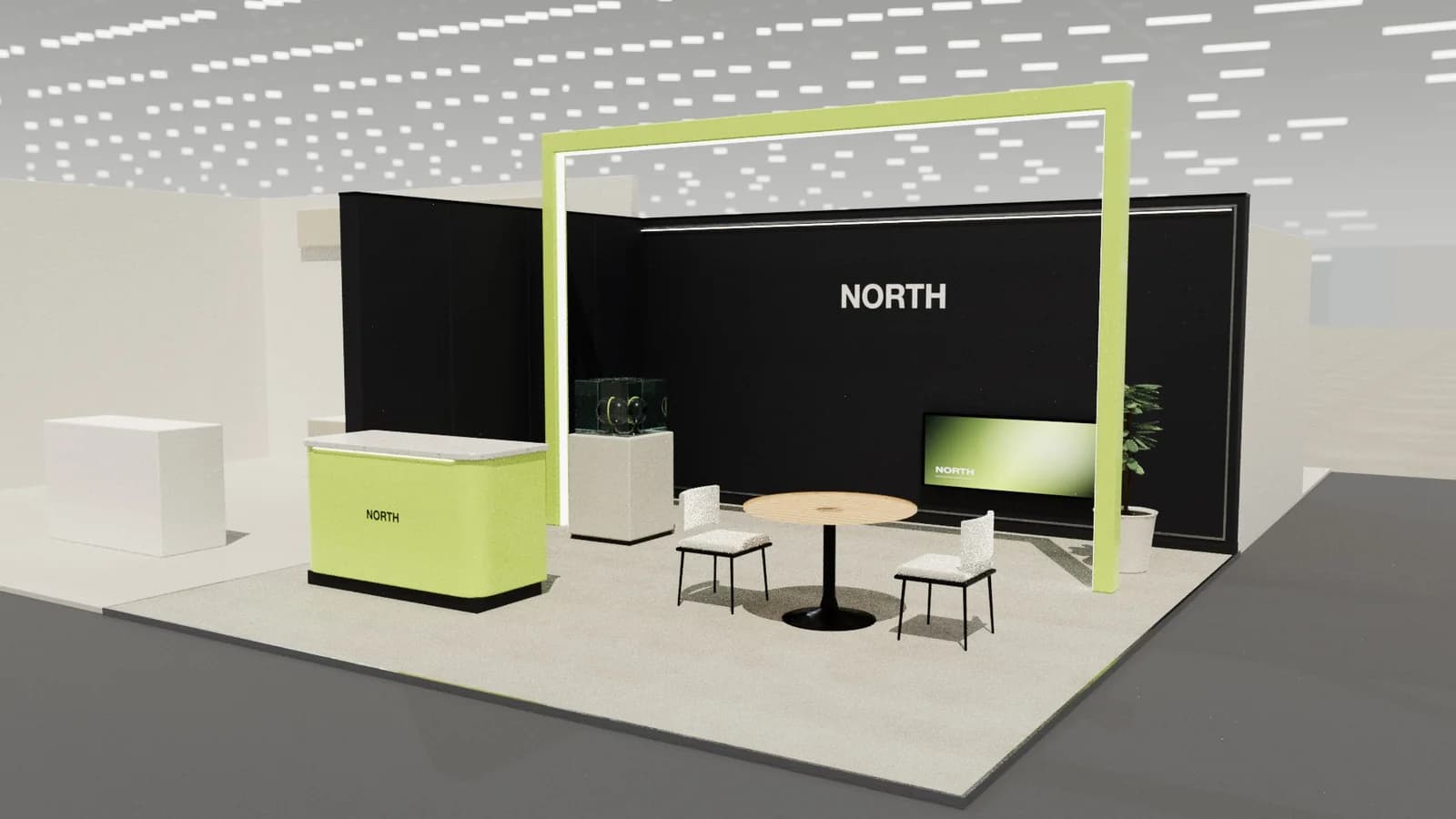
SketchUp gives complete control over every surface and is a common modelling tool for stand designers, but each concept is built by hand and photoreal renders need a separate render plugin. An AI stand generator such as ExhibitionBase Studio produces a complete, editable 3D layout from a brief in about a minute, with renders and CAD drawings built in. Many designers use AI for first concepts and SketchUp for detailed development.
Key points
- SketchUp: full manual control, large plugin ecosystem, needs modelling skill.
- AI generator: a complete stand from a brief in about a minute, less fine control.
- Renders: SketchUp usually adds V-Ray, Enscape or D5; Studio renders built in.
- Drawings: SketchUp uses LayOut; Studio exports plan, elevations and DXF.
- The common workflow uses both: AI to explore, SketchUp to detail.
The short comparison
| SketchUp | AI stand generator (Studio) | |
|---|---|---|
| How a design starts | Blank model, drawn by hand or from a component library | A written brief, plot size and open sides |
| Time to first concept | Hours, depending on skill and complexity | About a minute |
| Control | Every edge and material | Objects, sizes and positions; AI changes from text |
| Photoreal renders | Through a render extension or separate renderer | Built in |
| Plans and elevations | Through LayOut or exported to CAD | Built in, plus layered DXF |
| Learning curve | Moderate; modelling skills needed | Low; no modelling needed |
| Pricing model | Subscription for commercial use | Credits, no subscription |
Where SketchUp is the better choice
- Detailed design development once the concept is agreed: joinery, bespoke structures, exact graphics panels.
- Studios with an existing component library of their own counters, frames and furniture.
- Unusual geometry that does not fit stand-type logic, such as sculptural structures.
- Teams already fluent in SketchUp with render plugins they know well.
Where an AI generator is the better choice
- Turning a client brief into a first concept the same day.
- Exploring several layouts quickly before committing designer time.
- Exhibitors without 3D skills who need a credible visual and a plan to brief a builder.
- Producing renders and a dimensioned drawing pack from one model without extra software.
Using both together
A practical workflow: generate and refine a layout in Studio, agree it with the client using a render, then export the model (GLB or OBJ) or DXF plan as the base for detailed work in SketchUp or CAD. The concept stage shrinks from days to hours; the detailed stage stays with the tools your team trusts.
Frequently asked questions
01Is SketchUp free for exhibition stand design?
SketchUp has a free web version for personal, non-commercial use. Commercial work needs a paid plan; check SketchUp's current licensing.
02Can I export from Studio to SketchUp?
Studio exports GLB and OBJ models and layered DXF drawings that most 3D and CAD tools open. Check the export options in the app for the formats your workflow needs.
03Does AI replace a stand designer using SketchUp?
No. AI speeds up concepts; a designer still develops details, materials and production information, and a builder engineers the stand.
04Which produces better renders?
SketchUp with a strong render plugin, in skilled hands, can produce excellent images. Studio produces photoreal renders from its own model without extra software or rendering skill.
Put it into practice
Generate a 3D exhibition stand you can edit
Generate an editable 3D exhibition stand from your brief, refine the layout and export renders, CAD drawings and the model.
Guidance here reflects common practice. Venues, organisers and countries set their own rules: always check the exhibitor manual and work with a qualified stand builder and engineer for structures.