In short
Free exhibition stand design options fall into four groups: modular suppliers' online configurators (free, limited to their parts), free 3D software such as Blender or SketchUp's free web version (powerful but slow to learn), simple floor planners (2D only) and free starter credits or trials of AI stand tools. Pick by what you need at the end: a quote, a visual or drawings.
Key points
- Supplier configurators: free, but tied to buying that system.
- Blender: free, professional rendering, steep learning curve.
- SketchUp's free web version: personal, non-commercial use.
- Floor planners: quick 2D plans, no visuals.
- AI tools: Studio gives new workspaces 5 free credits.
The free options
| Option | What you get | Limit |
|---|---|---|
| Modular supplier configurators | 3D stand from the supplier's parts, often with a quote | Only that supplier's system |
| Blender | Full 3D modelling and photoreal rendering | Learning curve; no stand logic or drawings |
| SketchUp free web version | Browser 3D modelling | Non-commercial use; fewer features |
| 2D floor planners | Quick dimensioned layouts | No 3D or visuals |
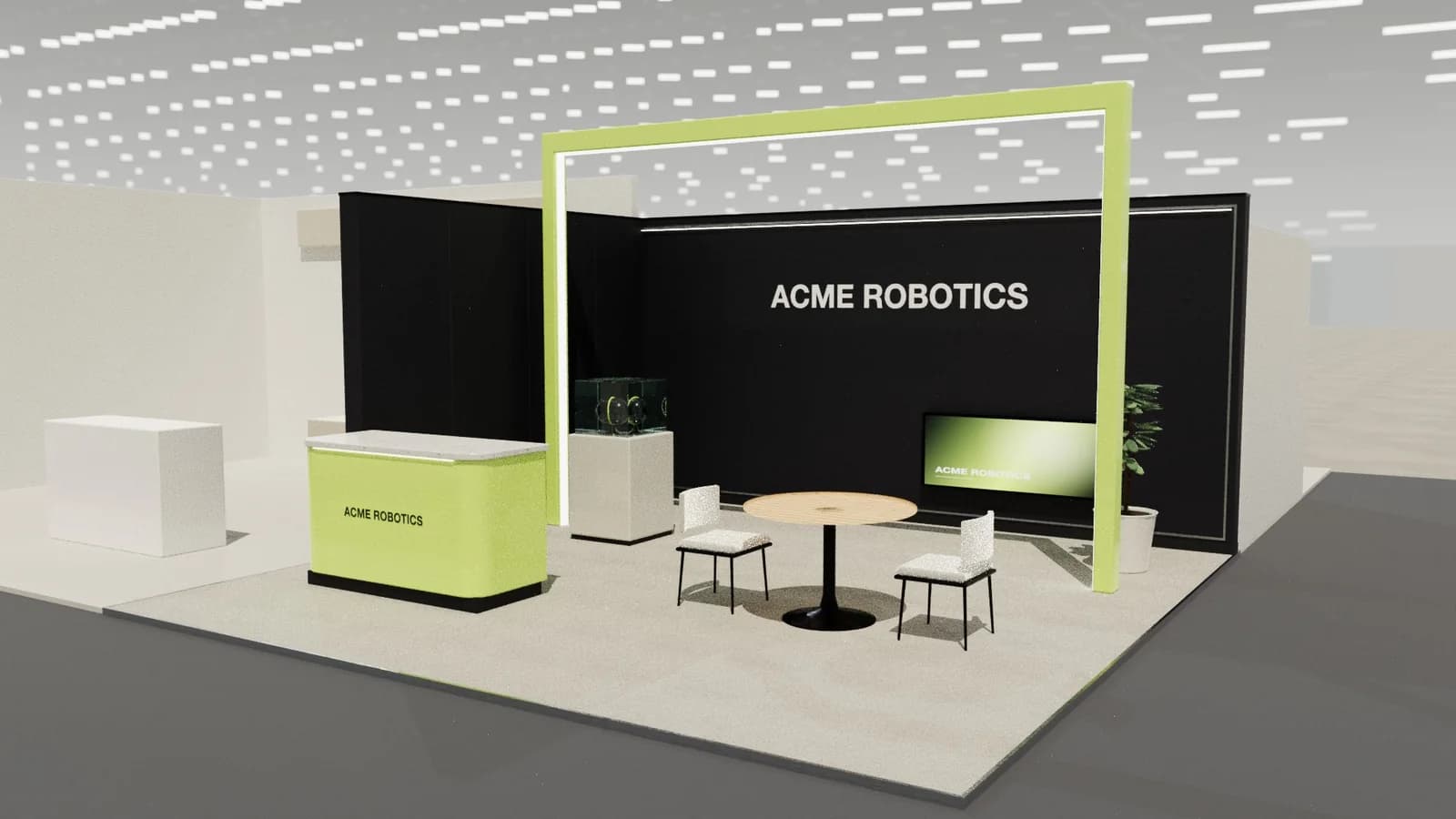
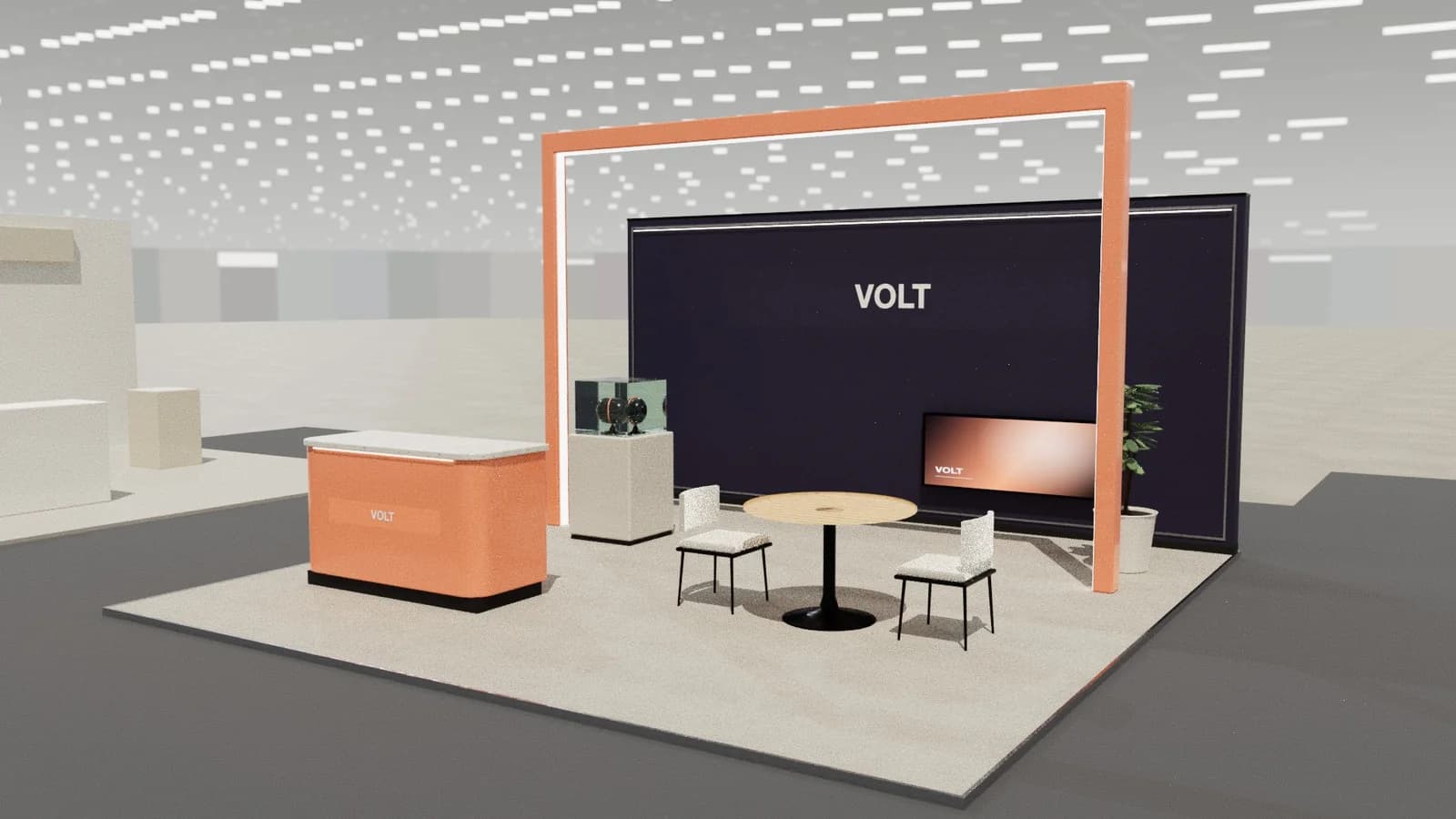
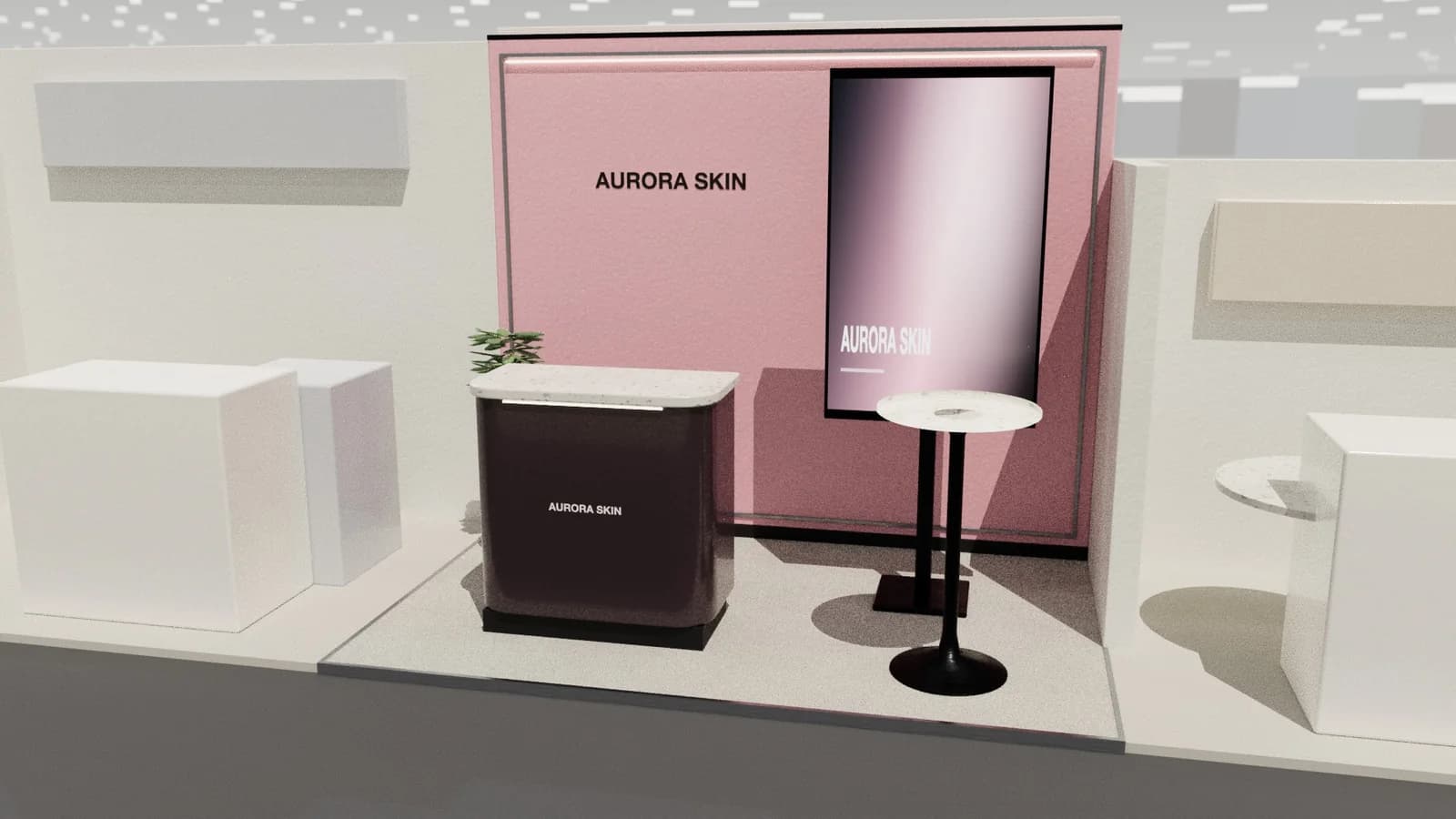
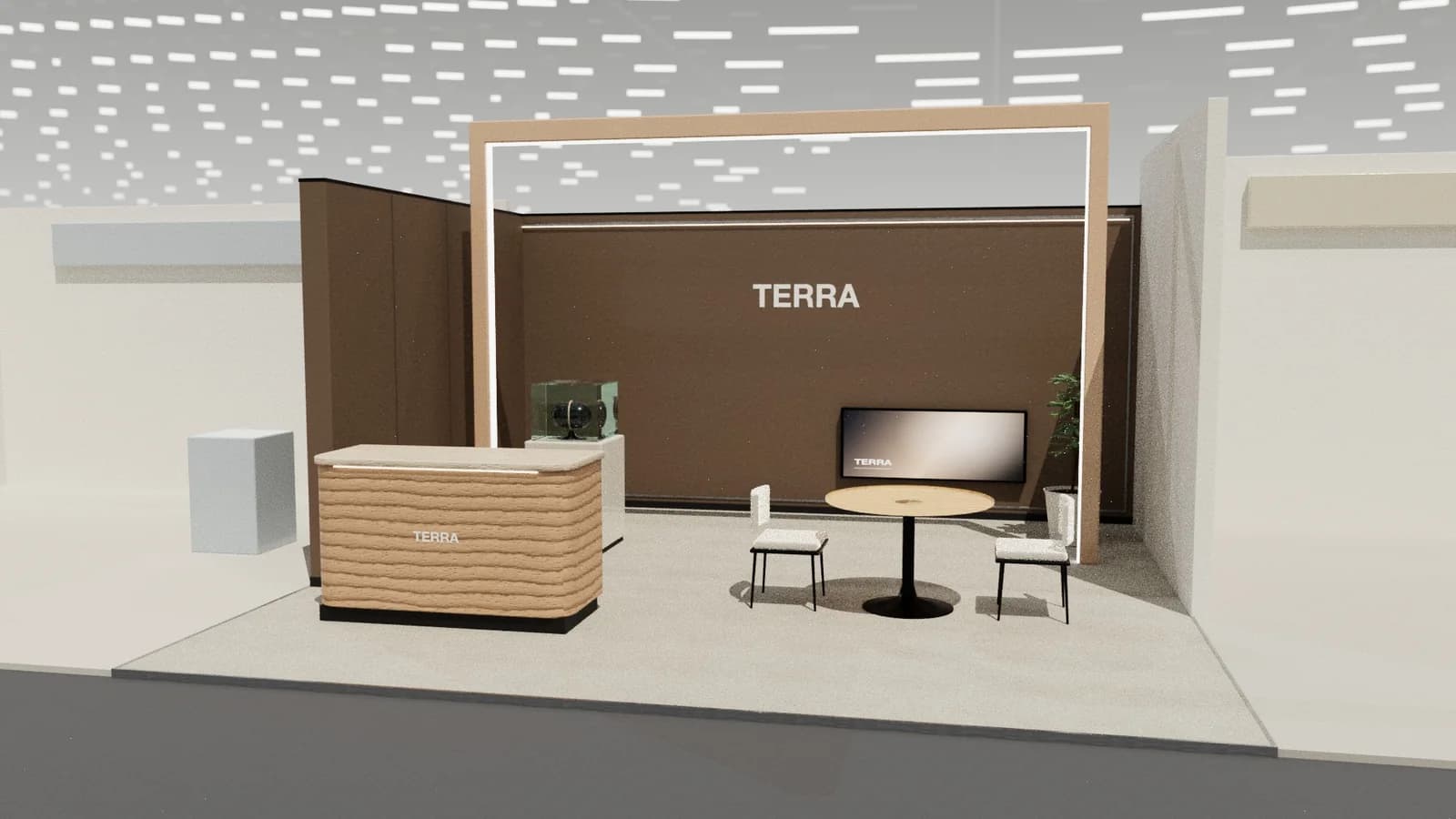
| AI tool starter credits | A complete AI stand design with editing and exports | Credits run out; then pay per use |
Which free option fits
- You will buy a modular stand anyway: use that supplier's configurator.
- You need a visual for approval: an AI tool's free credits are the fastest route.
- You have time to learn 3D: Blender.
- You only need to check furniture fits: a floor planner or graph paper at 1:50.
What Studio's free credits cover
New workspaces get 5 credits once. An AI stand design costs 5, so the free credits cover one complete concept. Editing the model by hand, the plan and elevations, and DXF and model exports cost nothing, so you can keep refining that design for free. Renders cost 5 credits each. See pricing.
A zero-budget workflow
Sketch the plot to scale, test the layout with a free tool, then get a builder or supplier to quote from the plan. Spend only when you need a visual for approval or drawings for the organiser.
Frequently asked questions
01Is there completely free booth design software?
Yes: Blender is free, and supplier configurators are free to use. Both have limits: learning time or lock-in to one system.
02Can I design a trade show booth online for free?
Yes, with a supplier configurator, SketchUp's free web version for non-commercial use, or Studio's 5 starter credits.
03Are free tools good enough for organiser approval?
Approval needs a dimensioned plan and elevations. Tools that export drawings, or a builder, provide those.
04Do I need to pay for renders?
Blender renders are free but take skill. In Studio a standard render costs credits; the 3D view and drawings are free.
Put it into practice
Generate a 3D exhibition stand you can edit
Generate an editable 3D exhibition stand from your brief, refine the layout and export renders, CAD drawings and the model.
Guidance here reflects common practice. Venues, organisers and countries set their own rules: always check the exhibitor manual and work with a qualified stand builder and engineer for structures.