In short
Blender is free and its Cycles path tracer produces excellent photoreal booth renders, but modelling a stand from scratch, setting up materials and lighting, and producing dimensioned drawings all take skill and time. For quick concept renders, a stand-specific tool is faster; Blender suits final hero images and animations by experienced artists.
Key points
- Free and open source, with high-quality path-traced rendering.
- Steep learning curve for modelling, materials and lighting.
- Not designed for dimensioned plans and elevations.
- Ready-made booth models are sold, but must be adapted to your plot.
- Stand-specific tools trade some control for much faster results.
What Blender does well
- Photoreal rendering with Cycles, including soft shadows, reflections and accurate materials.
- Fast preview rendering with Eevee.
- Animation for walkthroughs and fly-throughs.
- No licence cost, and a large community and asset market.
Where it slows stand work down
- Each concept is modelled by hand; changing the plot size means rebuilding.
- Lighting a hall interior realistically takes experience.
- No built-in stand logic: open sides, height limits, clear routes.
- Plans and elevations for builders need another tool.
Blender compared with a stand tool
| Blender | Stand-specific tool (Studio) | |
|---|---|---|
| Cost | Free | Credits; free starter credits |
| Time to first render | Hours to days | Minutes |
| Render quality | Excellent with skill | Photoreal, consistent |
| Drawings | Not built in | Plan, elevations, DXF |
| Changing the size | Remodel | Resize the stand; objects follow |
A workflow that uses both
Design and approve the layout in a stand tool, export the model as GLB or OBJ and import it into Blender for hero images or animation. You keep the dimension-checked layout and gain Blender's creative control for final visuals. See how to make a booth render.
What you need to learn
- Modelling to real dimensions, with units set to metres or millimetres.
- Materials: fabric, timber, laminate, glass and emissive lightboxes.
- Lighting an interior: area lights, HDRI and exposure.
- Cameras at eye height with realistic focal lengths.
- Render settings and denoising for clean images in reasonable time.
Each of these takes practice. If you render stands only occasionally, the time may cost more than the tool saves.
Frequently asked questions
01Is Blender free for commercial booth renders?
Yes. Blender is free and open source, including for commercial work.
02Can I buy ready-made booth models for Blender?
Yes, asset markets sell booth models. Check scale, licence and whether the layout fits your plot and the venue's rules.
03Can Blender produce stand technical drawings?
Not conveniently. Use CAD or a tool that exports plans and elevations.
04Can I import a Studio model into Blender?
Yes: export GLB or OBJ from Studio and import it into Blender.
05How long does it take to learn Blender for stand renders?
Basic modelling and rendering take weeks of regular practice; convincing interior lighting and materials take longer. Tutorials and asset libraries help, but plan for the time.
Put it into practice
Booth renders that start from the brief, not a blank prompt
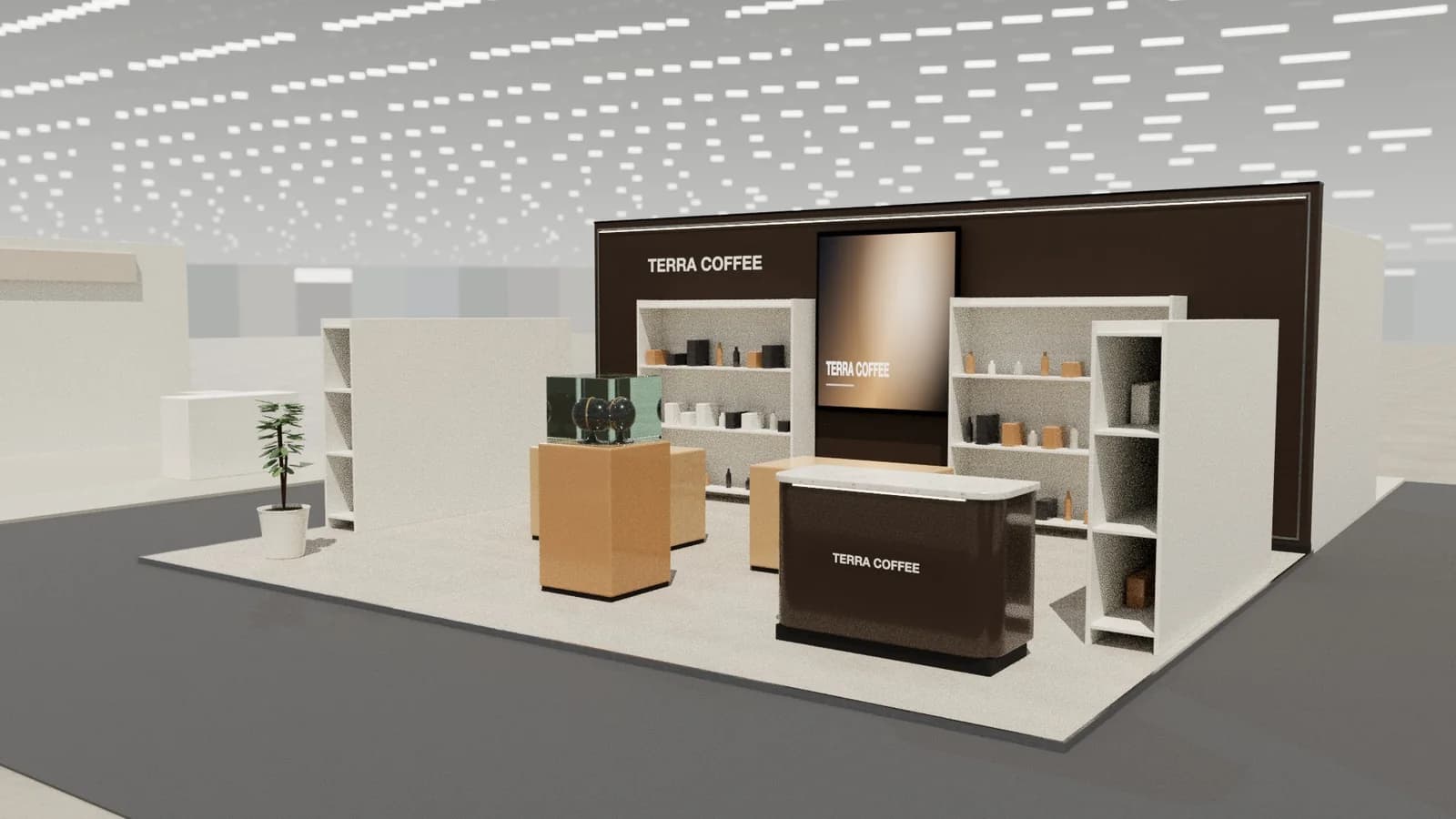
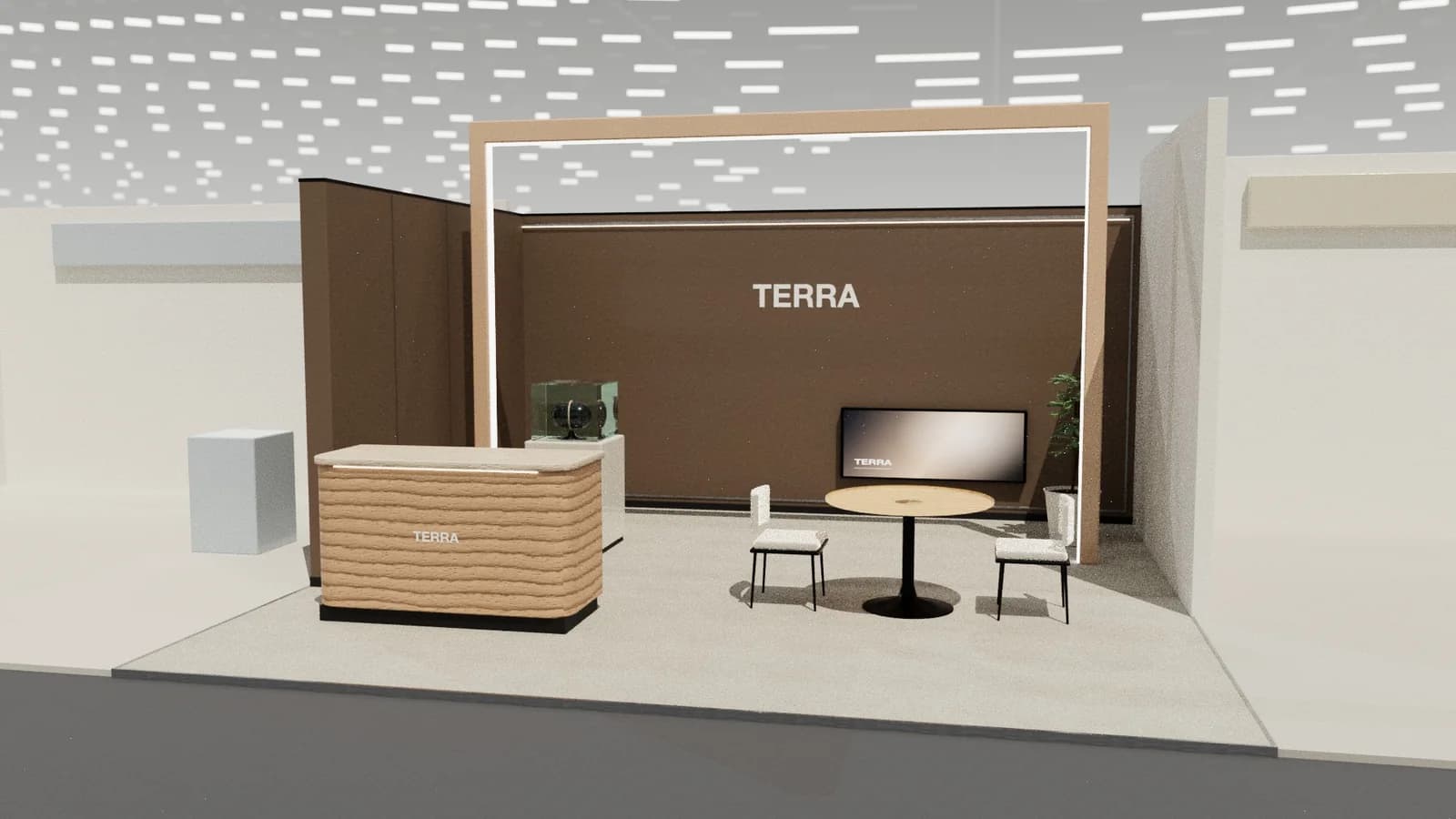
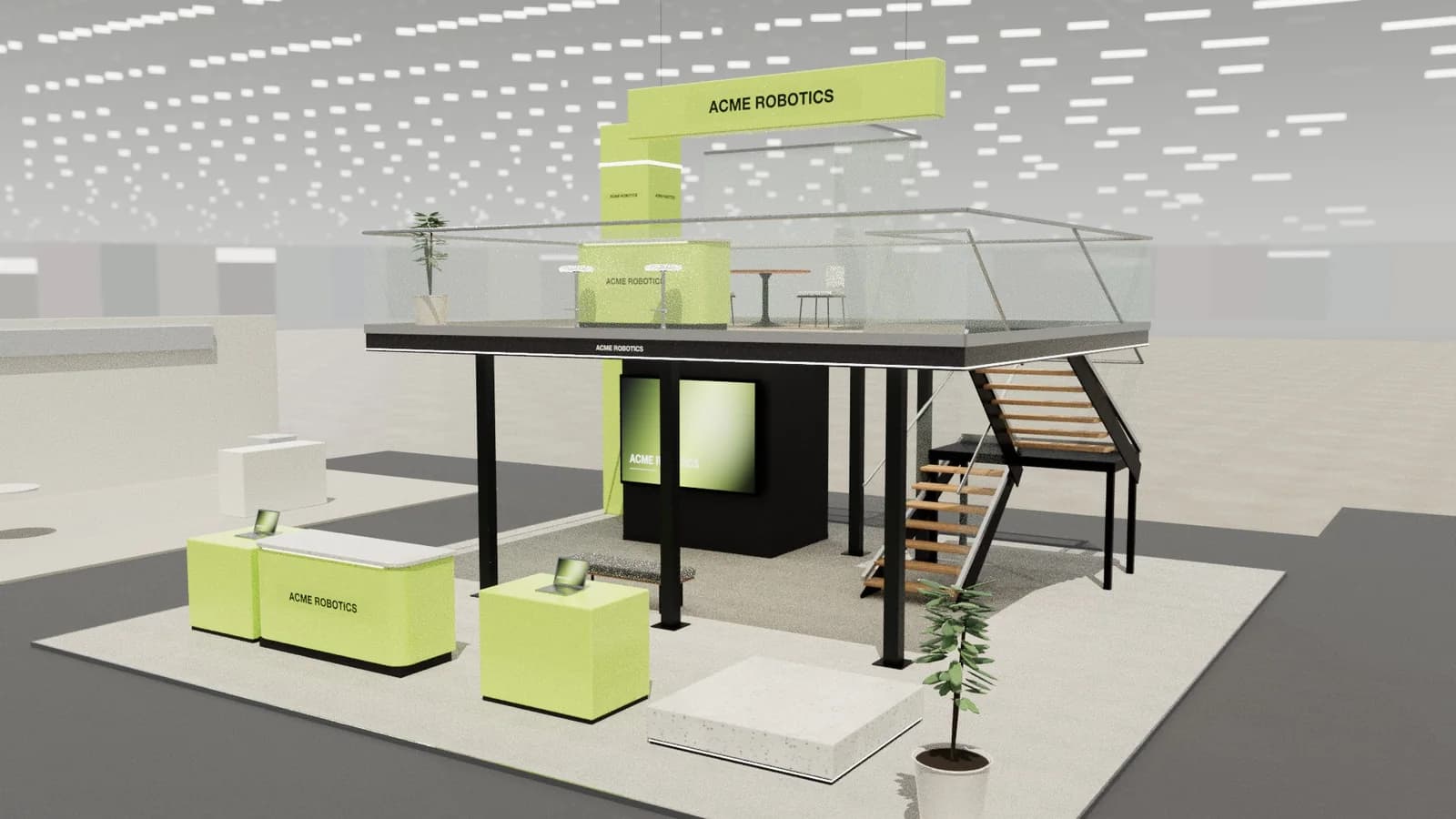
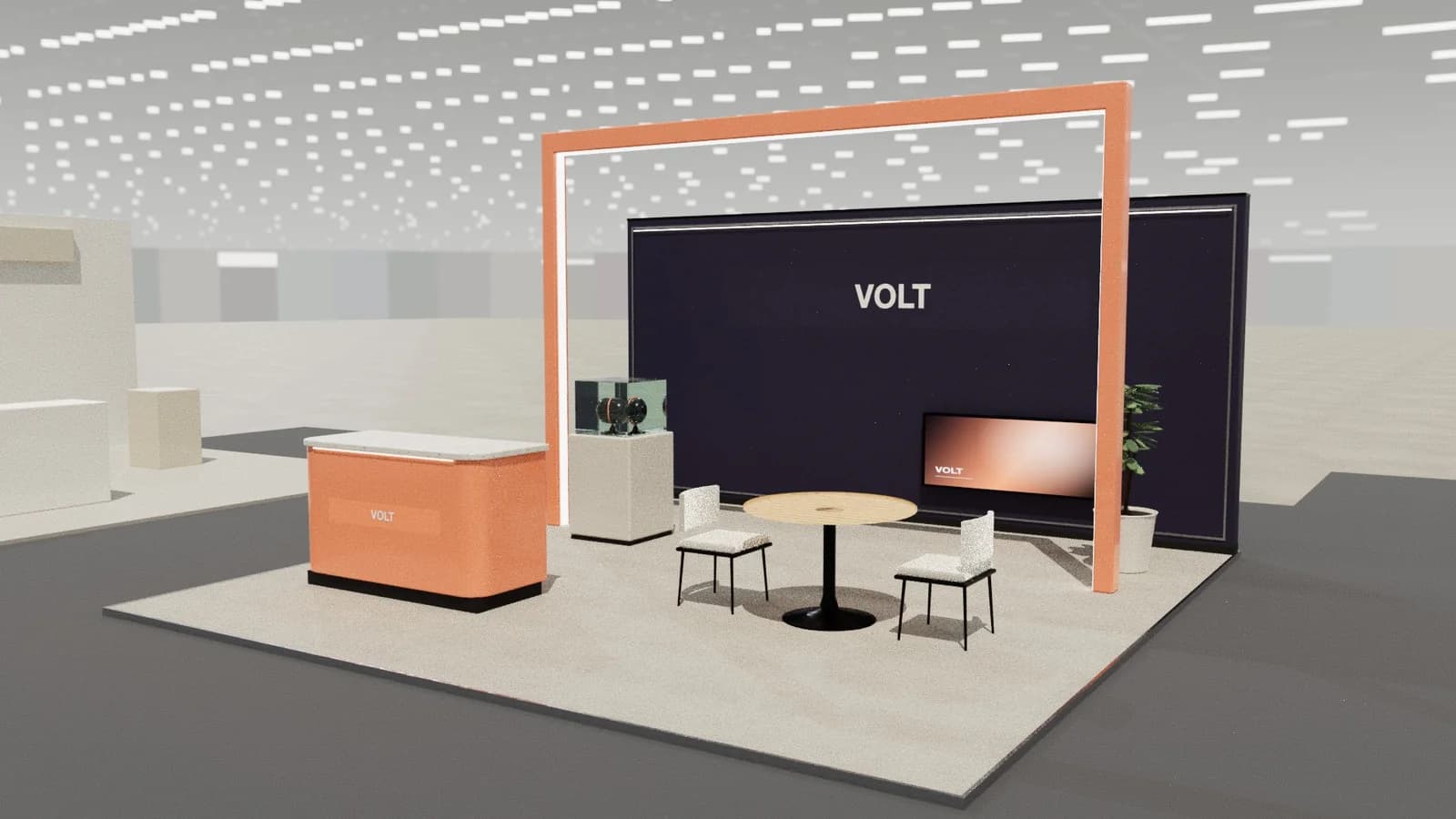
Photoreal exhibition booth renders made from a dimension-controlled 3D model, with the brand's colours and logo.
Guidance here reflects common practice. Venues, organisers and countries set their own rules: always check the exhibitor manual and work with a qualified stand builder and engineer for structures.