In short
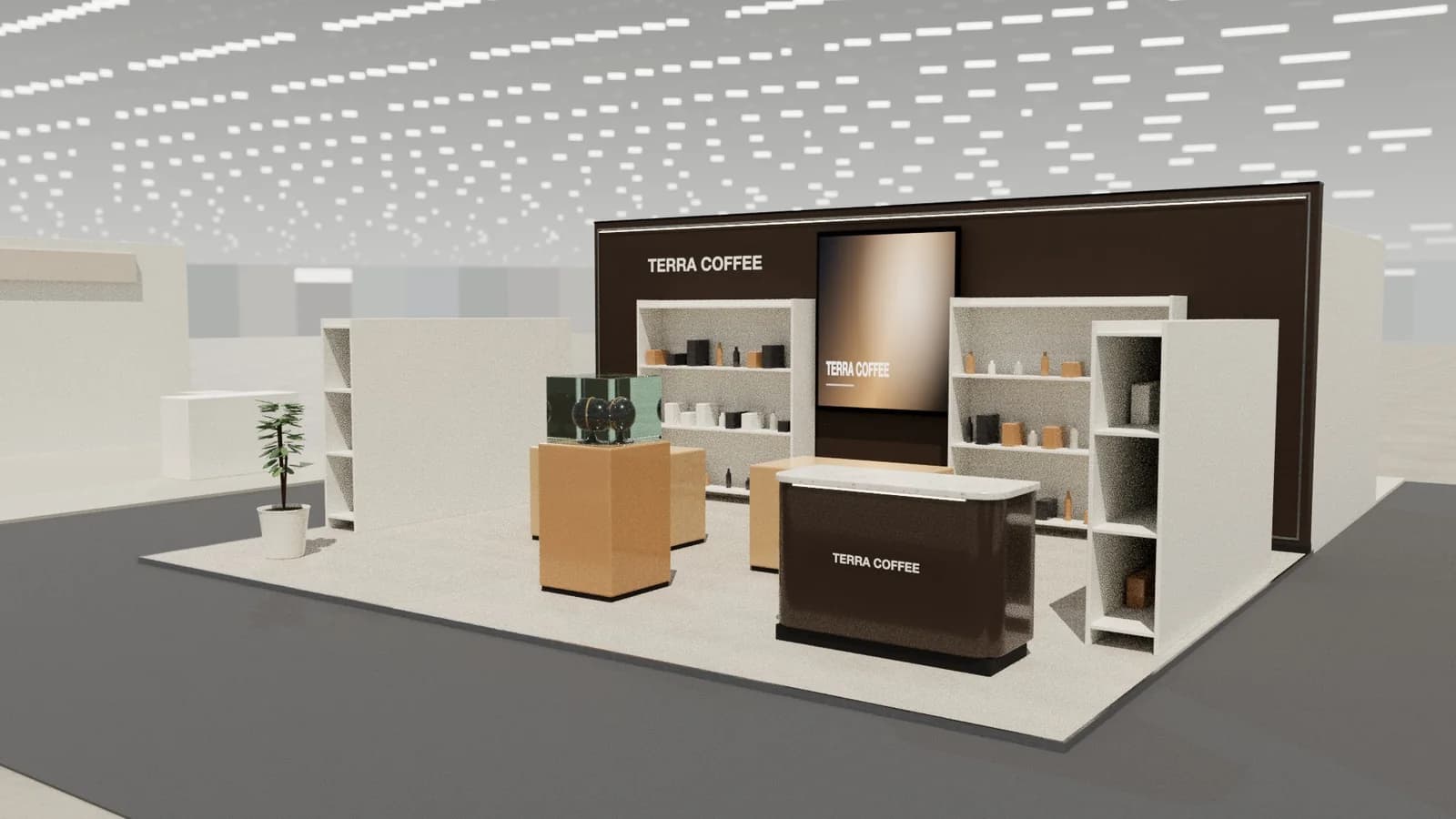
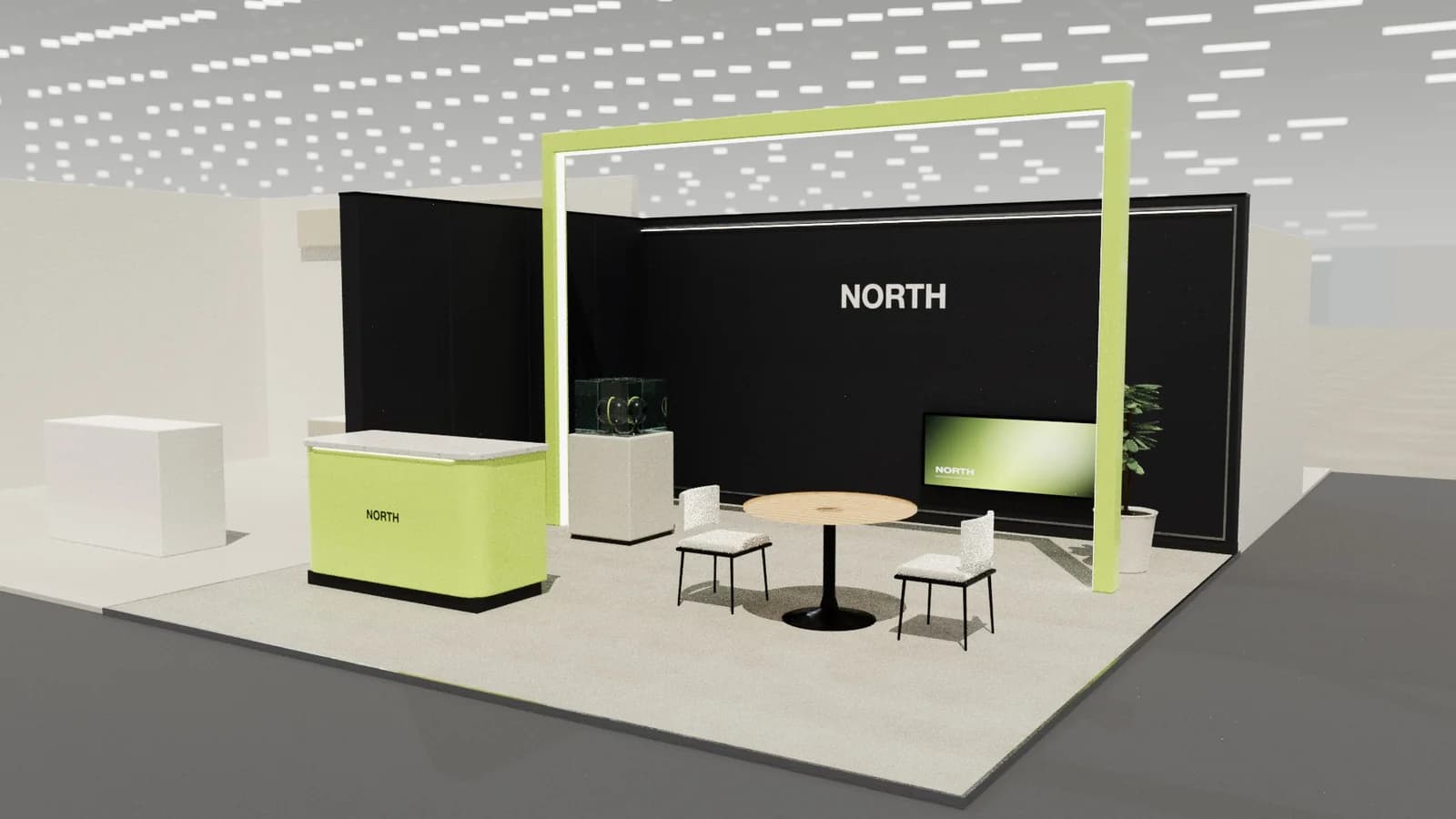
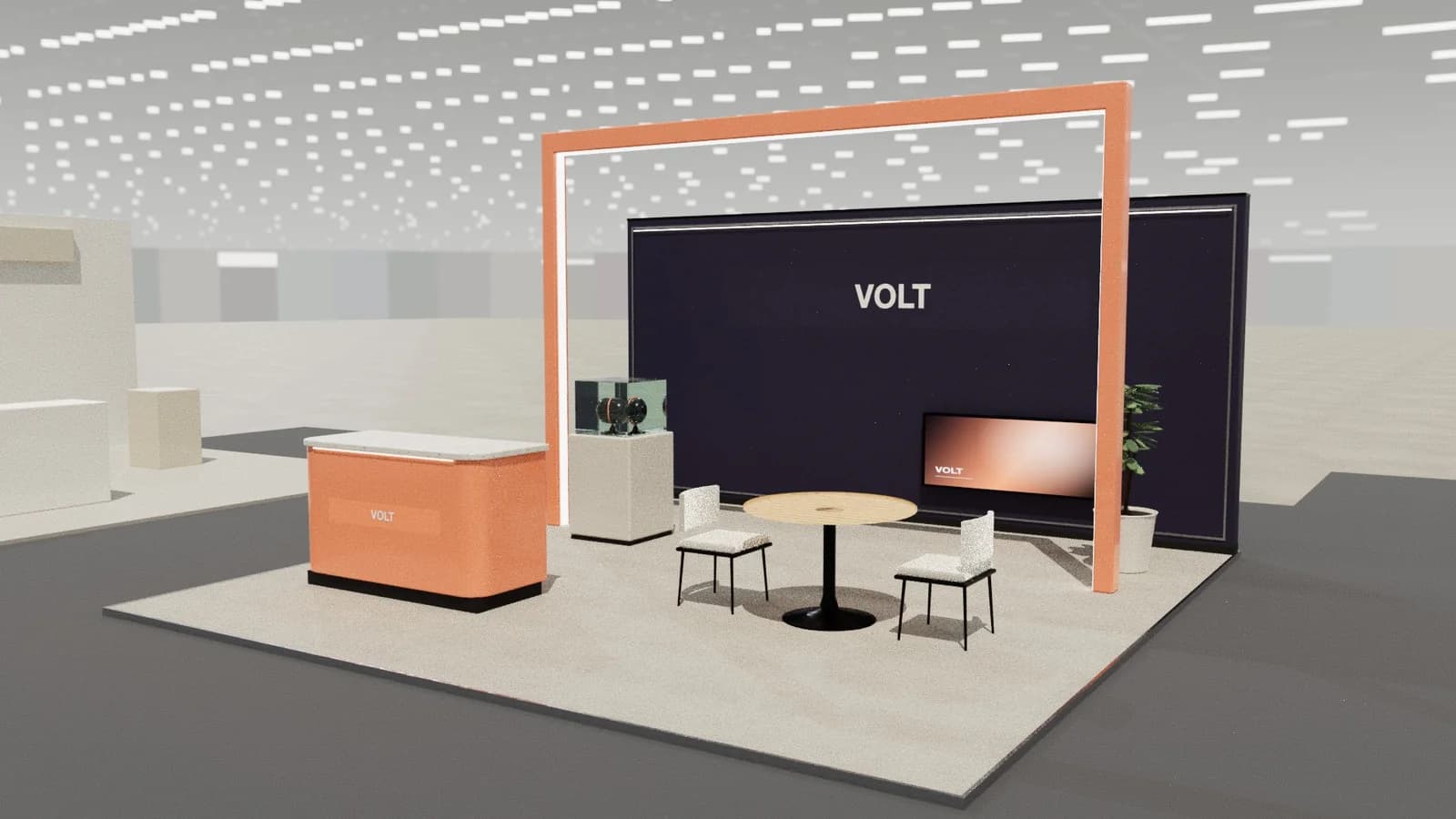
Booth render prices depend on who makes them and what is included: a freelance visualiser usually prices per view or per project, with the 3D model often charged separately; agencies include renders in design fees; AI and stand-specific tools charge per image. Model complexity, number of views, revisions and turnaround drive the price more than the render itself.
Key points
- Most of the cost is building the 3D model, not rendering it.
- Price drivers: complexity, number of views, revisions, turnaround, animation.
- Three to four views usually cover a client presentation.
- Agree the deliverables and revision rounds in writing.
- In Studio a standard render costs 5 credits and a 2K render 8.
What drives the price
| Factor | Effect on cost |
|---|---|
| Modelling from scratch | The biggest item; a detailed stand takes hours |
| Number of views | Each extra camera angle adds set-up and render time |
| Photoreal quality | Materials, lighting and post-production add time |
| Revisions | Changes to the design mean remodelling and re-rendering |
| Turnaround | Rush jobs cost more |
| Animation or walkthrough | Many frames; priced separately |
Your options
- Freelance visualiser: good value for a fixed design; check portfolios for exhibition work.
- Design agency or stand builder: renders included in design fees; less flexible on revisions.
- Learn it yourself: free software such as Blender, but time-consuming; see Blender for booth renders.
- AI and stand tools: renders from a 3D model in minutes, priced per image.
How many views you need
- 01
Hero view
From the busiest aisle approach, at eye height: the image that sells the design.
- 02
Second approach
From the other open side, for corner, peninsula and island stands.
- 03
Detail
The demo area, counter or meeting room up close.
- 04
Plan or overhead
Shows the layout; often a drawing rather than a render.
Render costs in Studio
Studio renders from the 3D model you designed, so the model costs nothing extra: a standard render is 5 credits and a 2K render 8. The 3D view, walkthroughs and drawings are free. See pricing and the booth render generator.
Briefing a visualiser
- Plot size, open sides and maximum height, with the hall plan if you have it.
- Brand files: vector logo, colours, fonts and imagery.
- Products to show, with sizes and photographs or 3D files.
- The camera views you want and the deliverable size (for example 1920 × 1080 or 4K).
- Number of revision rounds, delivery date and file ownership.
A clear brief cuts revisions, which is where render budgets usually overrun.
Frequently asked questions
01Why do render quotes vary so much?
Because most of the work is building the model; quotes differ in how detailed it is, how many views and revisions are included and how fast you need it.
02Is the 3D model included in a render price?
Not always. Ask whether modelling, views, revisions and source files are included.
03How long does a booth render take?
From minutes with a stand tool to days with a visualiser, mostly depending on modelling.
04Can I reuse a render for marketing?
Agree usage rights with the visualiser. Renders made in your own Studio workspace are yours to use.
Put it into practice
Booth renders that start from the brief, not a blank prompt
Photoreal exhibition booth renders made from a dimension-controlled 3D model, with the brand's colours and logo.
Guidance here reflects common practice. Venues, organisers and countries set their own rules: always check the exhibitor manual and work with a qualified stand builder and engineer for structures.