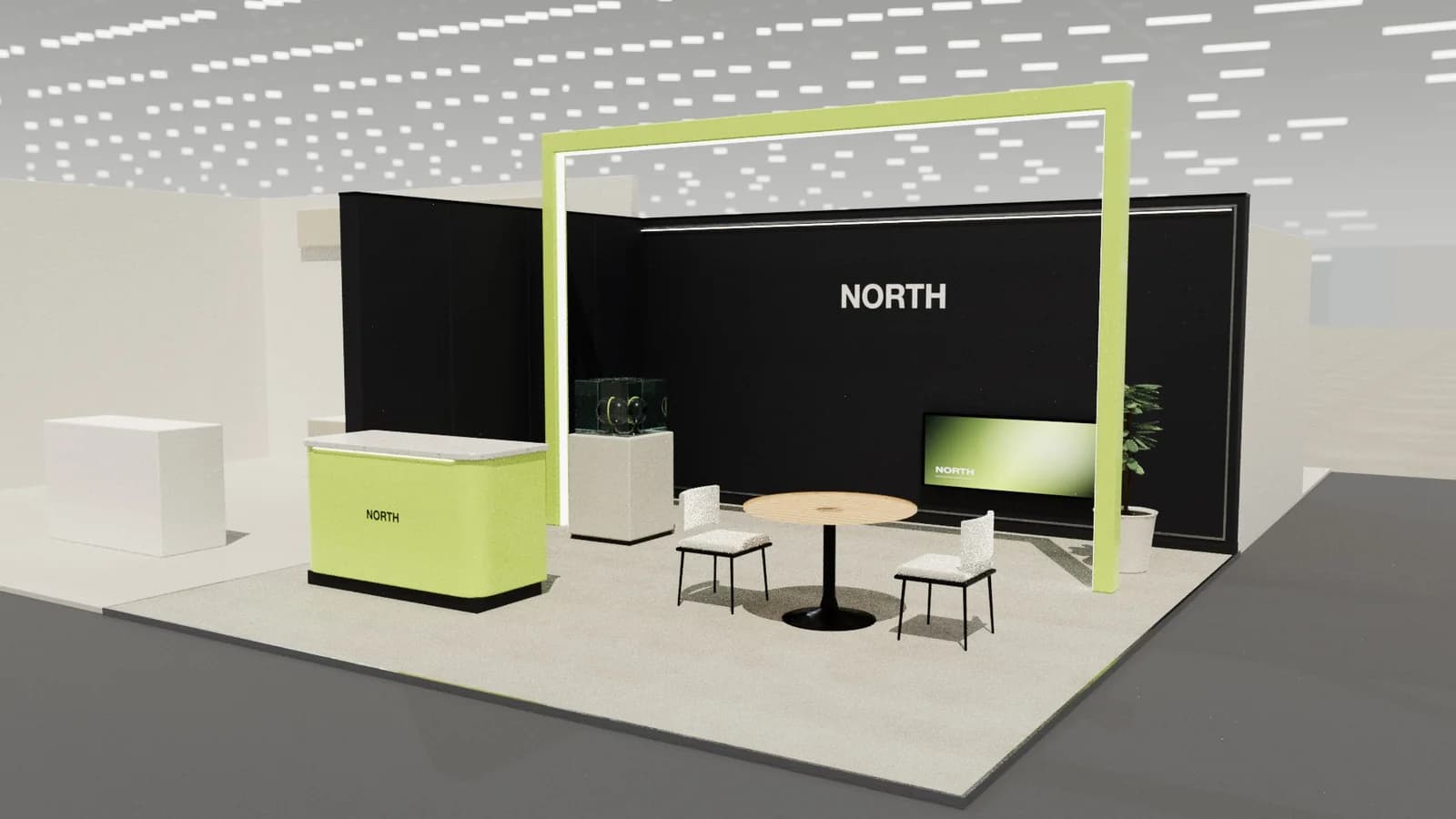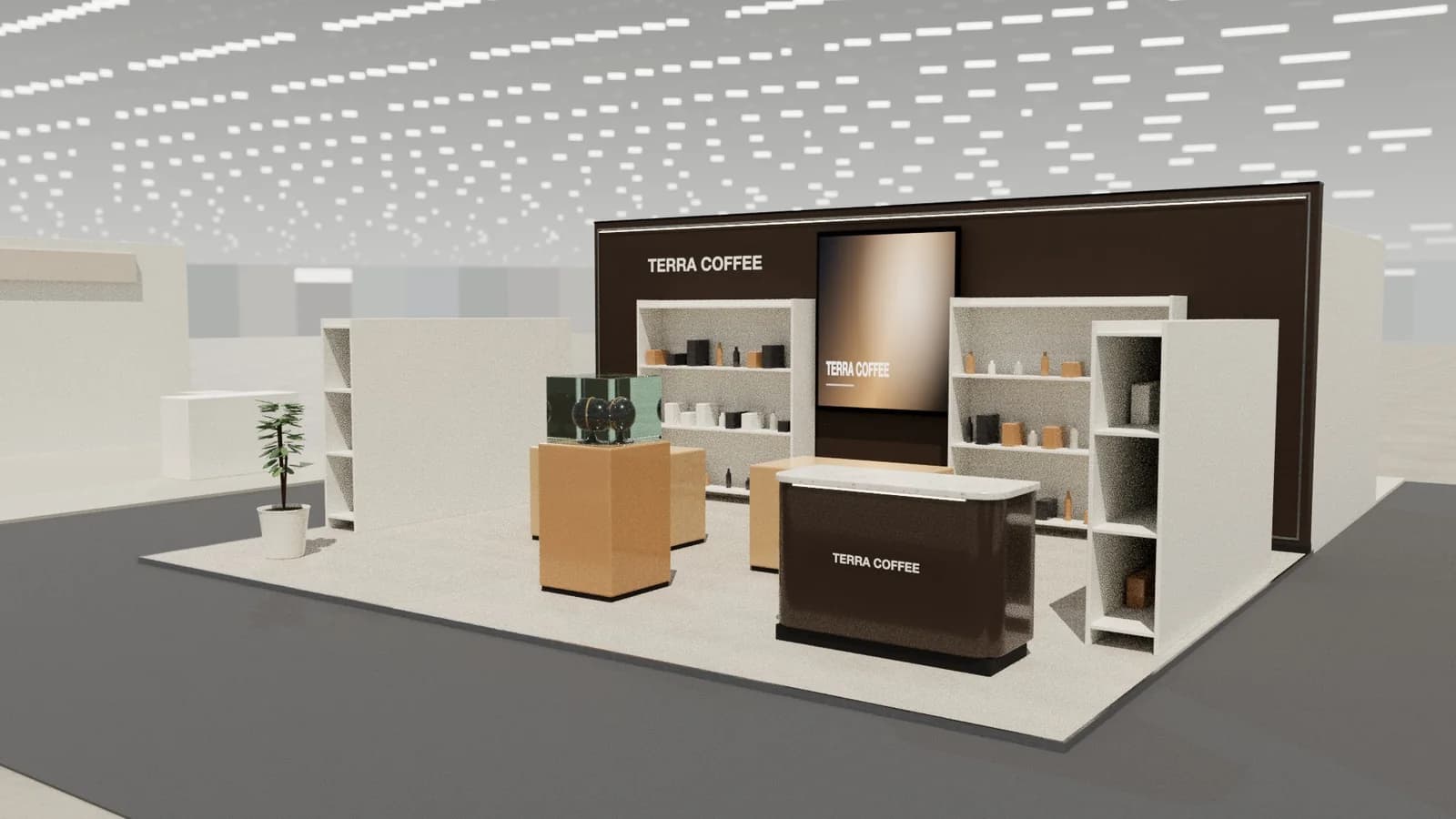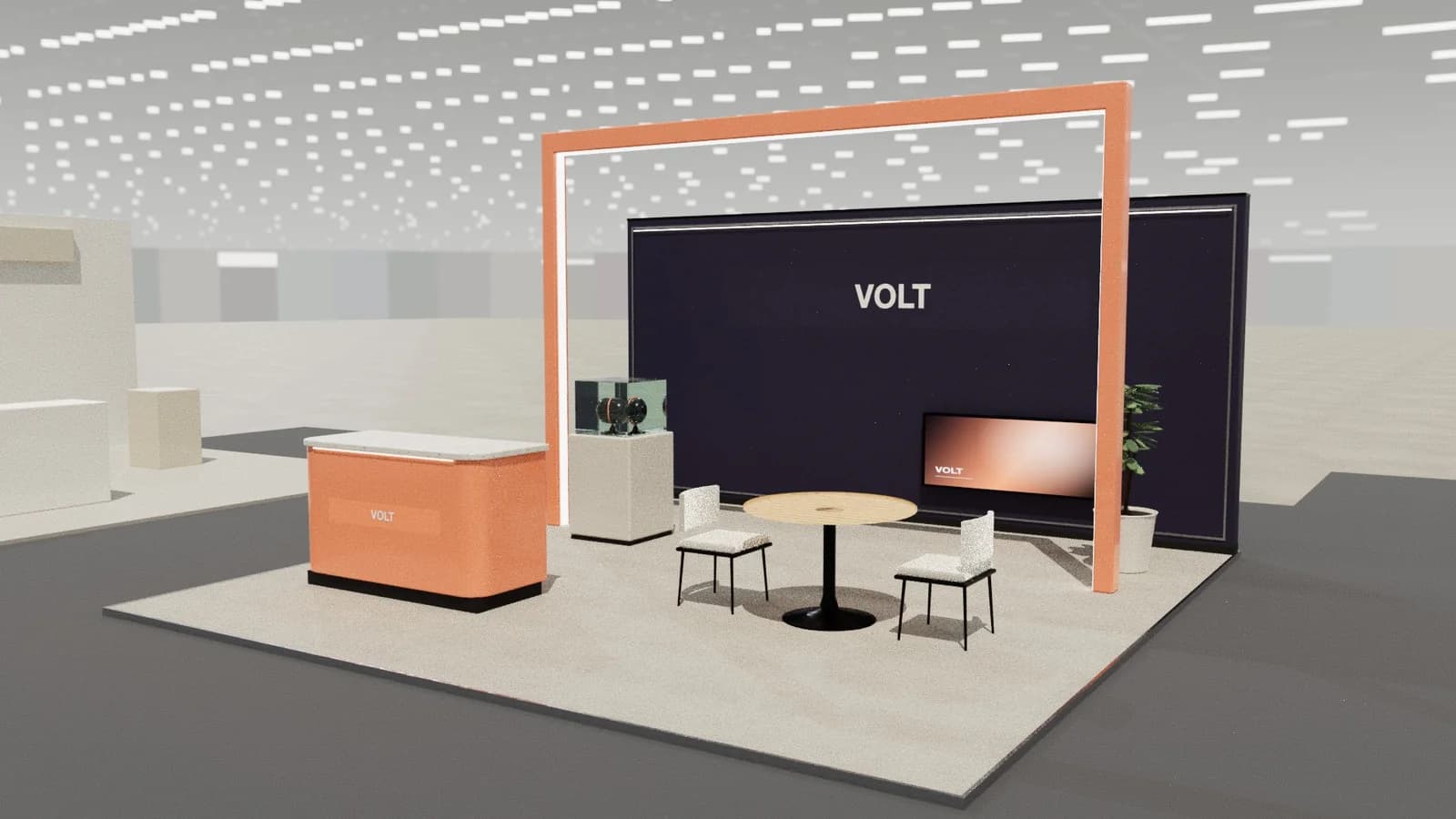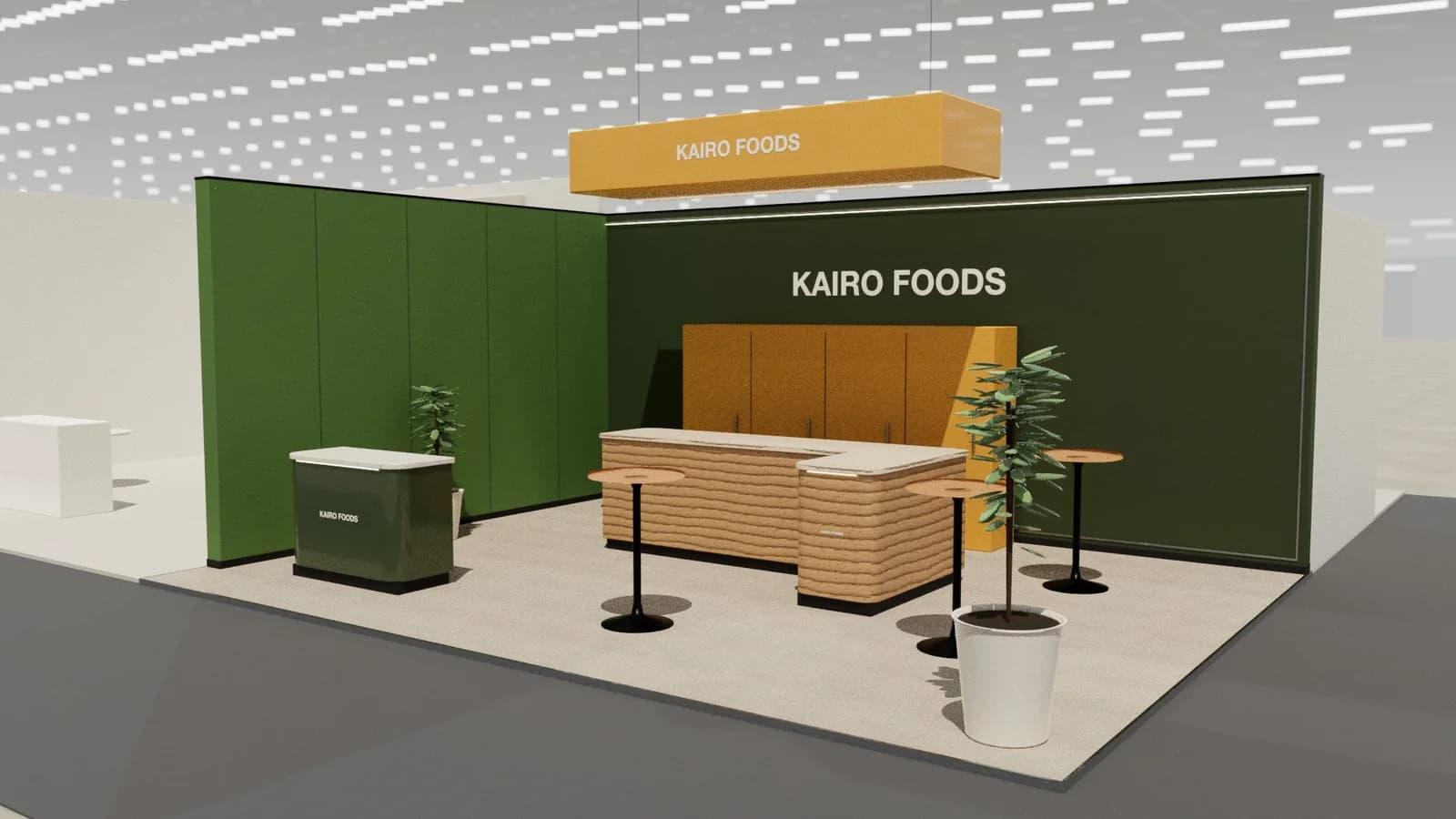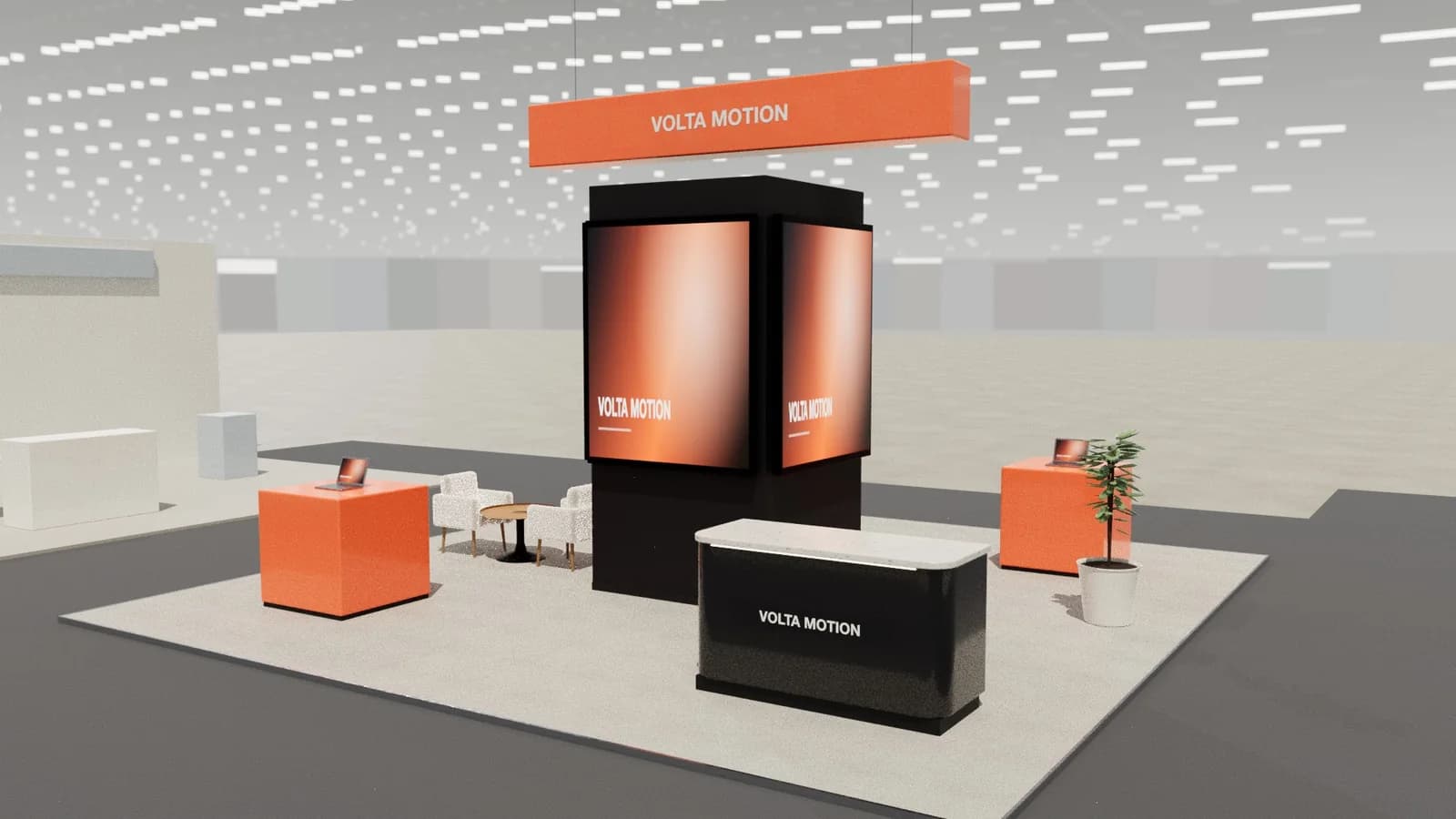
In short
A walkthrough video follows a visitor from the aisle into the stand, so clients judge the design the way people will experience it: what they see first, where they enter and how far the meeting area feels from the aisle. Keep it under a minute, at eye height, slow enough to read, and pair it with a still render and the plan.
Key points
- Walkthrough: a visitor's path from the aisle into the stand.
- Reveal: a slow approach that shows the stand from a distance first.
- Orbit: a circle around the stand, best for islands.
- Keep videos under a minute, at eye height (about 1.6 m).
- Pair video with a render and a plan; each answers a different question.
Three kinds of stand video
| Video | What it shows | Best for |
|---|---|---|
| Walkthrough | Entering from the aisle and moving through zones | Checking routes, sight lines and scale |
| Reveal | Approaching from down the aisle | Showing visibility and the brand from a distance |
| Orbit | A slow circle around the stand | Islands and peninsulas with several faces |
Making a good walkthrough
- 01
Start in the aisle
Show the approach the busiest flow of visitors will take.
- 02
Stay at eye height
About 1.6 m; drone-height shots make stands look smaller and emptier than they feel.
- 03
Move slowly
Pause at the welcome, the hero product and the meeting area.
- 04
End on the brand
Finish facing the main message or a lit feature.
Under a minute is enough. Longer videos get skipped in client reviews.
When video helps and when it does not
- Helps: clients unfamiliar with plans, internal sign-off, stakeholders who cannot attend a review.
- Helps: checking whether a meeting area feels private or a demo is visible from the aisle.
- Does not replace: dimensioned drawings for the builder and organiser.
- Does not replace: a strong still render for marketing and approval documents.
What to show in each zone
- Welcome: the counter and first message, framed from where visitors stop in the aisle.
- Hero product or demo: a short pause so viewers can read the graphic beside it.
- Meeting area: whether it feels private and how far it sits from the aisle.
- Storage and back-of-house: usually left out of client videos, but worth checking yourself for door positions.
Walkthrough videos in Studio
Studio records walkthrough, reveal and orbit videos from the 3D model of your stand and exports them as MP4 or WebM, alongside renders (5 credits each) and drawings. Share a review link so clients can also move around the model themselves. See presenting stand designs.
Frequently asked questions
01How long should a stand walkthrough video be?
Usually 30–60 seconds. Long enough to show the route and key zones, short enough to watch in a meeting.
02Walkthrough or orbit?
A walkthrough for row, corner and peninsula stands where the entrance matters; an orbit for islands seen from every side.
03Do I need special software for a walkthrough?
3D software with animation (such as Blender) can do it with skill. Studio generates walkthroughs from the stand model automatically.
04Can a walkthrough be used for approval?
For client approval, yes. Organisers still need dimensioned plans and elevations.
Put it into practice
Booth renders that start from the brief, not a blank prompt
Photoreal exhibition booth renders made from a dimension-controlled 3D model, with the brand's colours and logo.
Guidance here reflects common practice. Venues, organisers and countries set their own rules: always check the exhibitor manual and work with a qualified stand builder and engineer for structures.