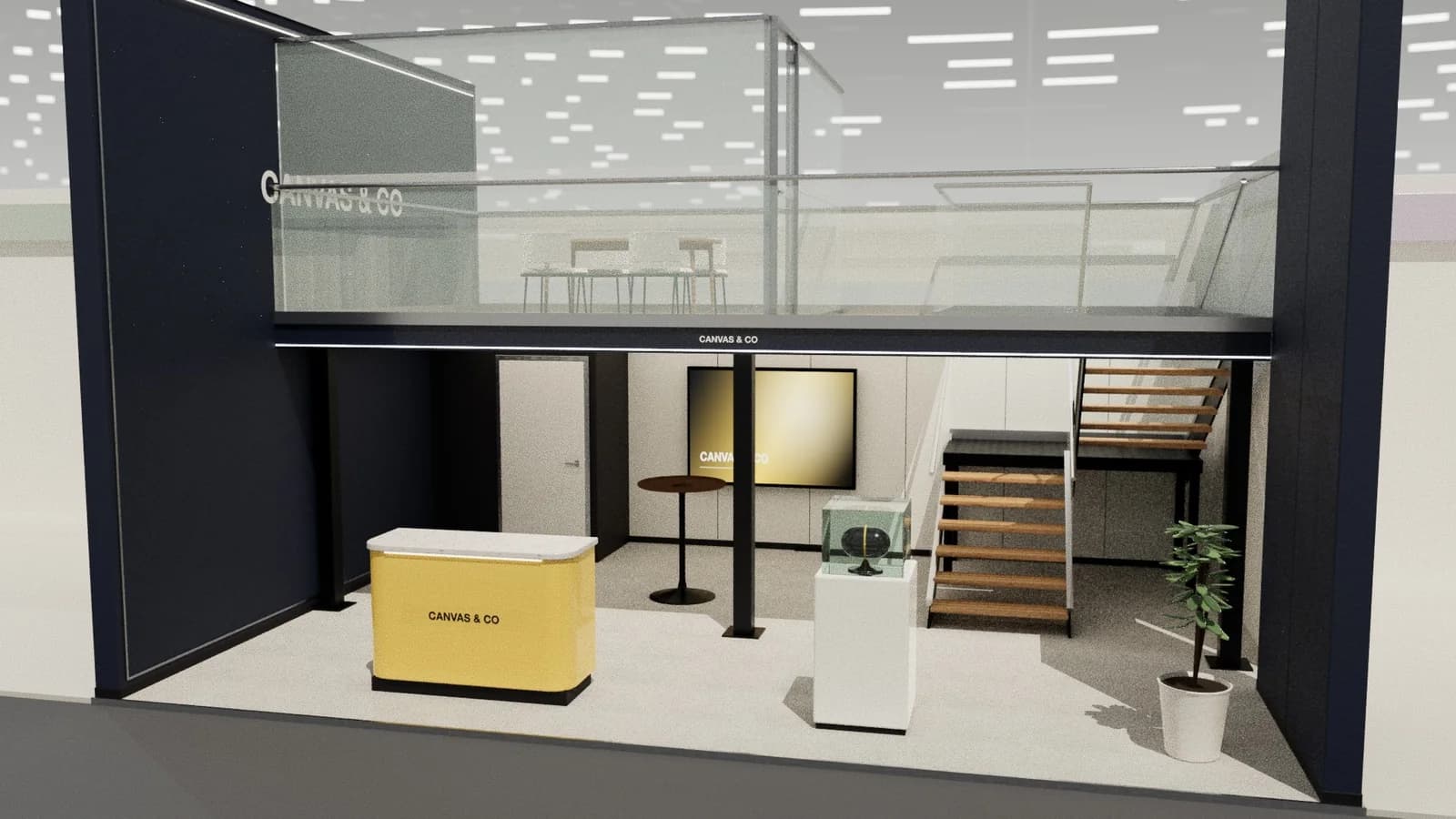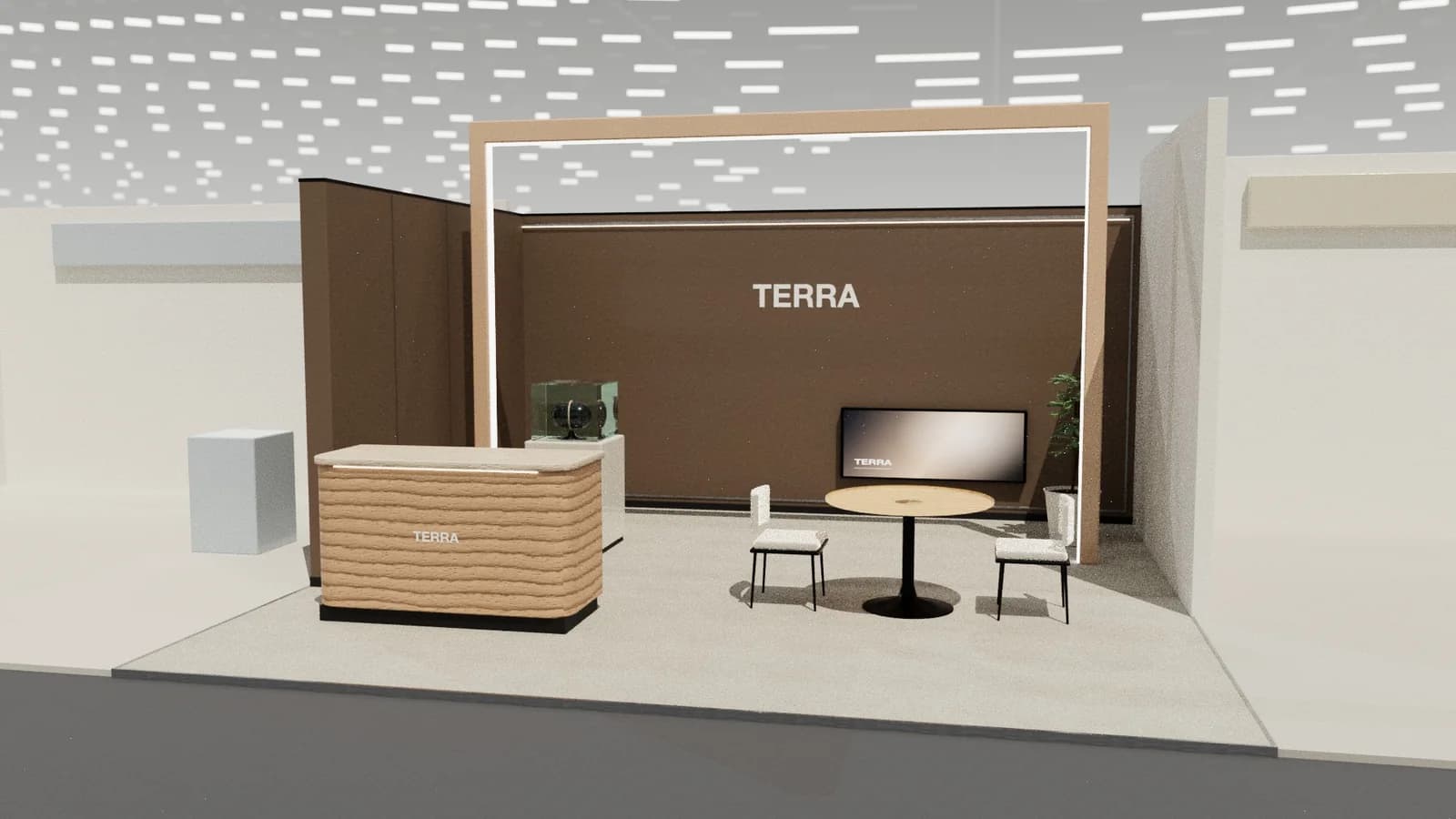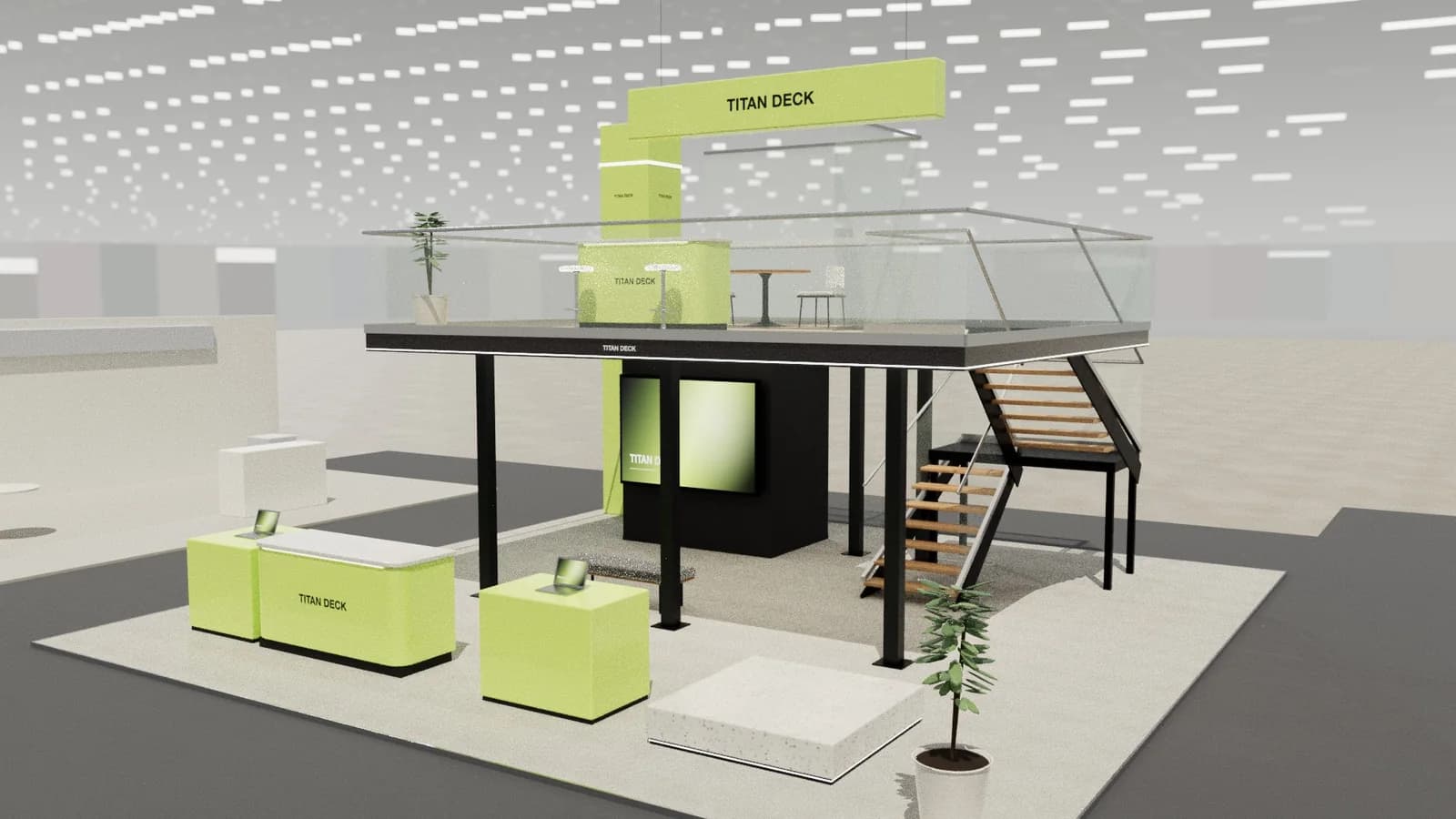
In short
AutoCAD (or any CAD tool producing DWG or DXF) is what stand builders and organisers expect for production and approval drawings: dimensioned plans, elevations and details. It is slow for concept design and visuals. A practical route is to design and render the concept in a 3D stand tool, export a layered DXF and finish the production drawings in CAD.
Key points
- Organisers usually ask for a dimensioned plan and elevations; DWG or DXF is standard.
- Builders need CAD for setting out, joinery and quoting.
- AutoCAD is weak for fast concepts and client visuals.
- Exporting DXF from a 3D concept tool avoids redrawing.
- Structural and electrical drawings still come from the builder and engineers.
When stands need CAD
- Organiser approval: space-only stands normally need a dimensioned plan and elevations; double-decks need structural drawings and calculations.
- Builder quoting and production: setting-out, wall build-ups, joinery details and graphics panel sizes.
- Services: electrical, rigging and water positions marked on the plan.
- Venue checks: heights, open-side rules and fire exits.
Where AutoCAD is the wrong tool
CAD is precise but slow for exploring ideas, and clients rarely approve a stand from line drawings. Concept design and visuals are faster in a 3D tool. Redrawing a 3D concept in CAD by hand is where time is lost.
From concept to CAD without redrawing
| Step | Tool | Output |
|---|---|---|
| Concept | 3D stand generator or modeller | Editable 3D layout |
| Client approval | Renders from the same model | Photoreal images |
| Base drawings | DXF export | Layered plan and elevations in mm |
| Production | AutoCAD or other CAD | Details, build-ups, services |
| Structure | Builder's engineer | Calculations and structural drawings |
Studio's drawings include a plan, elevations and an object schedule, and a layered DXF that opens in AutoCAD. If you only have an image, render to AutoCAD traces it into an editable model first.
What to check before sending drawings
- Units and scale: DXF in millimetres, title block states scale.
- Heights against the venue limit, including any hanging sign.
- Exits, door swings and clear widths.
- Set-out point and stand number.
Organising stand drawings
Builders appreciate drawings organised by layer: walls, furniture, graphics, electrics and dimensions. Studio's DXF export is already layered this way, so it can be dropped into a template and finished rather than redrawn.
Frequently asked questions
01Do I need AutoCAD to design an exhibition stand?
Not for the concept. You need CAD-quality drawings for approval and production, which a builder or a tool with DXF export can provide.
02Which file format do organisers want?
Often PDF for approval, sometimes DWG or DXF. Check the exhibitor manual.
03Can I convert a render to AutoCAD?
Not directly; a render has no dimensions. A tool must first rebuild it as a 3D model at real size, then export DXF. See [render to CAD workflow](/guides/render-to-cad-workflow).
04Is AutoCAD LT enough for stand drawings?
For 2D plans and elevations, LT is usually enough. Full AutoCAD or other tools are needed for 3D work.
Put it into practice
Exhibition stand technical drawings, drawn from the 3D design
A3 plan and elevations at scale, set-out grid, object schedule and a layered AutoCAD DXF, generated from the 3D design.
Guidance here reflects common practice. Venues, organisers and countries set their own rules: always check the exhibitor manual and work with a qualified stand builder and engineer for structures.