In short
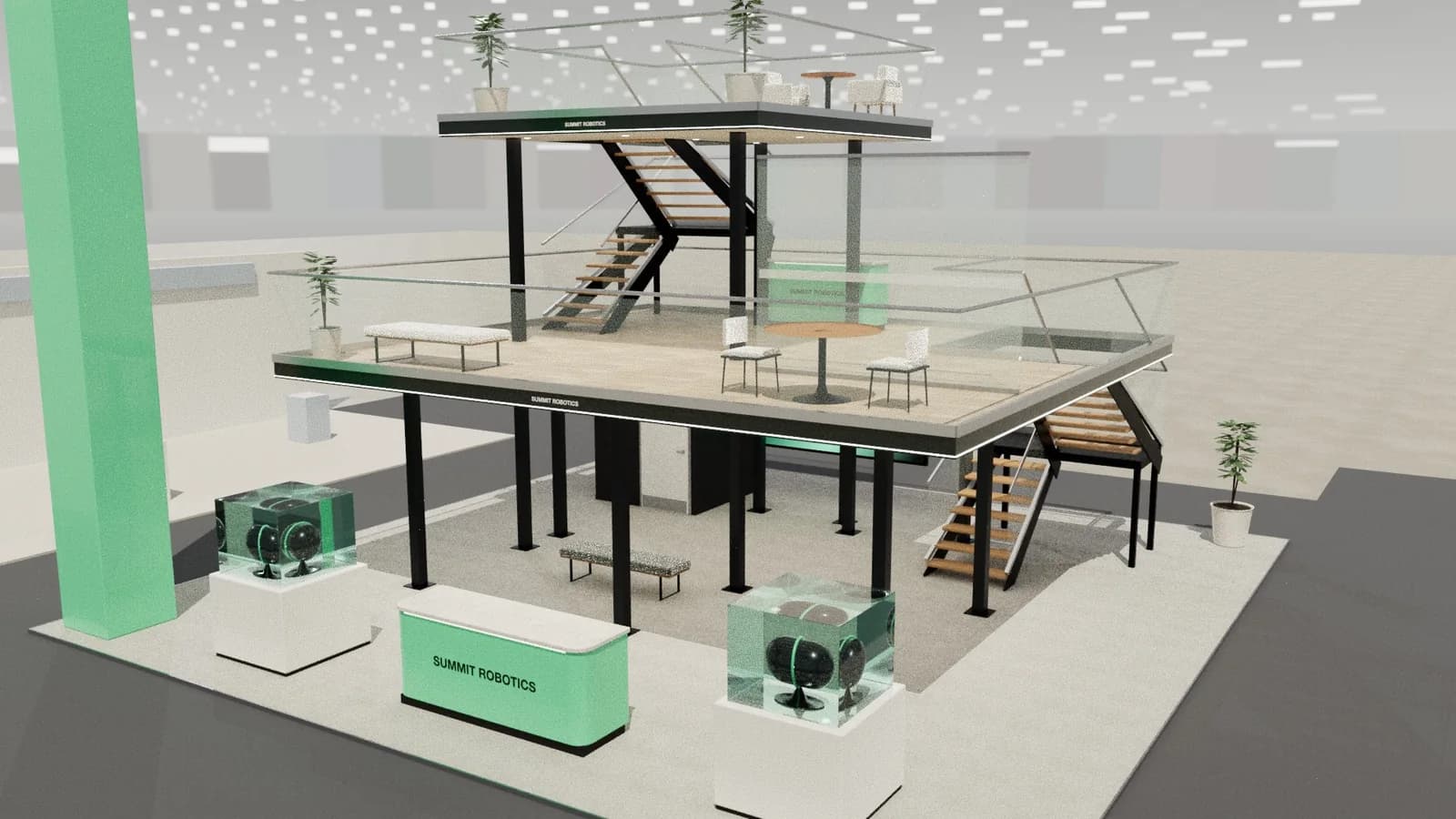
LED strip gives a stand lines of light: edges that float, counters that glow and ceilings that read from a distance. Use it inside an aluminium profile with a diffuser so it reads as a line rather than dots, choose one colour temperature and a high CRI where it lights products, and plan where the drivers and cables go before the walls are closed. Used on key edges, it costs little and changes a stand's character.
Key points
- A diffuser and profile turn dots into a clean line.
- Keep one colour temperature across a stand.
- Plan drivers and access before walls close.
- Use strip to draw the eye, and spots to light products.
Where strip works best
- Under counters and plinths: a floating base that lifts heavy objects visually.
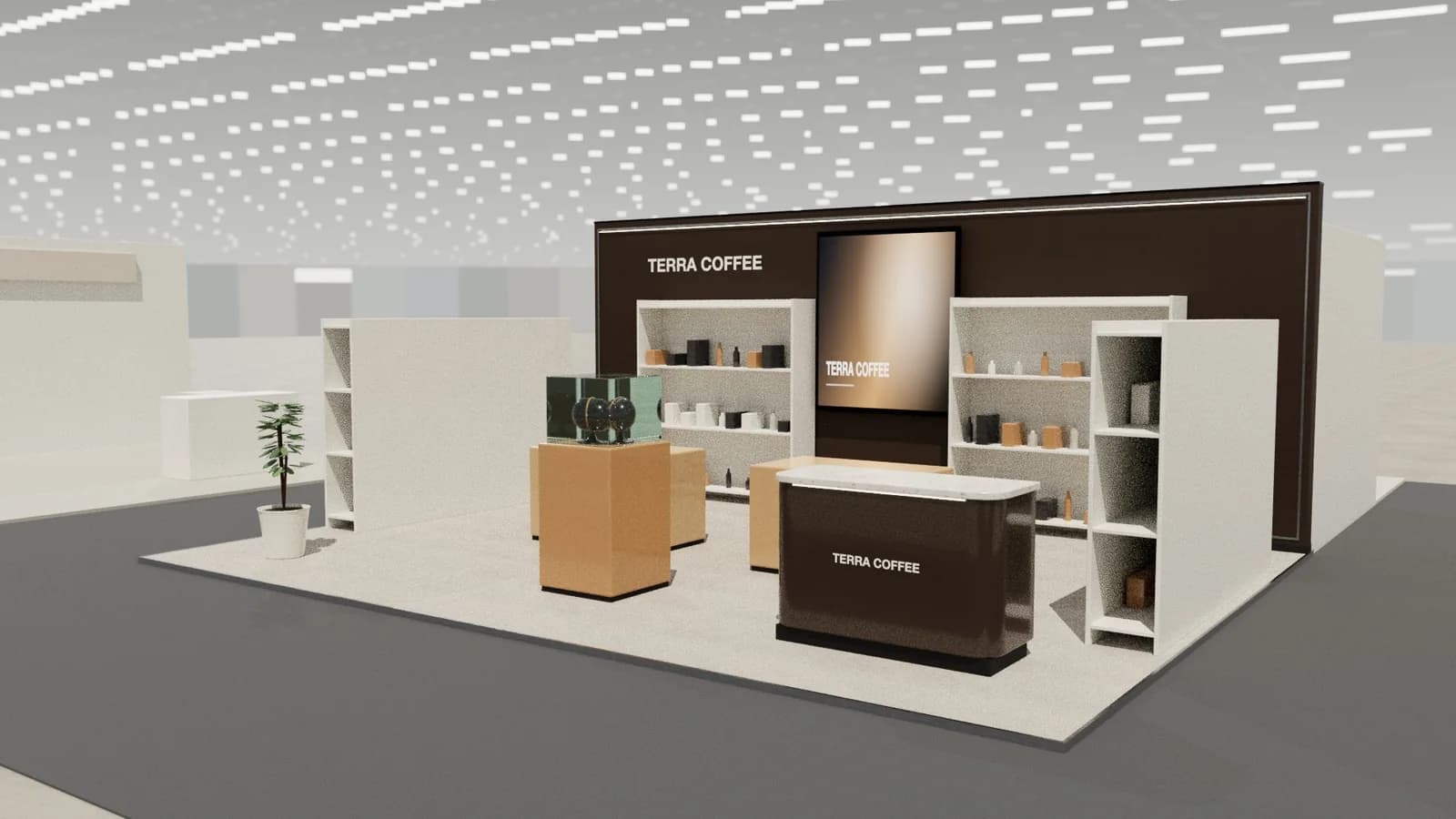
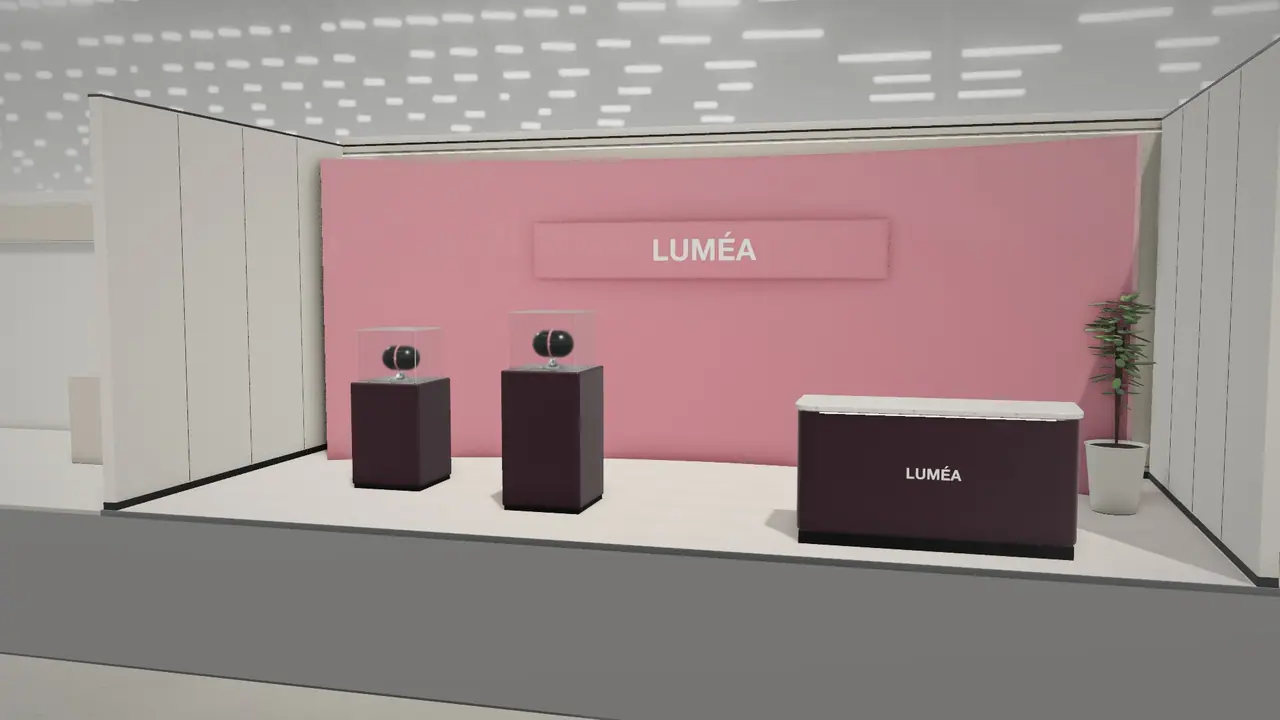
- Along wall tops and shadow gaps: a clean line that defines the stand from afar.
- Behind logos: a halo that lifts lettering off the wall.
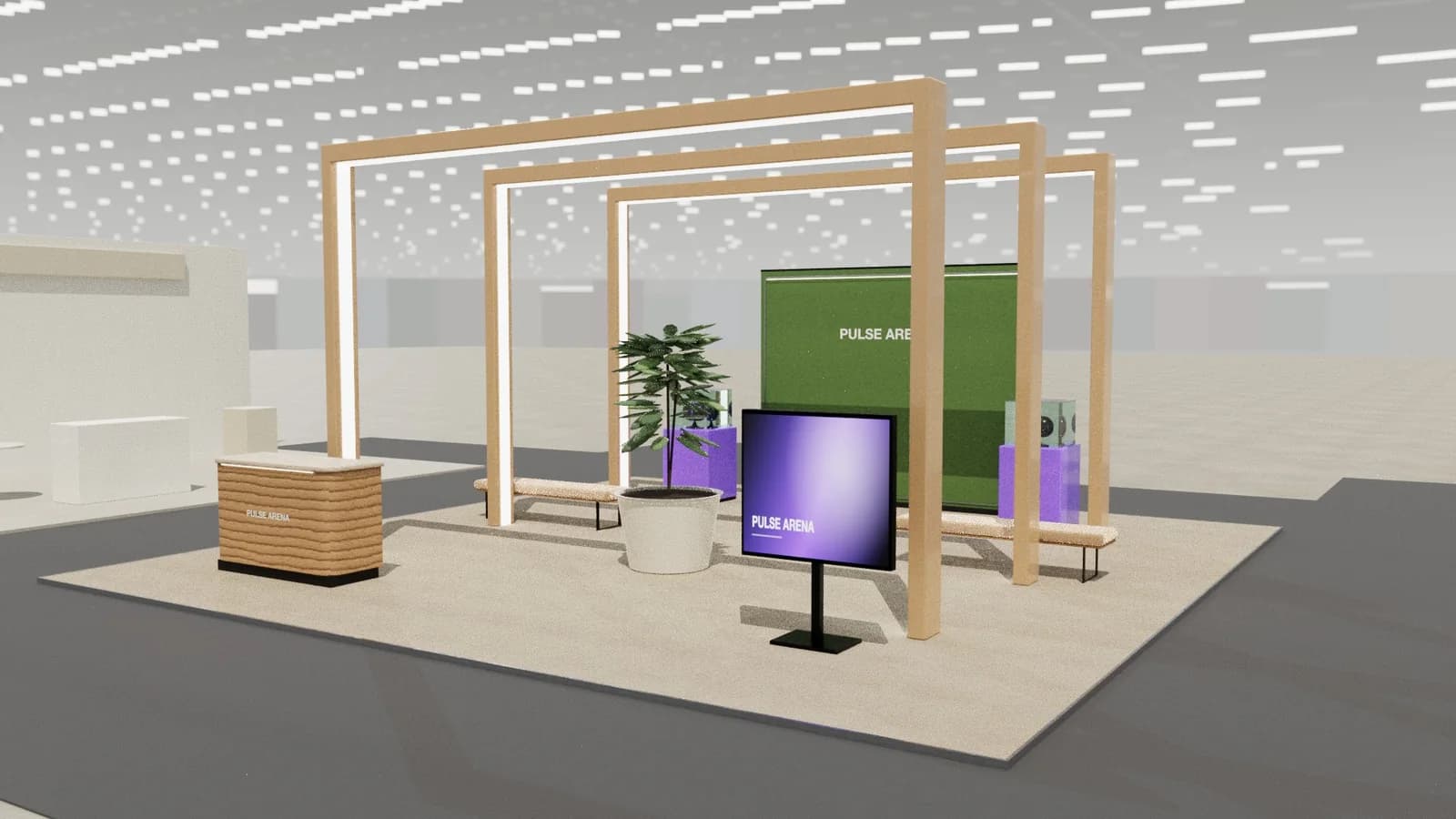
- In timber battens: a few lit gaps rather than a full wash.
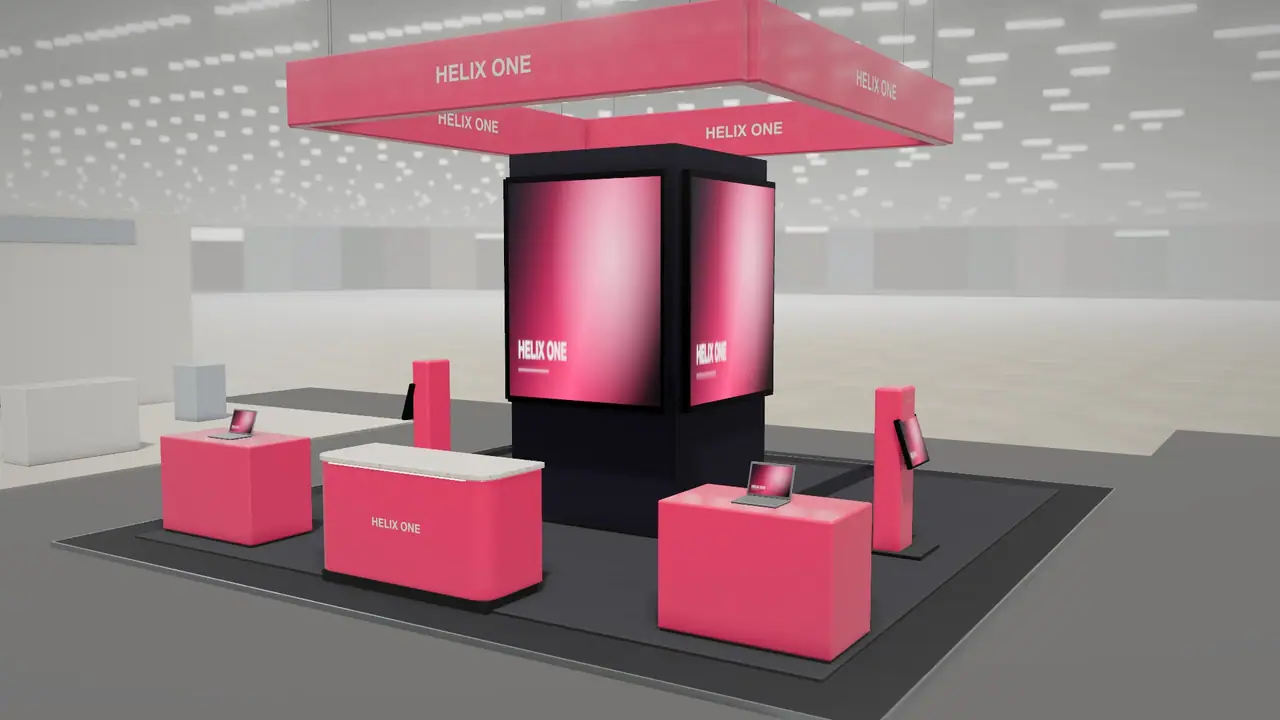
- Around ceilings and rafts: a marker visible across the hall.
- On curves: strip bends in one plane, so it follows a sweeping wall easily.
The specification that matters
| Spec | What it means | Guidance |
|---|---|---|
| Colour temperature | How warm or cool the light is | Warm around 2700–3000 K for timber and hospitality; 4000 K for clean technical looks. Do not mix |
| CRI | How true colours look | Use high CRI near products and skin tones |
| Watts per metre | Brightness and power load | Add it to the power calculator |
| LED density | How close the diodes sit | Higher density shows fewer dots |
| Voltage | Run length before it dims | Long runs may need feeding from both ends |
Installing it cleanly
- 1Use a recessed aluminium profile and an opal diffuser.
- 2Give the strip distance from the diffuser. The closer it is, the more the dots show.
- 3Stick strip to the profile, not directly to timber or board. The profile also carries heat away.
- 4Put drivers where someone can reach them during the show.
- 5Test the entire run in the workshop and label each circuit.
Colour and movement
RGB and pixel strip can animate and change colour, and they suit gaming, entertainment and launch stands. Used on a calm brand, they often look like a bar. If you use colour, keep it to your brand's palette and avoid strobing effects, which can be restricted by organisers and uncomfortable for visitors.
Common mistakes
- Bare strip visible from the aisle, with dots reflected in a glossy floor.
- Mixed colour temperatures where two suppliers' strips meet.
- Drivers sealed behind a wall, with no way to replace one.
- Using strip as the only light on products, which leaves them flat and dull. Add spots: see stand lighting.
Frequently asked questions
01What colour temperature should stand lighting be?
Choose one and keep it. Warm white suits timber and hospitality; neutral white suits technology and clean brands.
02How much power does LED strip use?
It depends on the strip, so check its watts per metre and multiply by length. Then add a margin in the [power calculator](/tools/stand-power-calculator).
03How do I hide the dots in LED strip?
Use a diffuser in a profile, and increase the distance between the strip and the diffuser. High-density strip helps too.
04Does LED strip need to meet fire rules?
Electrical work must follow the venue's rules and be installed by qualified people. Keep drivers ventilated, and away from flammable materials.
Put it into practice
Generate a 3D exhibition stand you can edit
Generate an editable 3D exhibition stand from your brief, refine the layout and export renders, CAD drawings and the model.
Guidance here reflects common practice. Venues, organisers and countries set their own rules: always check the exhibitor manual and work with a qualified stand builder and engineer for structures.