In short
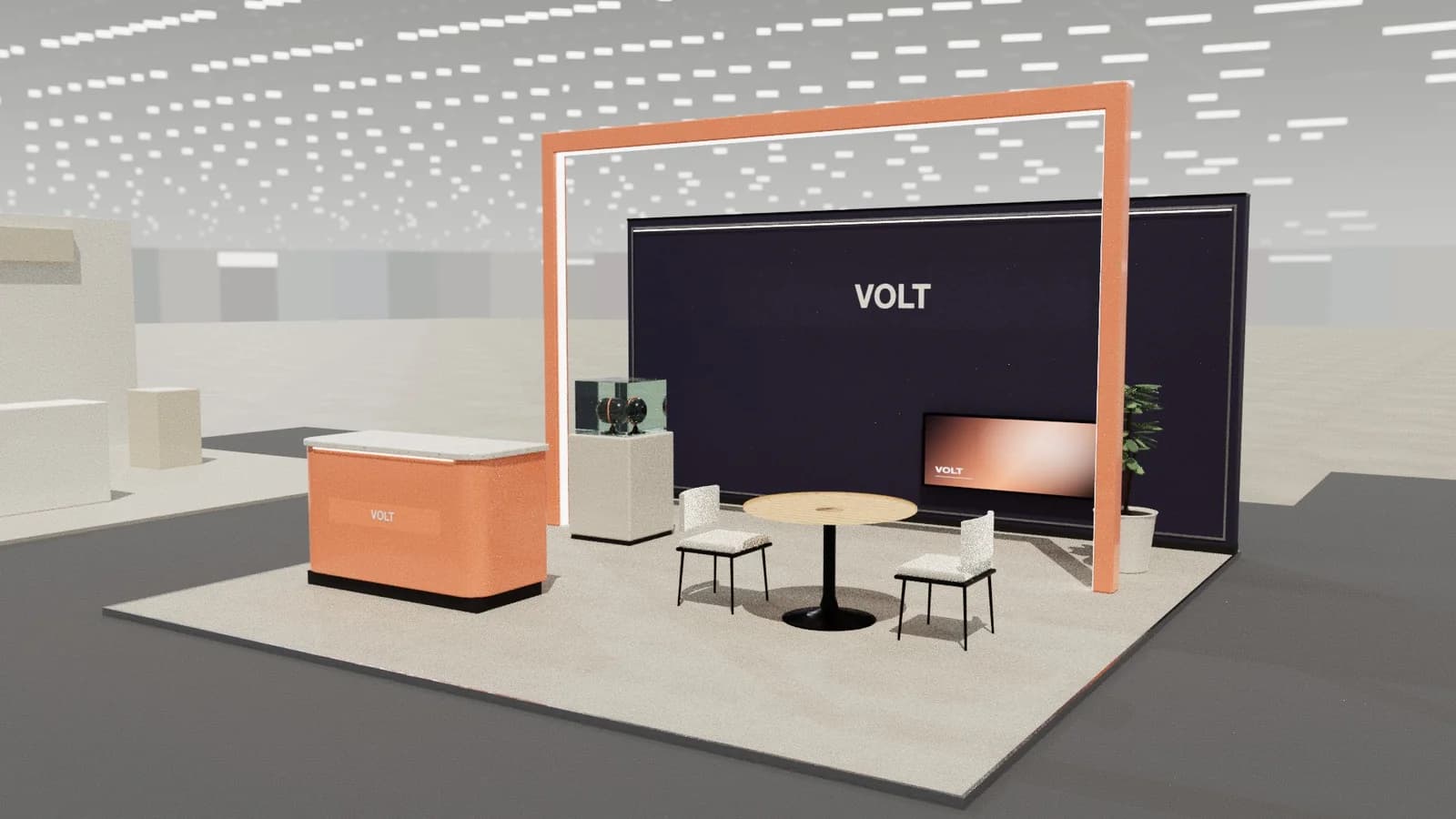
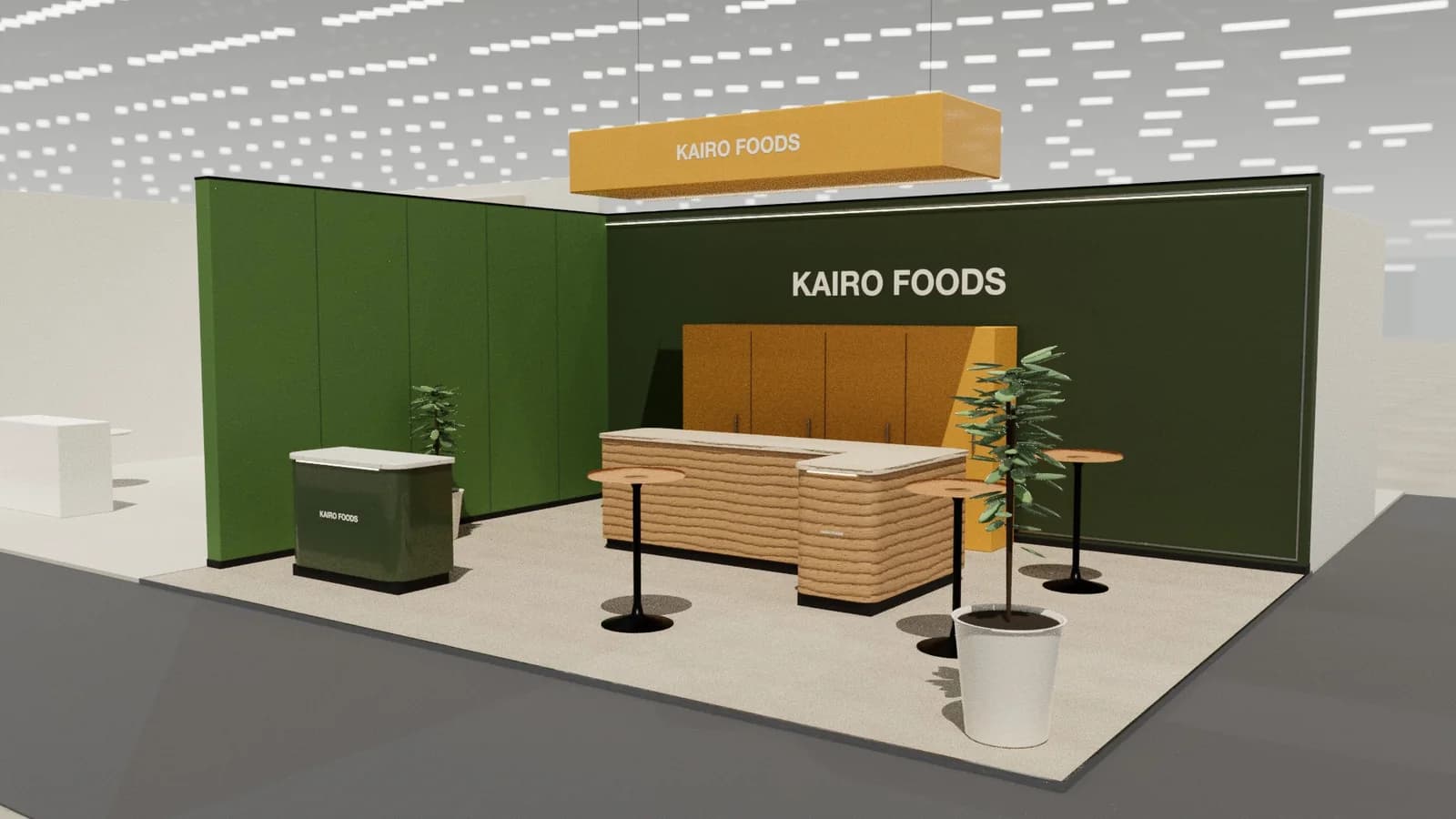
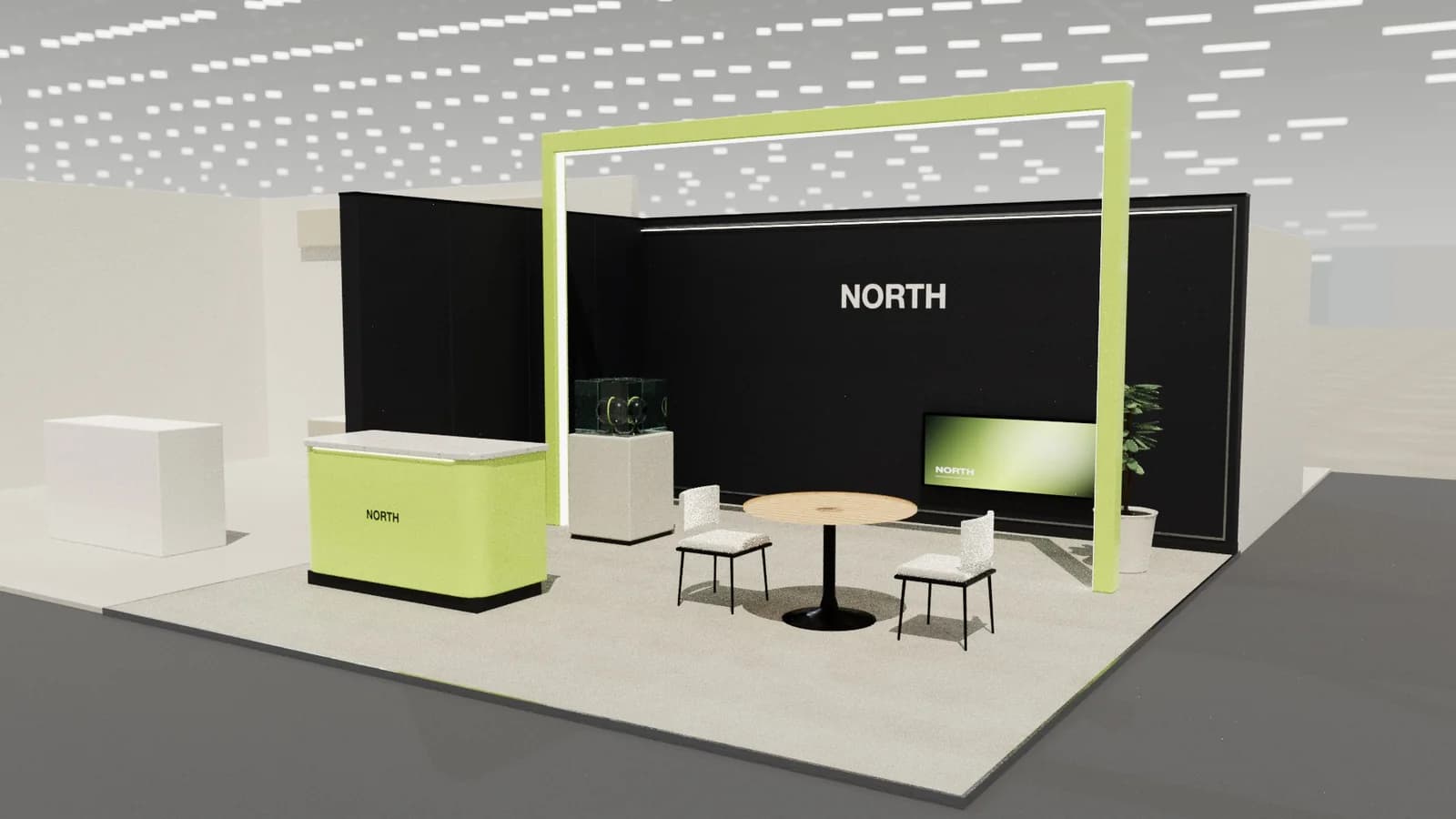
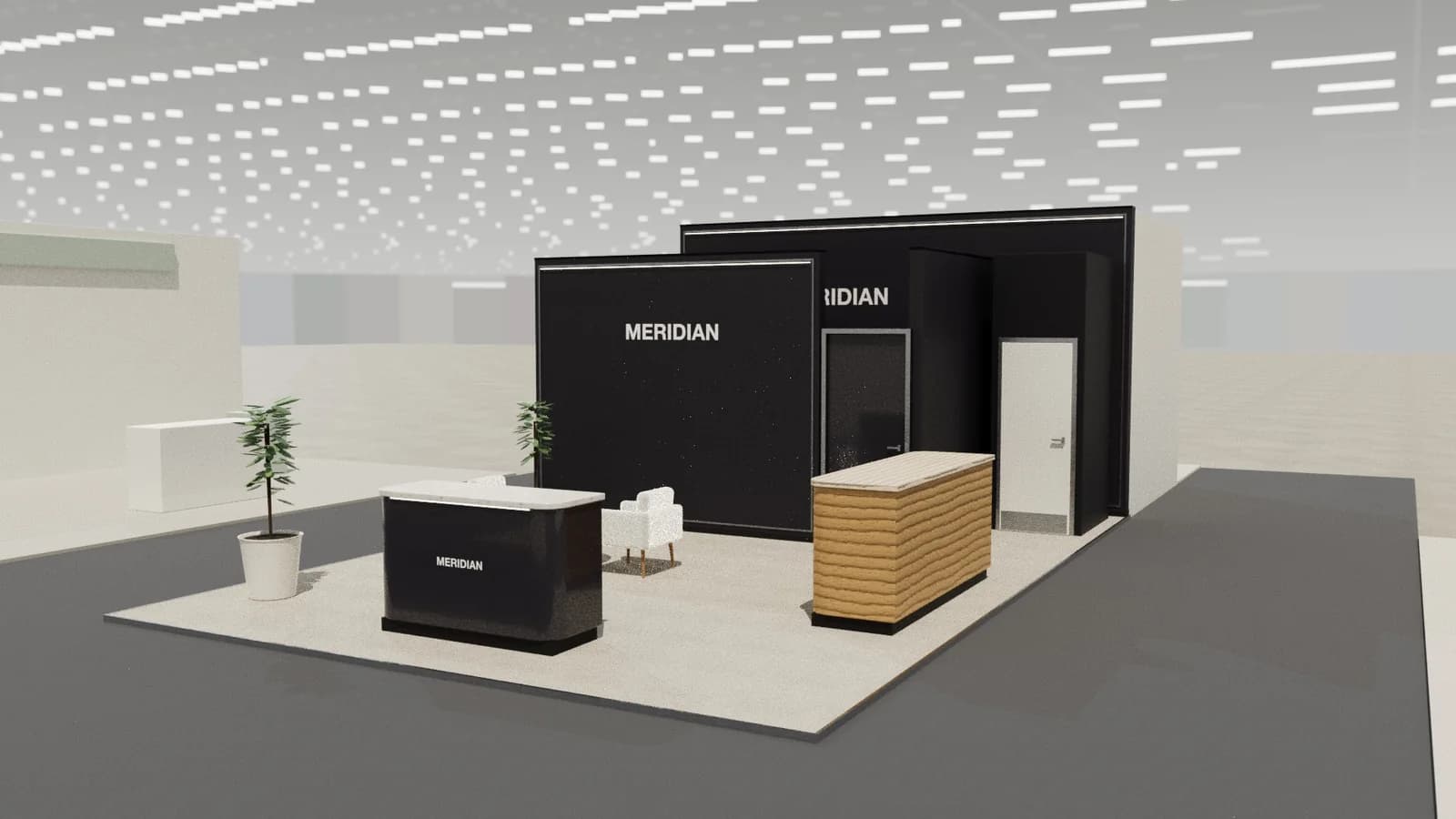
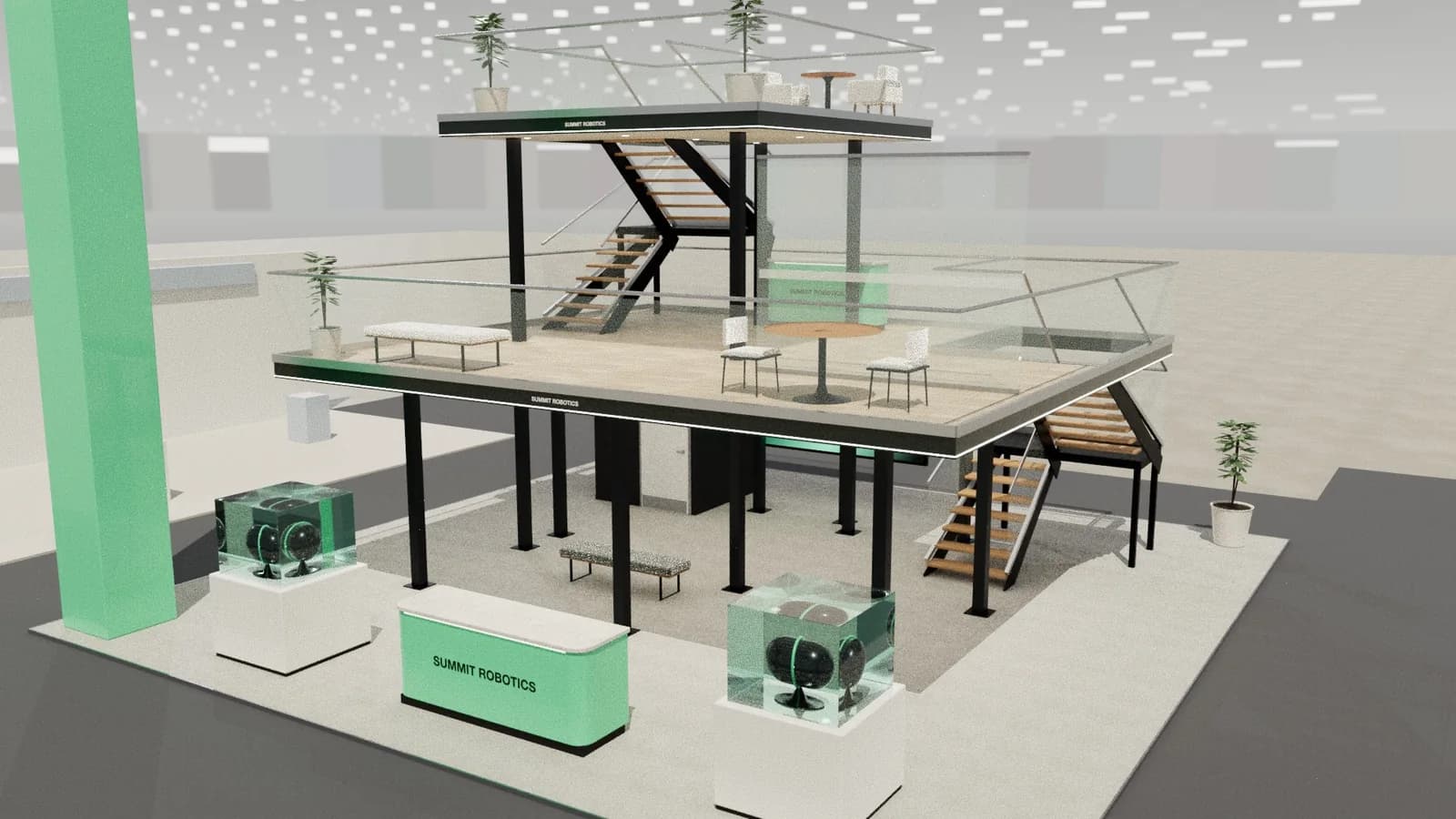
Most stand reviews end with small requests: a longer counter, a different chair, a warmer finish. Rather than regenerating the whole stand, you can select one item in Studio, describe the change in a comment and let AI update only that piece. It keeps the rest of the design as it was, which protects approved work and costs far less than a new concept. The drawings then follow the model.
Key points
- Select one item and say what to change.
- Everything else in the design stays put.
- It costs much less than a full design.
- Be specific: size, shape and finish.
Three ways to change a design
| Change | Best tool | Credits |
|---|---|---|
| Move, resize or recolour | Manual editing | Free |
| Change one selected item | Item comment | 1 |
| Rework the design with a sentence | AI change | 3 |
| Start again | New AI design | 5 |
How to do it
- 01
Select the item
Click the object in the 3D view.
- 02
Write a comment
For example: 'Make this counter 2.4 m long with a timber front.'
- 03
Check the result
Compare it with the previous version in 3D.
- 04
Render or export
The render and drawings use the updated model.
Writing a good request
- State the size, in metres.
- Name the material or colour.
- Say what must stay the same.
- Ask for one change at a time.
- Avoid vague words such as 'nicer' or 'more premium'.
The same rule applies to any design brief: see the design brief guide.
Working with client comments
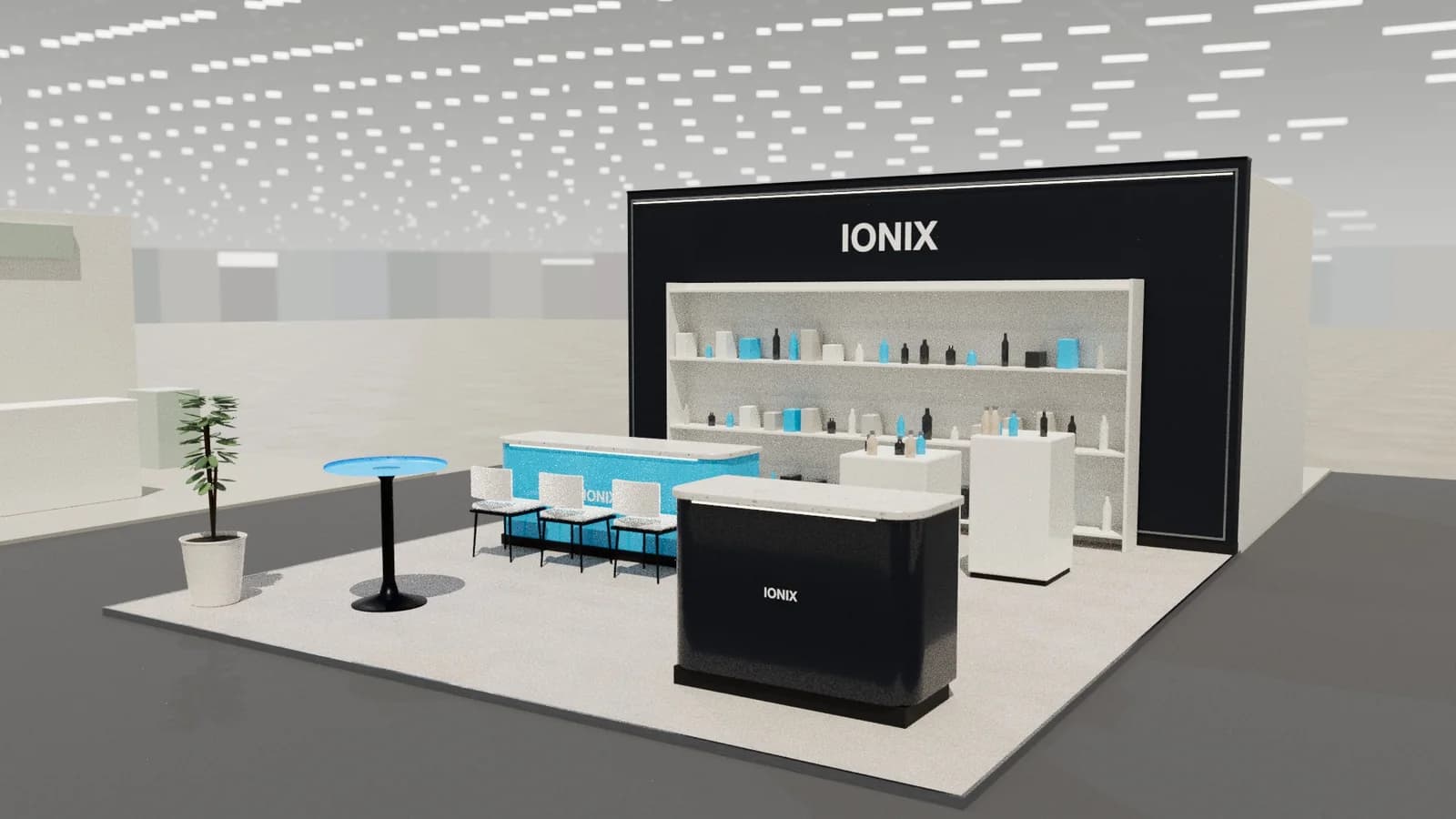
A client can comment on a shared review link. You then decide which comments to act on, and make each change manually or by item. It keeps a revision round from becoming a redesign, and it means that the signed-off parts of the stand don't drift.
When not to use it
If you can move, resize or recolour something by hand, do that: it's free and exact. If your request changes the whole layout, one item won't help, so use a full AI change. Selecting an item is best for changes that need new geometry, such as a different counter shape or a redesigned display. After any change, check that routes and doors still work.
Good example requests
Try requests like these: replace this chair with a low lounge chair in a grey fabric; make this counter curved on the left end; add a shelf to this wall at 1.2 m high. Each one names the change and leaves little to guess.
Frequently asked questions
01Does changing one item alter the rest of the stand?
No. Only the selected item is changed.
02What does it cost?
1 credit per change, from Studio's current costs.
03Can I undo a change?
You can make a further edit or return to an earlier version you saved.
04When should I use a full AI change instead?
When the request touches the whole layout, such as opening up a corner.
Put it into practice
An AI booth designer that designs in 3D, not in pixels
An AI booth designer that plans an exhibition stand in 3D at your size, checks it can be built, and changes it when you ask in plain English.
Guidance here reflects common practice. Venues, organisers and countries set their own rules: always check the exhibitor manual and work with a qualified stand builder and engineer for structures.