In short
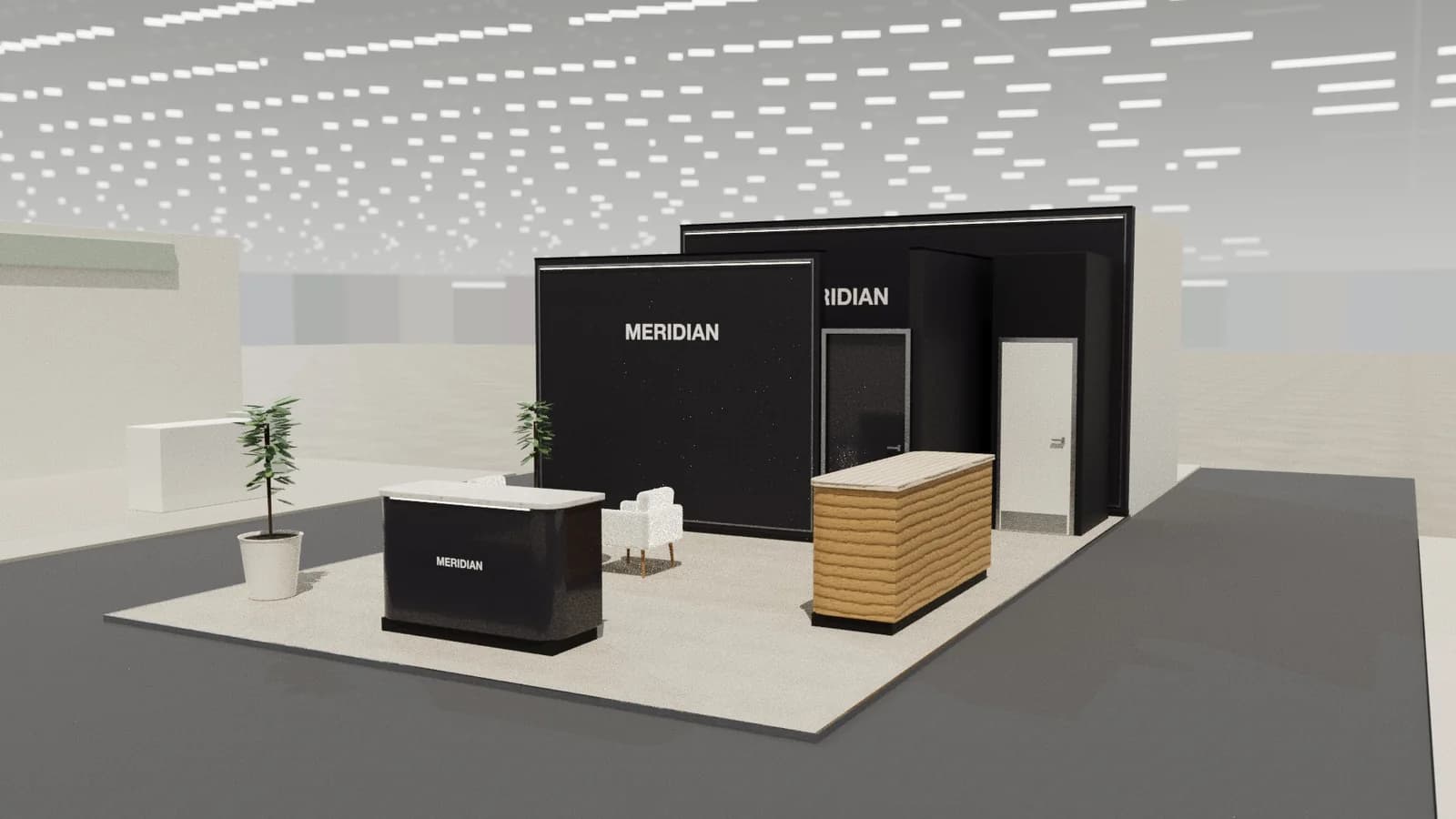
Telecoms stands mostly host scheduled meetings, so meeting rooms and reception come first; around them, short visual demos make invisible networks tangible: live network data, connected devices and use cases such as smart factories or connected cars.
Key points
- Reception, Use-case demos, Meeting rooms, Lounge are the core zones.
- Avoid: demos that only show equipment boxes.
- Avoid: too few meeting rooms.
- Avoid: no acoustic separation.
- See the template and trade show guides linked below for operators, network vendors and device makers.
Who visits and what they want
Operator executives, engineers, enterprise customers, partners, investors and press.
What to show
Network equipment, devices, live dashboards, use-case demos and partner showcases. The strongest demos show a service end to end, from device to network to the business outcome, rather than a rack of equipment with a label.
Zones for a telecoms stand
| Zone | Purpose | Where it goes |
|---|---|---|
| Reception | Appointments | Main aisle |
| Use-case demos | Connected scenarios | Open perimeter |
| Meeting rooms | Booked meetings | Core or upper deck |
| Lounge | Waiting and hospitality | Near reception |
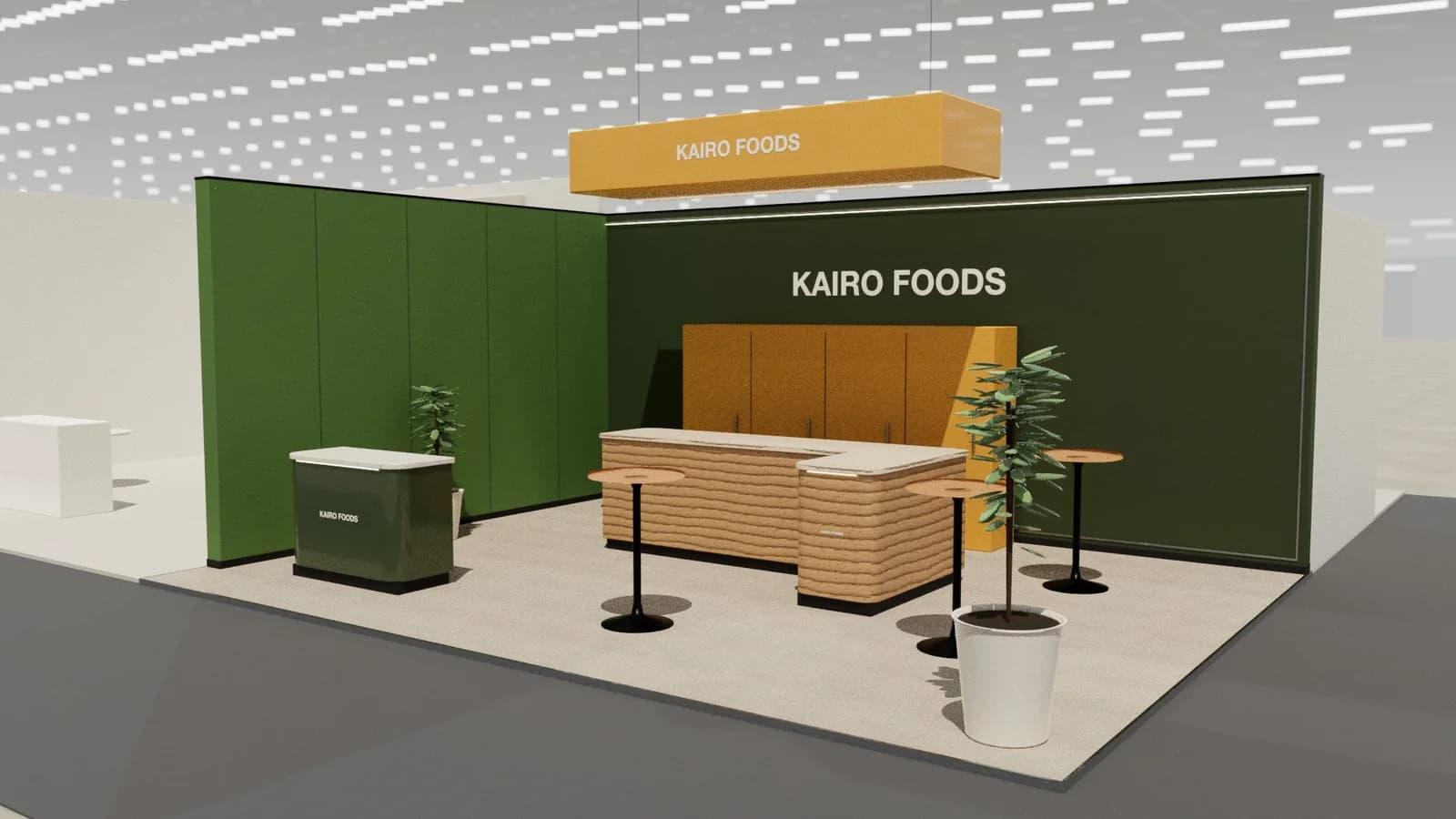
On a 3 × 3 m stand, keep the first two zones and book meetings elsewhere. From about 36 m² every zone fits; see stand sizes for what fits at each size.
Materials, lighting and graphics
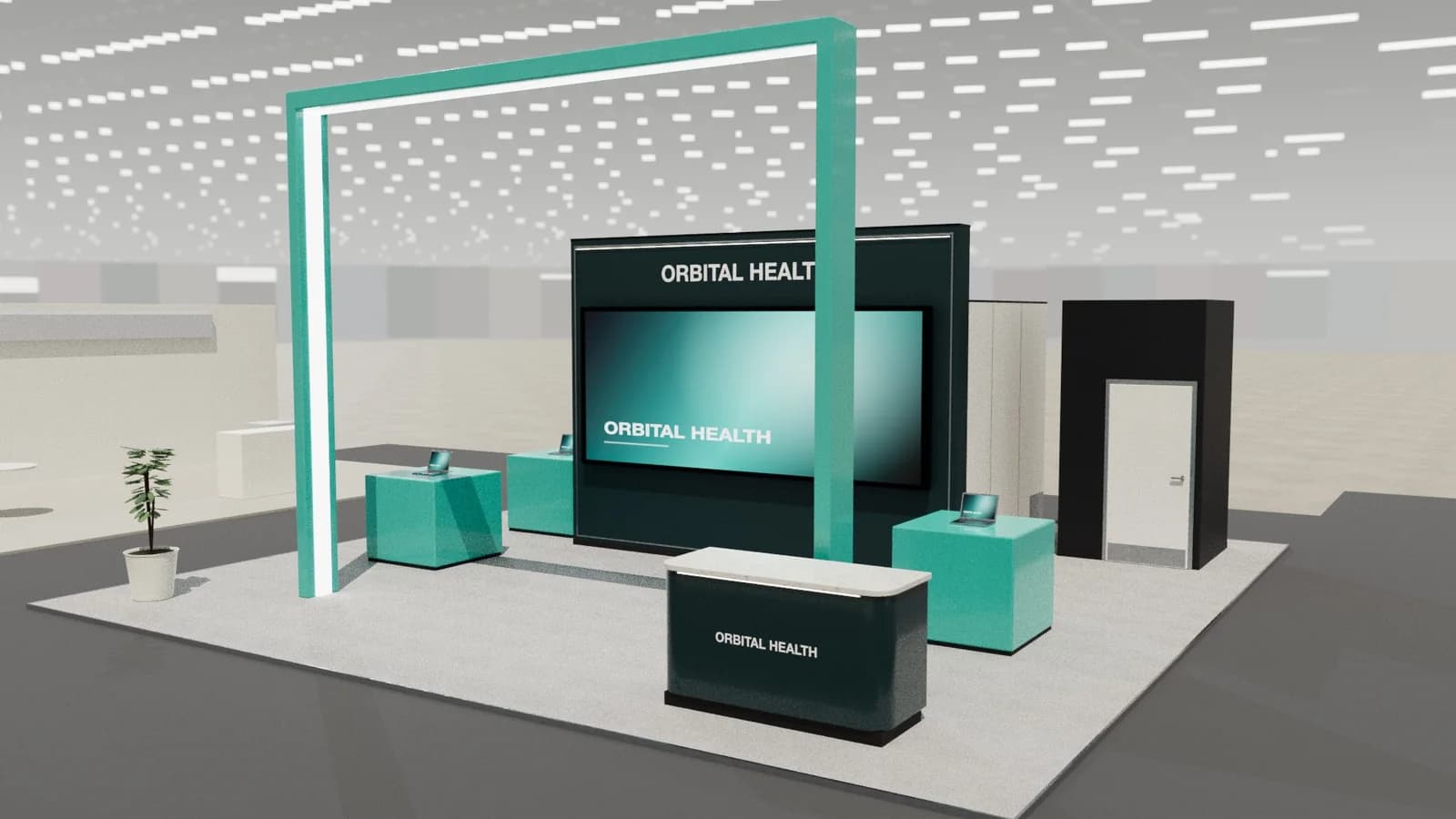
Clean technology aesthetic with large screens; acoustic separation for meeting rooms.
For detail on light levels and colour rendering, see stand lighting; for wall graphics, see graphics and branding.
Starting conversations and capturing leads
Most meetings are pre-booked; reception keeps them on time. For walk-ups, a live use case such as a connected device or factory demo starts the conversation faster than equipment specifications.
Rules and practicalities
Radio equipment demos may need spectrum permission; check with the organiser.
Venue rules on height, open sides, fire safety and services still apply; see venue approval.
Common mistakes
- Demos that only show equipment boxes.
- Too few meeting rooms.
- No acoustic separation.
Trade shows for operators, network vendors and device makers
Show-specific guides: MWC Barcelona, GITEX Global. For more, see stand design by trade show.
Frequently asked questions
01How do I make network technology visible?
Show what it enables: connected devices, live data and real use cases, not racks.
02How many meeting rooms do I need?
Count booked meetings per hour at peak and add a spare room.
03What size stand does a telecoms exhibitor need?
Size to the activities: about 9 m² for one conversation point, 18–36 m² to add demos and a meeting table, and 50 m² or more for meeting rooms and hospitality. See [stand sizes](/guides/topics/exhibition-stand-sizes).
04Can AI design a telecoms booth?
AI can produce a complete concept quickly: [Studio](/ai-booth-designer) lays out the zones above at real scale and renders the result. A stand builder still checks structure, services and compliance before building.
Put it into practice
Generate a 3D exhibition stand you can edit
Generate an editable 3D exhibition stand from your brief, refine the layout and export renders, CAD drawings and the model.
Guidance here reflects common practice. Venues, organisers and countries set their own rules: always check the exhibitor manual and work with a qualified stand builder and engineer for structures.