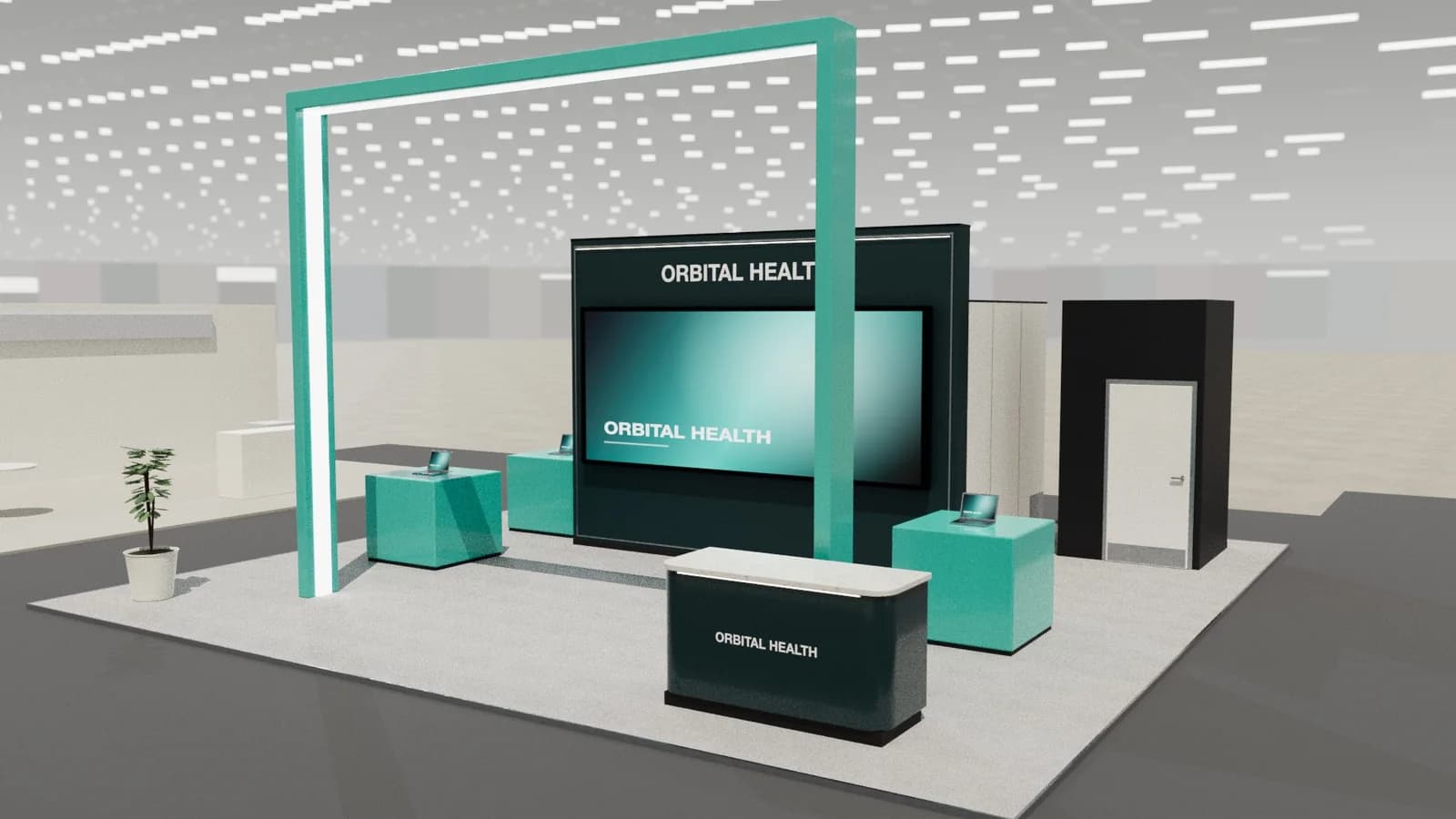
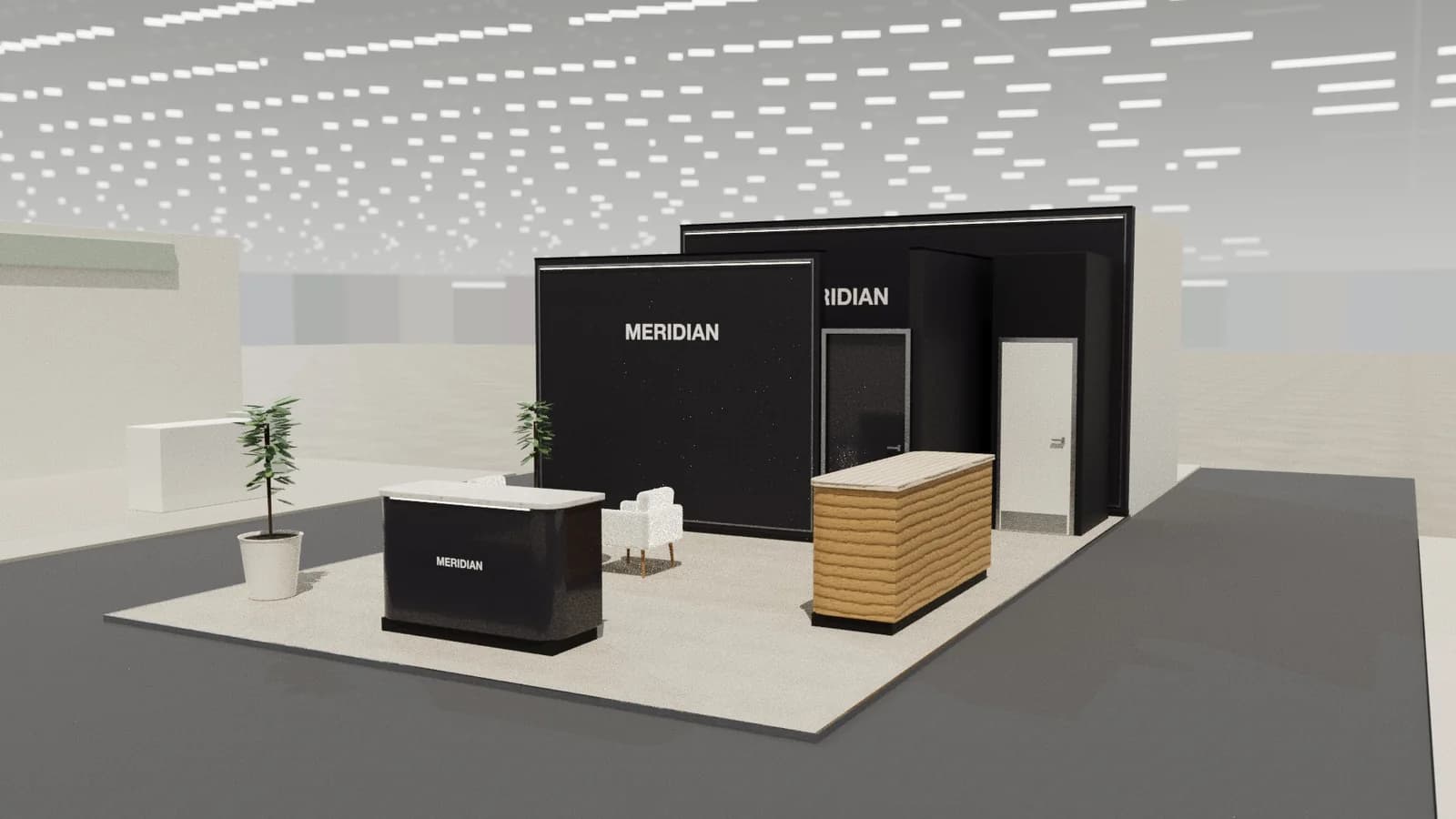
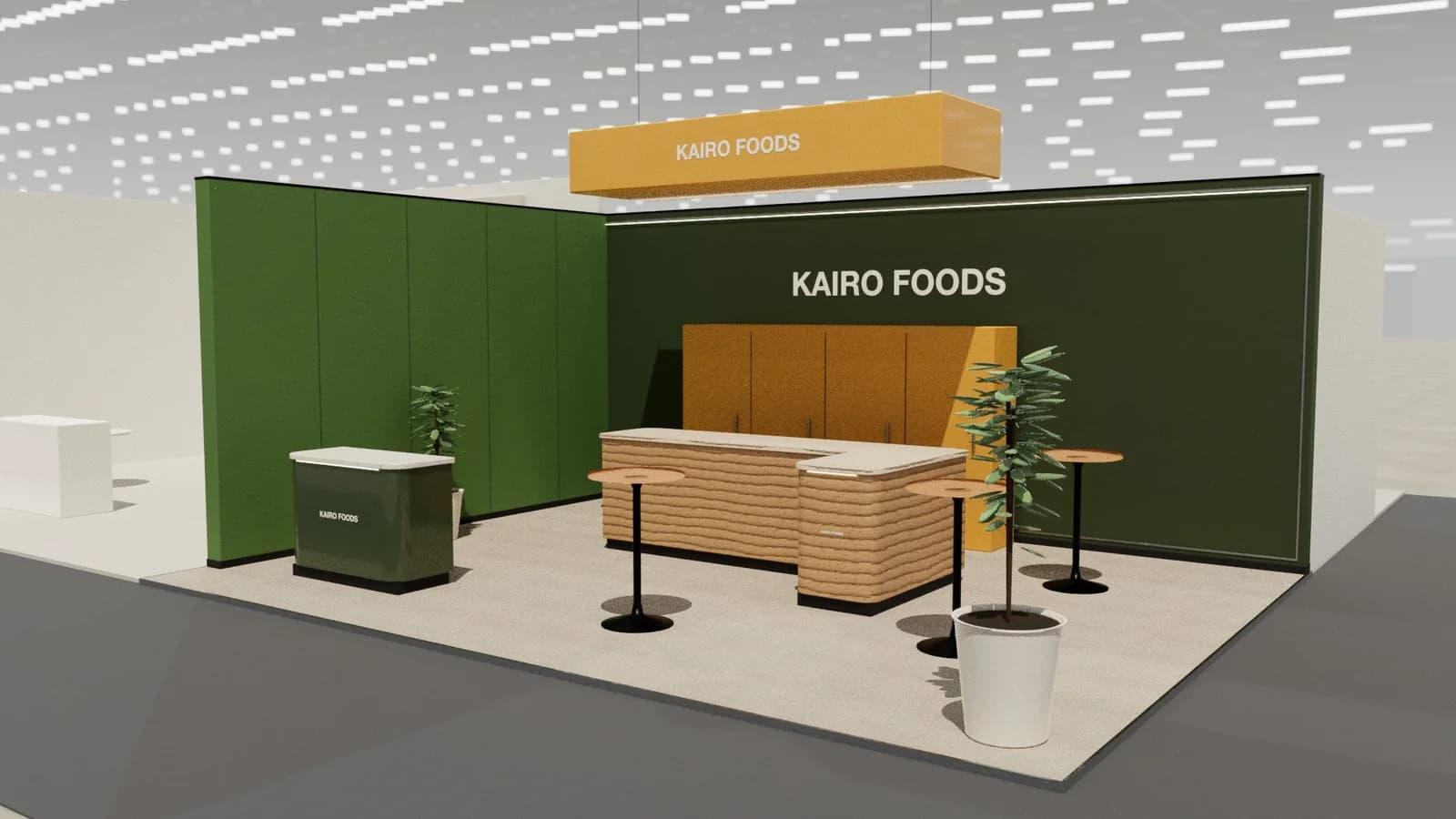
In short
Security and safety booths sell systems that work together, so devices are mounted as installed and connected to live monitoring screens, integrated scenarios show cameras, access control and alarms responding to events, and integrators get tables for partner talks.
Key points
- Installed devices, Monitoring station, Scenario demo, Partner tables are the core zones.
- Avoid: products on shelves instead of installed.
- Avoid: demos dependent on hall Wi-Fi.
- Avoid: sirens and strobes that break hall rules.
- See the template and trade show guides linked below for physical security and safety companies.
Who visits and what they want
Integrators, dealers, consultants, facility and security managers.
What to show
Cameras, access control, intrusion and fire detection, PPE, monitoring software.
Zones for a security and safety stand
| Zone | Purpose | Where it goes |
|---|---|---|
| Installed devices | Mounted as on site | Walls and ceiling |
| Monitoring station | Live feeds and alerts | Visible screen wall |
| Scenario demo | Integrated response | Mock door or room |
| Partner tables | Dealer programmes | Rear |
On a 3 × 3 m stand, keep the first two zones and book meetings elsewhere. From about 36 m² every zone fits; see stand sizes for what fits at each size.
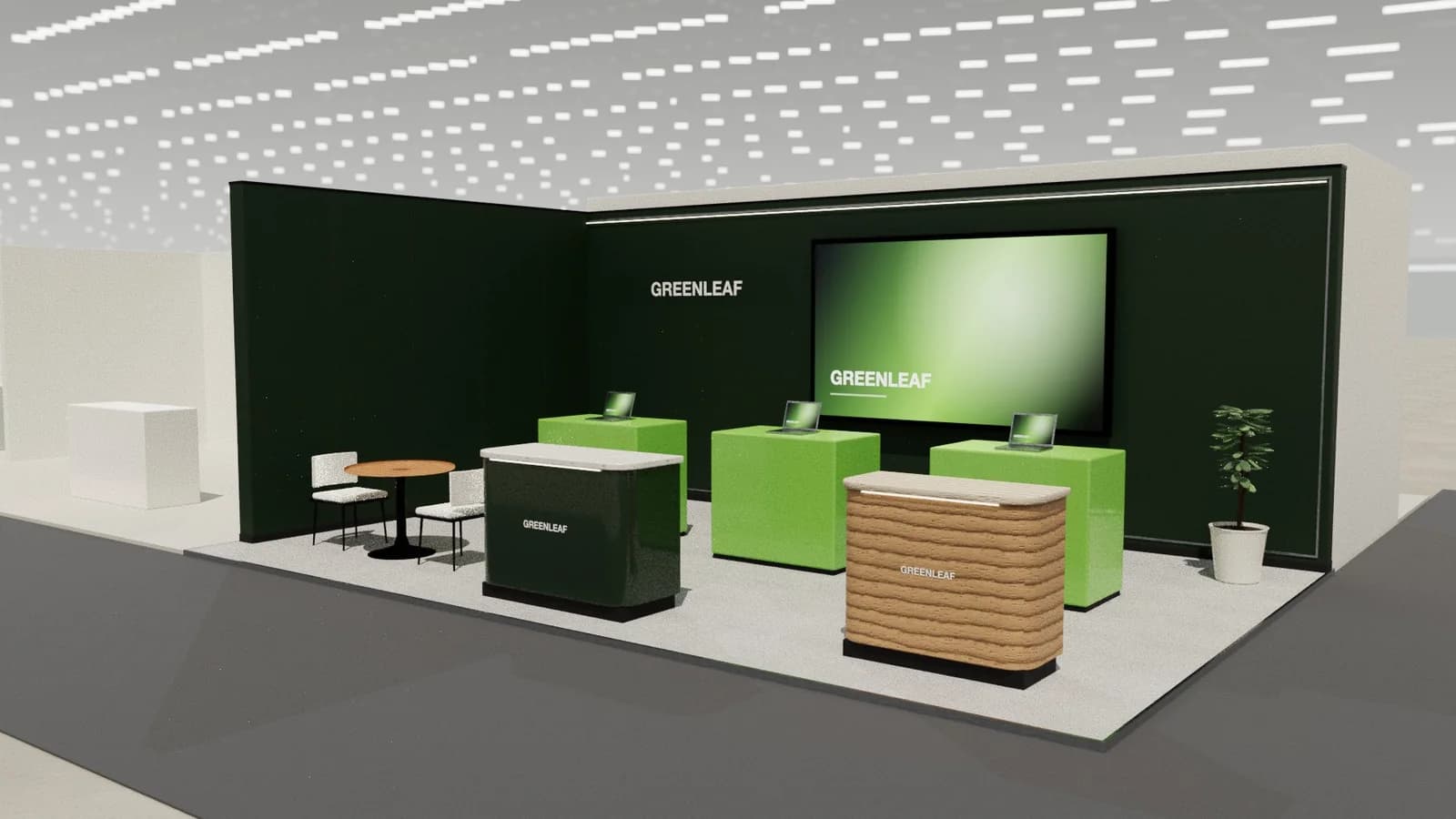
Materials, lighting and graphics
Practical, architectural settings that resemble real buildings: doors, walls and ceilings to mount products on.
For detail on light levels and colour rendering, see stand lighting; for wall graphics, see graphics and branding.
Starting conversations and capturing leads
Ask what sites the visitor protects and walk them through the matching scenario on the monitoring screen. Integrators want dealer terms; end users want outcomes.
Rules and practicalities
Fire and alarm demos must not trigger hall systems; check sound and strobe restrictions.
Venue rules on height, open sides, fire safety and services still apply; see venue approval.
Common mistakes
- Products on shelves instead of installed.
- Demos dependent on hall Wi-Fi.
- Sirens and strobes that break hall rules.
Trade shows for physical security and safety companies
Show-specific guides: ISC West, GITEX Global. For more, see stand design by trade show.
Frequently asked questions
01How should cameras be shown?
Mounted as installed, connected to a live monitoring screen so visitors see image quality.
02Can I run alarms on the stand?
Only within the organiser's noise and strobe limits; many shows restrict them.
03What size stand does a security and safety exhibitor need?
Size to the activities: about 9 m² for one conversation point, 18–36 m² to add demos and a meeting table, and 50 m² or more for meeting rooms and hospitality. See [stand sizes](/guides/topics/exhibition-stand-sizes).
04Can AI design a security and safety booth?
AI can produce a complete concept quickly: [Studio](/ai-booth-designer) lays out the zones above at real scale and renders the result. A stand builder still checks structure, services and compliance before building.
Put it into practice
Design your trade show booth in 3D before you brief the builder
Design a trade show booth in 3D at your exact booth size, from a 10x10 inline to a 20x20 island, with renders and drawings for your builder.
Guidance here reflects common practice. Venues, organisers and countries set their own rules: always check the exhibitor manual and work with a qualified stand builder and engineer for structures.