In short
Robotics booths draw crowds with movement, so the design is about safe, visible demos: robots working real tasks in a guarded cell or collaborative zone, clear sight lines, a screen explaining the application and cycle time, and tables for integration talks.
Key points
- Robot cell, Cobot zone, Application screen, Integration desk are the core zones.
- Avoid: robots behind opaque fencing.
- Avoid: repetitive demos with no explanation of the task.
- Avoid: no integrator present.
- See the template and trade show guides linked below for robotics and automation companies.
Who visits and what they want
Manufacturing and logistics engineers, integrators, plant managers and buyers.
What to show
Industrial and collaborative robots, grippers, vision systems, AMRs and software.
Zones for a robotics and automation stand
| Zone | Purpose | Where it goes |
|---|---|---|
| Robot cell | Live task with guarding | Centre or corner |
| Cobot zone | Hands-on collaborative demo | Front |
| Application screen | Use case and figures | Beside the cell |
| Integration desk | Project discussions | Rear |
On a 3 × 3 m stand, keep the first two zones and book meetings elsewhere. From about 36 m² every zone fits; see stand sizes for what fits at each size.
Materials, lighting and graphics
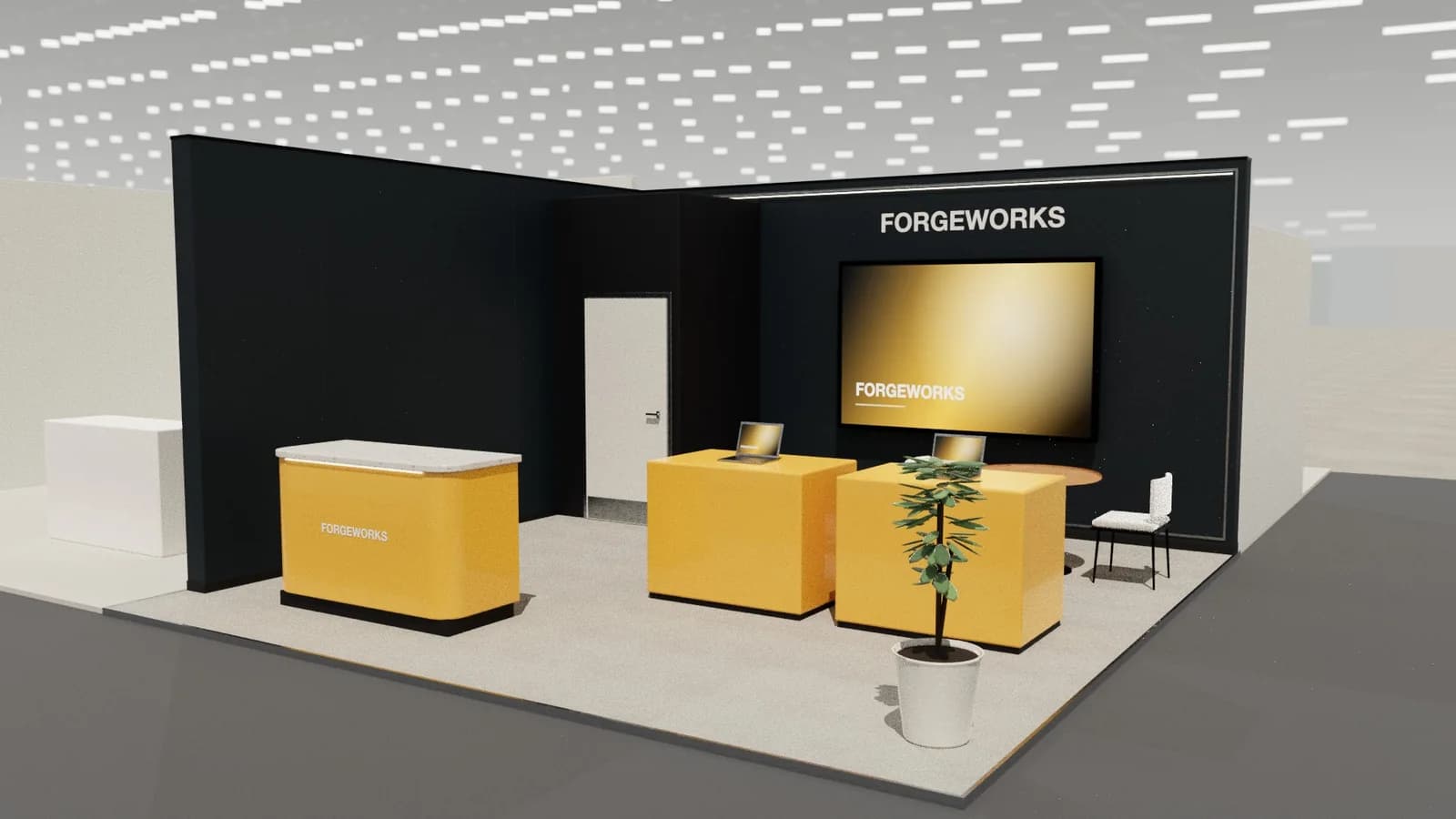
Clean, bright and technical, with transparent guarding so robots stay visible.
For detail on light levels and colour rendering, see stand lighting; for wall graphics, see graphics and branding.
Starting conversations and capturing leads
Ask what task the visitor wants to automate and show the closest demo. Integrators and end users need different conversations, so qualify early.
Rules and practicalities
Robots need risk assessment, guarding or certified collaborative modes, and organiser approval.
Venue rules on height, open sides, fire safety and services still apply; see venue approval.
Common mistakes
- Robots behind opaque fencing.
- Repetitive demos with no explanation of the task.
- No integrator present.
Trade shows for robotics and automation companies
Show-specific guides: Hannover Messe, LogiMAT, IMTS. For more, see stand design by trade show.
Frequently asked questions
01How do I show robots safely?
Use transparent guarding or certified collaborative modes, clear zones and staff supervision, and confirm requirements with the organiser.
02What should a robot demo show?
A real task with cycle time and accuracy, not just movement.
03What size stand does a robotics and automation exhibitor need?
Size to the activities: about 9 m² for one conversation point, 18–36 m² to add demos and a meeting table, and 50 m² or more for meeting rooms and hospitality. See [stand sizes](/guides/topics/exhibition-stand-sizes).
04Can AI design a robotics and automation booth?
AI can produce a complete concept quickly: [Studio](/ai-booth-designer) lays out the zones above at real scale and renders the result. A stand builder still checks structure, services and compliance before building.
Put it into practice
From a client brief to a 3D stand concept in minutes
An editable 3D exhibition stand concept from a written brief and the brand's website, at your exact size.
Guidance here reflects common practice. Venues, organisers and countries set their own rules: always check the exhibitor manual and work with a qualified stand builder and engineer for structures.