In short
LogiMAT visitors are warehouse and logistics managers looking for systems that work, so stands run automated equipment live (shuttles, robots, conveyors) in a safe demo area, show software dashboards and give space for project discussions. Start a custom stand about 6–9 months ahead and confirm dates, height limits and rules in the exhibitor manual.
Key points
- Where and when: Stuttgart, annual, in spring.
- The audience is mostly logistics and warehouse managers.
- Live automation demos with safety fencing or zones.
- Software dashboards on large screens.
- Plan a custom stand about 6–9 months before the show.
LogiMAT for exhibitors
LogiMAT covers intralogistics: warehousing, materials handling, automation, software and packaging. Live robot and conveyor demos are a big draw.
| LogiMAT | |
|---|---|
| City | Stuttgart |
| Venue | Messe Stuttgart |
| Sector | Intralogistics |
| Cycle | Annual, in spring |
| Main stand activity | Working machinery |
| Custom stand lead time | 6–9 months |
Who you are designing for
Logistics and warehouse managers, operations directors, integrators and buyers.
What matters most on a LogiMAT stand:
- Live automation demos with safety fencing or zones.
- Software dashboards on large screens.
- Project meeting tables.
- Clear visitor routes around moving equipment.
Layouts for working machinery, by stand type
Most LogiMAT exhibitors build around working machinery. How that works depends on how many sides of your plot are open. If you are unsure which type you have, see exhibition stand types.
| Stand type | Open sides | What works |
|---|---|---|
| Row (inline) | 1 | One machine side-on to the aisle so its working side is visible, with a screen showing it in use. |
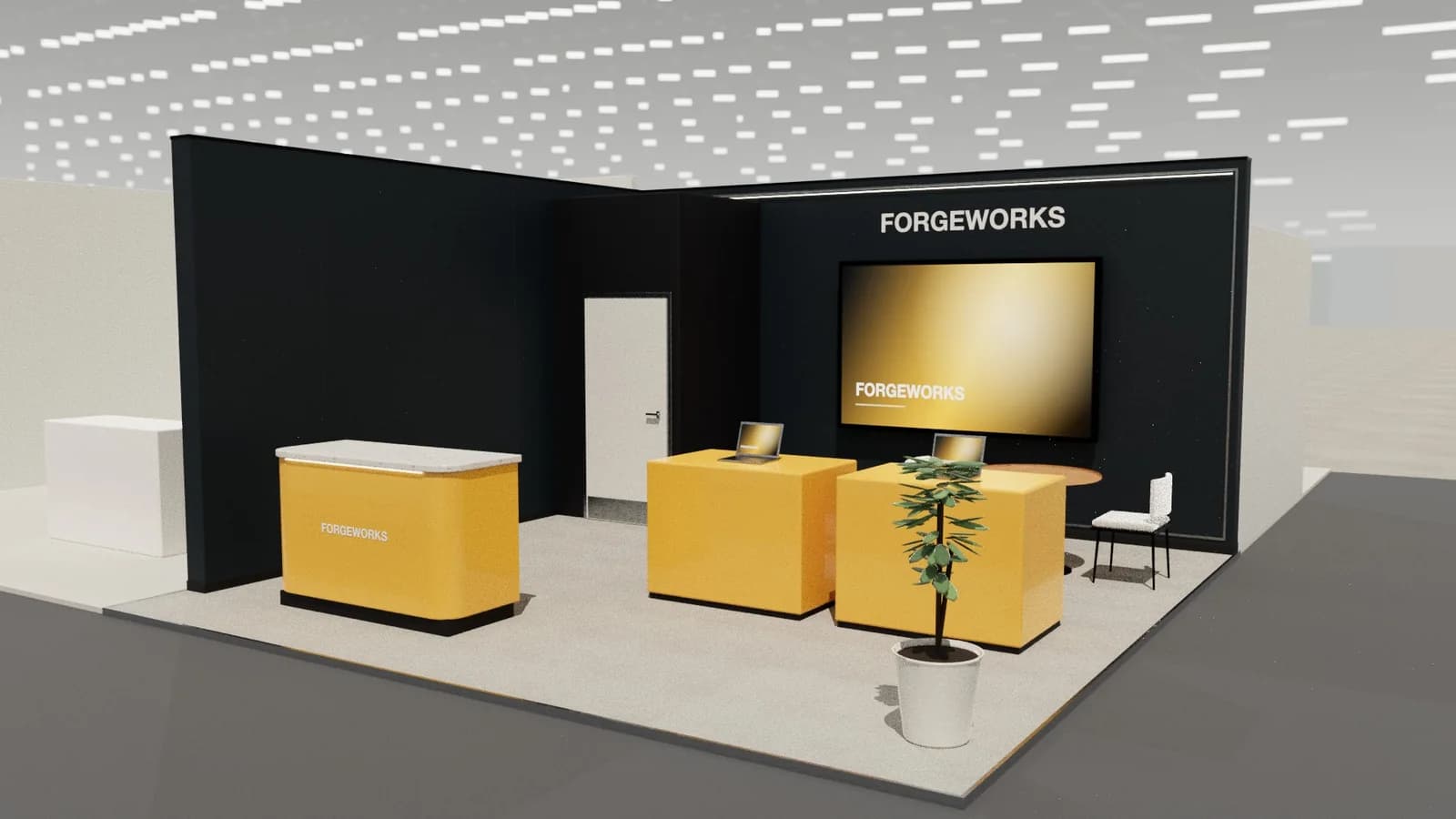
| Corner | 2 | The machine on a plinth at the corner, visible from both aisles, with a technical desk behind it. |
| Peninsula | 3 | The largest machine centred, smaller exhibits on the sides and an engineers' meeting table at the back. |
| Island | 4 | A hero machine centred with at least 1.5 m of walk-around space, demo times on a screen and meetings to one side or upstairs. |
Stand ideas for LogiMAT
- A robot or shuttle demo behind transparent guarding.
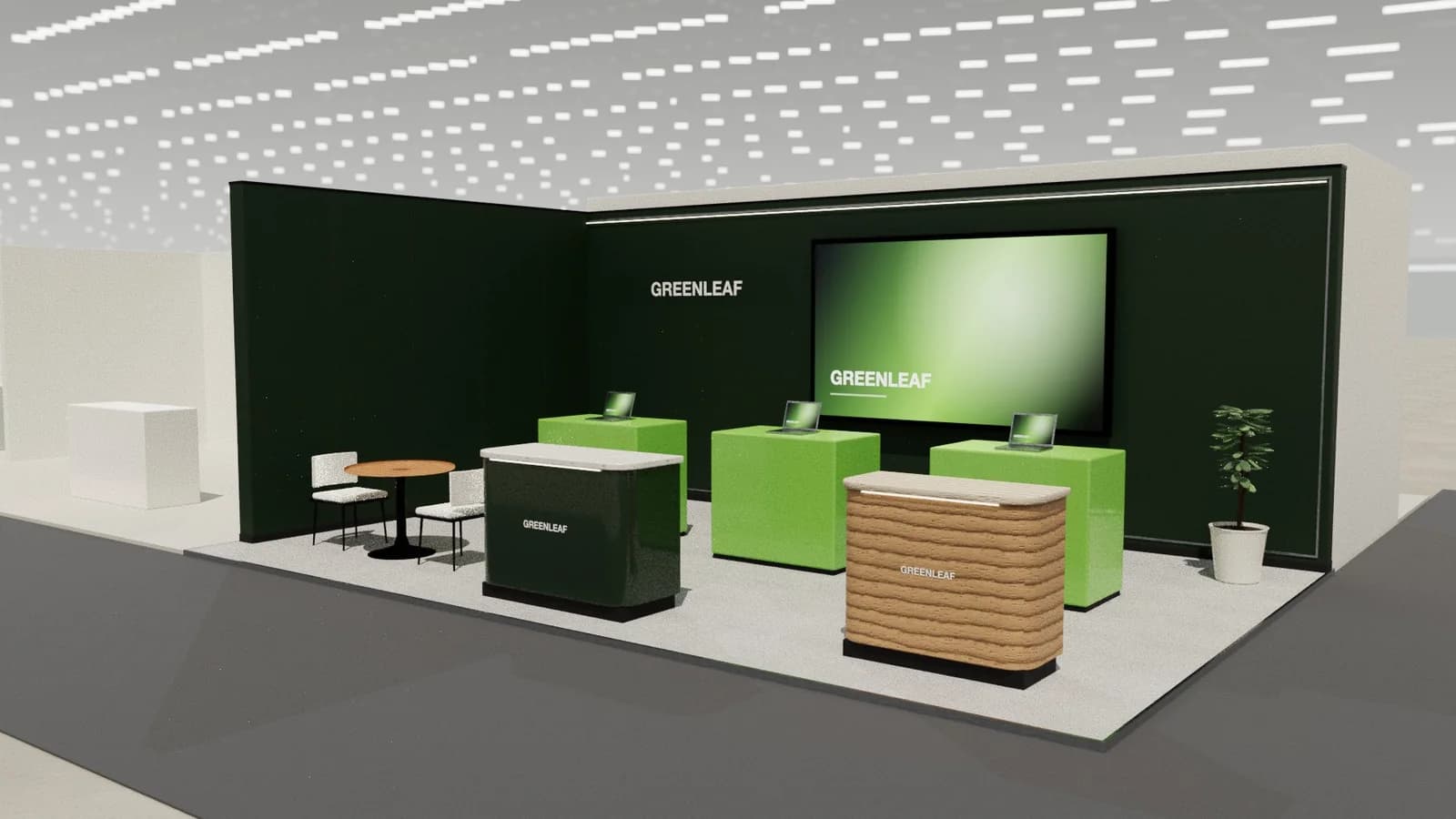
- A throughput dashboard on a large screen.
- Project tables for warehouse layout discussions.
Planning, approvals and logistics
Live equipment needs safety approval, power and sometimes compressed air.
Allow about 6–9 months for a custom stand. The exhibitor manual sets height limits, open-side rules and service deadlines; see venue approval and technical drawings.
Mistakes we see at LogiMAT
- Robots behind fences visitors cannot see through.
- No explanation of throughput or ROI.
Try your LogiMAT layout in 3D
ExhibitionBase Studio turns your plot size, open sides and a brief about working machinery into an editable 3D stand for 5 credits, renders it and exports a plan for your builder. New workspaces get 5 free credits.
Frequently asked questions
01How do I show automation safely?
Use transparent guarding, defined demo zones and clear visitor routes, and confirm safety requirements with the organiser.
02When is LogiMAT?
Annually in spring at Messe Stuttgart. Confirm dates on the official site.
03How early should I start designing a LogiMAT stand?
For a custom stand, about 6–9 months ahead: long enough for design, organiser approval, production and shipping. Shell scheme stands can be planned in weeks.
04Can I reuse my LogiMAT stand at other shows?
Often, if it is modular. Design the core (walls, counters, working machinery area) to work on several plot sizes, and swap graphics per show. See [modular vs custom stands](/guides/modular-vs-custom-exhibition-stands).
Put it into practice
From a client brief to a 3D stand concept in minutes
An editable 3D exhibition stand concept from a written brief and the brand's website, at your exact size.
Guidance here reflects common practice. Venues, organisers and countries set their own rules: always check the exhibitor manual and work with a qualified stand builder and engineer for structures.