In short
At ISE the stand is itself the product demo: integrators judge picture quality, audio, control and installation detail up close, so plan viewing distances, acoustic separation for audio demos and a small theatre or presentation area with scheduled sessions. Start a custom stand about 6–9 months ahead and confirm dates, height limits and rules in the exhibitor manual.
Key points
- Where and when: Barcelona, annual, usually in early February.
- The audience is mostly av integrators.
- Viewing distance matched to each display's pixel pitch, with space to step back.
- Closed rooms or acoustic treatment for audio demos so they do not fight each other.
- Plan a custom stand about 6–9 months before the show.
ISE for exhibitors
Integrated Systems Europe brings pro audio, video, lighting, control and smart building companies to Barcelona. Stands are full of LED walls, projection, audio rooms and control systems running live. The audience is technical and looks closely at how things are mounted, cabled and controlled.
| ISE | |
|---|---|
| City | Barcelona |
| Venue | Fira de Barcelona Gran Via |
| Sector | Pro AV and systems integration |
| Cycle | Annual, usually in early February |
| Main stand activity | Demonstrations |
| Custom stand lead time | 6–9 months |
Who you are designing for
AV integrators, consultants, rental and staging companies, distributors and end users from corporate, education and venues. They want to see products working in realistic settings and talk to technical staff.
What matters most on a ISE stand:
- Viewing distance matched to each display's pixel pitch, with space to step back.
- Closed rooms or acoustic treatment for audio demos so they do not fight each other.
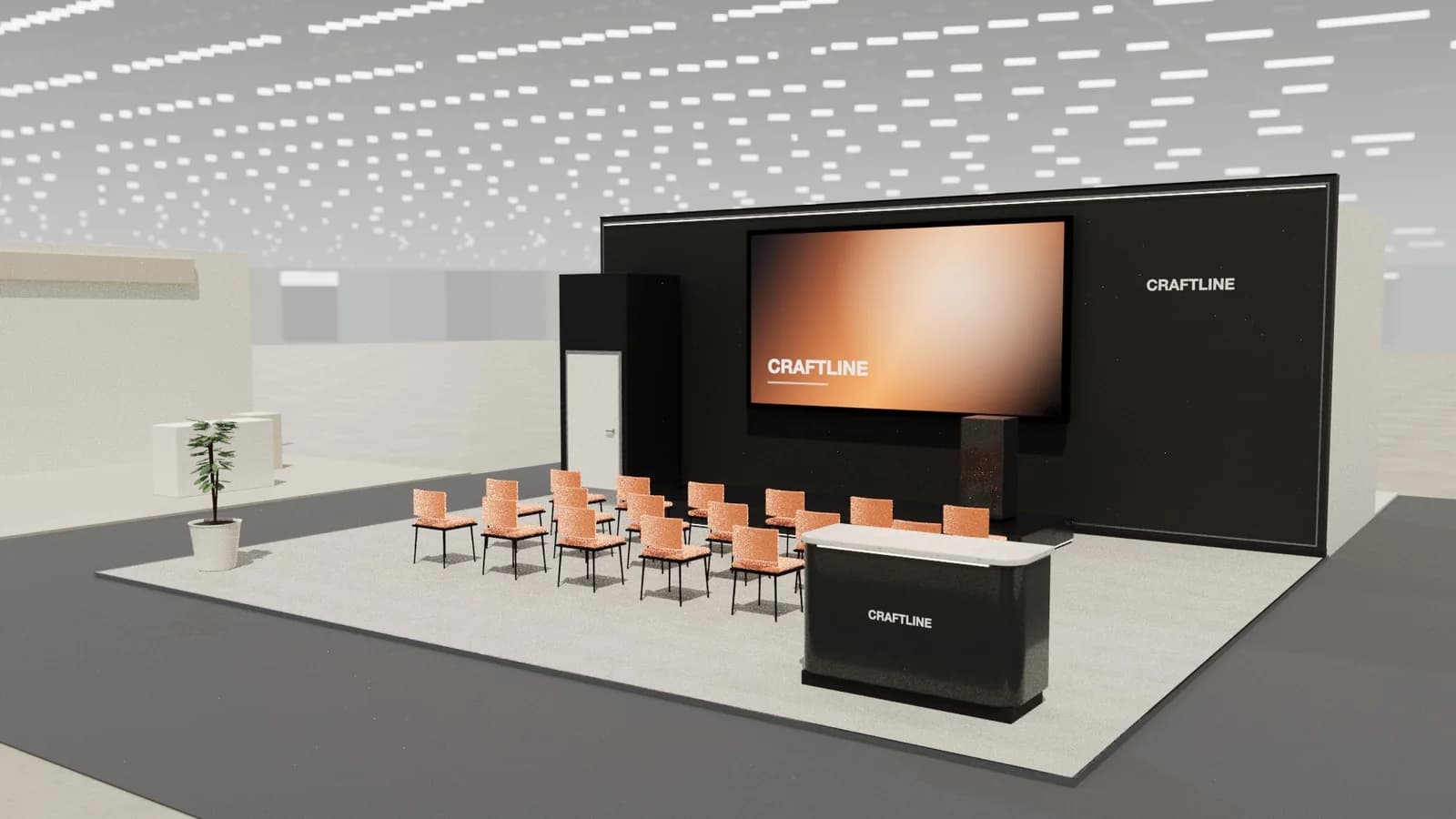
- A presentation area with seating and a session timetable on a screen.
- Tidy, visible installation detail: integrators notice cable management.
Layouts for demonstrations, by stand type
Most ISE exhibitors build around demonstrations. How that works depends on how many sides of your plot are open. If you are unsure which type you have, see exhibition stand types.
| Stand type | Open sides | What works |
|---|---|---|
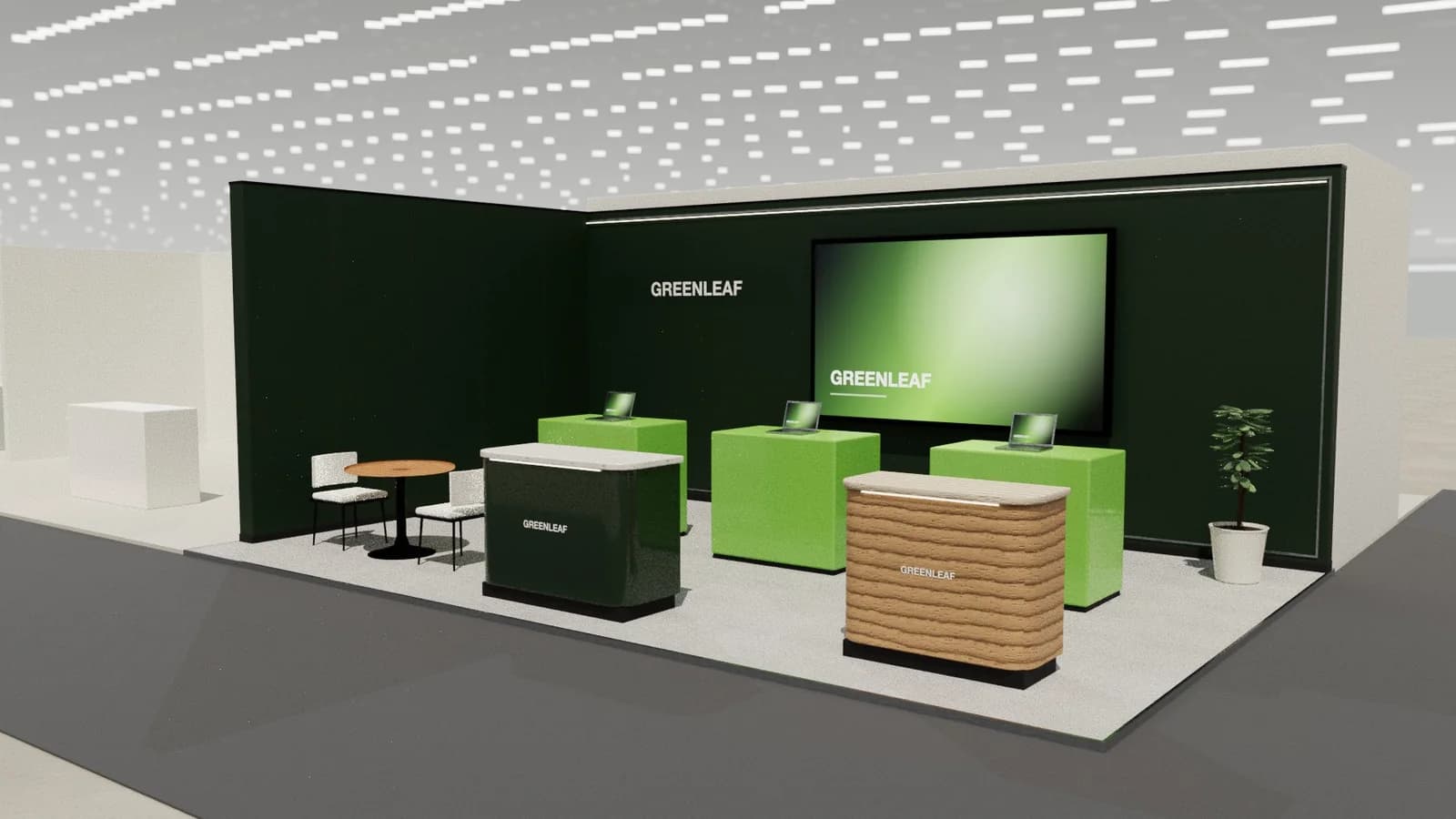
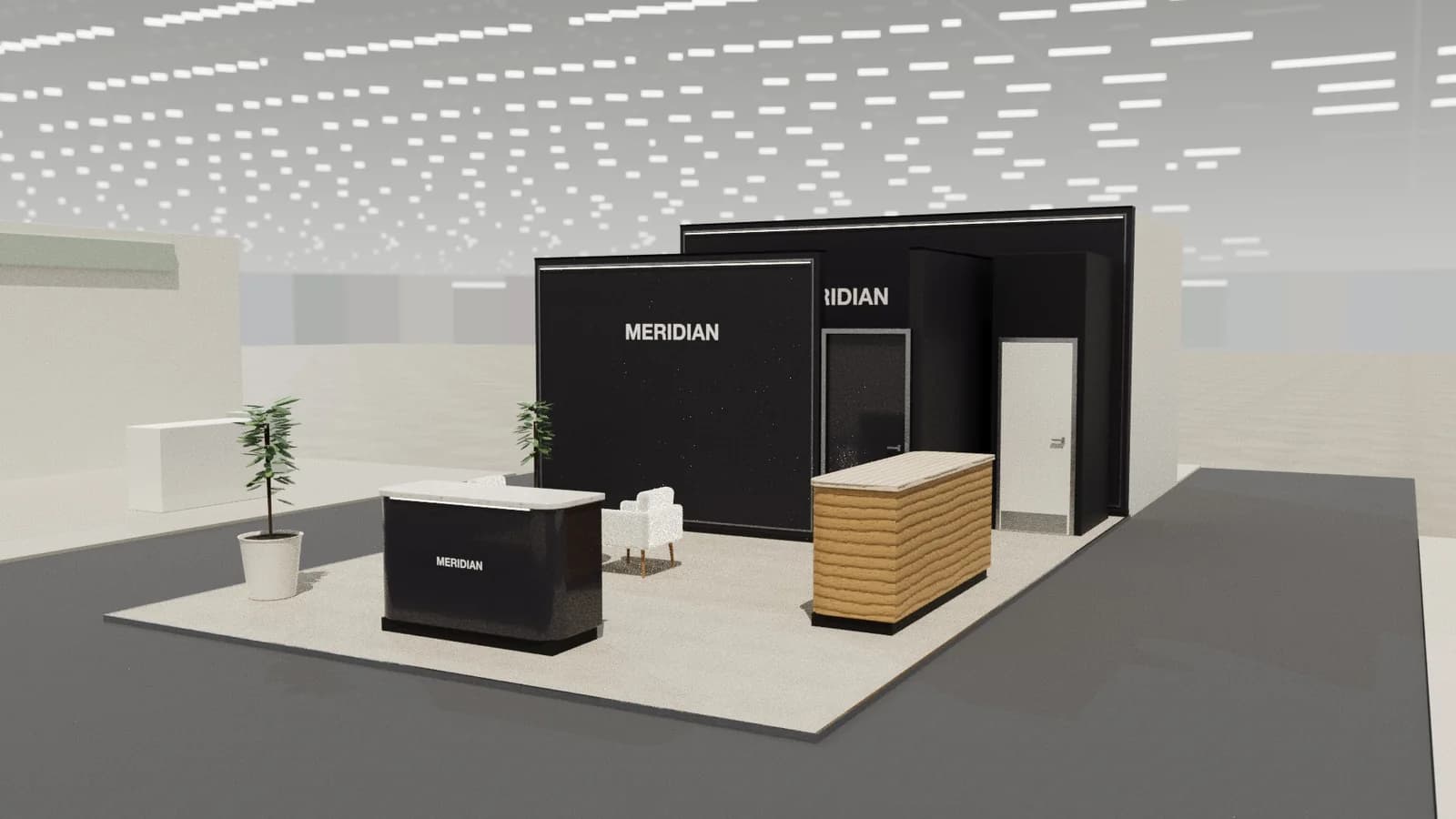
| Row (inline) | 1 | One demo point at the front edge with a screen behind it and a counter to one side; visitors watch from the aisle and step in. |
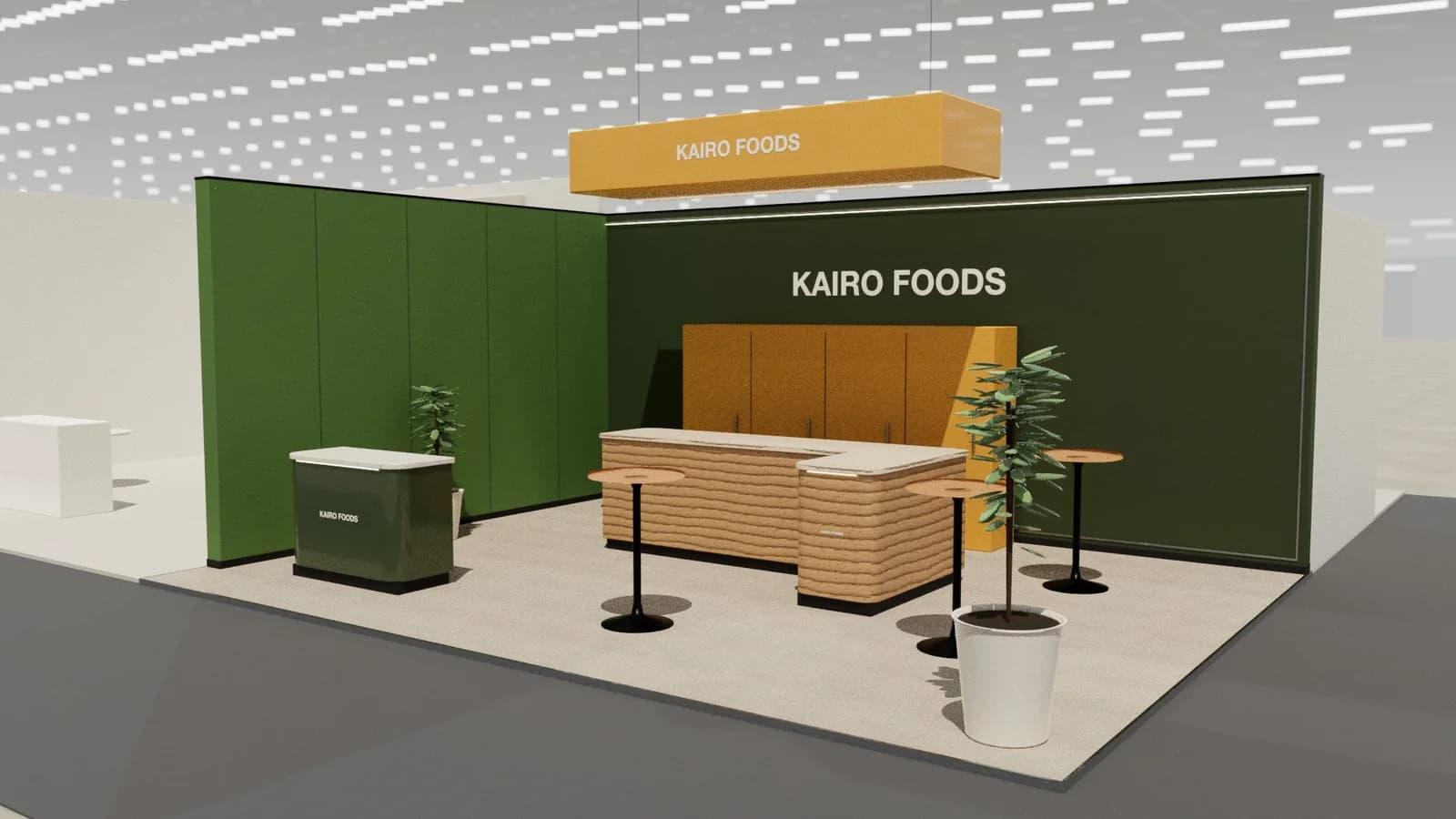
| Corner | 2 | A demo facing each aisle, with the tallest brand element at the closed corner so it reads from both approaches. |
| Peninsula | 3 | Demo pods on the three open sides, a small meeting table against the back wall for follow-up conversations. |
| Island | 4 | A hero product or small stage at the centre, demo pods on each face, and a closed core for storage and a meeting room. |
Stand ideas for ISE
- A small dark room for projection and colour-critical displays.
- A control room demo where visitors drive lighting, audio and video from one panel.
- Exposed installation details: brackets, cable trays and racks labelled as products.
Planning, approvals and logistics
Power loads at ISE are high: count every screen, amplifier and processor before ordering electrics. Heavy LED walls on stand structures need load calculations and sometimes rigging.
Allow about 6–9 months for a custom stand. The exhibitor manual sets height limits, open-side rules and service deadlines; see venue approval and technical drawings.
Mistakes we see at ISE
- Placing a large LED wall where visitors can only stand a metre away.
- Running several audio demos in an open stand so none can be heard properly.
Try your ISE layout in 3D
ExhibitionBase Studio turns your plot size, open sides and a brief about demonstrations into an editable 3D stand for 5 credits, renders it and exports a plan for your builder. New workspaces get 5 free credits.
Frequently asked questions
01How do I choose LED walls for an ISE stand?
Match pixel pitch to the closest viewing distance: fine pitches for close inspection, coarser for walls seen from the aisle. Our guide to [LED walls on stands](/guides/led-walls-on-exhibition-stands) covers the maths.
02Should audio demos be in a closed room?
Usually. An enclosed or treated room lets visitors hear the product properly and stops the demo disturbing neighbours, which organisers may restrict anyway.
03How early should I start designing a ISE stand?
For a custom stand, about 6–9 months ahead: long enough for design, organiser approval, production and shipping. Shell scheme stands can be planned in weeks.
04Can I reuse my ISE stand at other shows?
Often, if it is modular. Design the core (walls, counters, demonstrations area) to work on several plot sizes, and swap graphics per show. See [modular vs custom stands](/guides/modular-vs-custom-exhibition-stands).
Put it into practice
From a client brief to a 3D stand concept in minutes
An editable 3D exhibition stand concept from a written brief and the brand's website, at your exact size.
Guidance here reflects common practice. Venues, organisers and countries set their own rules: always check the exhibitor manual and work with a qualified stand builder and engineer for structures.