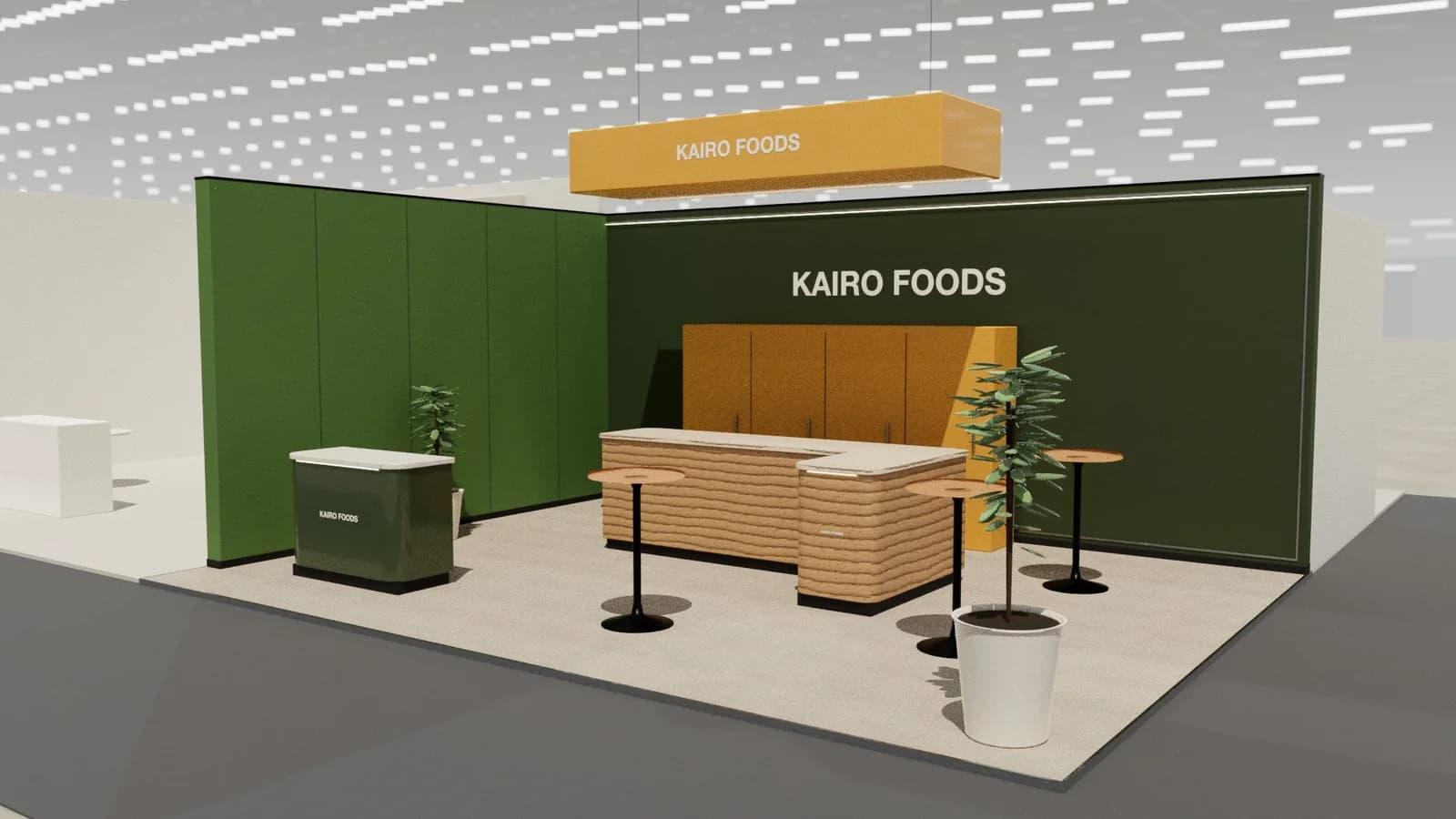
In short
Property stands sell places that do not exist yet, so the centrepiece is a model or large-screen masterplan, supported by meeting tables for investors, a hospitality bar for networking and space for short talks about the project or city.
Key points
- Model / masterplan, Meeting tables, Hospitality bar, Talk area are the core zones.
- Avoid: models too small to read.
- Avoid: no private space for investor discussions.
- Avoid: overpromising on graphics.
- See the template and trade show guides linked below for developers, cities and property companies.
Who visits and what they want
Investors, developers, buyers, agents, city and regional governments and advisers.
What to show
Physical models, interactive masterplans, VR walkthroughs, material samples and project films.
Zones for a real estate and property stand
| Zone | Purpose | Where it goes |
|---|---|---|
| Model / masterplan | The centrepiece | Centre, visible from all sides |
| Meeting tables | Investor and buyer conversations | Around the perimeter |
| Hospitality bar | Networking | Side |
| Talk area | Short presentations | Screen with standing room |
On a 3 × 3 m stand, keep the first two zones and book meetings elsewhere. From about 36 m² every zone fits; see stand sizes for what fits at each size.
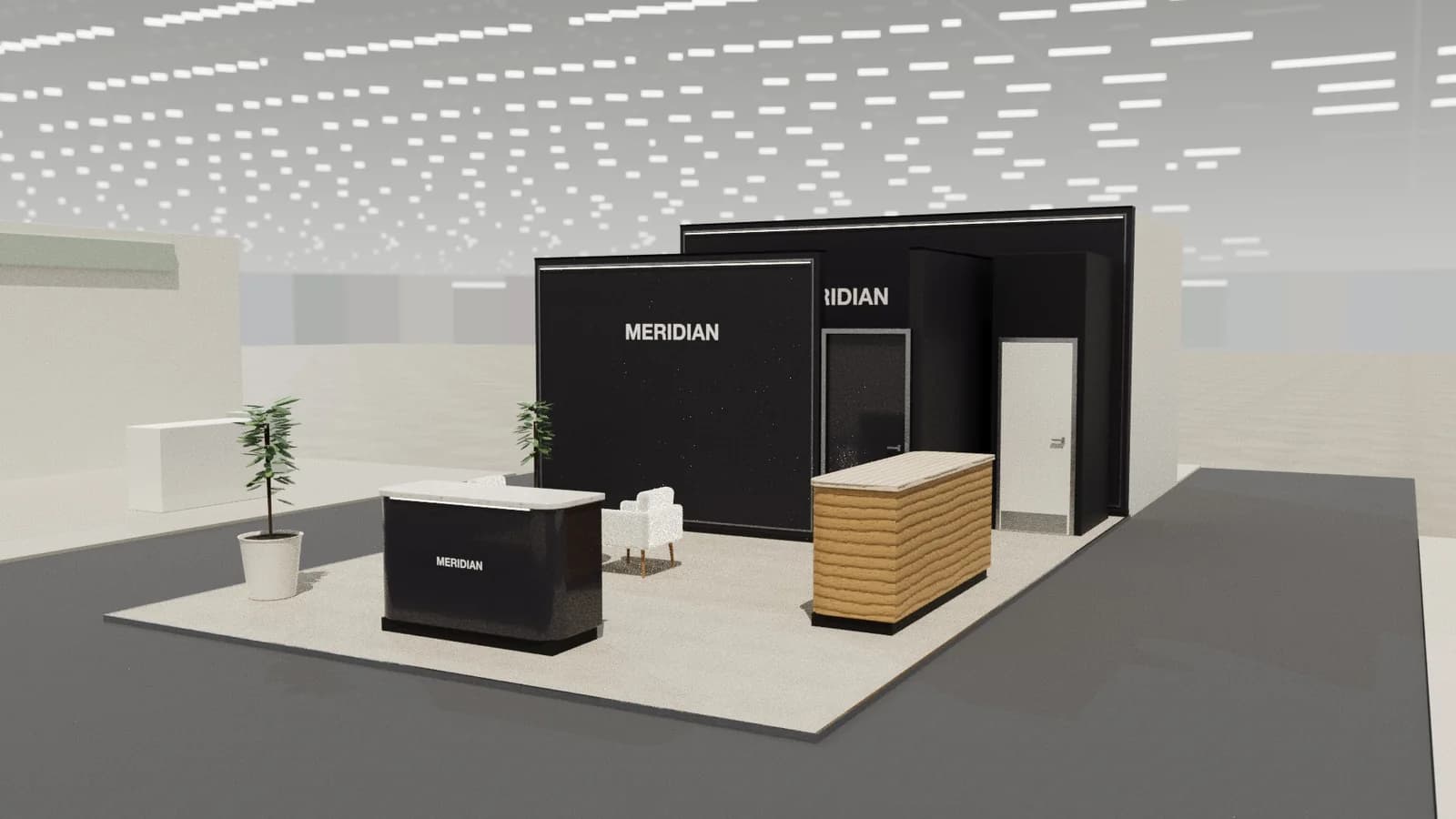
Materials, lighting and graphics
Architectural quality: good materials, precise lighting on models and a calm atmosphere for long conversations.
For detail on light levels and colour rendering, see stand lighting; for wall graphics, see graphics and branding.
Starting conversations and capturing leads
The model draws people in; staff should ask what the visitor invests in or is looking for and point to the matching phase or unit. Book follow-up viewings or calls on the spot.
Rules and practicalities
Property marketing claims may be regulated; check what may be stated about returns and completion dates.
Venue rules on height, open sides, fire safety and services still apply; see venue approval.
Common mistakes
- Models too small to read.
- No private space for investor discussions.
- Overpromising on graphics.
Trade shows for developers, cities and property companies
Show-specific guides: MIPIM. For more, see stand design by trade show.
Frequently asked questions
01Physical model or screen?
A physical model draws people in; a screen shows detail and phases. Many stands use both.
02How do I use VR on a property stand?
As a supporting experience with a seated station, not the main feature; queues for headsets form quickly.
03What size stand does a real estate and property exhibitor need?
Size to the activities: about 9 m² for one conversation point, 18–36 m² to add demos and a meeting table, and 50 m² or more for meeting rooms and hospitality. See [stand sizes](/guides/topics/exhibition-stand-sizes).
04Can AI design a real estate and property booth?
AI can produce a complete concept quickly: [Studio](/ai-booth-designer) lays out the zones above at real scale and renders the result. A stand builder still checks structure, services and compliance before building.
Put it into practice
Booth renders that start from the brief, not a blank prompt
Photoreal exhibition booth renders made from a dimension-controlled 3D model, with the brand's colours and logo.
Guidance here reflects common practice. Venues, organisers and countries set their own rules: always check the exhibitor manual and work with a qualified stand builder and engineer for structures.