In short
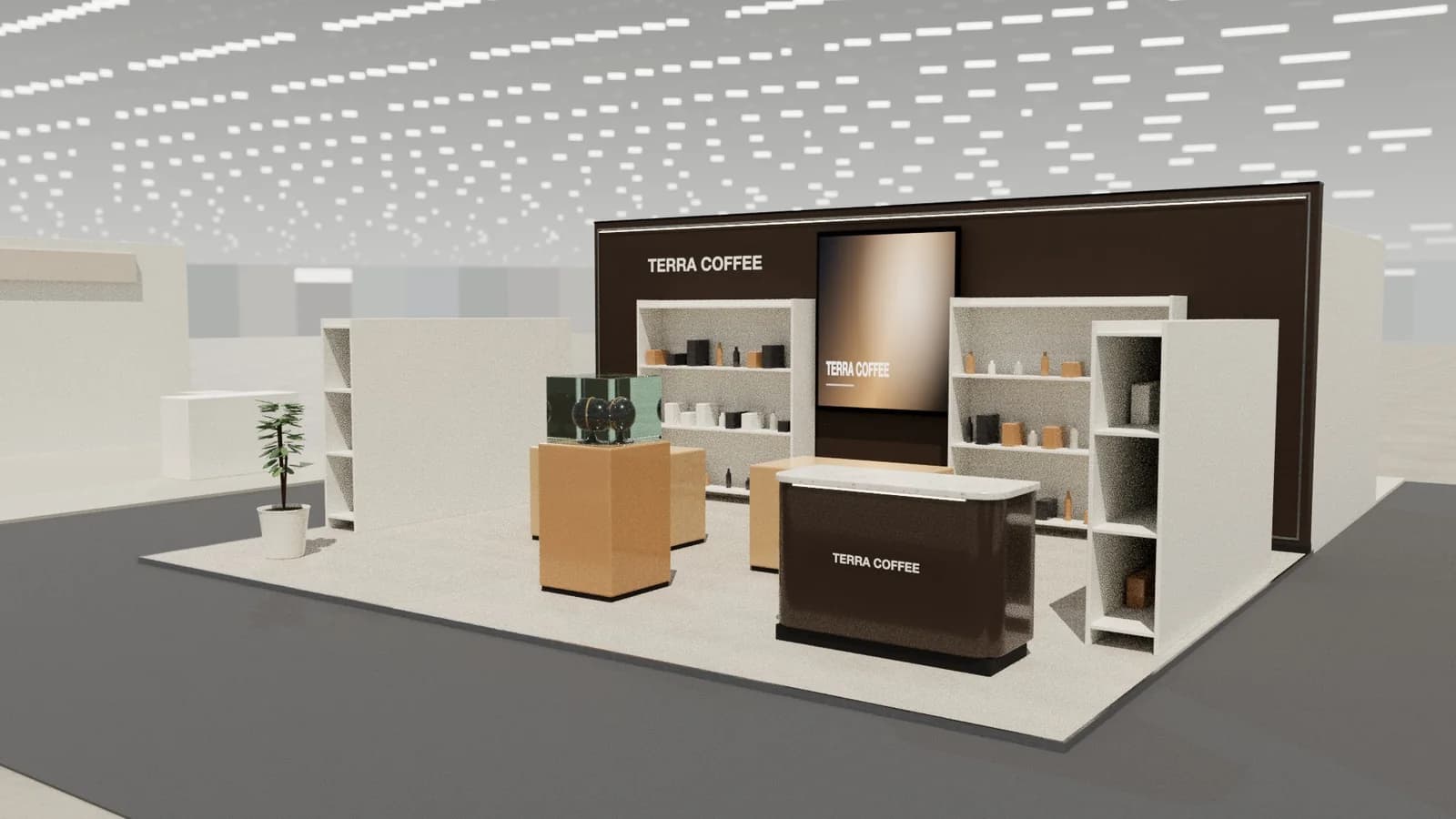
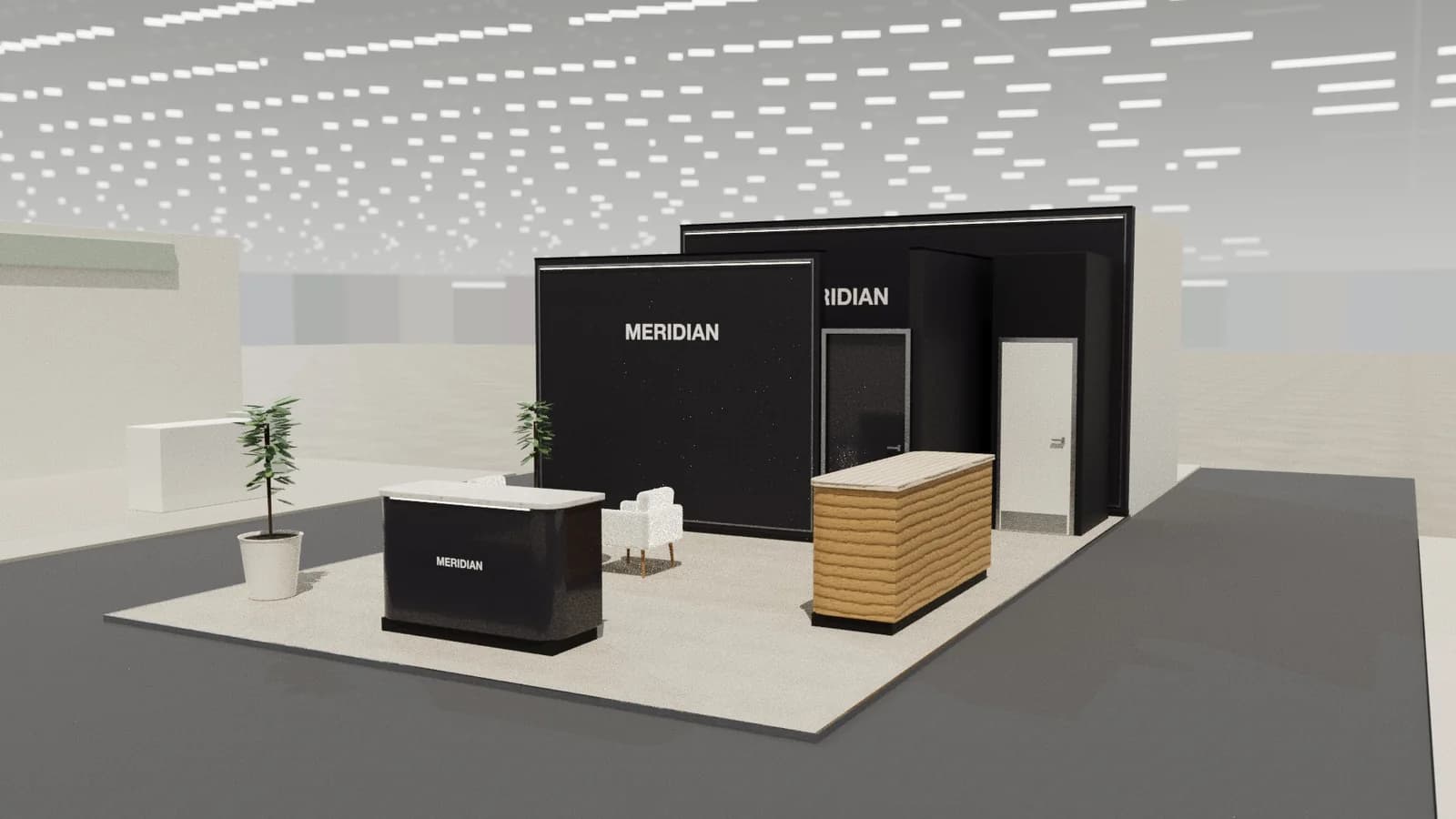
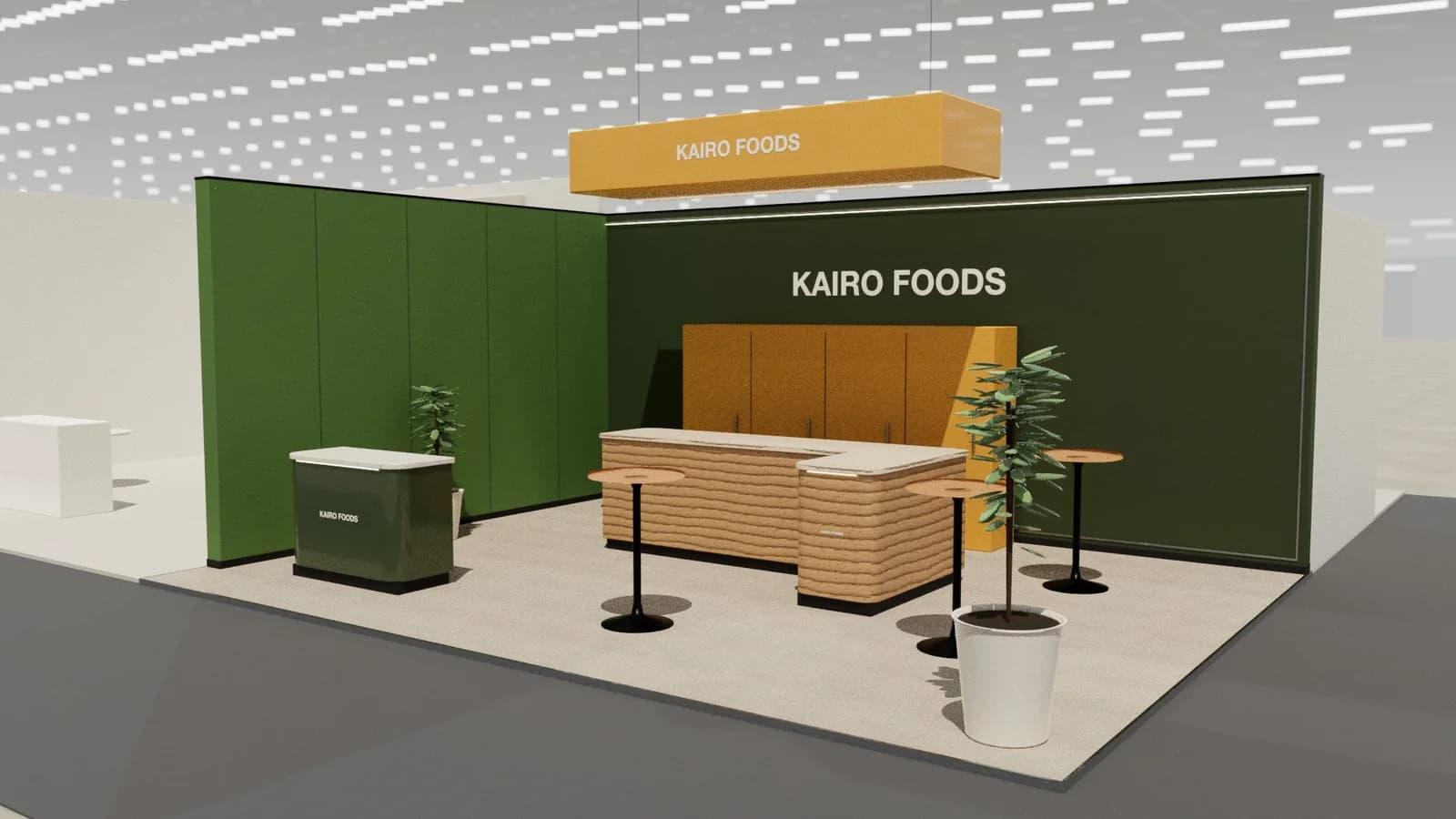
Furniture and interior stands are curated rooms: a few pieces staged as real spaces with architectural lighting, materials and finishes to touch, enough room to walk through, and a discreet area for dealers, architects and contract buyers.
Key points
- Room sets, Materials wall, Hero piece, Dealer lounge are the core zones.
- Avoid: showing the whole catalogue.
- Avoid: flat lighting that hides texture.
- Avoid: room sets too small to walk into.
- See the template and trade show guides linked below for furniture and interior brands.
Who visits and what they want
Retailers, dealers, architects, interior designers, contract and hospitality buyers, and design press.
What to show
Room sets, finish and fabric samples, configurators on screens and hero pieces.
Zones for a furniture and interiors stand
| Zone | Purpose | Where it goes |
|---|---|---|
| Room sets | Products staged in use | Main frontage |
| Materials wall | Finishes and fabrics | Side |
| Hero piece | Signature product | Entrance or centre |
| Dealer lounge | Orders and projects | Rear |
On a 3 × 3 m stand, keep the first two zones and book meetings elsewhere. From about 36 m² every zone fits; see stand sizes for what fits at each size.
Materials, lighting and graphics
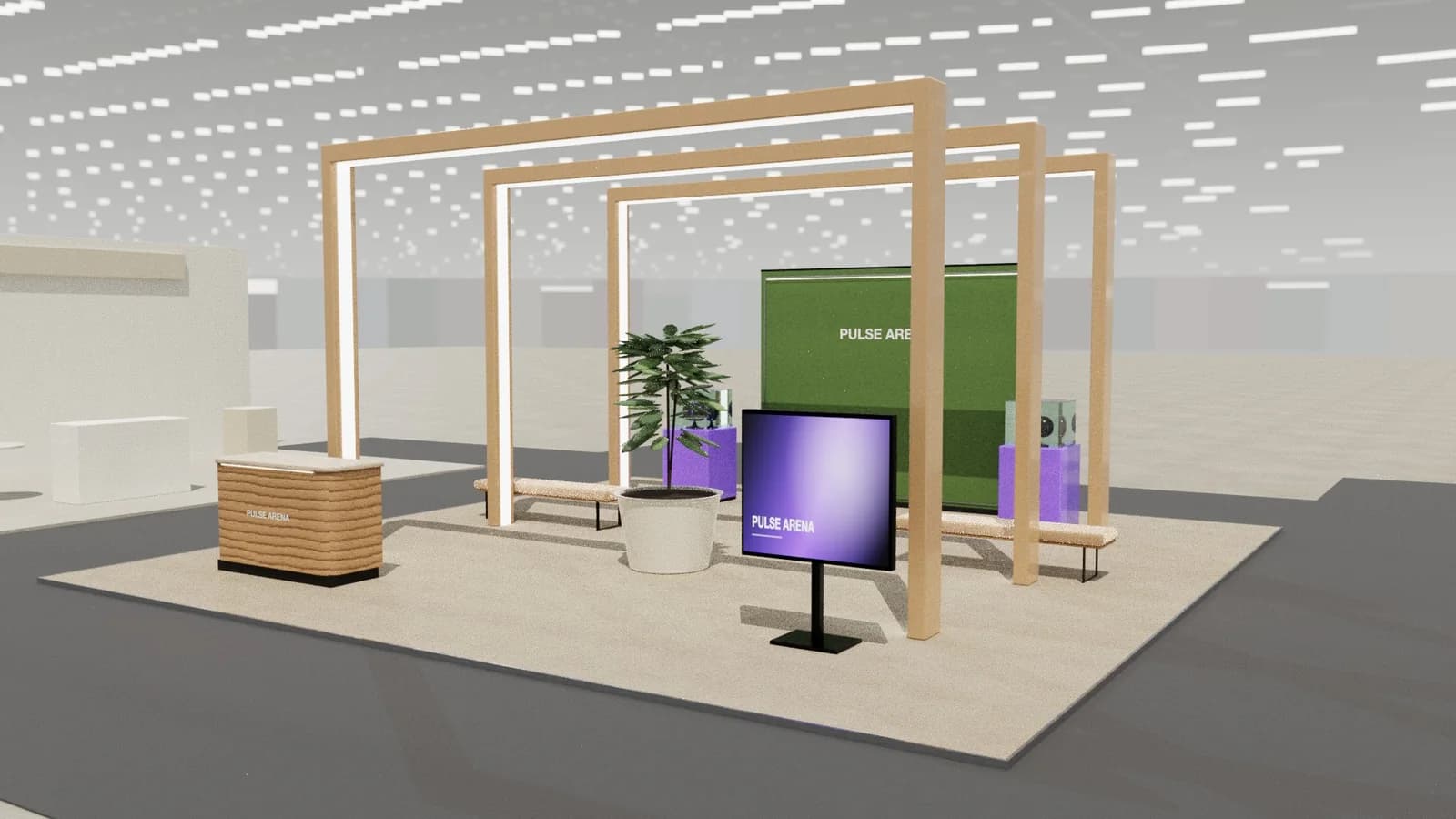
Architectural lighting, residential or hospitality finishes, and space between pieces. The stand should feel like an interior, not a warehouse.
For detail on light levels and colour rendering, see stand lighting; for wall graphics, see graphics and branding.
Starting conversations and capturing leads
Invite visitors to sit and use the pieces; comfort sells furniture. Architects and contract buyers want finishes, lead times and project references, so have those ready at the lounge table.
Rules and practicalities
Large builds with ceilings need fire and sprinkler checks; heavy pieces need handling plans.
Venue rules on height, open sides, fire safety and services still apply; see venue approval.
Common mistakes
- Showing the whole catalogue.
- Flat lighting that hides texture.
- Room sets too small to walk into.
Trade shows for furniture and interior brands
Show-specific guides: Salone del Mobile, Ambiente. For more, see stand design by trade show.
Frequently asked questions
01How do I stage furniture on a stand?
As real rooms with rugs, lighting and accessories, with space to walk in and sit down.
02Should the stand have a ceiling?
Ceilings create intimacy and control light but may need sprinkler and fire approval. Check the manual.
03What size stand does a furniture and interiors exhibitor need?
Size to the activities: about 9 m² for one conversation point, 18–36 m² to add demos and a meeting table, and 50 m² or more for meeting rooms and hospitality. See [stand sizes](/guides/topics/exhibition-stand-sizes).
04Can AI design a furniture and interiors booth?
AI can produce a complete concept quickly: [Studio](/ai-booth-designer) lays out the zones above at real scale and renders the result. A stand builder still checks structure, services and compliance before building.
Put it into practice
Booth renders that start from the brief, not a blank prompt
Photoreal exhibition booth renders made from a dimension-controlled 3D model, with the brand's colours and logo.
Guidance here reflects common practice. Venues, organisers and countries set their own rules: always check the exhibitor manual and work with a qualified stand builder and engineer for structures.