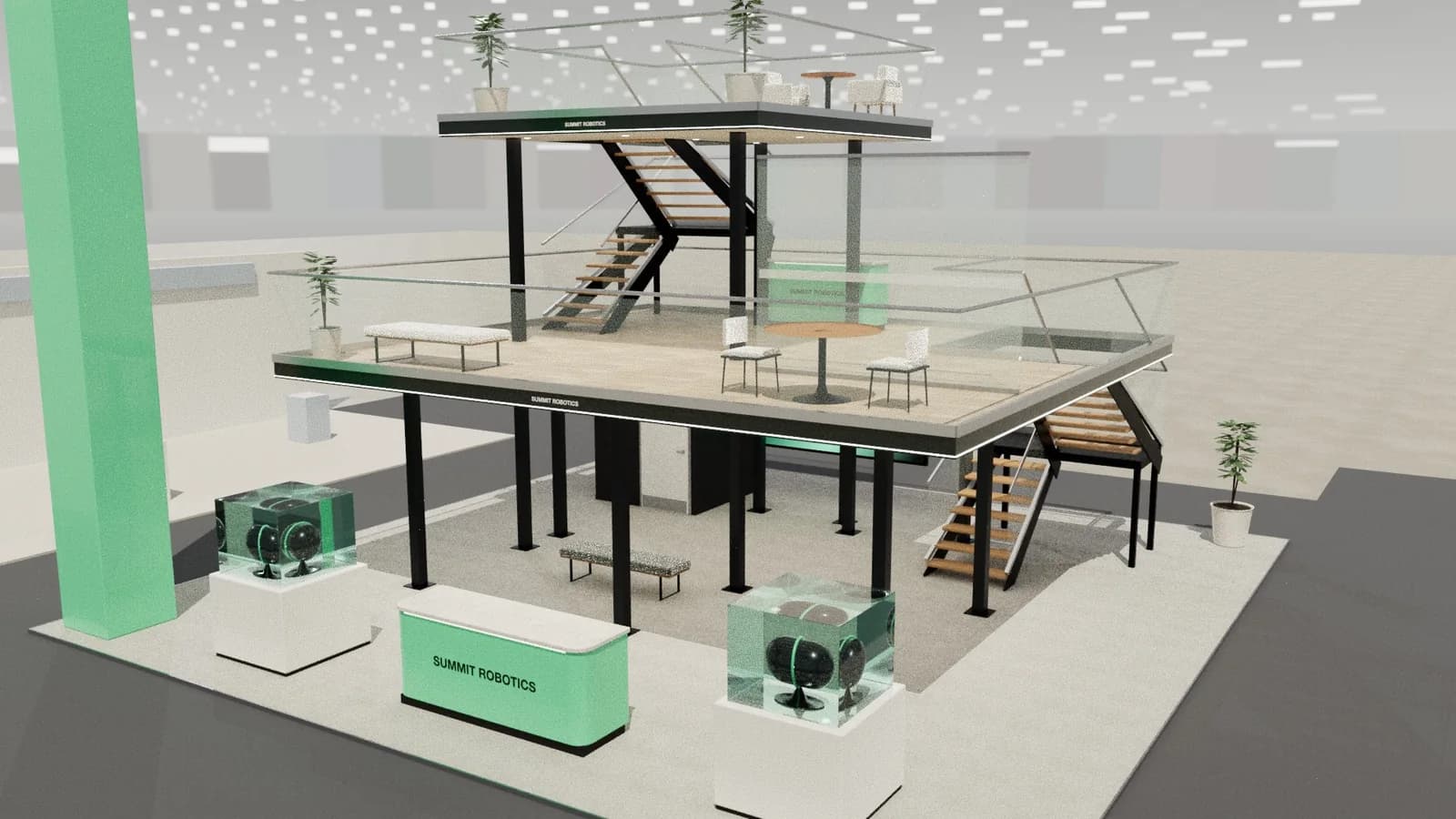
Stuttgart, Germany
Exhibition stand design for Stuttgart
Messe Stuttgart sits right beside the airport, in one of Germany's strongest engineering regions. Its specialist fairs draw practical buyers from the Mittelstand.
5 free credits · no card needed
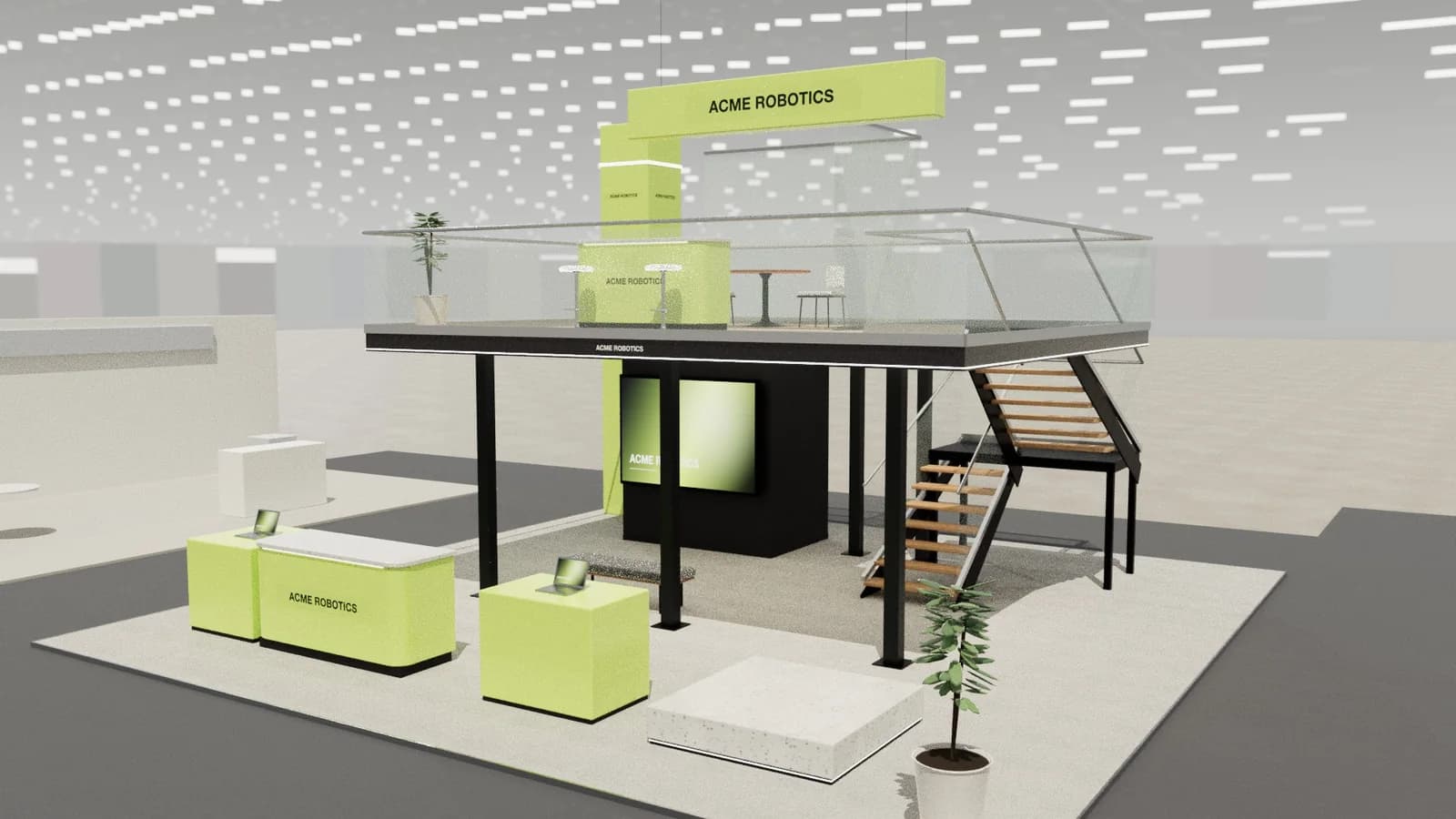 10 × 10 m · double-deck island
Brief
acme-robotics.com
Photoreal render
Show day · 2K
Create renderIn short
Exhibition stand design for Stuttgart means Messe Stuttgart, a modern site next to the airport, home to LogiMAT and many technical trade fairs. Mid-sized engineering firms are a key audience, so working demos and straightforward conversation count. Studio gives you a 3D concept, render and drawings at your plot size, for your German stand builder.
Stuttgart
What you get.
Practical buyers
Mid-sized engineering companies want a working demo and a straight answer.
Easy to fly in
An airport next door suits short visits, so people plan tight schedules. Book meetings.
German rules apply
Expect technical guidelines and classified materials, as at other German venues.
The plot on the floor plan
Enter the width, depth, open sides and the height limit for your Stuttgart hall. The concept stays inside them.
One design for every quote
Send Stuttgart builders the same plan, elevations and concept quantities, so their prices describe one stand.
Curves, battens and light
AI-composed curved walls, timber battens and LED strips are all shown in 3D before anyone in Stuttgart cuts a panel.
How it works
Three steps, no CAD skills needed.
- 01
Brief
Enter your stand size, open sides and the manual's height limit, and add the brand website.
- 02
3D and render
Edit the layout in 3D, then render the view that the client will approve.
- 03
Drawings
Export the plan, elevations and quantities for your builder in Stuttgart.
Goes in
What Studio uses
- Plot size and open sides
- Hall height limit
- Brand website and logo
- Show name
- Demo, meeting or sampling needs
Comes out
What you get back
- Editable 3D concept
- Photoreal renders
- Plan and elevations
- Concept quantities
- AutoCAD DXF
- Client review link
- DXF
AutoCAD, BricsCAD, DraftSight
- PDF
A3 drawing pack with render
- SVG
Plan & elevation sheets
- CSV
Object schedule for quoting
- GLB
Blender, Unreal, web viewers
- OBJ
Rhino, 3ds Max, Cinema 4D
- WEBP
1K or 2K renders
- MP4
Walkthrough, reveal or orbit video
Stuttgart
Venues, shows and the quote.
Confirm the city, the hall and the height limit in the exhibitor manual for the edition you are entering.
Messe Stuttgart
A modern exhibition site next to Stuttgart Airport, with level halls that make moving heavy exhibits simpler.
How stands get built here
- Practical buyers
- Mid-sized engineering companies want a working demo and a straight answer.
- Easy to fly in
- An airport next door suits short visits, so people plan tight schedules. Book meetings.
- German rules apply
- Expect technical guidelines and classified materials, as at other German venues.
Packs are charged in US dollars. Your card issuer converts to EUR. Starter credits are free. See pricing
Find exhibitor leads for Stuttgart shows on ExhibitionBase, the exhibitor CRM. Studio designs the stand; the CRM finds the companies that book one.
FAQ
Good to know.
01Where is Messe Stuttgart?
Beside Stuttgart Airport.
02What is LogiMAT?
An annual intralogistics fair at Messe Stuttgart.
03Can I run automation demos in Studio concepts?
You can place demo zones and hero machines. Guarding and safety sit with your builder.
04Can a stand builder build from these designs?
Studio produces dimension-controlled concept designs with plans, elevations and a schedule that are accurate to the 3D model, which is ideal for pitching, quoting and planning. Structure, rigging, electrics, fire safety and venue approvals still need your stand builder and the organiser.
05How much does Studio cost?
Studio runs on credits. Every workspace gets 5 starter credits once. Buy more when you need them: no subscription, no monthly charges and purchased credits never expire. An AI stand design costs 5 credits, a change to one selected item 1, a render 5 (8 in 2K) and image to CAD 4. Manual editing, the 68-item library, drawings and exports are free. Top-up packs start at 25 credits for $5.
More in Studio
Keep going.
Your next stand
Design the stand before the client asks twice.
Start with 5 free credits: enough for a complete AI stand design. Editing, drawings and exports are always free.