In short
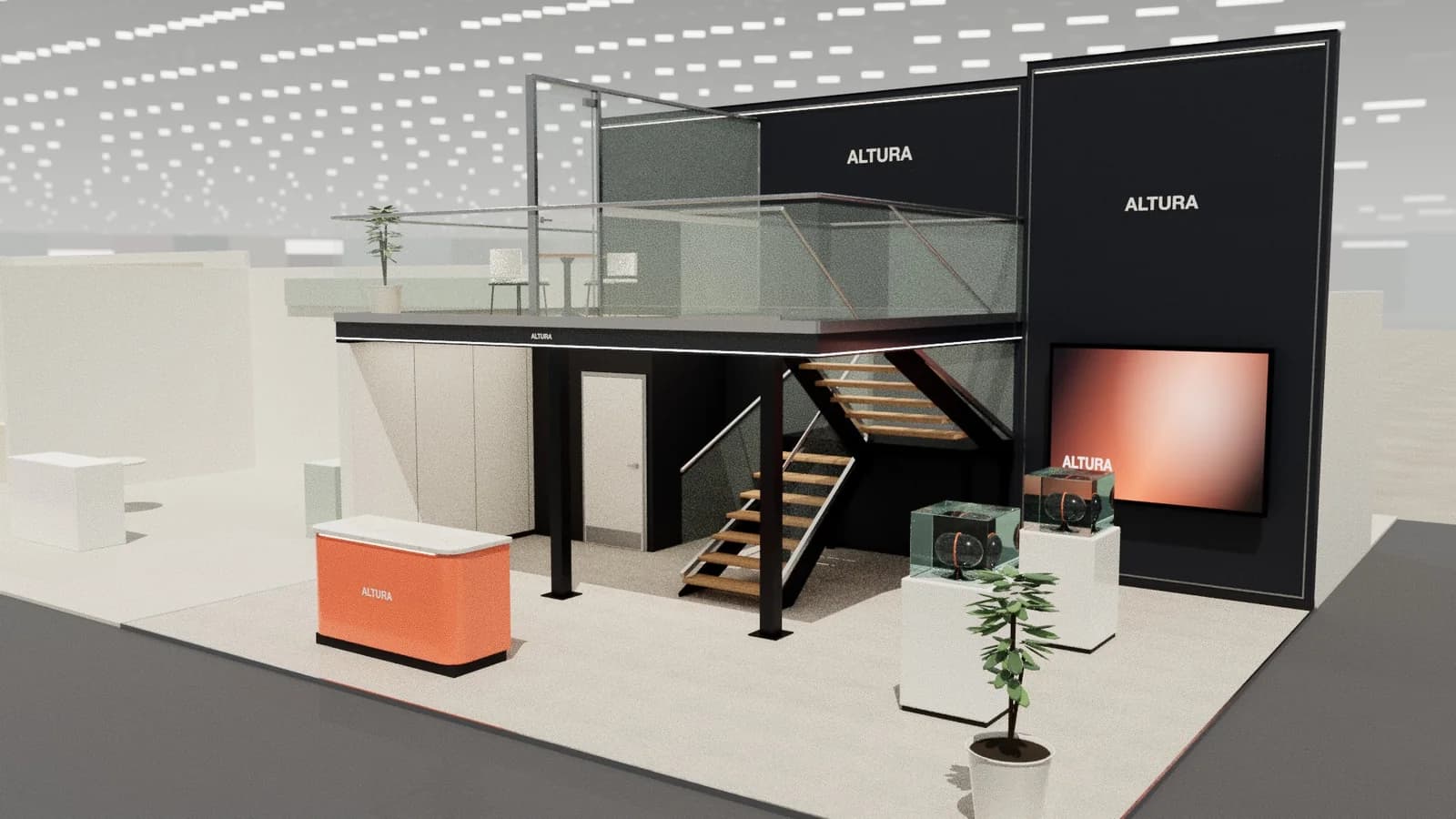
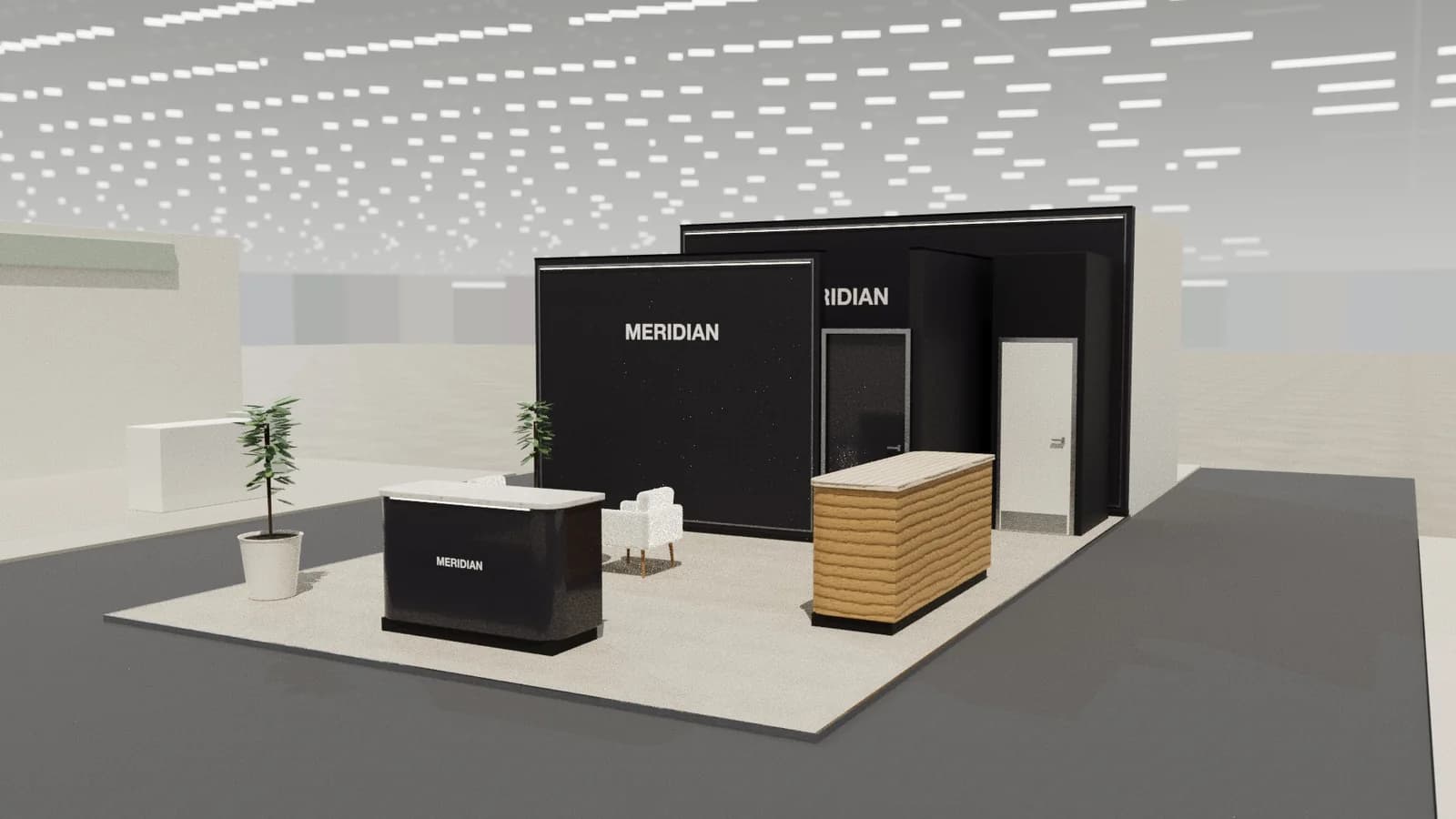
An island booth is open on all four sides, so it has no natural front or back wall. Design it around a central element (a core, tower or deck) that carries height, screens, storage and the brand, then give each side its own reason to enter. Keep tall walls off the edges, use a hanging sign to be found across the hall, and consider a second storey once the stand passes about 50–100 m².
Key points
- Every side is a front: plan four approaches.
- Concentrate height and storage in one central core.
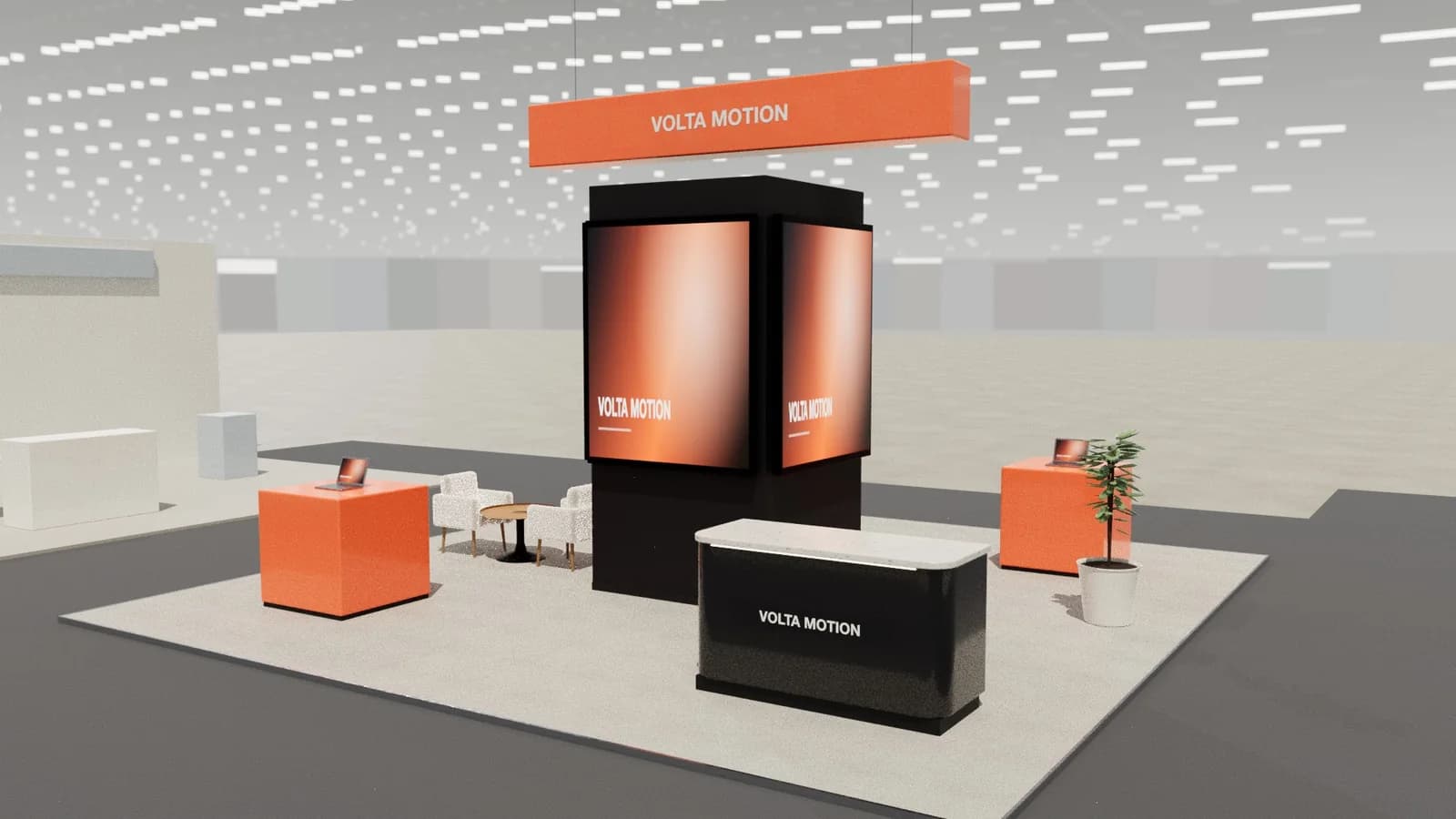
- Hanging signs are the best long-distance landmark (if the venue allows rigging).
- Organisers often limit wall heights and closed edges on islands.
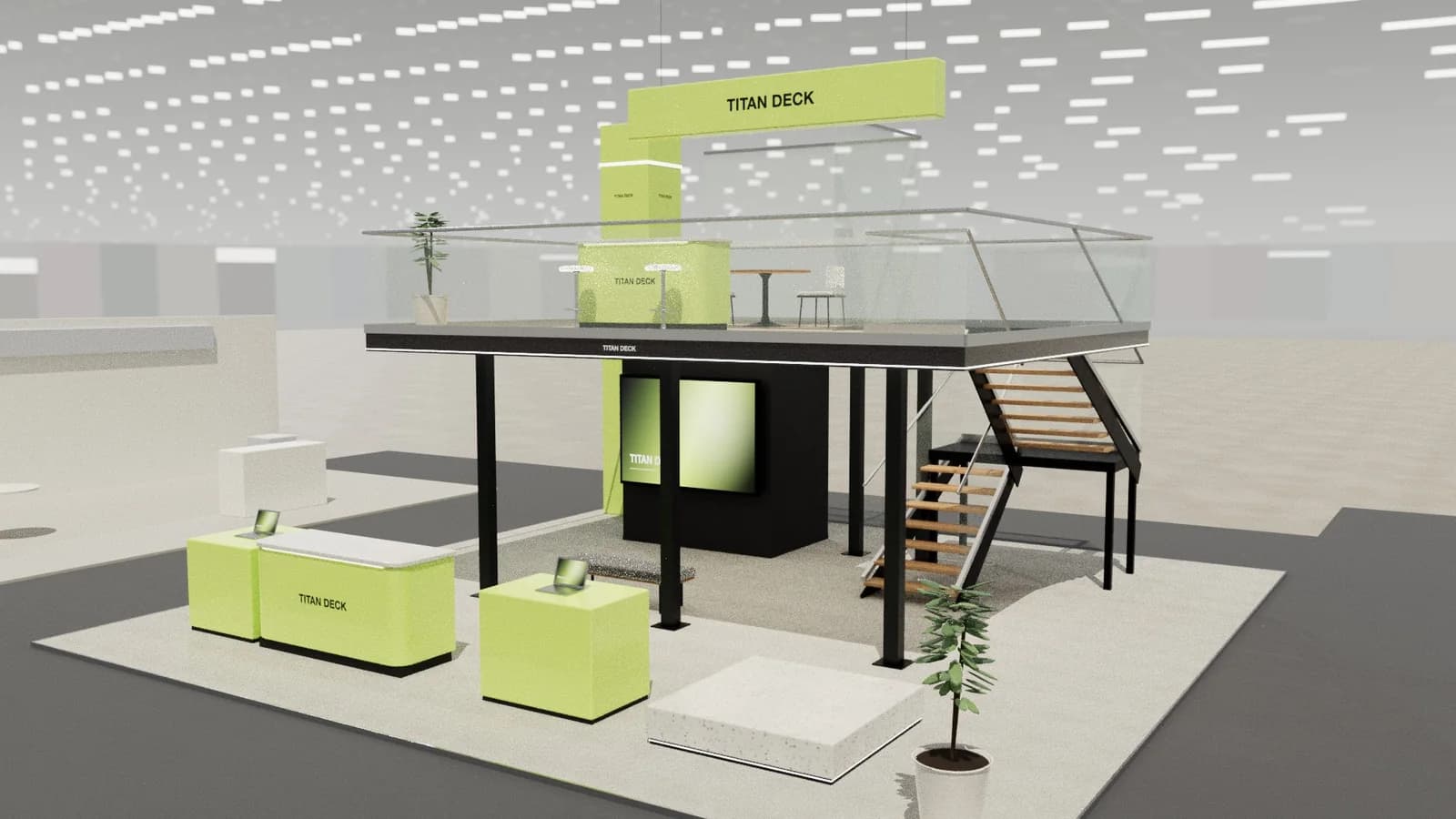
- Large islands make double-decks worthwhile.
Design around a core
A central core does several jobs: it hides a store and AV equipment inside, carries screens or LED on its faces, holds the brand high, and divides the island into zones. A 2 × 2 m core on a 10 × 10 m island leaves wide open approaches on every side.
Four sides, four reasons
| Side | Example |
|---|---|
| Busiest aisle | Reception and the hero product |
| Second aisle | Demo points |
| Third aisle | Lounge or bar |
| Quietest side | Meeting rooms, often against the core |
Height and landmarks
- Hanging signs read across the hall; they need rigging points and organiser approval. See hanging signs and rigging.
- Towers with the brand on every face work where rigging is not allowed.
- Height limits are set per hall and per stand type; islands often get the most height but with rules about how much of the edge can be closed.
When to go double-deck
On big islands, an upper deck adds meeting and hospitality space without taking floor from the public level. It needs structural engineering, a stair, often a lift for accessibility, and organiser approval. See double-deck stands.
Planning steps
- 01
Map the aisles
Which aisles are busiest, where do visitors come from?
- 02
Place the core
Usually slightly off-centre towards the quiet side.
- 03
Assign sides
One purpose per side, as above.
- 04
Check the rules
Height, open-edge rules, rigging and approval deadlines.
Services and storage
Islands have no back wall to hide things behind, so plan where power, data and storage go from the start. A central core usually carries the main distribution board, AV equipment and a store. Run cables under a raised floor to each counter and screen, and make sure the store door faces the quietest side so staff are not walking through the busiest area.
Frequently asked questions
01What is an island booth?
A stand with aisles on all four sides and no neighbours touching it.
02How tall can an island booth be?
It depends on the venue and organiser; islands often get the highest limits, sometimes 5–6 m or more, with rigged signs higher. Always check the manual.
03Do island booths need a back wall?
No, but most benefit from a central core or tower that provides height, storage and screen surfaces.
04How big is a typical island booth?
From about 6 × 6 m upwards; 10 × 10 m and larger islands are common at major trade shows.
Put it into practice
Generate a 3D exhibition stand you can edit
Generate an editable 3D exhibition stand from your brief, refine the layout and export renders, CAD drawings and the model.
Guidance here reflects common practice. Venues, organisers and countries set their own rules: always check the exhibitor manual and work with a qualified stand builder and engineer for structures.