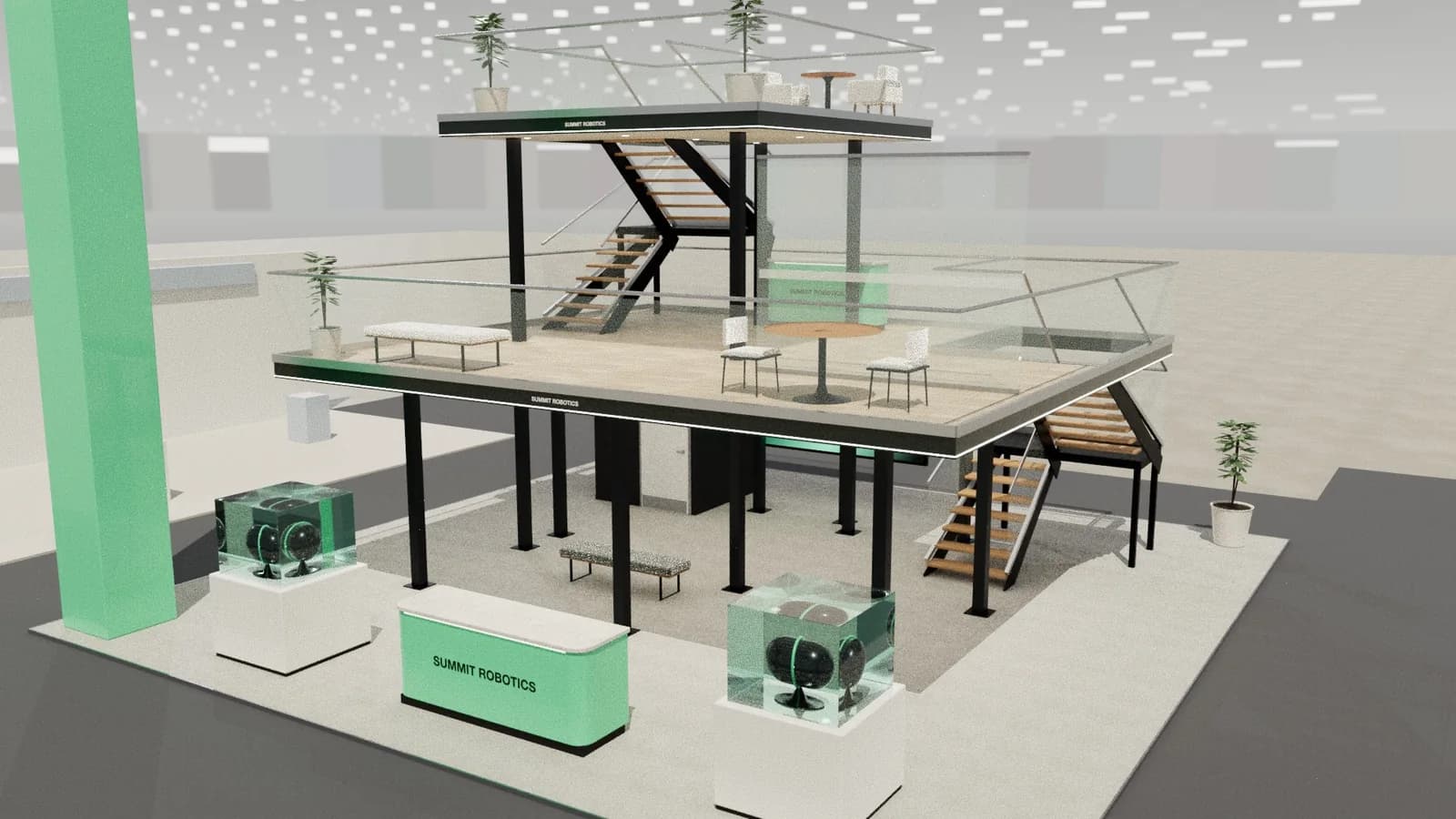
Seoul, South Korea
Exhibition stand design for Seoul
Seoul's exhibition scene splits between COEX in Gangnam and the larger KINTEX in Goyang. Technology and beauty brands are especially strong here.
5 free credits · no card needed
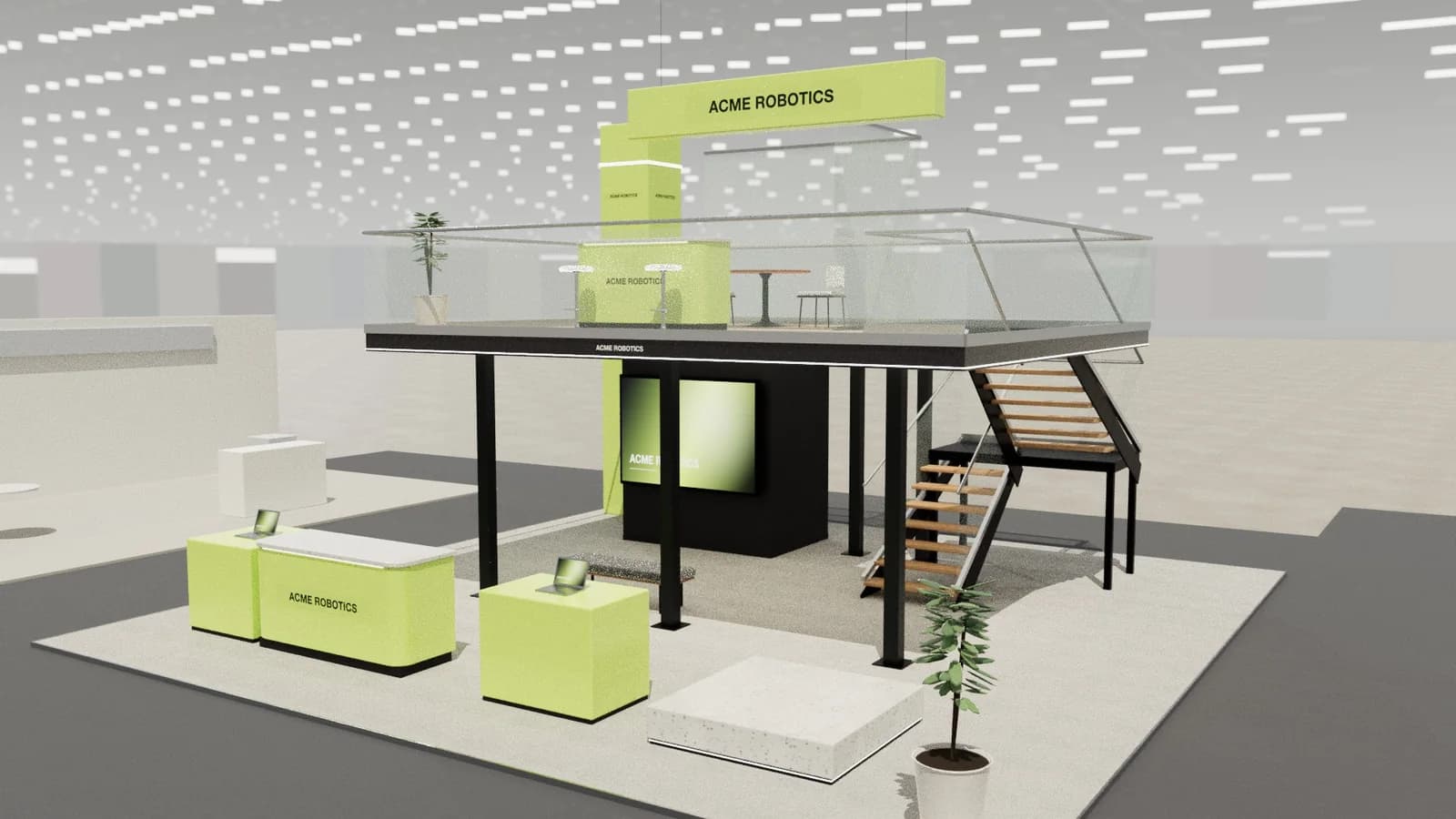 10 × 10 m · double-deck island
Brief
acme-robotics.com
Photoreal render
Show day · 2K
Create renderIn short
Exhibition stand design for Seoul usually means COEX in the heart of Gangnam or KINTEX in nearby Goyang. Technology, beauty and consumer brands lead many shows, and visitors expect polished digital experiences. Studio builds a 3D concept at your exact size, with renders and DXF drawings for a Korean contractor to quote.
Seoul
What you get.
Digital expectations
Korean audiences are used to high-quality screens and apps.
Fast-moving trends
Beauty and tech exhibitors refresh their look quickly.
Local build
Use a Korean contractor, working from your drawings.
The plot on the floor plan
Enter the width, depth, open sides and the height limit for your Seoul hall. The concept stays inside them.
One design for every quote
Send Seoul builders the same plan, elevations and concept quantities, so their prices describe one booth.
Curves, battens and light
AI-composed curved walls, timber battens and LED strips are all shown in 3D before anyone in Seoul cuts a panel.
How it works
Three steps, no CAD skills needed.
- 01
Brief
Enter your booth size, open sides and the manual's height limit, and add the brand website.
- 02
3D and render
Edit the layout in 3D, then render the view that the client will approve.
- 03
Drawings
Export the plan, elevations and quantities for your builder in Seoul.
Goes in
What Studio uses
- Plot size and open sides
- Hall height limit
- Brand website and logo
- Show name
- Demo, meeting or sampling needs
Comes out
What you get back
- Editable 3D concept
- Photoreal renders
- Plan and elevations
- Concept quantities
- AutoCAD DXF
- Client review link
- DXF
AutoCAD, BricsCAD, DraftSight
- PDF
A3 drawing pack with render
- SVG
Plan & elevation sheets
- CSV
Object schedule for quoting
- GLB
Blender, Unreal, web viewers
- OBJ
Rhino, 3ds Max, Cinema 4D
- WEBP
1K or 2K renders
- MP4
Walkthrough, reveal or orbit video
Seoul
Venues, shows and the quote.
Confirm the city, the hall and the height limit in the exhibitor manual for the edition you are entering.
COEX
A central venue in Gangnam, connected to a major shopping complex.
KINTEX
A larger exhibition centre in Goyang, north-west of Seoul, used for bigger fairs.
How stands get built here
- Digital expectations
- Korean audiences are used to high-quality screens and apps.
- Fast-moving trends
- Beauty and tech exhibitors refresh their look quickly.
- Local build
- Use a Korean contractor, working from your drawings.
Packs are charged in US dollars. Your card issuer converts to KRW. Starter credits are free. See pricing
Find exhibitor leads for Seoul shows on ExhibitionBase, the exhibitor CRM. Studio designs the stand; the CRM finds the companies that book one.
FAQ
Good to know.
01What are Seoul's main exhibition venues?
COEX and KINTEX.
02Which one is larger?
KINTEX is the larger exhibition centre.
03Do I need Korean materials?
For Korean buyers, yes. Have them translated professionally.
04Can a stand builder build from these designs?
Studio produces dimension-controlled concept designs with plans, elevations and a schedule that are accurate to the 3D model, which is ideal for pitching, quoting and planning. Structure, rigging, electrics, fire safety and venue approvals still need your stand builder and the organiser.
05How much does Studio cost?
Studio runs on credits. Every workspace gets 5 starter credits once. Buy more when you need them: no subscription, no monthly charges and purchased credits never expire. An AI stand design costs 5 credits, a change to one selected item 1, a render 5 (8 in 2K) and image to CAD 4. Manual editing, the 68-item library, drawings and exports are free. Top-up packs start at 25 credits for $5.
More in Studio
Keep going.
Your next stand
Design the stand before the client asks twice.
Start with 5 free credits: enough for a complete AI stand design. Editing, drawings and exports are always free.