10 × 8 m peninsula stand
Presentation theatre
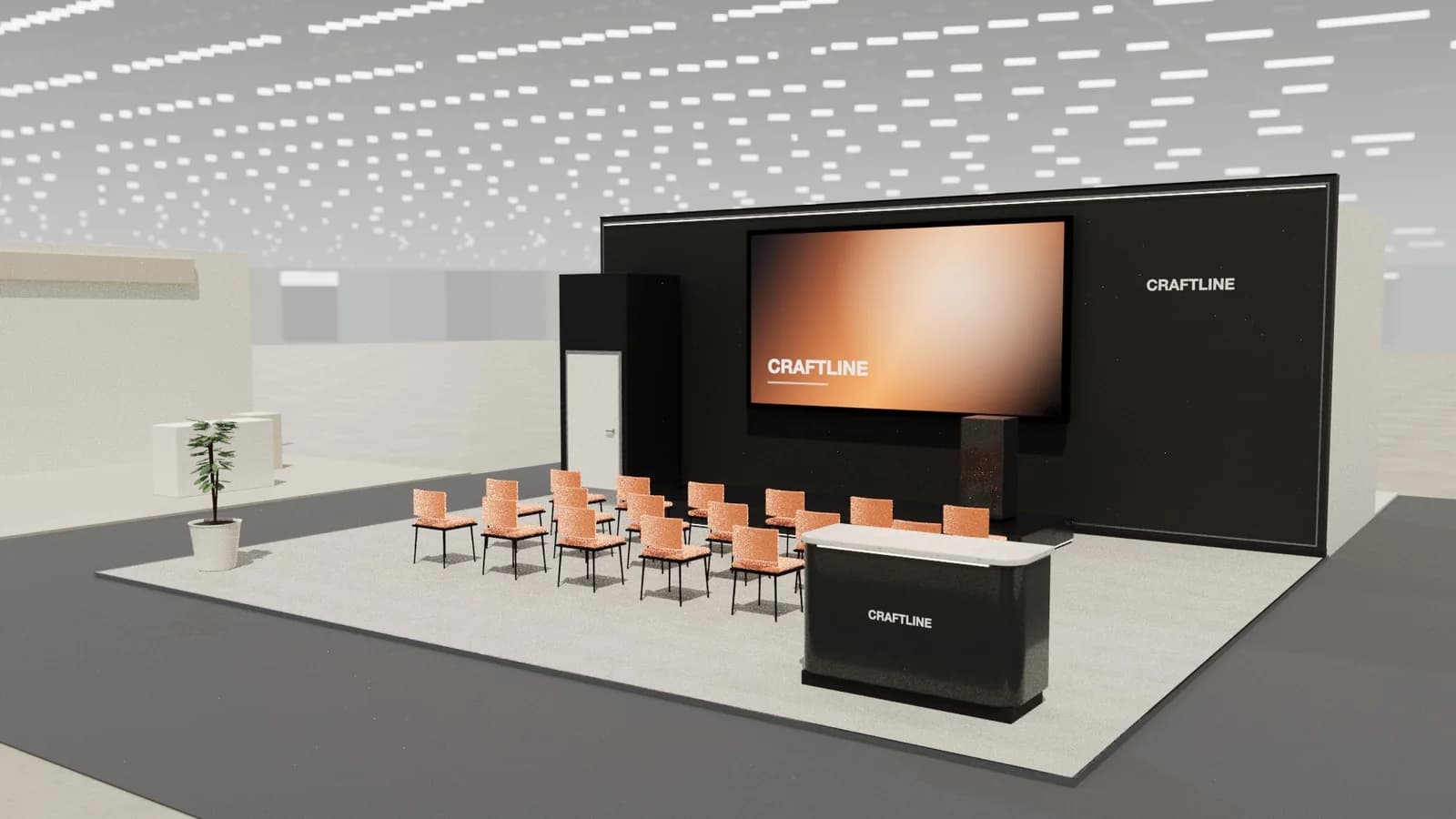
A stage with a lectern and big screen facing three rows of seats: for talks, launches and scheduled demos.
The idea
A raised stage with a lectern sits under a large screen on the back wall, facing three rows of seats. Reception at the front corner takes bookings for the next session.
Materials and finishes
- Acoustic fabric back wall
- Black stage deck
- Stackable upholstered seats
- Theatre spotlights
Specification
- Size
- 10 × 8 m
- Area
- 80 m²
- Stand type
- Peninsula (3 open sides)
- Max height
- 4.5 m
- Levels
- Single storey
- Style
- Architectural
Resizes to any plot up to 900 m²; everything is re-laid out and re-checked.
What's on the stand
- Brand
- Presentation screen
- Stage
- Lectern
- Seat row× 18
- Session bookings
- AV store
- Planter
Checked before you see it
- Real-size furniture: counters 1.05 m, tables 0.75 m
- 0.9 m routes to every seat, counter, door and stair
- Seating faces its tables and screens
- Screens clear of counters in front
- Nothing outside the plot or above the build height
Agree sound levels and a talk schedule with the organiser; keep aisles clear for evacuation.
Template layout: confirm access, fire safety, accessibility, rigging and structure with the venue and your stand builder.
Guides
Make it yours.
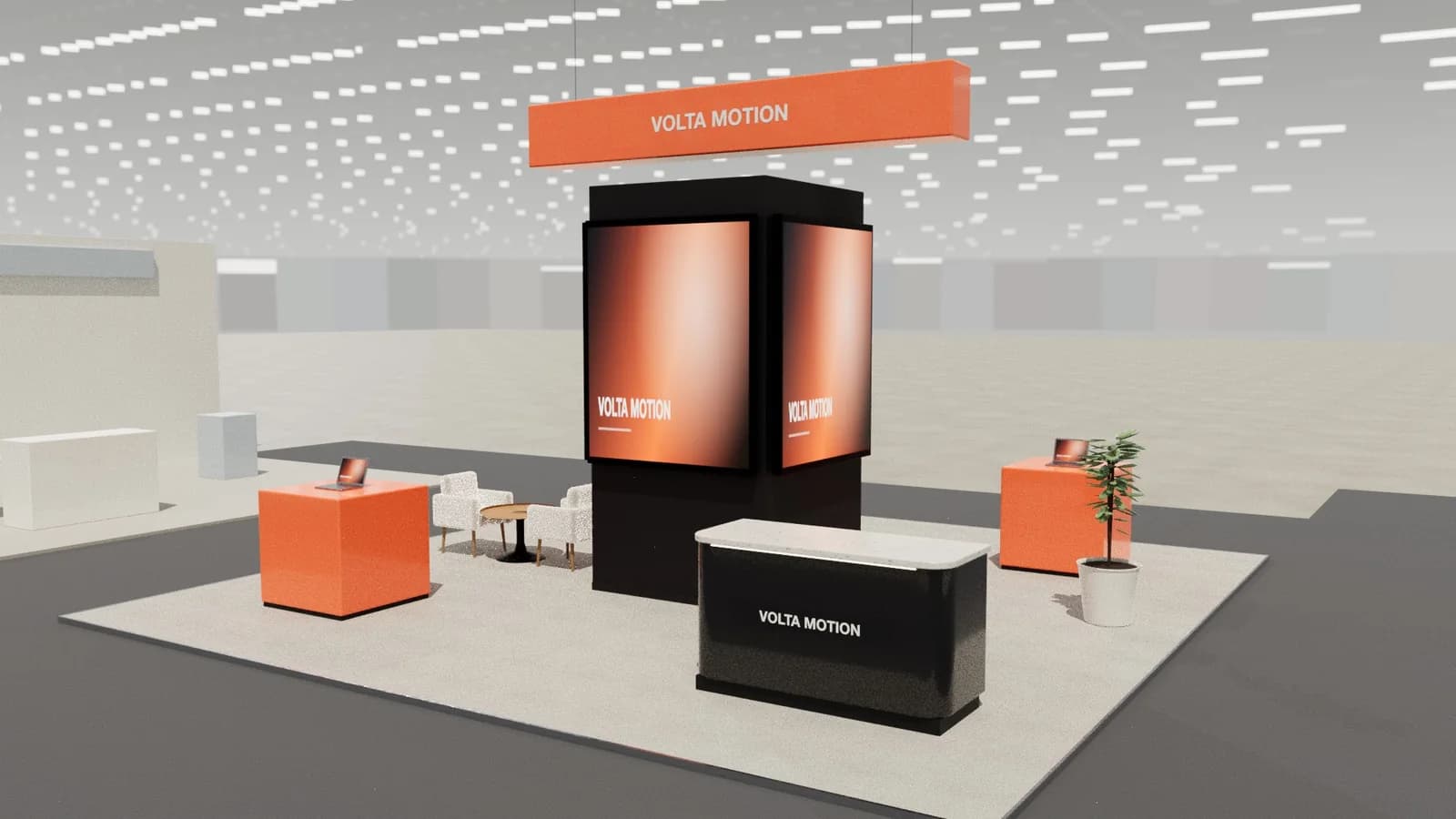
Exhibition stand types: row, corner, peninsula and island
Row, corner, peninsula and island exhibition stands explained: open sides, where walls go, layouts that work, pros, cons and how to choose the right one.
Read the guide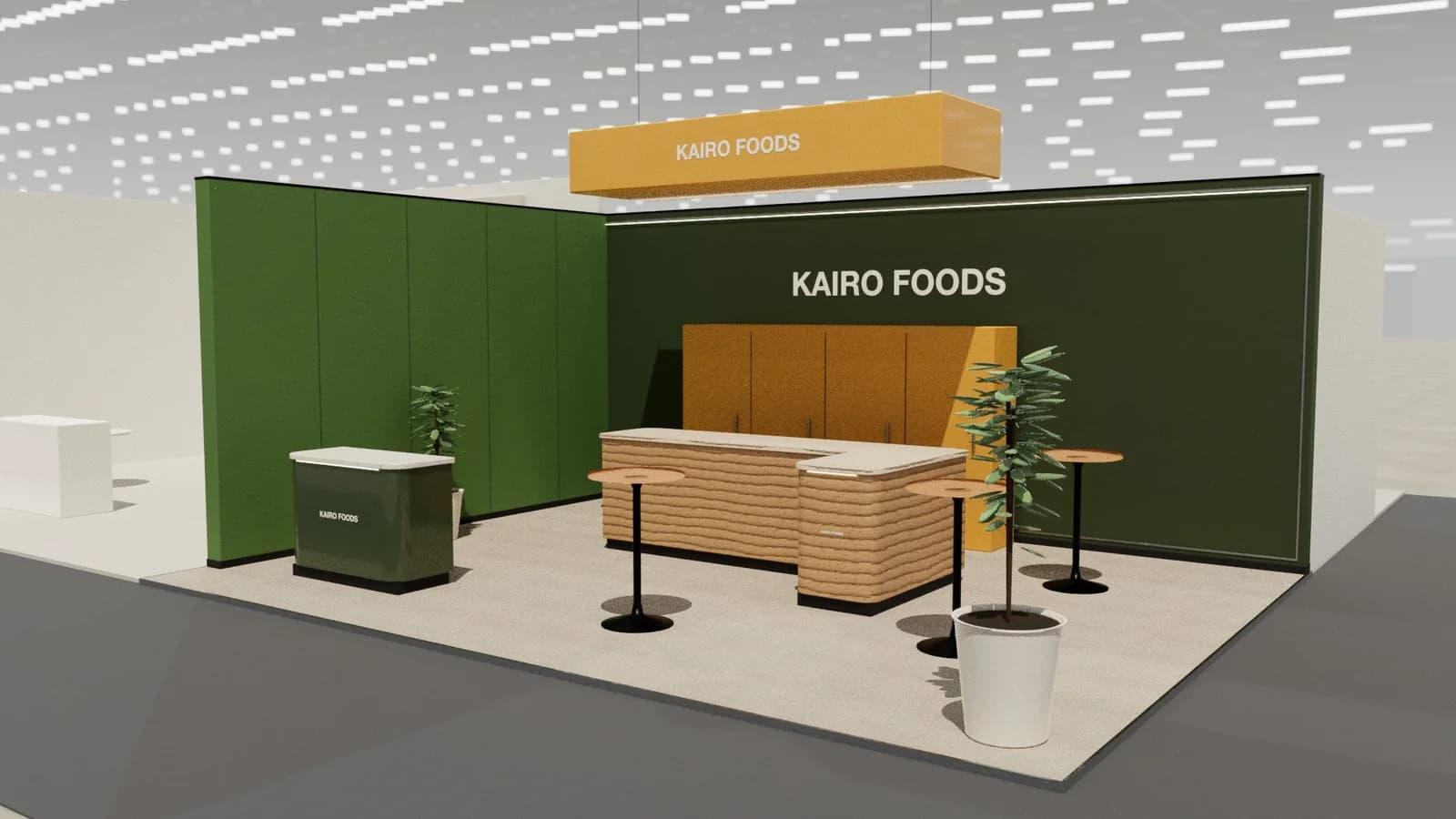
Booth layout and traffic flow: designing how visitors move
How to lay out a trade show booth for traffic flow: entrances, zones, circulation widths, sightlines, counters, demo points and avoiding the common blockers.
Read the guide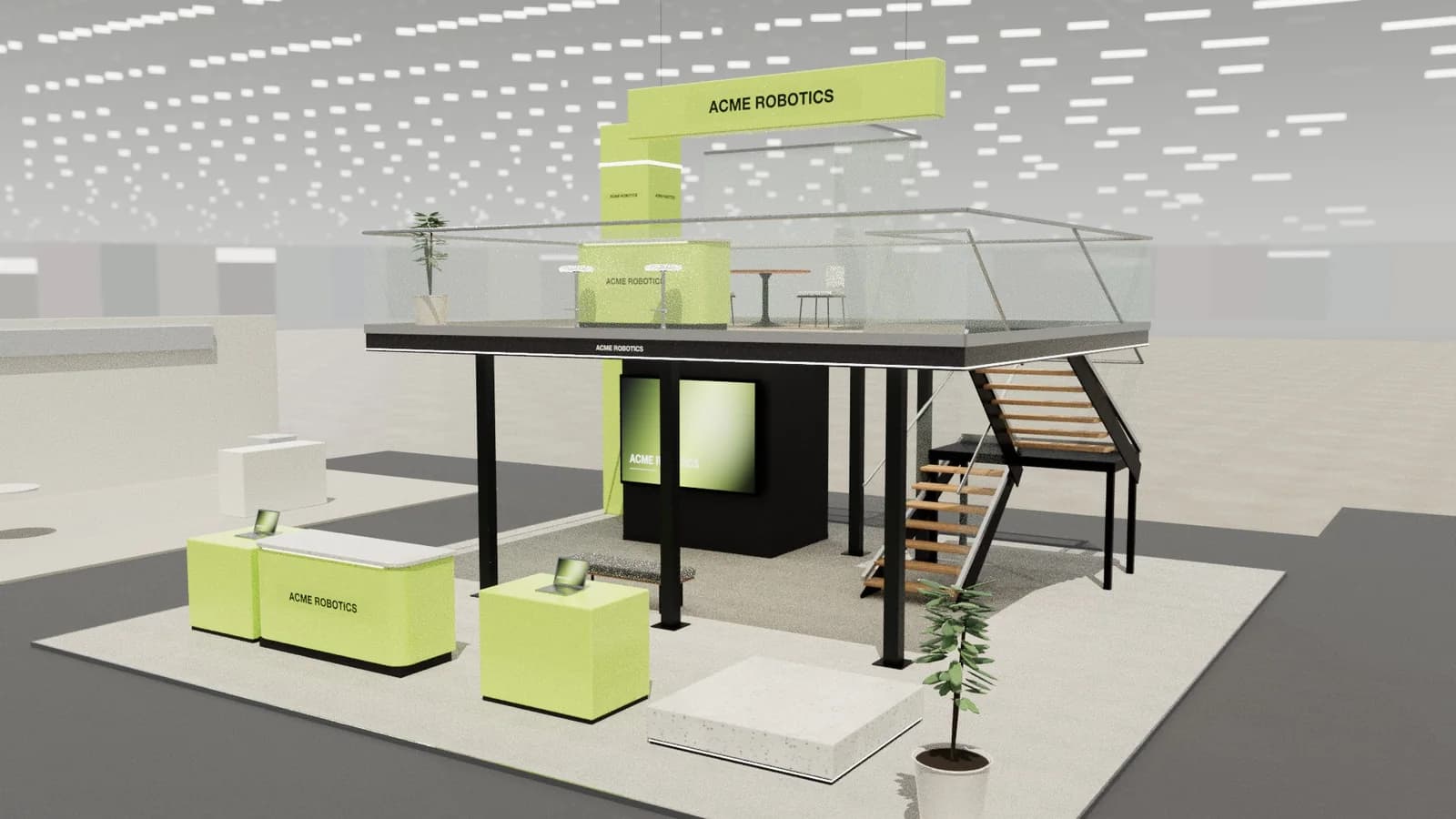
How to design an exhibition stand: the complete guide
A step-by-step guide to exhibition stand design: objectives, brief, stand type, layout zones, graphics, lighting, drawings and approvals, with examples.
Read the guide
Your next stand
Open the presentation theatre in 3D.
Resize it to your plot, apply your brand and colours, render it photoreal and export the drawings. Starting from a template costs 1 credit; editing and drawings are free.
